
6 MIN READ
Thursday, February 26, 2026


Michael Skelly
Founder, Stacker
When you start looking into how to create an app for free, the options split into three camps, each with specific trade-offs. No-code builders let you drag and drop components without writing code, but free plans cap users and storage. AI-powered tools generate apps from plain-English descriptions and get you working prototypes in minutes. Open-source coding frameworks give you unlimited control if you can program, but you manage everything from hosting to security yourself. None of these approaches is secretly better than the others. They just fit different situations depending on whether you need business workflow tools, rapid prototypes, or custom features that require coding.
TLDR:
You can build apps for free using no-code builders, AI-powered tools, or open-source code.
Free plans limit users, storage, and features; expect to upgrade for app store publishing.
No-code tools work best for business apps like CRMs, portals, and inventory trackers.
iOS store publishing costs $99/year; Google Play charges a one-time $25 fee.
Stacker builds business apps with secure portals and real-time collaboration without coding.
Understanding Your Free App Building Options in 2026
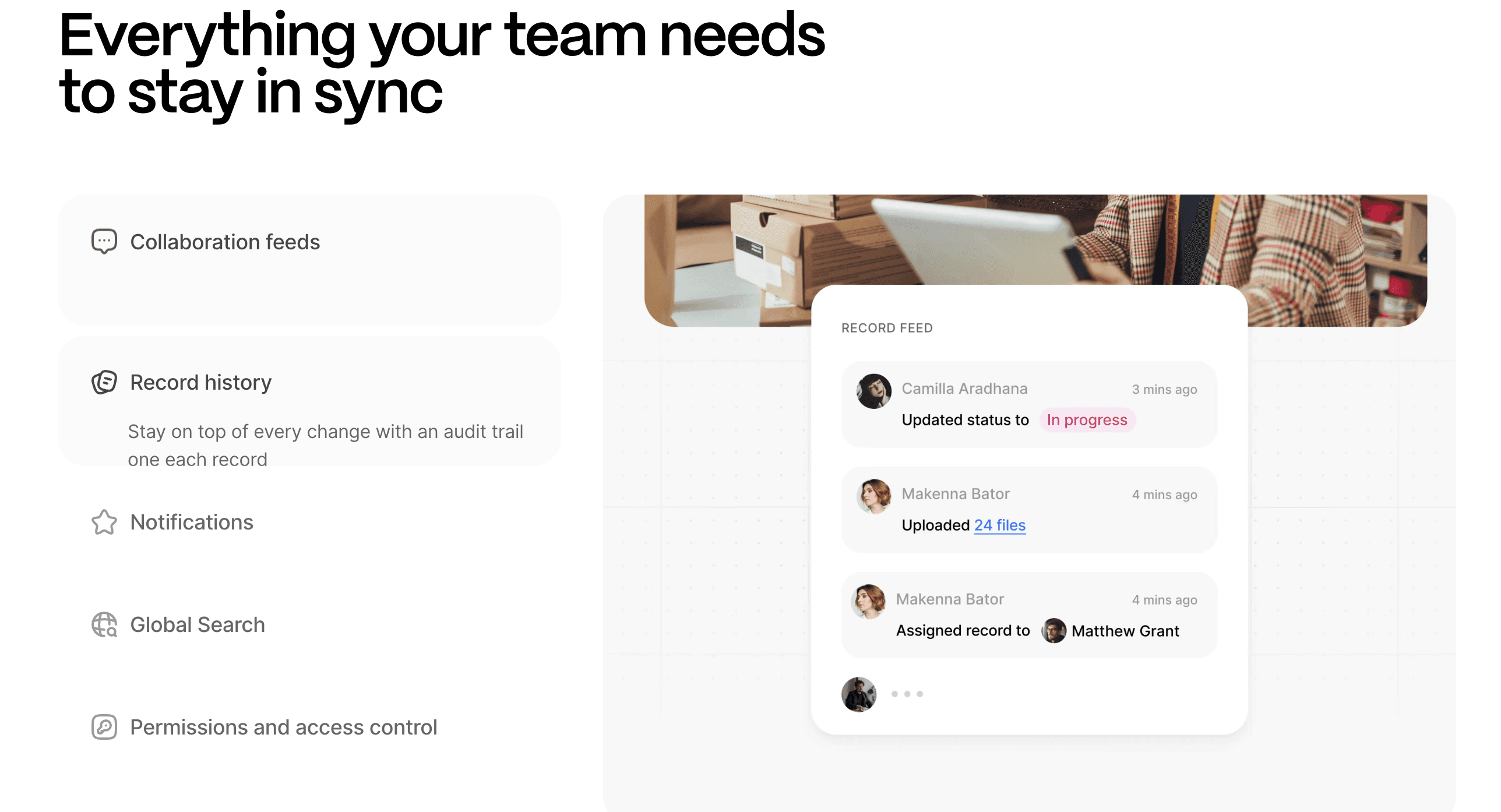
Building an app without spending money is more realistic in 2026 than ever before, but "free" comes with tradeoffs. You need to choose the right approach based on your technical skills, timeline, and what you're actually trying to build.
The three main paths for creating free apps are no-code builders (drag-and-drop interfaces that require no programming knowledge), AI-powered builders (tools that generate apps from text descriptions), and traditional coding approaches (free, open-source frameworks where you write the code yourself).
No-code builders work best for internal business tools or simple apps that organize data and workflows. AI-powered builders excel at rapid prototyping and getting a functional starting point fast. Coding from scratch gives you total control but demands real programming skills and ongoing maintenance time.
Free plans typically limit user access, data storage capacity, or publishing options. Some tools restrict features until you upgrade. Others let you build for free but charge when you want to publish to app stores or remove their branding.
No-Code App Builders for Complete Beginners
No-code builders let you create apps by clicking, dragging, and filling in forms instead of writing code. You pick from pre-built components like data tables, forms, and buttons, then arrange them into screens that match your workflow.
These tools work best for data-driven apps where you need to collect, organize, and display information. Think customer databases, inventory trackers, project management systems, or simple booking tools. You won't build the next Instagram, but you can create functional business software.
Traditional custom app development costs range from $40,000 to $400,000, depending on complexity. Free plans usually cap your number of users, limit records or data storage, and display the builder's branding on your app.
AI-Powered App Builders: Creating Apps from Descriptions
AI-powered app builders generate working apps from plain-English descriptions. You describe what you need, and the AI creates the data structure, interface, and workflows in minutes.
These tools work best when you have a clear idea but lack technical vocabulary. Instead of learning which components to drag where, you describe your need: "Build a vendor management system with contact info and project assignments."
The AI interprets your request, builds the data model, sets up views, and creates forms. You can refine the output with follow-up requests in natural language or switch to manual editing.
Stacker's AI builder works this way, generating functional apps that you can iterate on with conversational prompts.
Building Free Apps with Code: Open Source Tools and Frameworks
If you can write code, open-source frameworks give you full control over functionality and design. React, Vue, and Angular handle web apps, while React Native and Flutter create mobile apps for iOS and Android from one codebase.
These frameworks have no usage limits, but you manage hosting, security, databases, and maintenance. Free hosting from Vercel or Netlify works for web apps, though bandwidth limits can become apparent as traffic grows.
Expect weeks or months to become productive if you're starting fresh. Coding suits specialized features that no-code tools can't build, or when you want complete ownership of your codebase.
Creating Free Apps for iOS and Android
Publishing to official app stores requires some upfront investment. Apple charges $99 per year for its iOS Developer Program, while Google Play has a one-time $25 registration fee.
You can build and test both iOS and Android apps for free using emulators and test devices. These costs only apply when you're ready to publish.
Cross-device frameworks like React Native and Flutter let you write code once for both platforms. This approach saves time compared to building separate native apps in Swift (iOS) and Kotlin (Android).
Most no-code builders generate web apps that run in mobile browsers, bypassing store fees completely. Some offer native app exports, but this feature usually requires upgrading to a paid plan.
Free App Builders Without Coding Knowledge Required
Most free no-code builders include template libraries for common use cases, such as CRMs, project trackers, inventory systems, event planners, and feedback collectors. Templates provide working data structures and interfaces you customize with your own fields, labels, and branding. Business apps like CRMs and content apps like directories or simple membership sites adapt well to free tiers.
Free plans typically struggle with apps requiring heavy automation, complex multi-step workflows, or large file storage. Video sharing, real-time chat, and payment processing usually require paid upgrades or third-party integrations. Before committing, verify the builder allows data export so you have a migration path if needed.
Building Business Apps for Internal Use
Internal business apps handle different problems than consumer apps. You're managing workflows, tracking data, and connecting team members, versus building for public audiences. This makes them ideal for building free-tier apps.
Business apps need role-based permissions so that different users see different information. Your sales team accesses customer records while vendors log in to see only their assigned projects. Most consumer-focused app builders skip these permission controls, but business-focused tools include them even on free plans.
Inventory trackers, task management systems, and simple client portals work well within free limits. These apps serve smaller user counts (your team plus select external users) and focus on organizing existing data without handling thousands of public visitors.
Real-time collaboration is important for internal tools, as multiple team members update information throughout the day. Web-based apps handle this better than downloadable software.
Publishing Your Free App to App Stores
Getting an app into the Apple App Store or Google Play Store requires developer accounts and meeting technical standards. Apple manually reviews submissions for bugs, privacy compliance, and guideline violations, typically taking 24 to 48 hours. Common rejection reasons include broken features, misleading descriptions, or missing privacy policies.
Google Play uses automated checks and human review, approving most apps within hours to days. Rejections usually stem from policy violations or security issues.
Both stores require specific files: iOS requires an IPA with valid certificates, while Android requires an APK or AAB. Most free no-code builders don't generate native app files suitable for store submission without upgrading to paid tiers.
Monetizing Free Apps: Making Money After Launch
Apps built on free tiers can still generate revenue once you have users. Three common models work well:
In-app advertising displays ads within your app and requires integrating ad networks such as Google AdMob. Revenue depends entirely on active user count and engagement levels, but most free no-code builders don't support ad plugins without upgrading.
Freemium upgrades charge for premium features and need payment processing through services like Stripe or PayPal. Most free builders don't include payment gateways by default, requiring plan upgrades or external integrations.
Subscription access charges recurring fees for continued use and faces the same payment processing limitations as freemium models, introducing monthly costs that offset your initial free build.
Approach | Best For | Technical Skills Required | Time to Build | Free Plan Limitations |
|---|---|---|---|---|
No-Code Builders | Business tools, CRMs, portals, and inventory trackers | None - drag and drop interface | Hours to days | User caps, storage limits, and branding are displayed |
AI-Powered Tools | Rapid prototyping, getting started quickly | None - plain-English descriptions | Minutes to hours | Feature restrictions, publishing limitations |
Open-Source Coding | Custom features, complete control, specialized functionality | Programming knowledge required | Weeks to months | No usage limits, but you manage hosting and security |
Building Apps for Your Business with Stacker
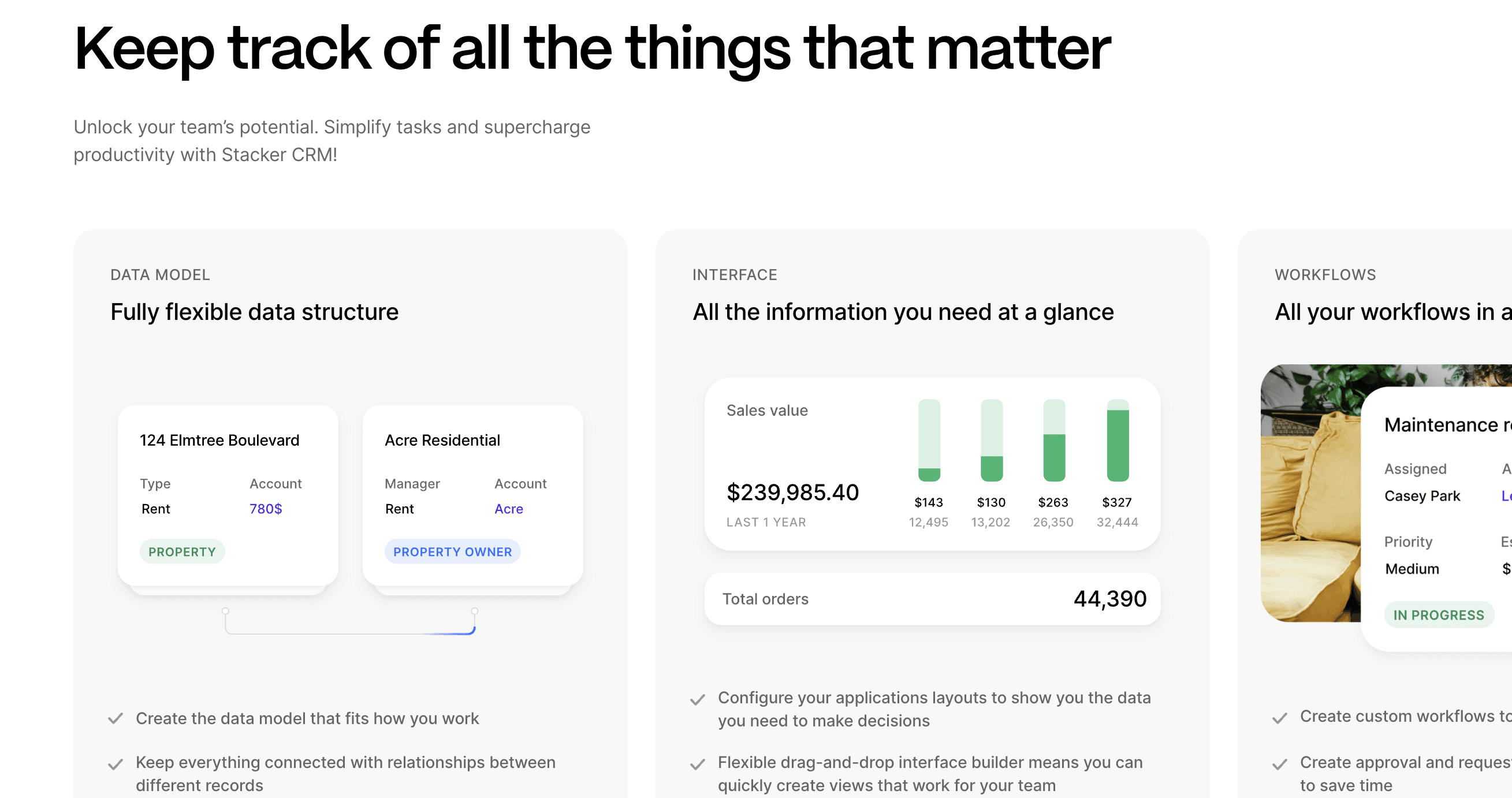
Free app builders work for simple projects, but business operations need apps that handle real workflows. Stacker creates apps that connect to your data sources and manage who can see or edit what.
You can build internal tools like custom CRMs, inventory systems, or project trackers. You can also create secure portals where clients or vendors log in to view their information only.
Apps update in real time as your team works. When your process changes, you adjust the app yourself without waiting for developers.
Final Thoughts on No-Cost App Development
You can absolutely make an app for free using no-code builders, AI tools, or open-source frameworks, but each approach has real limitations around users, features, and publishing. Free works well for learning or testing concepts before committing to a budget. Once you know what you need, book a quick demo to see how Stacker creates business apps that grow with your operations.
FAQs
How long does it take to build an app using a no-code builder?
With AI-powered no-code builders, you can generate a working app in minutes from a plain-English description. Manual customization and setup typically takes a few hours to a few days, depending on your data complexity and specific workflow needs.
Can I publish an app built on a free plan to the Apple App Store or Google Play?
Most free no-code builders create web-based apps that run in mobile browsers, bypassing store fees entirely. Native app files required for App Store or Google Play submission usually require upgrading to a paid plan, plus you'll need developer accounts ($99/year for Apple, $25 one-time for Google).
What's the difference between no-code builders and AI-powered app builders?
No-code builders require you to manually drag and drop components and configure them to build your app structure. AI-powered builders generate the complete data model, interface, and workflows from text descriptions, then let you refine with follow-up requests or manual editing.
What types of apps work best on free builder plans?
Internal business tools like CRMs, inventory trackers, project management systems, and simple client portals work well within free limits. Free plans struggle with apps that require heavy file storage, complex automation, real-time chat, or payment processing, which often require paid upgrades.
Can I export my data if I outgrow a free app builder?
Before committing to any builder, verify that it allows data export so you have a migration path if your needs change. Most reputable platforms offer CSV or API export options, but you should confirm this before investing time in building your app.



