
8 MIN READ
Monday, December 29, 2025

Michael Skelly
Founder, Stacker
Long gone are the days when building business apps required a six-figure budget and a team of developers. If your current tools force you to adapt your workflows instead of the other way around, you're not alone. Thousands of operations teams are now creating their own tailored software without writing a single line of code. We've ranked the best platforms based on what actually matters when you're trying to digitalize your unique processes quickly and securely.
TLDR:
Custom business apps solve unique workflows that spreadsheets and off-the-shelf tools can't handle.
No-code builders let operations teams build secure apps without developers or IT departments.
Key features include AI generation, granular permissions, and support for external portals.
Stacker builds operational software with AI speed and enterprise-grade security for real workflows.
What are Custom Business Applications?
Custom business applications are software solutions designed specifically to match the unique workflows of an organization. Unlike off-the-shelf products that force you to adapt your processes to their rigid structures, bespoke business software bends to fit your operations. For teams managing internal projects and tasks, no-code work management apps offer a flexible alternative to generic tools.
Whether you need to track specialized inventory, manage complex client relationships, or streamline internal requests, these tools are built to handle the exact data and logic your team requires.
Most companies start with generic SaaS products or rely heavily on spreadsheets. While these work for a while, they often become bottlenecks as you scale. You might find your team juggling multiple disconnected systems or manually updating massive Excel files that are prone to errors. Custom software tools bridge this gap by consolidating your data into a secure, efficient system that mirrors how your business actually works.
These applications can take many forms depending on your industry. A logistics company might build a driver dispatch system, while a marketing agency could create a client portal for approval workflows. The common thread is that the software solves a specific business problem that mass-market tools simply cannot address effectively.
Historically, acquiring these tools required a large budget and a dedicated IT department, but internal tools software has changed that landscape.
You no longer need to hire expensive developers to get the exact functionality you need. With the right application builder, operations managers and non-technical teams can now build business apps themselves. This allows you to create powerful, secure solutions without writing a single line of code.
How we Ranked Custom Business Application Builders
The demand for tailored solutions is surging. According to Precedence Research, the global custom software development market size is expanding rapidly as companies reject one-size-fits-all tools. We evaluated the top options based on a practical framework designed to help operations leaders balance speed with long-term viability.
We prioritized usability for non-technical teams alongside the capacity for complex business logic. An effective application builder must allow you to create detailed workflows and automations without writing code. If a tool is easy to use but lacks the power to model your specific processes, it will not scale with your business.
Security and data integrity were also deciding factors. We examined how each tool manages permissions, so that you can define strict roles for internal staff and external partners. Finally, we looked for flexibility in use cases and the ability to integrate seamlessly with the data sources you already maintain.
Best Overall Custom Business Application Builder: Stacker
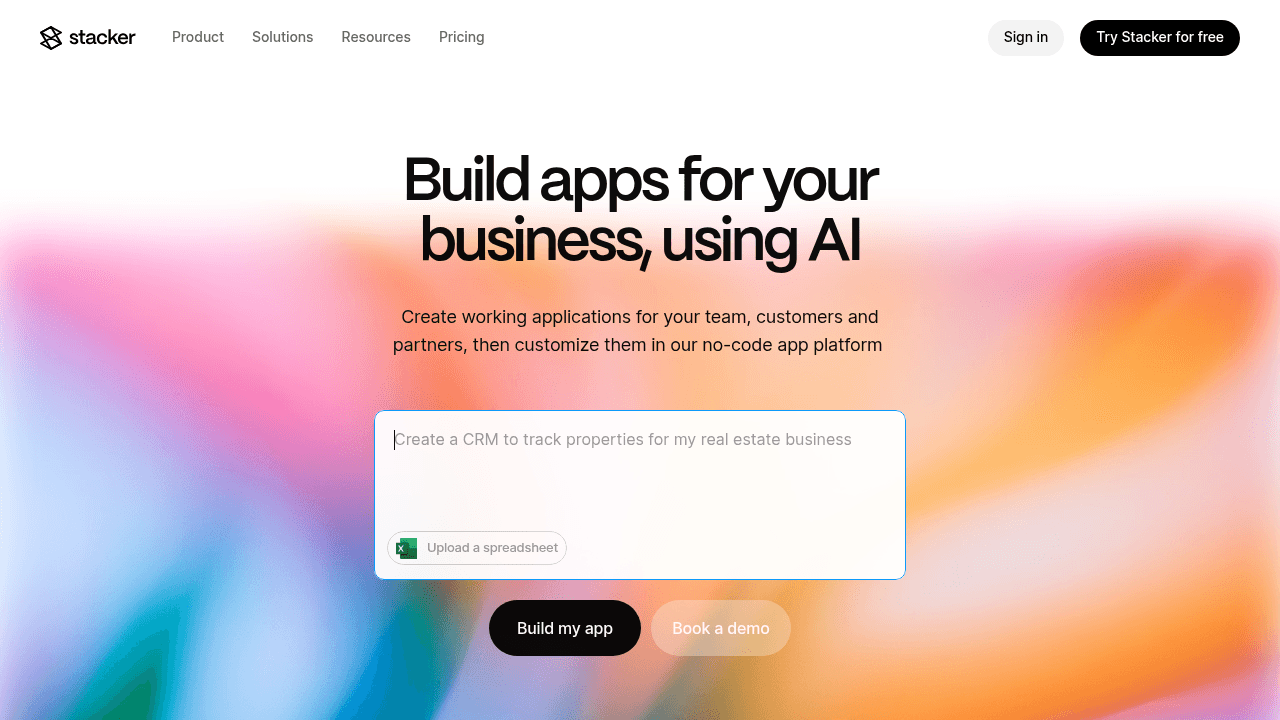
Stacker is the top choice for building custom business applications that power real operations. We combine no-code simplicity with the depth needed for mission-critical internal systems, CRMs, and customer portals.
Key Features:
AI-powered app builder: Generates working applications from plain-English prompts and applies iterative changes instantly.
Flexible data backend: Use our built-in relational database or connect existing sources like Airtable and Google Sheets with two-way sync.
Granular permissions: Enable secure multi-party apps where customers, vendors, and team members see only their relevant data.
Template library: Accelerate setup with pre-built designs for CRMs, project trackers, and portals.
Advantages:
We aim to be what Salesforce should be: powerful software that business teams can actually build without consultants. For niche industries, we digitalize specialized processes that off-the-shelf software cannot accommodate. With real-time collaboration, you can launch production-ready apps in days. Whether managing a custom CRM, vendor portal, or asset tracker, we provide the structure task management tools lack.
Bottom line: We are built for teams that need software tailored to how they actually work, delivering the flexibility of custom development with the speed of no-code.
Bottom Line:
We bridge the gap between spreadsheet chaos and enterprise complexity. Our AI builder speeds up creation, while the visual editor makes customization intuitive. Unlike lightweight prototyping tools, we focus on serious software. You can build apps with sophisticated business logic, automation, and field-level security without coding. Uniquely, we allow you to serve both internal teams and external users in a single app.
Bubble
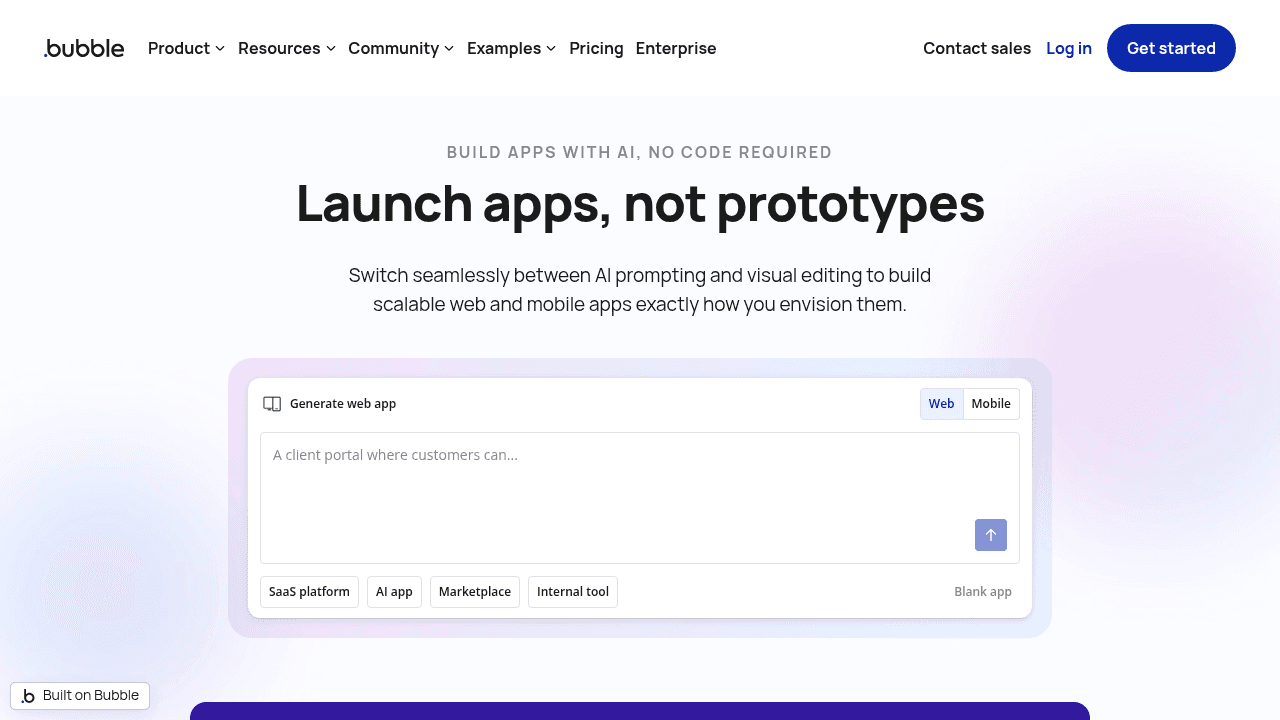
Bubble is a visual programming tool that enables users to design full-stack web applications. It provides a canvas where you can build pixel-perfect layouts while managing backend workflows and database logic in the same environment. Rather than just assembling blocks, it offers a high degree of design freedom.
Key Features:
Visual full-stack builder for designing frontend layouts and backend logic in one environment
AI app generation that creates initial app structure from text descriptions
Built-in database with support for custom data types, privacy rules, and complex workflows
Plugin marketplace with thousands of add-ons for payments, analytics, and API connections
Limitations:
Bubble is designed for building new products and consumer-facing web apps, not internal tools. The development experience mimics traditional web development, requiring you to manage responsive design and frontend complexity that is often unnecessary for business apps. It lacks the focus and specialized portal capabilities required for streamlined internal systems.
Bottom Line:
Bubble works well for launching external products, but Stacker is purpose-built for internal operations and multi-role business apps where structured workflows and permissions matter more than pixel-perfect consumer UI.
AppSheet
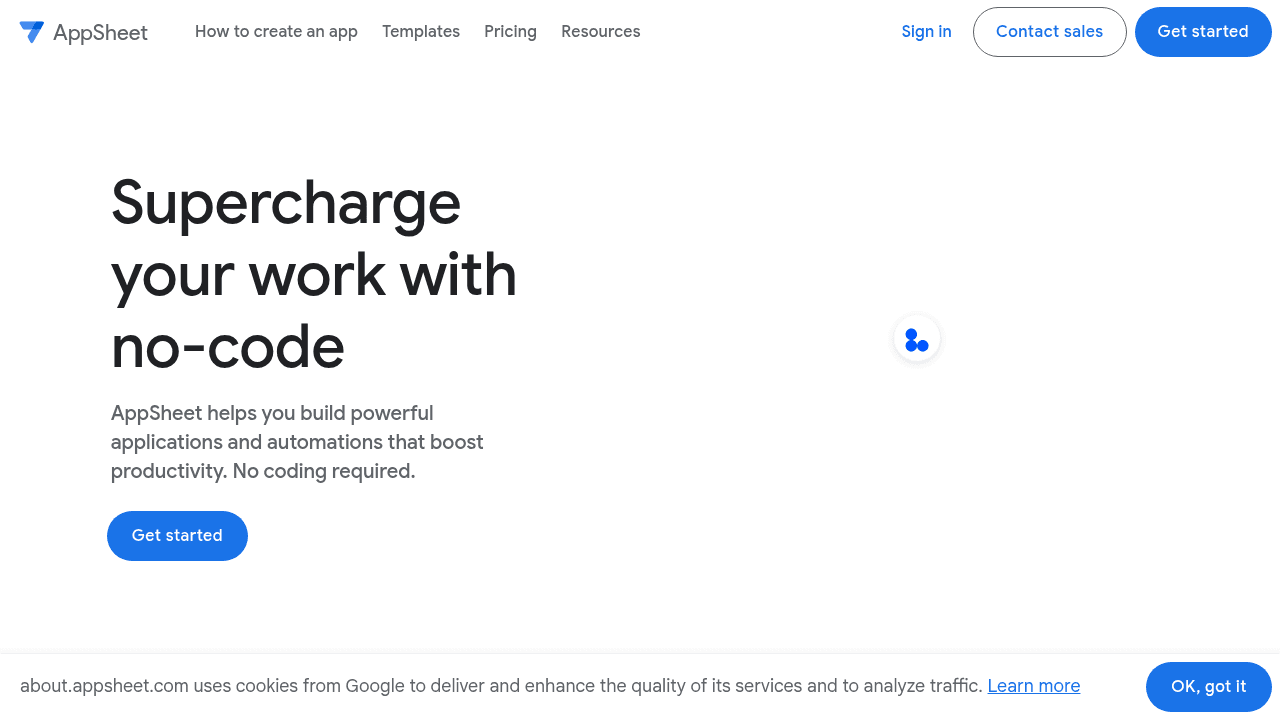
AppSheet is a Google tool that turns spreadsheets and databases into straightforward mobile and web apps.
Key Features:
Connections to Google Sheets, Excel, and SQL to generate apps
Interfaces optimized for mobile field data collection
Deep integration with Google Workspace services
Basic automation for data-driven triggers
Limitations:
You need a pre-existing database to start. It has strict data limits (performance degrades after 2,500 rows), and the generic interface offers minimal design control. It is not suitable for complex business logic, multi-role workflows, or secure external portals.
Bottom Line:
AppSheet handles basic field data entry, whereas Stacker provides a complete system of record with flexible data modeling and permissions for running entire business operations.
Retool
Retool is a low-code tool that helps developers build internal admin panels and dashboards. It works by connecting pre-built UI components to databases and APIs, allowing engineers to assemble tools faster than coding from scratch.
Key Features:
Drag-and-drop UI builder with over 100 components like charts and forms
Integrations with 70+ databases and APIs including PostgreSQL and Salesforce
JavaScript and SQL support for custom queries
Self-hosted deployment options
Limitations:
Retool requires SQL and JavaScript knowledge, making it inaccessible to non-technical teams. It is designed strictly for internal use, so it cannot support customer portals or external workflows. Business users cannot modify these apps without engineering help.
Bottom Line:
Retool suits engineering-led internal tools. Stacker is truly no-code, allowing operations teams to own their apps and securely manage external users, which Retool does not support.
Microsoft Power Apps
Power Apps is the low-code development suite embedded within the Microsoft 365 ecosystem. It allows organizations to build applications that connect seamlessly with tools like SharePoint and Dynamics 365.
Key Features:
Deep integration with Microsoft services including Teams, Azure, and SharePoint
Canvas apps for custom designs and model-driven apps for data-heavy structures
AI Builder for intelligent features like form processing
Dataverse for secure, enterprise-grade data storage
Limitations:
Despite the low-code branding, the learning curve is steep. Building functional tools often requires understanding complex formulas and deciphering a confusing licensing model. The system is designed primarily for IT administrators rather than business operations teams, meaning you will likely need technical assistance to deploy or maintain your apps.
Bottom Line:
Power Apps fits massive Microsoft-centric organizations. Stacker offers a simpler, more agile approach for mid-market teams who need to build quickly without IT gatekeepers.
Salesforce
Salesforce is widely recognized as a customer relationship management suite, but it also functions as a development environment through its Lightning and Apex frameworks. While it starts as a CRM, companies can build highly customized extensions and internal tools on top of its standard architecture.
Key Features:
Core CRM functionality for sales and service with customizable objects and fields
Application development through Lightning App Builder and declarative automation tools
AppExchange marketplace containing thousands of third-party integrations
Enterprise-grade security, compliance, and governance features
Limitations:
The system is notoriously complex and expensive. Configuration requires specialized training, meaning you cannot easily make changes without expert help. Users often find the interface clunky and difficult to navigate. For many mid-sized teams, the feature set is bloated, resulting in a slow implementation process that hinders rather than helps simple workflows.
Bottom Line:
Salesforce offers immense power, but Stacker delivers the agility teams actually need. We provide a solution that is fast to build, intuitive to use, and managed by your own operations staff instead of high-cost consultants.
Softr
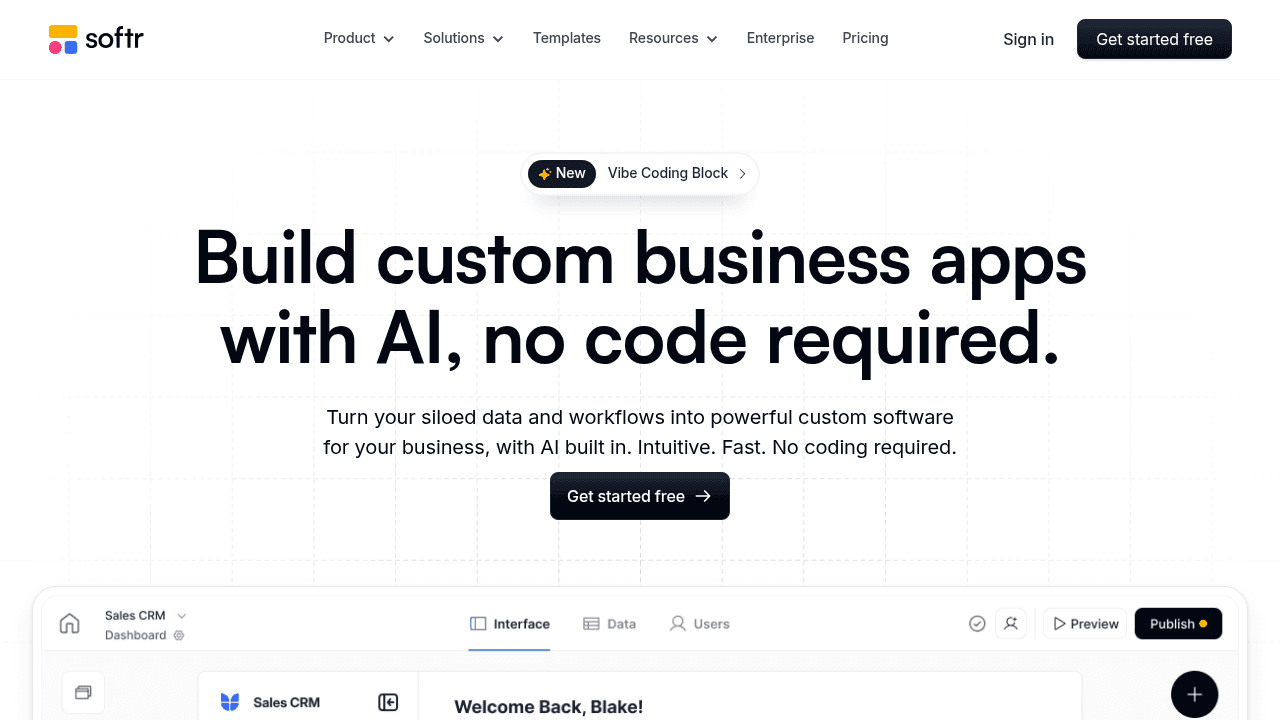
Softr is a no-code tool that turns Airtable data into client portals and internal tools. It focuses heavily on ease of use, allowing users to assemble web applications using pre-made building blocks without needing design skills.
Key Features:
Library of pre-built design blocks for assembling websites, directories, and portals
Deep integration with Airtable as the primary data source
Membership functionality to gate content based on user login
Basic payment integration for selling access to specific app sections
Limitations:
The tool relies heavily on Airtable for its data structure, which limits how complex your data relationships can be compared to a dedicated SQL database. It focuses more on front-end presentation than deep business workflows. You will struggle if you need granular permission controls, complex business logic, or a system that manages detailed internal processes, not just displaying data.
Bottom Line:
Softr allows for rapid website creation. However, Stacker is engineered for operational resilience, offering the permissions, workflow automation, and data security required for mission-critical business software that teams use every day.
Appsmith
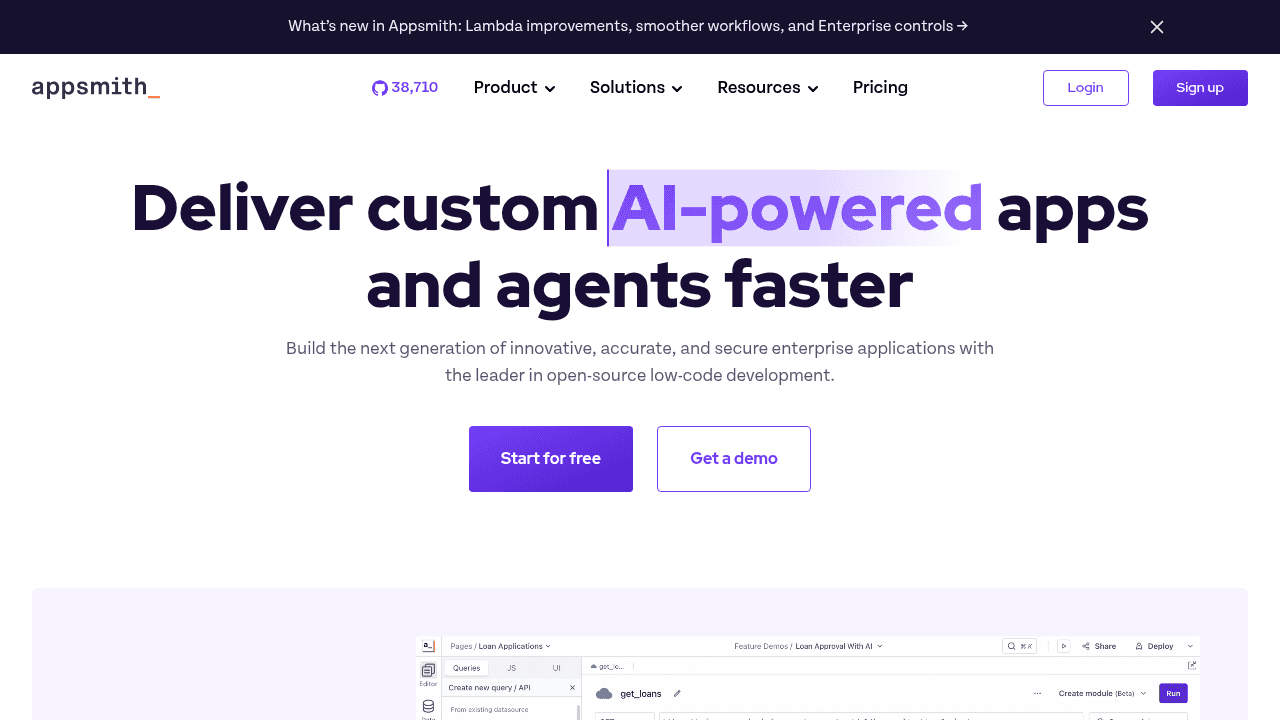
Appsmith is an open-source low-code platform focused on building internal tools and admin panels. It's designed primarily for developers who want to accelerate frontend development while maintaining control over backend logic.
Key Features:
Open-source platform with self-hosting options for full data control
Pre-built widgets for forms, tables, charts, and dashboards
Direct connections to databases (PostgreSQL, MongoDB, MySQL) and REST/GraphQL APIs
JavaScript support for custom business logic and transformations
Git-based version control for collaborative development
Limitations:
Appsmith requires JavaScript knowledge and database expertise, making it inaccessible to non-technical operations teams. The open-source nature means you're responsible for hosting, security, and maintenance. It lacks the structured data modeling and permission systems needed for complex multi-party workflows or external portals. The focus is purely on internal tools, not customer-facing applications.
Bottom Line:
Appsmith suits engineering teams comfortable with self-hosting and code. Stacker removes the technical barriers entirely, allowing business teams to build and maintain their own software without IT dependency or infrastructure management.
Feature Comparison Table of Custom Business Application Builders
Selecting the right application builder requires balancing technical power with ease of use. This comparison details how each solution meets core requirements, from AI capabilities to external user access.
Platform | AI App Generation | No-Code (Non-Technical Users) | External User Portals | Built-in Database | Mobile Optimized | Self-Hosting Option | JavaScript/SQL Required |
|---|---|---|---|---|---|---|---|
Stacker | Yes | Yes | Yes | Yes | Yes | No | No |
Bubble | Yes | No | No | Yes | Yes | No | No |
AppSheet | No | Yes | No | No | Yes | No | No |
Retool | No | No | No | Yes | Yes | Yes | Yes |
Microsoft Power Apps | Yes | No | No | Yes | Yes | No | No |
Salesforce | No | No | Yes | Yes | Yes | No | No |
Softr | No | Yes | Yes | No | Yes | No | No |
Appsmith | No | No | No | Yes | Yes | Yes | Yes |
Why Stacker is the Best Custom Business Application Builder
Most growing businesses eventually hit a wall where spreadsheets break down, yet off-the-shelf software fails to fit unique workflows. You need a solution that sits comfortably between these two extremes. Stacker is purpose-built to bridge this gap, allowing you to turn messy processes into structured, scalable software without hiring a development team.
The shift toward this type of tooling is undeniable. As organizations prioritize agility, no-code adoption is accelerating across every major industry. Operations leaders are realizing they cannot afford to wait months for IT departments to build simple tools. We empower these teams to solve their own problems immediately, providing a path to digitalize operations that were previously stuck in email chains and Excel files.
While competitors like Retool require SQL knowledge and Salesforce demands expensive consultants, we remove those technical barriers. We do not force you into a rigid template or leave you staring at a blank screen of code. Our AI builder handles the initial heavy lifting, getting you from a rough idea to a working application in minutes. From there, our visual editor lets you iterate constantly, adapting the software as your business evolves.
True business software involves more than just internal data entry; it requires secure collaboration.
Stacker stands out in its ability to manage complex multi-party workflows. Unlike simple data-capture tools, we allow you to grant secure access to clients, vendors, and partners. You can build a portal where external users see only what they need to see, without ever exposing your sensitive backend data. This makes Stacker the only viable option for businesses that need to extend their software beyond their internal team.
The future of operations is democratized. With the low-code market projected to grow substantially, the tools you choose today will shape how your business runs for years to come. Stacker gives you the guardrails and structure of enterprise software combined with the flexibility of a spreadsheet. This ensures that no matter how fast you scale, you never outgrow the tools you build.
Final Thoughts on Finding the Right Business Application Builder
Your operations shouldn't be held hostage by tools that don't fit. Bespoke business software gives you the structure of enterprise systems with the flexibility your team actually needs. Look for builders that balance ease of use with the power to handle complex workflows and external collaboration. The best choice is one that grows with you, not one that requires consultants every time you need a change.
FAQ
How do I choose the right custom business application builder for my needs?
Start by identifying whether you need internal tools, external portals, or both. If you're a non-technical operations team looking to digitalize workflows without IT support, look for true no-code platforms with granular permissions like Stacker. If you're building consumer-facing products, consider tools like Bubble. For teams already deep in Microsoft or Google ecosystems, Power Apps or AppSheet may integrate more naturally, though they require more technical knowledge.
Which custom application builder works best for non-technical teams?
Stacker and Softr offer the most accessible interfaces for business users without coding skills. However, Stacker provides deeper functionality for complex workflows, multi-role permissions, and secure external portals, while Softr focuses primarily on simpler websites and directories. AppSheet offers moderate ease of use but requires pre-existing spreadsheets and struggles with scale beyond basic data collection.
Can I build customer portals with these tools?
Yes, but capabilities vary across platforms. Stacker is purpose-built for secure multi-party apps where customers, vendors, and internal teams access the same system with different permissions. Softr handles basic membership portals well for simpler use cases. Retool does not support external users at all, and tools like Bubble require manual configuration to achieve portal functionality that Stacker provides natively.
What's the difference between building apps on spreadsheets versus a built-in database?
Spreadsheet-based tools like AppSheet and Softr (which uses Airtable) hit performance limits quickly and lack the relational structure needed for complex business logic. Built-in databases in Stacker, Bubble, and Retool offer better data integrity, support for relationships between records, and the ability to scale without the errors and maintenance headaches that plague large spreadsheets.
When should I consider moving from spreadsheets to custom business software?
If your team spends a lot of time manually updating files, struggles with version control, or needs to share data securely with external parties, it's time to move. Custom business applications become necessary when spreadsheets create bottlenecks, when you need field-level permissions, or when your processes require automation and structured workflows that spreadsheets cannot reliably provide.




