
8 MIN READ
Friday, January 2, 2026

Michael Skelly
Founder, Stacker
You're probably tracking something important in a spreadsheet right now. Sales pipeline, vendor onboarding, client projects, inventory. It works until you need better permissions, automation, or a way for external users to interact with your data. That's when pipeline management software becomes necessary. These tools let you build structured applications that scale with your business, and you can modify them yourself as requirements evolve.
TLDR:
No-code process management tools let you build workflow trackers without coding or developers.
Proper database structure matters more than spreadsheet integrations for scaling operations.
External portal access separates serious tools from basic task managers for multi-party workflows.
Stacker builds custom process apps with AI in minutes and includes granular role-based permissions.
What is No-Code Process Management?
No-code process management tools are platforms that let you build, track, and automate operational workflows without writing code. Unlike spreadsheets that become unwieldy as processes grow, these tools provide structured databases with built-in permissions, automation, and user-friendly interfaces.
They bridge the gap between generic project management software and expensive custom development. Instead of forcing your process into a rigid tool or waiting months for IT to build something, you can create an application tailored to your exact business operations.
Common use cases include tracking sales pipelines, managing vendor onboarding, monitoring client projects, or handling inventory workflows. The key advantage is that operations teams can build and modify these systems themselves as requirements change, without technical dependencies.
How We Ranked No-Code Process Management Tools
We evaluated these tools based on what actually matters when managing business processes. The business process management market is growing rapidly as companies move away from manual workflows, making selection criteria critical.
First, we looked at how easily non-technical users can build and modify workflows. The best tools let operations teams create multi-step processes without waiting on developers or learning complex configuration.
Database capabilities matter more than most realize. Tools that rely solely on spreadsheets hit performance and reliability limits quickly. We prioritized solutions with proper relational databases that can handle complex data relationships and scale.
External user access is essential if you need client or vendor portals. Many tools only support internal teams, creating headaches when you want outside stakeholders to interact with your process.
Finally, we assessed automation features and role-based permissions. Your tool should enforce business logic automatically and ensure each user sees only what they need to.
Best Overall No-Code Process Management: Stacker
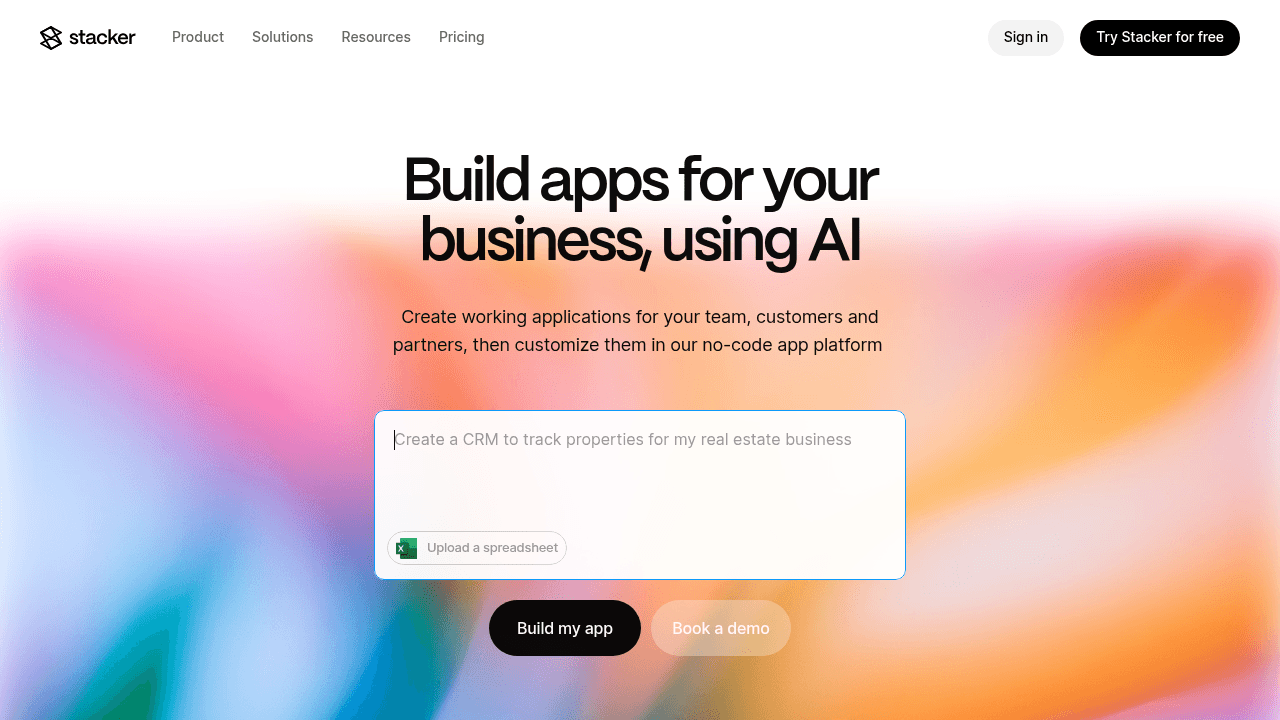
Stacker is built specifically for operations teams that need to run real business processes, not just track tasks. The AI-driven builder generates a working application from a simple prompt, then lets you refine it through an intuitive visual editor. You get a proper relational database under the hood, which means your process tracking stays stable and performant as you scale.
Key Features:
Visual no-code editor for customizing data models, forms, workflows, and interfaces without technical skills.
Pre-built UI components including tables, forms, Kanban boards, calendars, and dashboards that configure to your needs.
External user portals with field-level permissions that let clients, vendors, or partners securely access only their own records.
Role-based access controls with granular permissions down to individual fields and records.
Custom automation for triggering actions, enforcing business rules, and routing items through multi-step processes.
Bottom Line:
Stacker is the only tool on this list purpose-built for operations teams running real business processes. The AI builder gets you started in minutes, the built-in database provides the reliability spreadsheets can't match, and the granular permissions let you safely include external users. If you need software that adapts as your requirements change—without developer dependencies—Stacker delivers where other tools fall short.
Airtable
Airtable is a powerful spreadsheet-database hybrid that's become popular for organizing and visualizing data. It offers a flexible grid interface with database capabilities like linked records, along with interface builder features for creating custom views. Many teams use it as their data layer, though it's primarily designed as a data organization tool rather than a complete application platform.
Key Features:
Spreadsheet-style database with linked records and multiple views.
Interface builder for creating simplified data views on top of your data.
Automation features for creating workflows with triggers and actions.
Integration marketplace for connecting external tools.
Limitations:
Airtable excels as a data organization and collaboration tool, but has limitations when building complete business applications. External portal functionality requires paid seats for each user, which can become expensive for customer or partner access. The interface builder, while useful, is designed as a layer on top of the spreadsheet rather than a primary application interface. For teams that need their data in Airtable but want more robust application features, tools like Stacker can build on top of Airtable bases while adding capabilities like granular permissions and external portals.
Bottom Line:
Airtable works well for teams that need a flexible database with strong collaboration features. It works particularly well as a data layer that other tools can build on top of. However, if you need to create customer-facing portals or applications where the interface is the primary way users interact with your process (rather than the spreadsheet), you'll likely need additional tools or a platform designed specifically for building process management applications.
Glide
Glide specializes in creating mobile-first apps from spreadsheet data sources, with an emphasis on visual polish and quick deployment. The platform has evolved from its Google Sheets origins to support multiple data sources and offers a strong template library for common app patterns. It's particularly popular with teams that prioritize mobile access and rapid prototyping.
Key Features:
Mobile-optimized app builder with pre-designed templates.
Direct connection to Google Sheets, Airtable, Excel, and SQL databases.
Pre-built UI components for common app patterns.
Quick deployment for straightforward use case.
Limitations:
Glide's spreadsheet-based architecture works well for many use cases but can become limiting for complex business systems with multiple related entities. While it offers user authentication and basic access controls, the permission system doesn't provide the field-level granularity needed for scenarios where different users need precisely controlled access to specific data. The platform excels at rapid deployment and mobile-first experiences, but teams running mission-critical daily operations may need more robust data modeling and permission capabilities.
Bottom Line:
Glide is an excellent choice for teams that need mobile-first apps quickly, particularly for field work, event management, or directory-style applications. The platform's strength is in rapid deployment and beautiful mobile interfaces. However, for complex operational workflows that require granular permissions, sophisticated data relationships, or serve as the primary system for running daily business operations, you'll likely need a platform designed specifically for those scenarios.
Softr
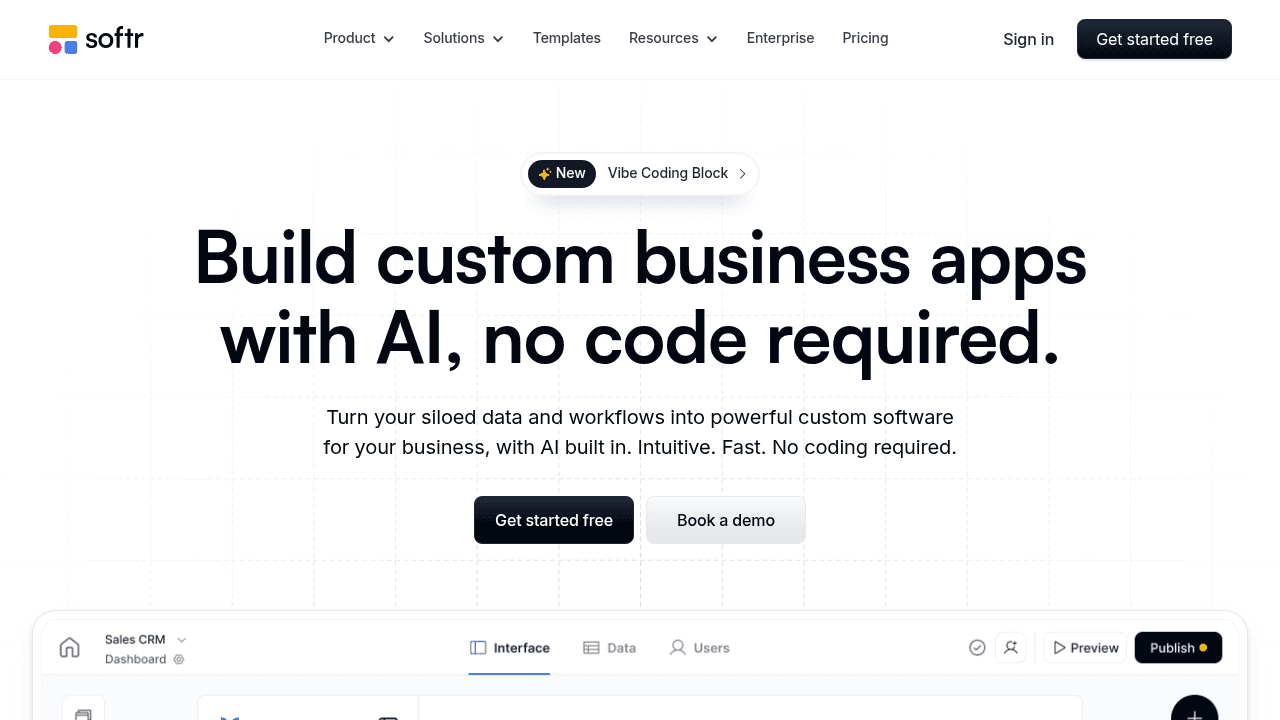
Softr enables rapid creation of simple websites and apps on top of Airtable or Google Sheets, with a focus on speed and simplicity for makers and early-stage projects. The tool is optimized for prototype-level applications and public-facing sites rather than serious internal systems.
Key Features:
Quick website and app creation from Airtable or Google Sheets databases.
Pre-built blocks for common website patterns with drag-and-drop components.
User authentication and basic access controls.
Template library for common site types.
Limitations:
Softr is designed primarily for customer-facing websites and simple portals rather than complex internal management systems. While it excels at quickly creating public-facing sites and basic member portals, it has limitations for teams that need sophisticated business logic, granular permissions, or applications that serve as the primary system for running daily operations. The platform's strength is in speed and simplicity, which means it may not provide the depth of functionality needed for mission-critical internal workflows.
Bottom Line:
Softr is a strong choice for teams that need to quickly launch customer-facing websites, directories, or simple member portals, particularly when starting from Airtable data. It's ideal for entrepreneurs and small businesses that prioritize speed and simplicity. However, for teams that need to build internal business systems with complex workflows, granular permissions, and robust business logic, a platform designed specifically for those use cases will be more appropriate.
Noloco
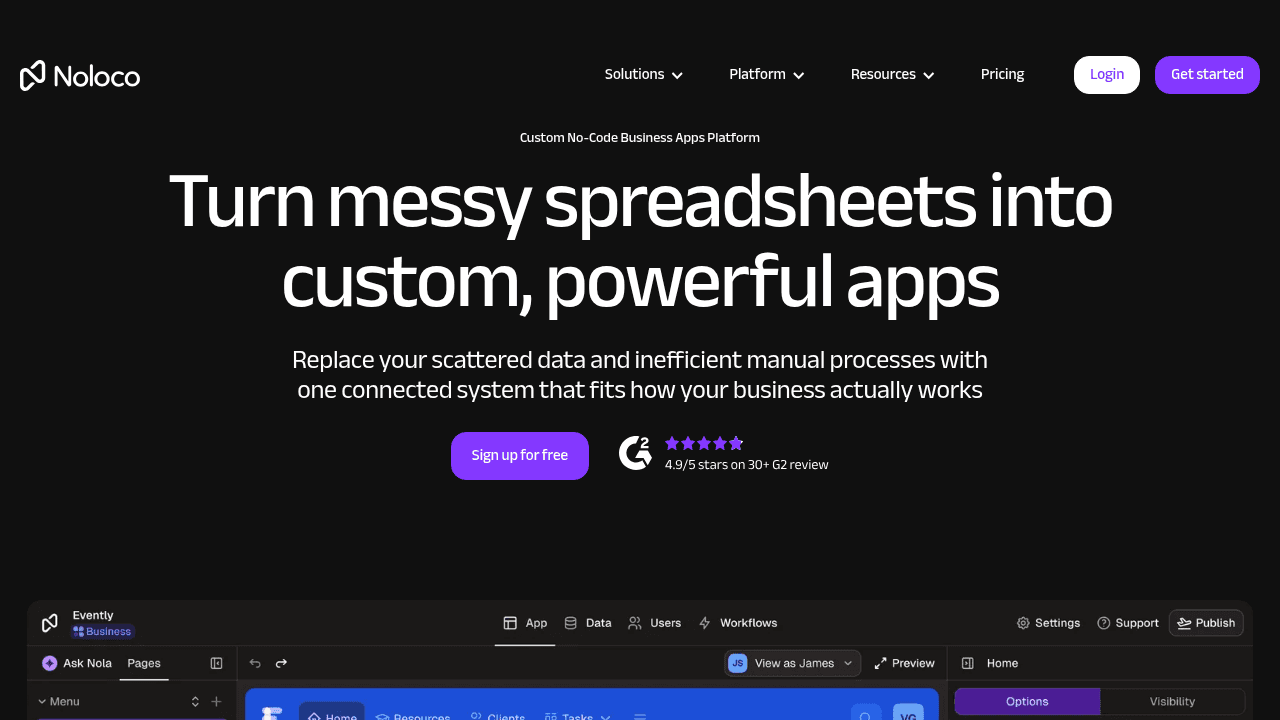
Noloco is a no-code platform that builds business applications and portals on top of data sources like Airtable, Google Sheets, and PostgreSQL. The platform focuses on helping teams create internal tools and customer portals without coding, with an emphasis on connecting to existing data rather than providing its own database layer.
Key Features:
App builder that connects to Airtable, Google Sheets, PostgreSQL, and other data sources.
Create both internal tools and external-facing portals from the same platform.
Pre-built UI components and templates for common use cases.
Role-based access controls.
Limitations:
Like other platforms that build primarily on top of spreadsheets, Noloco inherits some of the structural limitations of that approach when dealing with highly complex relational data or large-scale operations. While the platform offers solid features for connecting to existing data sources, teams that need a built-in database with advanced data modeling may find limitations. The platform focuses on proven patterns for building business apps, which provides reliability but may offer less innovation in areas like AI-assisted building compared to newer approaches.
Bottom Line:
Noloco is a solid choice for teams that want to build apps on top of their existing Airtable or database data, particularly if they need both internal tools and external portals. The platform offers a straightforward approach to app building with good role-based permissions. However, teams that need advanced AI-assisted building, a built-in database designed for complex operations, or want to iterate rapidly on their data model may find platforms with those capabilities better suited to their needs.
Feature Comparison Table of No-Code Process Management Tools
Feature | Stacker | Airtable | Glide | Softr | Noloco |
|---|---|---|---|---|---|
Built-in Database | Yes | No | No | No | No |
AI-Powered App Builder | Yes | No | No | No | No |
External User Portals | Yes | No | No | Yes | Yes |
Granular Role-Based Permissions | Yes | No | No | No | Yes |
Real-Time Collaboration | Yes | Yes | Yes | Yes | Yes |
Custom Business Logic and Automation | Yes | Yes | No | No | No |
Designed for Daily Operations Use | Yes | No | No | No | No |
No Developer Skills Required | Yes | Yes | Yes | Yes | Yes |
Why Stacker is the Best No-Code Process Management Tool
Stacker was purpose-built for operations teams running real business processes. The AI-powered builder delivers working applications in minutes, while the built-in database provides the data integrity and scale that spreadsheet-based tools cannot match. You get the complete picture: internal workflows, external portals, and granular permissions that let each user access exactly what they should.
What sets Stacker apart is how it handles the full lifecycle of complex workflows. You can design multi-step pipelines with custom stages, set granular permissions so each role sees exactly what they should, and build secure portals where clients or vendors access only their own records. Everything updates in real time across all users.
The database structure gives you flexibility that spreadsheet-based tools can't match. You can model relationships between data (linking customer records to projects, projects to tasks, tasks to team members) and create computed fields that enforce business logic automatically. If your process involves conditional routing or approval chains, you can build that in.
We've designed Stacker to adapt as your requirements change. When you need to add a new stage to your pipeline or adjust what a specific role can edit, you modify it yourself through the visual interface. No developer tickets, no waiting.
No-code adoption is accelerating as teams recognize they need purpose-built software, not generic task managers. Unlike project management tools where everything is just an unstructured task, Stacker gives you a real database to model your processes with structure and guardrails. You can iterate as requirements change, without developer dependencies or the fragility of spreadsheets stretched beyond their limits.
Final Thoughts on Building Better Process Management Applications
The gap between spreadsheets and custom development is where most operations teams get stuck. Pipeline management software built for no-code gives you a real database, external portals, and the ability to iterate without technical dependencies. You can create systems that grow with your business instead of fighting against tools that weren't designed for how you work.
FAQ
How do I choose the right no-code process management tool for my business?
Start by identifying whether you need external user access (client or vendor portals), as many tools only support internal teams. Then evaluate if you need a proper database or if spreadsheet-based tools will suffice for your data complexity. Finally, consider whether your operations team can build and modify the tool independently, or if you'll need developer support.
Which no-code tool works best for teams without technical skills?
Stacker, Airtable, Glide, and Softr are all accessible to non-technical users, while Retool and Power Apps require developer skills. However, if you need to build complete process management systems (not just organize data), Stacker provides the most capability without requiring technical expertise, including AI-assisted building and proper database structure.
Can I build customer or partner portals with these tools?
Only some tools support external portals properly. Stacker, Softr, and Noloco offer portal functionality, but Airtable's pricing makes external users prohibitively expensive, and Glide lacks the permission granularity needed for secure multi-party access. Retool, Power Apps, and Bubble aren't designed for this use case.
What's the difference between spreadsheet-based and database-first tools?
Spreadsheet-based tools (Airtable, Glide, Softr, Noloco) store data in spreadsheet format, which becomes unreliable and slow as your process grows. Database-first tools (Stacker, Retool, Power Apps, Bubble) use proper relational databases that handle complex data relationships and scale better, though not all are designed for operations teams.
When should I move from spreadsheets to a dedicated process management tool?
Consider switching when your spreadsheet has multiple tabs with linked data, when you need different people to see different information, or when you're spending significant time on manual updates and data entry. If external stakeholders need access to your process, a dedicated tool becomes necessary immediately.




