
11 MIN READ
Sunday, December 7, 2025

Michael Skelly
Founder, Stacker
Most procurement teams hit the same wall. Email works fine for a few vendors, but once you're managing dozens of suppliers across different projects, things fall apart. You need a place where vendors can update their information, upload documents, and see what's expected without flooding your inbox. A supplier portal platform solves this, and the good news is you don't need developers to build one anymore. Here's what to look for in the tools that make it possible.
TLDR:
Vendor portals give external partners secure, controlled access to business data without email chaos or excessive system permissions.
Stacker's AI builder creates functional vendor portals in minutes with granular role-based permissions that keep each vendor's data separate.
Softr and Glide lack the permission controls and data integrity needed for operational vendor management systems.
Bubble provides custom front-end design but requires substantial web development knowledge.
Stacker lets non-technical teams build and maintain vendor portals with field-level security and real-time collaboration.
What are Vendor and Partner Portals?
Vendor and partner portals give external collaborators secure access to specific business information through a web interface. You create a controlled space where vendors, suppliers, contractors, or partners log in to view relevant data, submit updates, or complete tasks without granting full system access.
These portals solve information chaos when working with external parties. You can share certain details while keeping sensitive data private, avoiding email threads, shared drives with unclear permissions, or giving outsiders excessive access to internal systems.
Use cases include letting suppliers check purchase orders, contractors update job statuses, or distributors access inventory levels. Each external user sees only their own information, maintaining security while improving collaboration.
What Features Matter Most in Platforms for Building Vendor and Partner Portals?
There are five core features that matter most when choosing a platform for building a vendor or partner portal. These capabilities determine whether the portal can truly support effective vendor management and smooth day-to-day operations.
Ease of Building:
How quickly can a non-technical person create a functioning vendor portal without writing code or needing extensive training?
External user permissions:
Does the solution support secure role-based access where vendors only see their own data, not other vendors' information?
Customization flexibility:
Can you adapt the portal to match your specific workflows, data structures, and branding requirements?
Data management:
How does the tool handle data storage, relationships between records, and connections to existing business systems?
Long-term maintainability:
Can your team update and modify the portal as needs change, or will you need developers for every adjustment?
Best Overall Vendor Portal Builder: Stacker
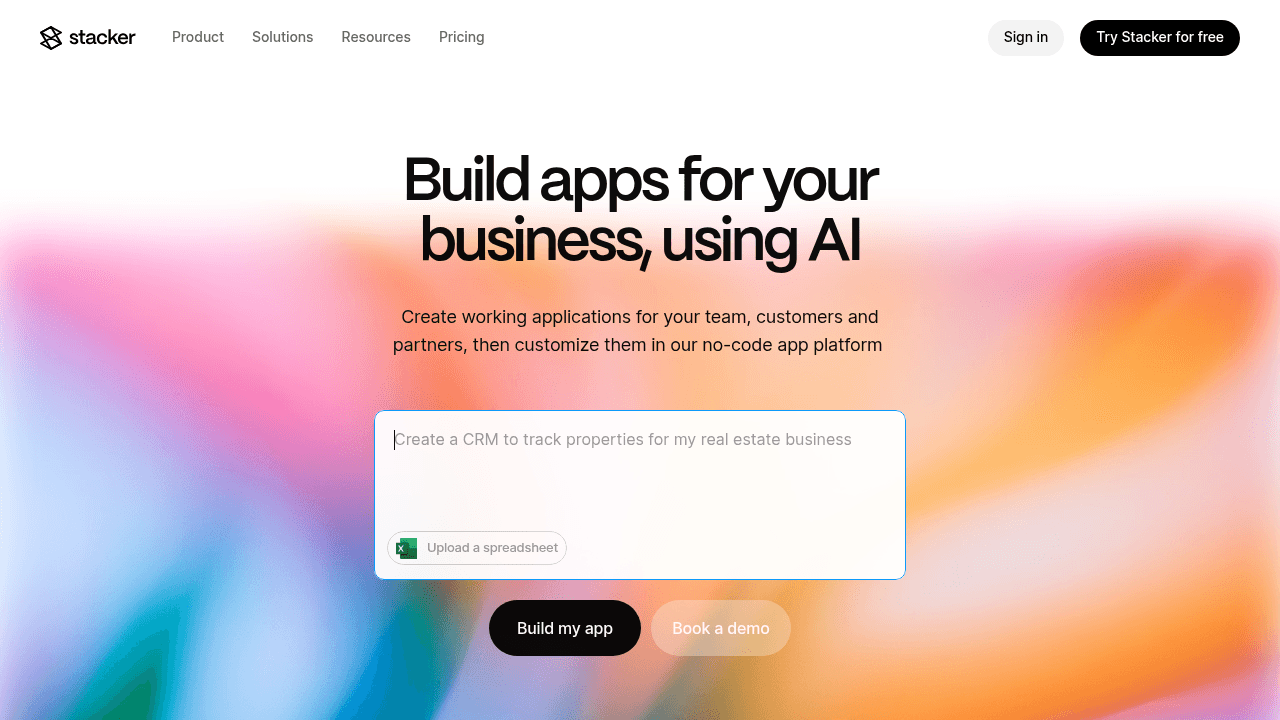
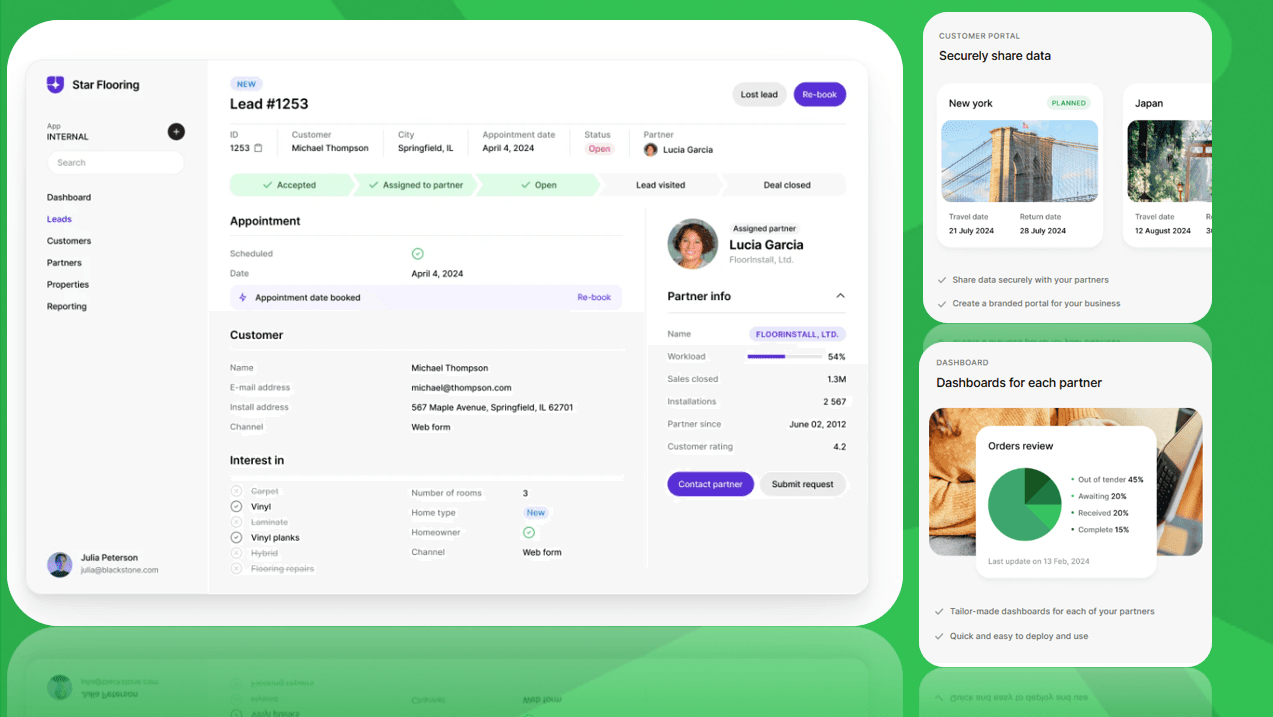
Stacker is a no-code app builder that creates secure vendor and partner portals without requiring developers. Its AI-powered builder generates portal structures from simple descriptions, while the visual editor allows customization of forms, data views, and workflows.
Key Features:
Role-based permissions that control what each vendor or partner sees and can edit in the portal.
Built-in database with support for relational data, plus direct integration with Airtable and Google Sheets for teams already using these tools.
Real-time collaboration where vendors and internal teams work with live data simultaneously.
AI-driven app generation that creates functional portal foundations quickly.
Bottom Line:
Stacker works well for operational portals where external users need secure, tailored access to business data. It provides the permission granularity and data integrity needed for vendor relationships.
Airtable
Airtable combines spreadsheet and database capabilities to store structured data with linked records. Teams often use it as their system of record, which makes it a logical choice when they need to share vendor information externally.
Key Features:
The Interfaces feature creates custom views on Airtable bases.
The portal add-on extends access to external users.
Automation rules and formula fields can be setup for basic business logic.
If vendor data already lives in Airtable, you can build on that foundation instead of moving everything to a new system.
Limitations:
Airtable's permission controls have constraints. You can restrict which tables and views vendors see, but field-level security and complex role-based access rules take more work to implement.
Cost also limits practicality. Portal functionality needs a paid add-on making managing dozens of vendors makes per-seat pricing expensive fast.
The Bottom Line:
Airtable fits teams already using their ecosystem who need basic external data sharing for a small group. For vendor portals requiring detailed permissions and scalable external access without seat-based pricing, Stacker handles those requirements.
Softr
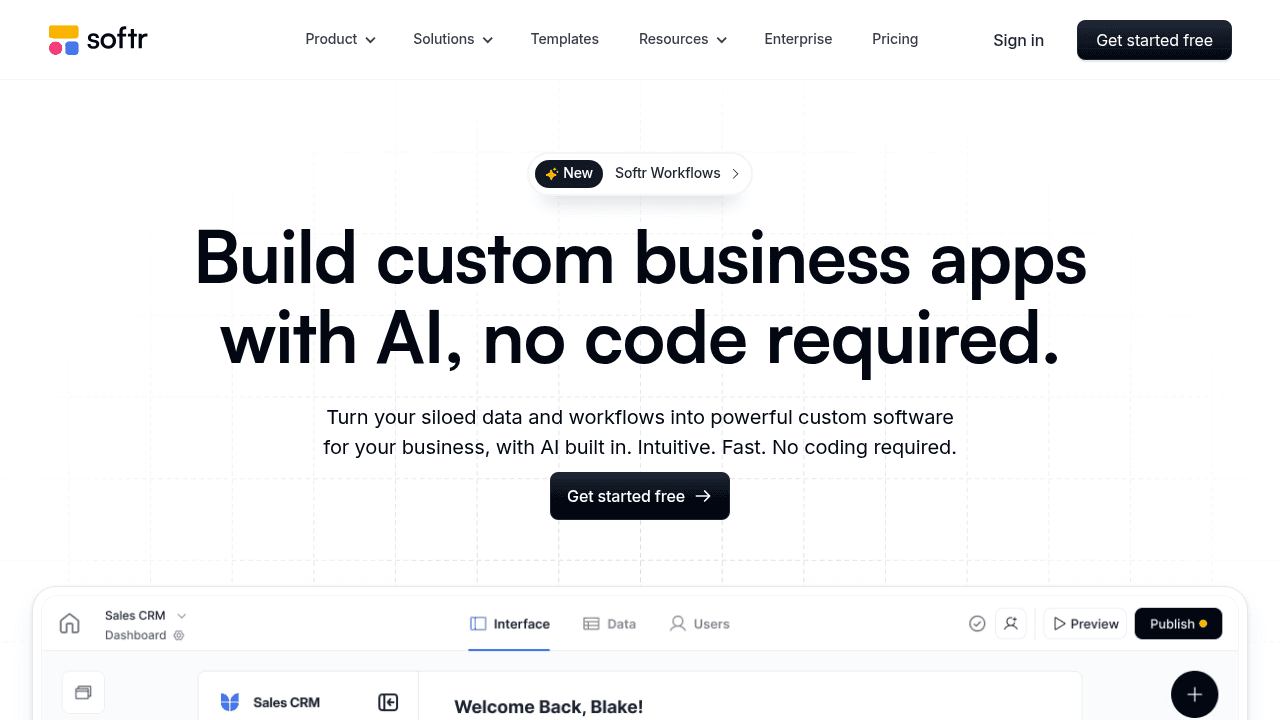
Softr is a website builder that connects to Airtable or Google Sheets to create simple web interfaces. It offers template-based site generation with pre-built blocks for listings and forms, plus membership features for basic login functionality.
Key Features:
Template-based site generation with pre-built blocks for common layouts like listings, forms, or detail pages.
Direct connection to Airtable or Google Sheets as the data source.
Basic membership and authentication features for user login.
Customizable branding and styling options for public-facing interfaces.
Limitations:
Softr lacks native workflow automation, advanced permission logic, and the data validation controls needed for portals handling sensitive vendor information or complex approval processes.
The Bottom Line:
The tool works well for teams building public-facing membership sites or simple client directories where complexity stays minimal. However, Softr is designed for lightweight sites rather than operational vendor management systems.
Glide
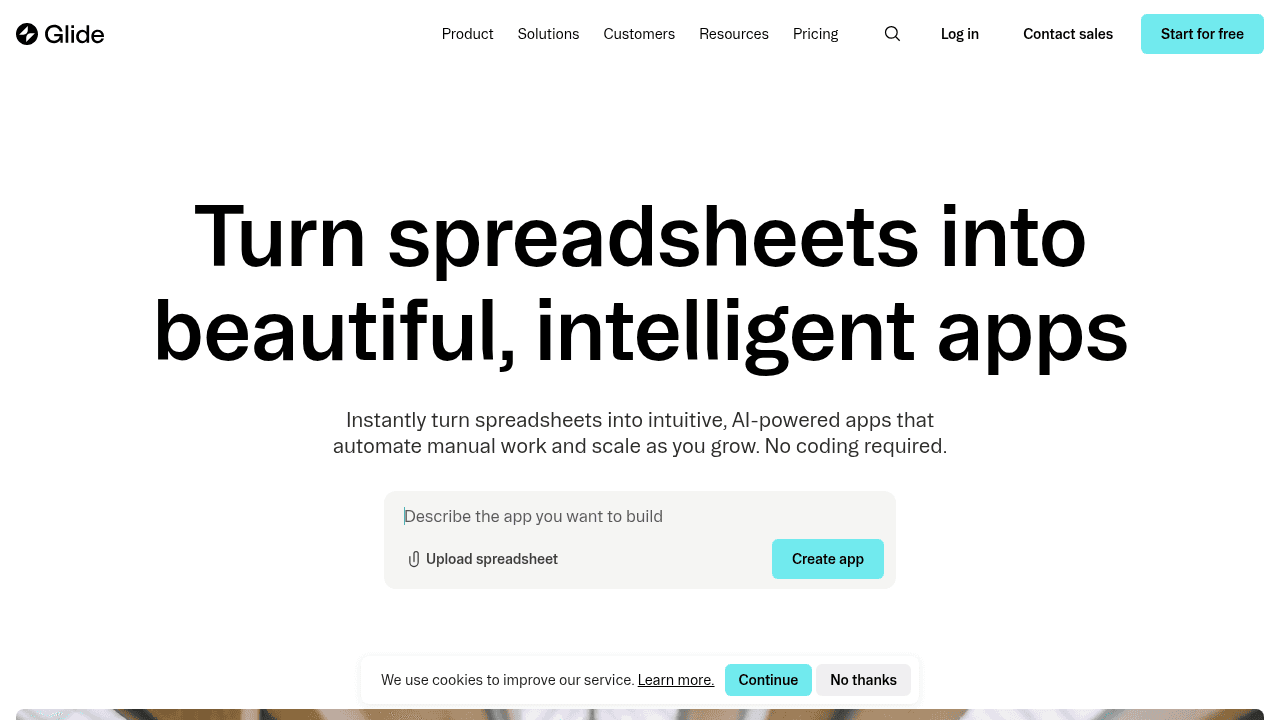
Glide is a mobile-first app builder that converts Google Sheets into simple utility apps for quick, lightweight solutions.
Key Features:
Quick app creation from spreadsheet data sources.
Mobile-optimized interface components.
Pre-built templates for common app patterns.
Basic user authentication and row-level security.
Limitations:
The mobile-app focus and Google Sheets foundation create limitations for vendor portals. Glide lacks desktop-optimized layouts, complex relational data modeling, and enterprise-grade permission systems that vendor management requires. Spreadsheet dependencies create performance and scalability constraints as data grows.
The Bottom Line:
Glide works for creating lightweight mobile tools where field teams need inventory checks, event registration, or basic form collection. For vendor portals needing robust data relationships, granular permissions, and professional desktop interfaces, Glide does not provide the infrastructure these operational systems require.
Bubble
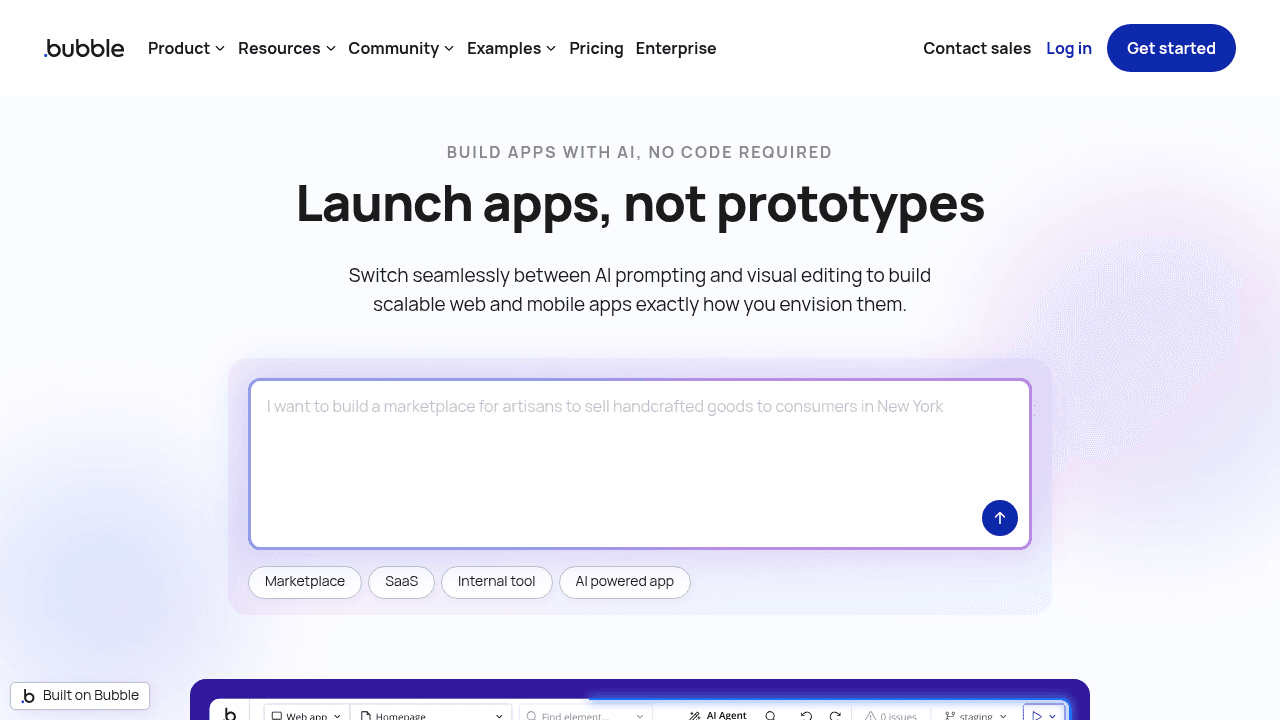
Bubble is a visual web development tool for building custom web applications from scratch. It provides a full programming environment where you design logic workflows, database schemas, and responsive layouts through a visual interface.
Key Features:
Full visual programming environment for building custom web applications from scratch.
Complete control over UI design with pixel-perfect layout customization and responsive design tools.
Extensive plugin marketplace for adding third-party integrations and functionality.
Built-in workflow engine for creating complex business logic and automation.
Limitations:
The learning curve is steep. Building a vendor portal requires configuring every UI element, navigation pattern, and data relationship manually. You need substantial web development knowledge to manage layouts, responsiveness, and custom logic effectively.
The Bottom Line:
Bubble is a strong fit for startups building consumer-facing products or MVPs where custom front-end design is a priority. It offers pixel-perfect control over layout and interactions. However, for teams without web development experience or dedicated developers, it may not be the best choice.
Feature Comparison Table
Feature | Stacker | Airtable | Softr | Glide | Bubble |
|---|---|---|---|---|---|
Built for business operations | Yes | No (spreadsheet first) | No (website builder) | No (mobile utility) | No (product builder) |
External user permissions | Granular role and field-level | Limited | Limited | Limited | Custom build required |
No-code for non-technical users | Yes | Yes | Yes | Yes | No |
Native relational database | Yes (built-in) | No | No | No | Custom build required |
Vendor portal templates | Yes | No | Limited | No | No |
Desktop-optimized interfaces | Yes | Yes | Yes | Mobile-first | Custom build required |
Why Stacker is the Best Vendor Portal Builder
Vendor management software adoption is accelerating as enterprises digitize supplier relationships amid supply chain complexity and regulatory scrutiny. Stacker provides a complete portal solution that business teams can deploy and maintain themselves.
The AI builder generates functional portals from plain descriptions, creating working vendor access in minutes. You can then refine it through the visual editor as requirements evolve. With 80% of US businesses now using low-code tools and 41% running citizen development programs, this no-code approach reflects how modern teams build operational systems.
Granular permissions control exactly what vendors see. Field-level controls, role-based access, and data partitioning create secure multi-party environments where each external user accesses appropriate information without exposing sensitive details.
Stacker delivers the data integrity, security, and workflow automation that vendor relationships require for operational systems handling real business processes, similar to how Meow Wolf manages their complex vendor networks.
Final Thoughts on Selecting a Vendor Portal Solution
A good partner portal builder solves the information chaos that comes with managing external partners. You create one secure space where vendors access their data, submit updates, and collaborate with your team in real time. The best builders let you launch quickly and modify things yourself as your vendor relationships change.
FAQ
How do I control what each vendor can see in the portal?
Set up role-based permissions that define access at the field and table level. You can create roles like "vendor," "contractor," or "supplier" and specify exactly which data each role can view or edit, so vendors only see their own records and relevant information.
What's the main difference between a vendor portal and sharing spreadsheets?
Vendor portals provide secure, controlled access with proper permissions and real-time updates, while spreadsheets lack field-level security, become error-prone with multiple users, and don't scale well when managing external collaborators who need limited access to specific data.
Can I build a vendor portal if I already use Airtable or Google Sheets?
Yes, you can connect your existing Airtable base or Google Sheet directly to create a portal without migrating data. The connection maintains two-way sync, so changes in either system update automatically while you add the secure access controls and custom interface vendors need.
How long does it take to build a functional vendor portal?
Using an AI-powered builder, you can generate a working portal foundation in minutes from a plain description of your needs. From there, you refine the interface, permissions, and workflows through a visual editor based on how complex your vendor management process is.
When should I use a no-code portal builder instead of custom development?
Choose a no-code builder when you need a vendor portal quickly without hiring developers, want your team to maintain and update it independently, or require flexibility to adapt the portal as vendor relationships and processes change over time




