
8 MIN READ
Thursday, December 11, 2025

Michael Skelly
Founder, Stacker
Internal teams need tools that match the way they actually work, not generic project management software that forces rigid processes and endless workarounds. That’s why more operations, CX, and enablement teams are turning to no-code platforms to build their own custom project management apps. These tools make it possible to design custom workflows, automate routine tasks, and ship purpose-built internal systems without relying on engineering. In this guide, we break down the best no-code platforms for building internal work management apps and highlight what each one does well, so you can choose the right fit for your team.
TLDR:
No-code builders let you create custom work management apps that match your workflows without coding.
Stacker uses AI to generate apps from text prompts and offers granular permissions for secure access.
ClickUp and Monday.com work well for task tracking but lack the flexibility to build custom data models.
Document tools like Notion and Coda cannot enforce field-level security for sensitive operations.
Stacker combines accessible building with relational databases and external user support for portals.
What are No-Code Tools for Internal Work Management Apps?
Internal work management apps are custom software solutions designed to handle specific business processes, from project tracking to inventory control. A no-code internal tools builder allows operations teams to construct these applications without writing code. Instead of adapting your team to rigid, off-the-shelf software, no-code work management lets you design a system that mirrors your exact workflow.
No-code adoption is growing because businesses need tools that match their specific workflows. In fact, 83% of organizations have embraced citizen development in 2024, with Operations (30%), Human Resources (28%), Marketing (20%), and Finance (12%) departments leading adoption.
These solutions offer a necessary middle ground between expensive custom development and generic SaaS products. Whether you need a custom project management app or specific internal workflow tools, moving away from spreadsheets helps you organize data better. By giving non-technical staff the ability to build no-code operations software, you ensure your tech supports how you actually work.
What Makes a Good No-Code Internal Tools Builder?
Selecting an internal tools builder requires looking beyond simple task lists. There are four qualities and capabilities that separate a basic no-code app platform from one that truly supports building high-quality, maintainable internal tools.
Data Modeling Capabilities
Internal tools need to handle complex relationships between records, like linking projects to tasks to team members. Do these tools support relational databases or rely on flat data structures?
Permission Controls
Work management apps often serve multiple audiences with different access needs. Do these tools offer granular role-based permissions and can safely separate data between internal teams and external users?
Customization Depth
Customization allows building a custom work management app from the ground up rather than editing a strict template. How much flexibility does each builder provide for custom interfaces, logic, and automation without coding?
Usability
No-code tools for internal work management apps must be intuitive enough for non-technical builders to pick up quickly, yet powerful enough to support the operational apps teams depend on every day.
Best Overall Internal Tools Builder: Stacker
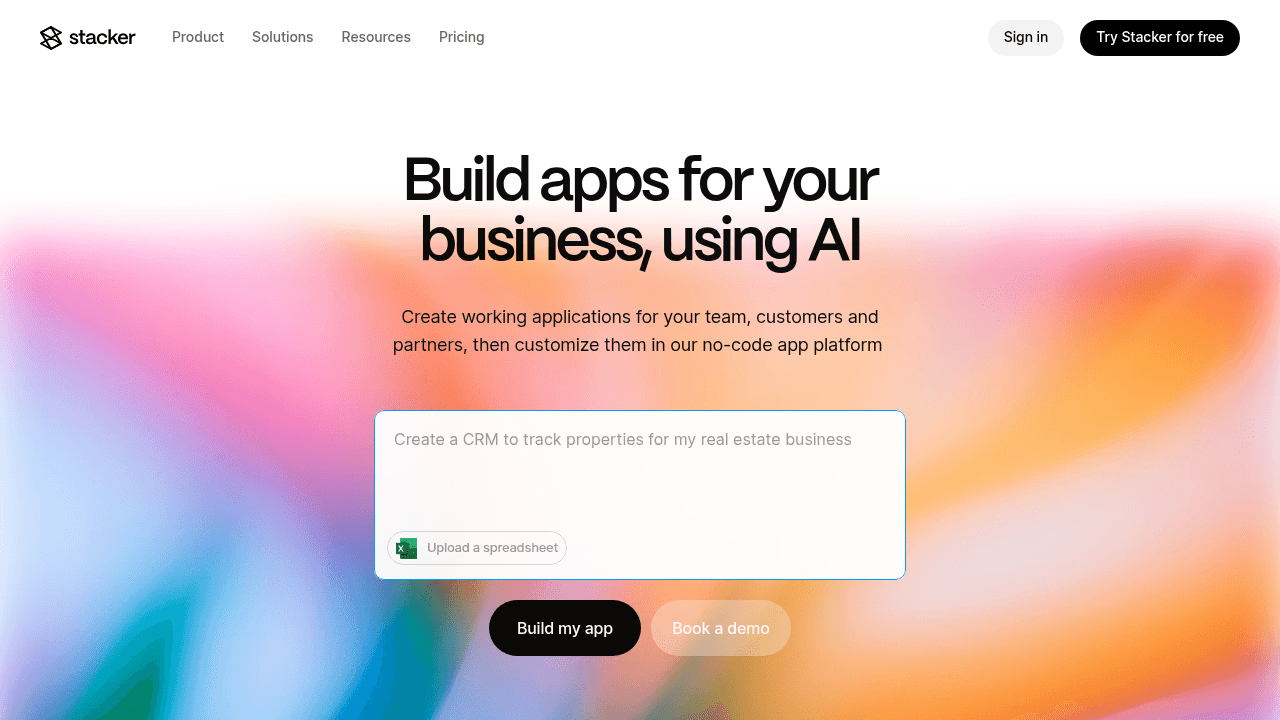
Stacker operates as a flexible internal tools builder for operations teams moving beyond rigid software. Teams can create apps to track projects, tasks, and deadlines in a way that mirrors their specific workflow. It lets you create custom applications, such as inventory systems or client portals, directly from existing data or even from text prompts using AI.
Key capabilities:
AI app generation that builds and modifies apps from plain-English requests
Built-in relational database that handles complex data relationships beyond spreadsheet limits
Granular role-based permissions for secure multi-user access
Two-way sync with Airtable and Google Sheets to connect existing data sources
The Bottom Line:
Stacker is well-suited for teams building operational systems that must evolve as requirements change. It offers the depth and flexibility needed for serious, everyday internal tools, with stronger functionality and data integrity than many no-code alternatives.
ClickUp
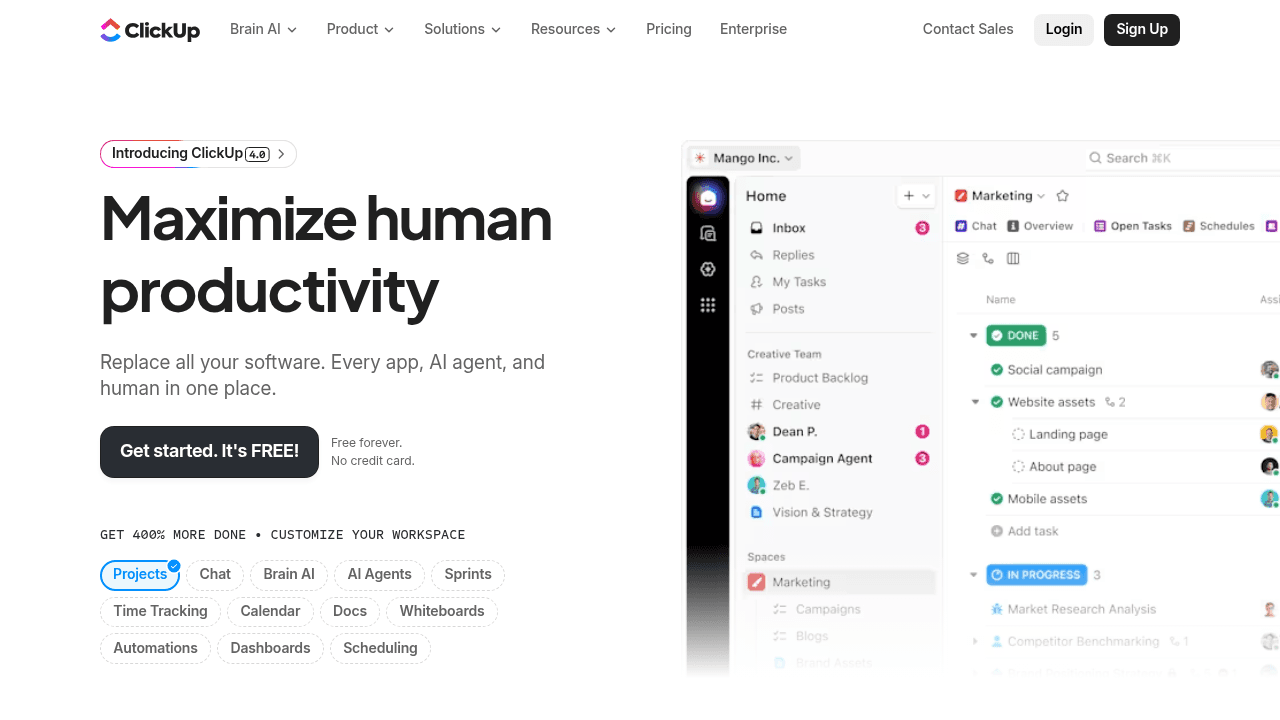
ClickUp brings together task and project management, documentation, goal tracking, time tracking, dashboards, and automation in a single platform. It functions as a pre-built internal workflow tool centered on driving tasks to completion.
Key Capabilities:
Task management with list, board, and Gantt views
Native time tracking and capacity planning
Automations for routine tasks
Collaboration via chat and doc sharing
The Limitation:
ClickUp's capabilities are constrained by a task-centric model, offering limited flexibility to define custom data models or build fully bespoke interfaces. It also lacks field-level permissions, restricting how securely sensitive operational data can be managed.
The Bottom Line:
ClickUp is well suited for teams that need straightforward project management. If your work naturally maps to tasks and deadlines, it offers a ready-made structure you can use right away. However, if you’re looking to build a custom internal tool beyond task or project management, other solutions may be a better fit.
Monday.com
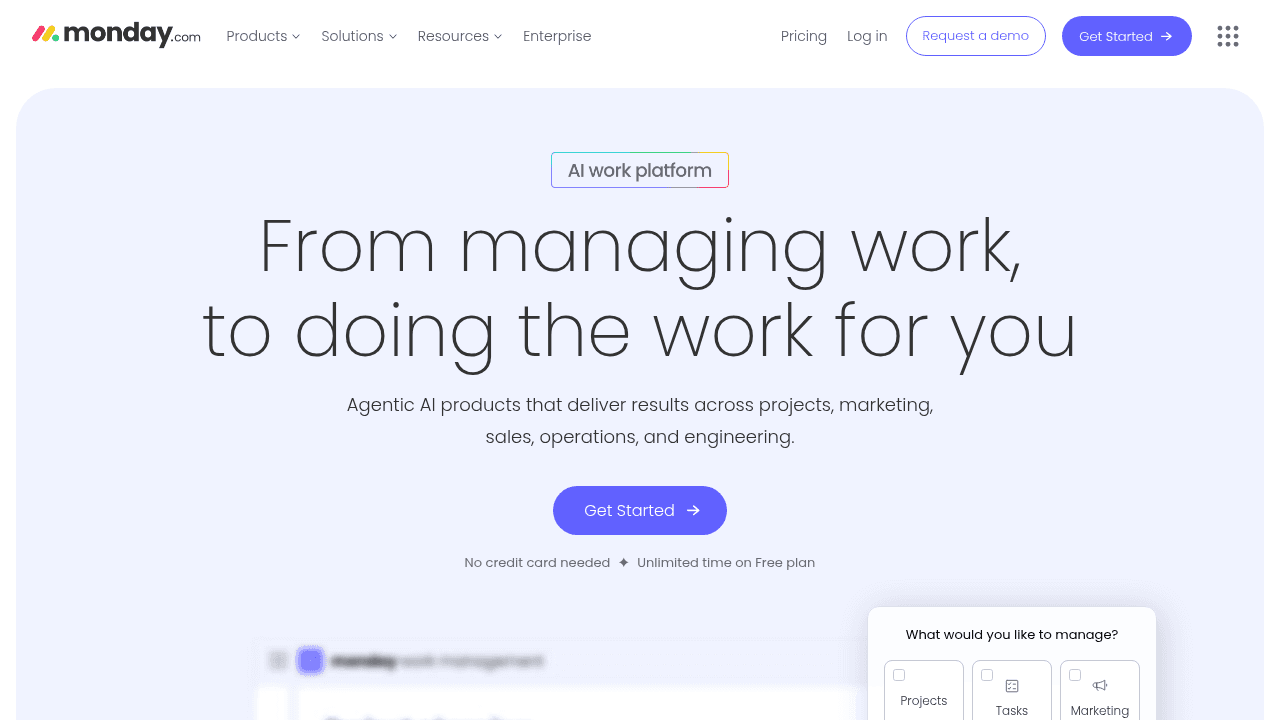
Monday.com works as a Work OS focused on visual project tracking. It uses a board-based system where teams manage tasks and deadlines. This no-code work management software replaces spreadsheets with color-coded statuses and timelines.
Key Capabilities:
Visual boards with customizable columns for status tracking
Pre-built automations to handle routine notifications
Dashboard widgets that display reporting metrics
Timeline views for scheduling
The Limitation:
Monday.com confines you to its board-centric structure and lacks the depth of a true internal tools platform. This makes it difficult to build custom interfaces or enforce complex data relationships. Its permission controls are also less granular than what you’d find in a purpose-built database application.
The Bottom Line:
Monday.com is well suited for teams that want visual, board-based project organization. If you need flexible views of project stages without building a backend system, it’s a strong fit. However, it limits your ability to create fully customized applications with tailored data models and user roles that extend beyond basic task lists.
Coda
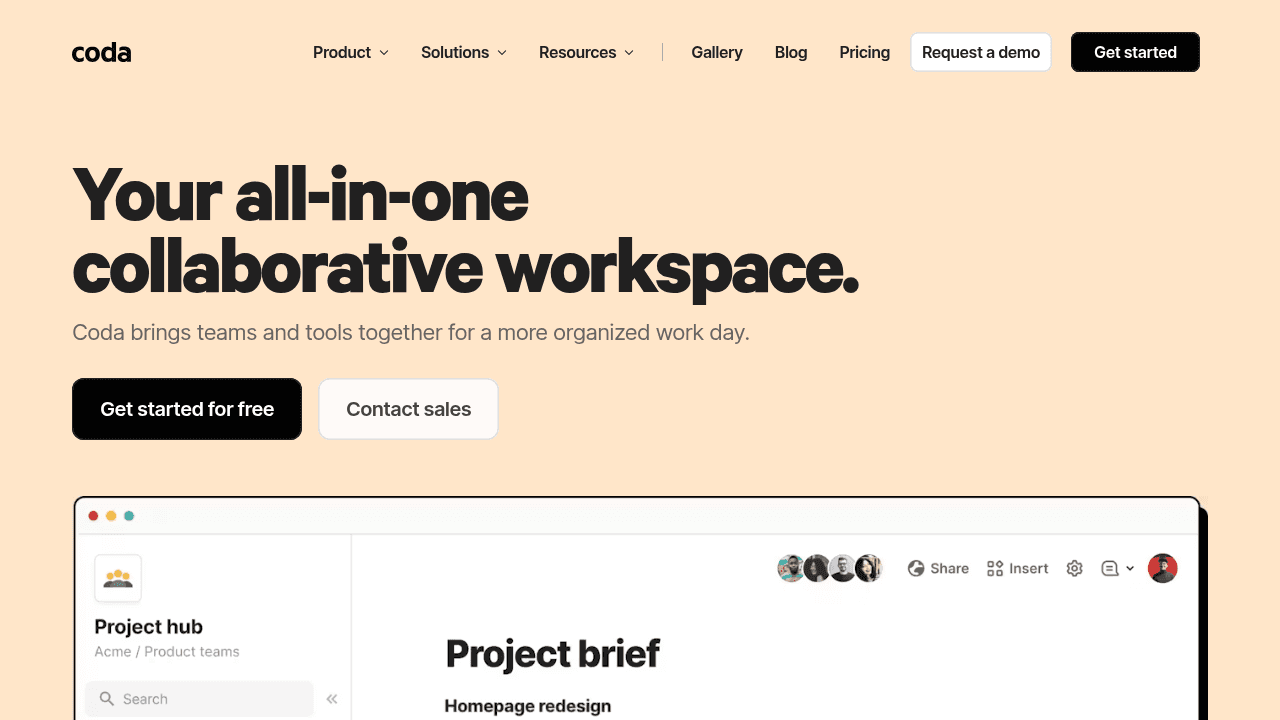
Coda combines documents and spreadsheets into a single flexible surface. Teams use it to build "docs" that act like basic apps, mixing narrative text with live data tables.
Key Capabilities:
Pages support text, tables, and buttons in one view to keep context and data together
Logic formulas can be used to run calculations and connect data across the doc
Collaboration features including real-time editing, comments, and @mentions
Multiple database views including tables, board, calendar, etc.
The Limitation:
Coda remains a document editor, not a true internal tools builder. It does not offer the granular permissions or data security needed for sensitive no-code operations software. You cannot restrict access to specific records easily, which makes it unsuitable for client portals or large-scale internal workflows.
The Bottom Line:
Coda excels at making documents interactive. It fits best for wikis, meeting notes, or briefs that need interactive components and light data tracking. It does not provide the capabilities to construct secure software that manages business data with strict role-based access.
Notion
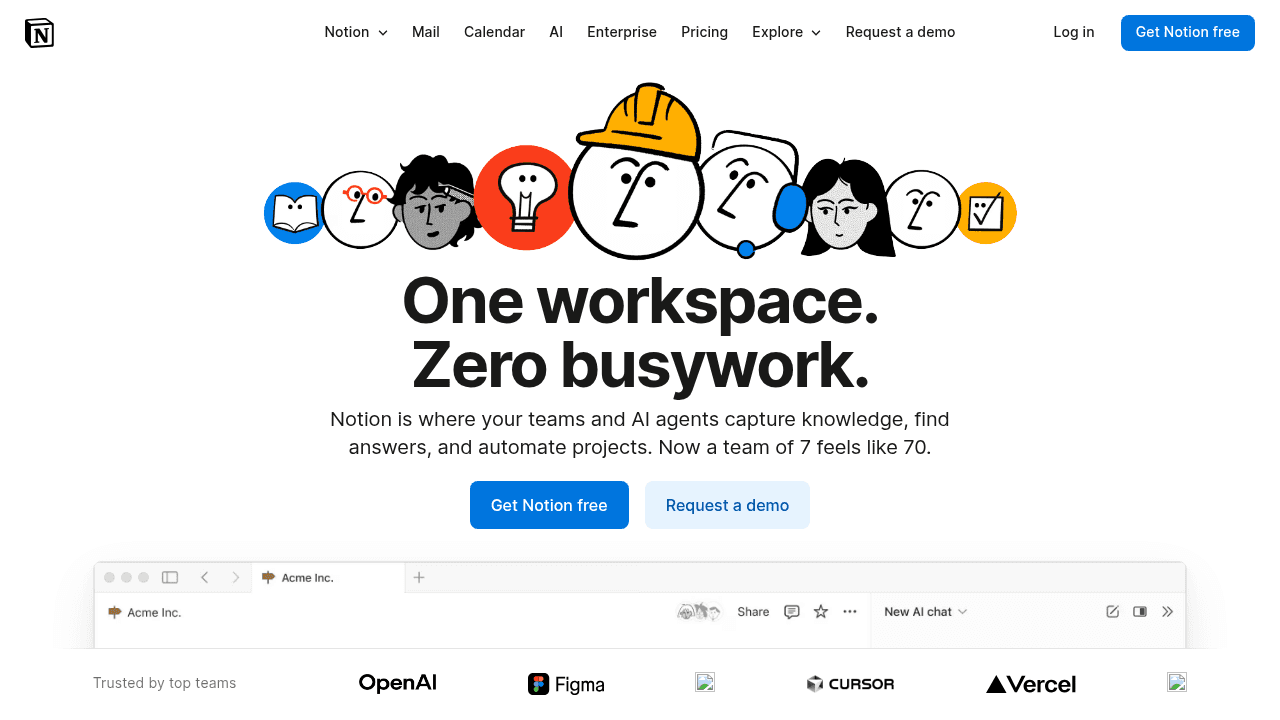
Notion provides collaborative workspace combining wiki-style documentation, task lists, and flexible database views for knowledge management.
Key Capabilities:
Flexible page-based editor for documents, notes, and knowledge base content
Database blocks with multiple views including table, board, timeline, and gallery
Real-time collaboration with commenting and mentions across team workspaces
Template system for common documentation and project tracking patterns
The Limitation:
Notion excels as a documentation system but lacks capabilities for transactional operational workflows. As databases grow, performance can degrade and relationships often require manual work. It also lacks granular permission controls, so you can’t restrict access to specific fields or records, which creates a meaningful gap for secure internal operations.
The Bottom Line:
Notion is great for teams that need centralized documentation, meeting notes, project wikis, and lightweight task tracking in a collaborative environment. But it isn’t a transactional system, and its limited permissions and lack of true workflows mean databases tend to break down as complexity grows.
Retool
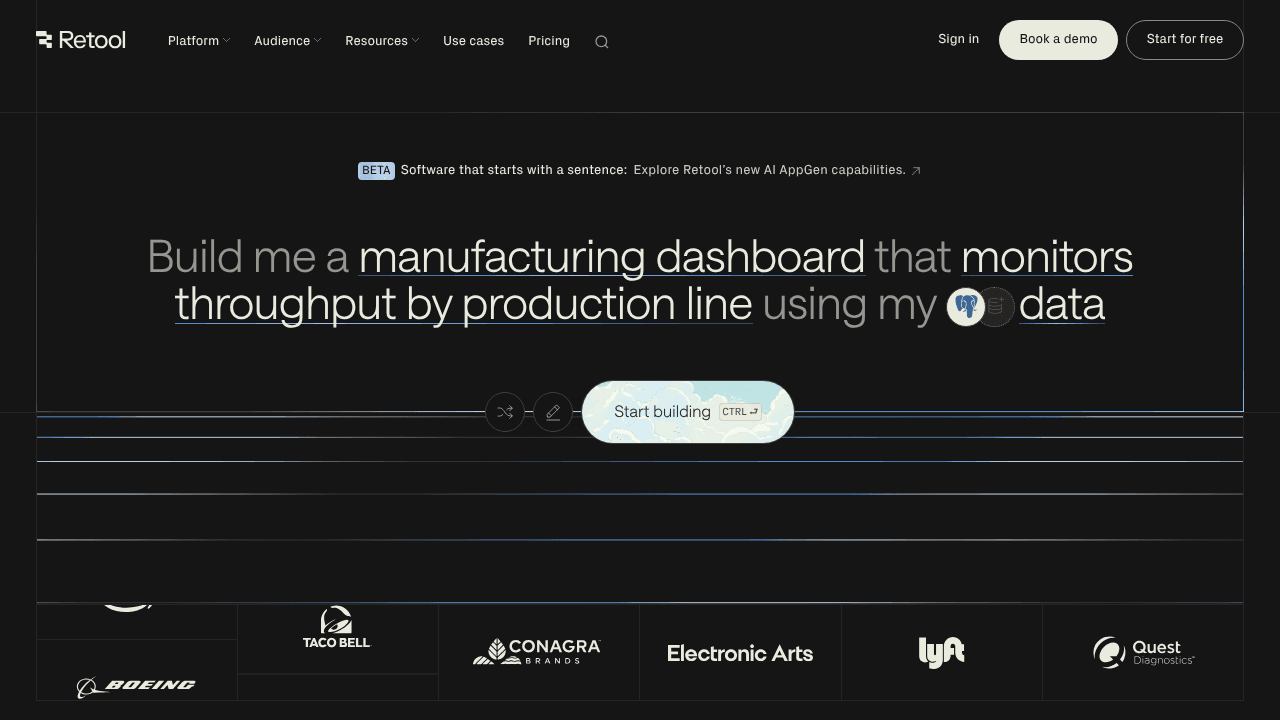
Retool is a low-code solution built for developers. It accelerates the creation of technical dashboards and admin panels by blending visual interfaces with manual coding capabilities.
Key Capabilities:
Pre-built UI component library including tables, charts, forms, and wizards
SQL query editor and API connection interface for backend data access
JavaScript support for custom logic and component interactions
Drag-and-drop interface builder with code-level customization options
The Limitation:
Retool requires technical skills including SQL, API knowledge, and JavaScript. Operations staff who need to build or modify tools themselves can't use it. It's developer-centric by design and unsuitable for customer-facing portals or scenarios where non-technical teams need self-service app creation.
The Bottom Line:
Retool is well-suited for engineering teams that need to build internal admin panels or database management tools where developers handle the configuration. It’s less suitable for operations teams building internal work management apps.
Feature Comparison Table of No-Code Internal Tools Builders
Selecting the right software for your operations requires understanding the difference between document-based tools, task trackers, and dedicated app builders. While project management software handles standard lists effectively, it often lacks the granular permissions and custom data modeling required for complex internal workflows.
The comparison below details how top solutions handle critical features like external user access, database construction, and AI capabilities. Note that while some tools generate content, others actively build apps or code to support your specific business logic.
Feature | Stacker | ClickUp | Monday.com | Coda | Notion | Retool |
|---|---|---|---|---|---|---|
Truly No-Code | Yes | Yes | Yes | Yes | Yes | No (Low-Code) |
Custom Data Models | Yes | No | No | Yes | Yes | Yes |
Role-Based Permissions | Granular | Basic | Basic | Basic | Basic | Granular |
External User Access | Secure Portals | Guest Access | Guest Access | Guest Access | Guest Access | Secure Portals |
Built-In Database | Yes | Yes | Yes | Yes | Yes | Yes |
AI-Powered Builder | Yes (Generates Apps) | No (Content Gen) | No (Assistant) | No (Content Gen) | No (Content Gen) | Yes (Code Gen) |
Workflow Automation | Yes | Yes | Yes | Yes | Basic | Yes |
Why Stacker is the best no-code internal tools builder
Most no-code builders force a choice between simplicity and capability. Stacker removes that constraint.
AI generates working apps from conversational prompts in minutes. You then customize through a visual editor that requires no coding knowledge. Operations managers, department heads, and team leads build and modify their own tools without developer dependencies or SQL.
The accessible interface connects to architecture built for internal operations demands. A built-in relational database manages complex data relationships. Granular permissions secure sensitive information and separate what different teams and external users can access. Real-time collaboration keeps everyone working from current data.
Internal work management tools must adapt as processes evolve, serve multiple audiences securely, and remain reliable under daily use. Stacker lets the people closest to your workflows build what they need and adjust it as requirements change.
Final thoughts on selecting internal tools builders
Generic project management software makes you bend your processes to fit their structure. A proper internal tools builder does the opposite, letting you create apps around how your business actually operates. Stacker gives you that flexibility with AI assistance and no coding required, so you can build and adjust tools as your needs change.
FAQ
How do I build an internal work management app without coding experience?
Start with an AI-powered builder like Stacker that generates a working app from a text description of your workflow, then customize it through a visual drag-and-drop editor. You can create apps for project tracking, process management, or custom CRMs in minutes without technical skills.
How do I migrate my existing spreadsheet workflows into a no-code app?
Connect your Airtable base or Google Sheet directly to a platform like Stacker, which maintains two-way real-time sync so your existing data flows into the new app automatically. From there, you can build custom interfaces and workflows around that data without manual data entry or starting from scratch.
Can I use a no-code internal tools builder to create secure portals for external users?
Yes, but not all no-code platforms support this equally. Look for granular role-based permissions that let you control exactly what different user types can see and do. Stacker was built specifically for this use case, allowing you to serve internal teams and external clients or vendors from one app with proper data separation.
When should I choose a no-code builder over generic project management software?
Consider a no-code builder when off-the-shelf tools force you to change your processes to fit their structure, or when you need specialized workflows that standard software doesn't support. Teams in niche industries or with unique operational requirements benefit most from custom-built apps.
When should I choose a custom app builder over project management software like ClickUp or Monday.com?
Consider a custom app builder when your workflows don't fit the task-and-deadline structure of project management tools, or when you need specialized data models like inventory tracking, multi-step approval pipelines, or client portals. If your process is more complex than "assign tasks and track completion," you need the flexibility of a true internal tools builder.




