
8 MIN READ
Saturday, December 27, 2025


Michael Skelly
Founder, Stacker
Most teams are still running their operations in spreadsheets because building custom software feels impossible. The promise of no-code AI tools is simple: describe what you need, get a working app. The reality? Many tools give you code to maintain or interfaces with no backend. We tested the options that claim to work for business teams to find which ones can actually handle your data, users, and workflows.
TLDR:
AI no-code app builders let you create custom business software from text prompts in minutes
Stacker generates working databases and secure portals instantly, saving 8 hours per person weekly
Code generators like V0 and Lovable require developer maintenance; managed platforms stay stable
Look for granular permissions and external user support when building client or vendor portals.
Stacker combines AI generation with visual editing so non-technical teams can modify apps anytime.
What are AI No-Code App Builders?
An AI no-code app builder allows business teams to create custom software without engineering support. These solutions merge visual editors with generative AI, enabling you to build apps with AI through natural language prompts.
Instead of manually designing databases, you describe your needs—such as a "client portal" or "project tracker." The AI structures the data, permissions, and interface automatically. This creates a prompt-to-app workflow that is significantly faster than traditional development or standard no-code tools where you start with a blank canvas. You can then refine the output using visual controls, focusing on business logic rather than technical architecture.
How We Evaluated AI No-Code App Builders
To select the top options for 2025, we prioritized software that supports actual business operations.
While many tools strictly generate frontend code, our analysis focused on AI-powered app development capable of handling complex workflows and data management. This evaluation is particularly critical given that 87% of companies struggle to hire qualified engineers, making accessible no-code solutions a business necessity.
We evaluated each AI app builder against these criteria:
Backend capabilities: We selected tools that understand data structures and build working databases, rather than software that only designs user interfaces.
Security and permissions: Business applications require strict access controls. We looked for granular settings to define exactly which users view specific data.
Long-term utility: We favored options built for lasting use cases, such as custom portals and CRMs, over those optimized for throwaway prototypes.
Editability: The software must allow teams to modify the app after the initial AI generation without writing code.
Best Overall AI No-Code App Builder: Stacker
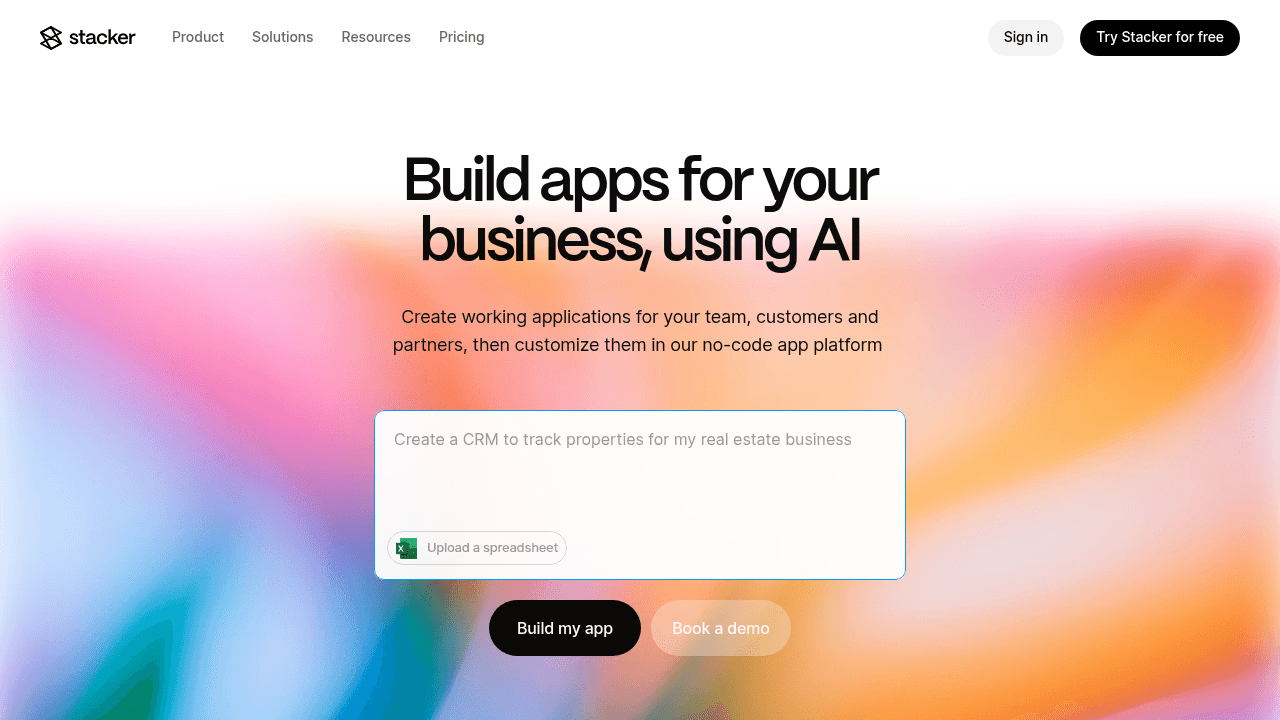
Stacker operates as a comprehensive AI app builder for teams creating internal tools and secure portals. The software features a prompt-to-app workflow: describe your specific needs, and Stacker constructs a functional relational database and interface instantly. This allows you to build apps with AI that are ready for real business data immediately.
Key Features:
AI-driven setup: Describe the tool you need—such as a partner portal or inventory tracker—and Stacker generates the architecture, tables, and views instantly.
Granular permissions: Protect sensitive data with role-based access controls that support both internal staff and external clients.
Real-time data sync: Connect directly to Airtable or Google Sheets so your application always reflects your latest records.
No-code customization: Modifying layouts and workflows requires no engineering resources, allowing you to update the software as your business evolves.
The Bottom Line:
Stacker is the best solution for operations teams replacing spreadsheets, and businesses requiring secure client portals or custom CRMs. The visual editor enables non-technical users to customize the application after generation. You can adjust data relationships, design forms, and modify workflows without writing code. This flexibility positions Stacker as a reliable choice among no-code AI tools for operations teams replacing spreadsheets.
V0
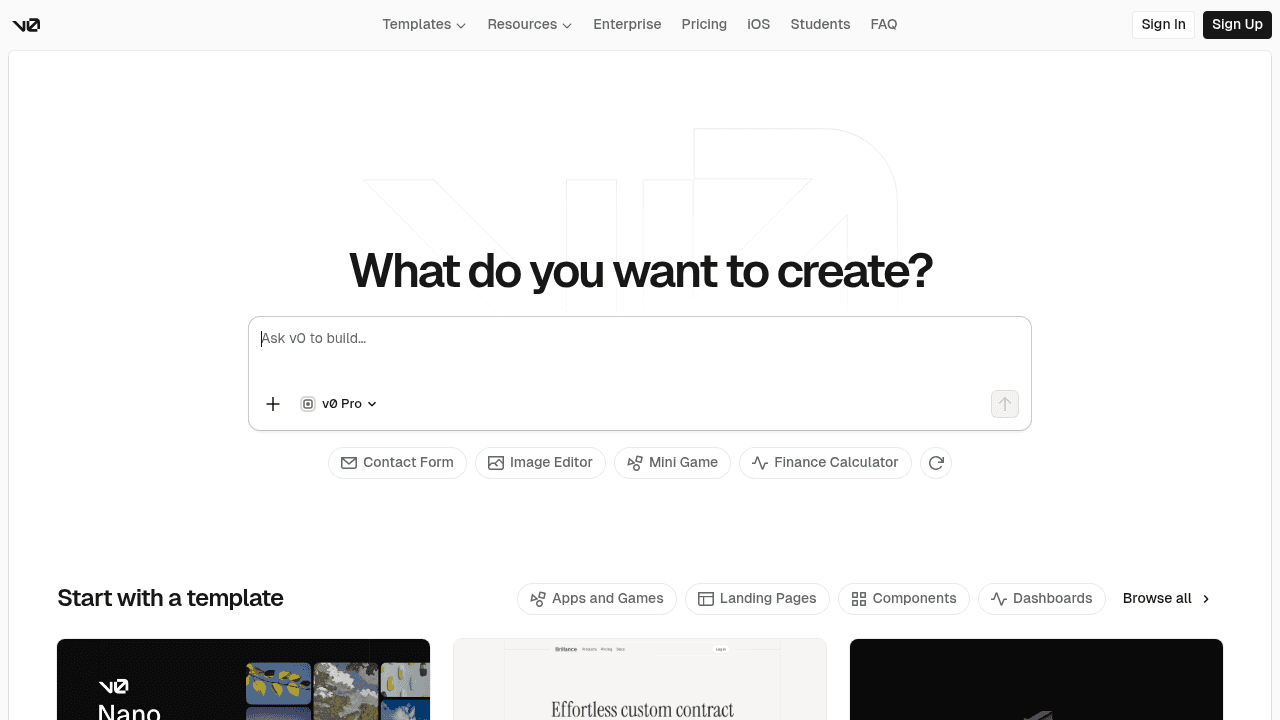
V0 targets the visual side of AI-powered app development. Built by Vercel, it lets developers generate React UI components via text prompts. It speeds up frontend work by outputting code rather than a fully managed application.
Key Features:
Generates React and Tailwind CSS components from text descriptions.
Uses the shadcn/ui library for accessible, customizable components.
Exports code directly to Next.js projects.
Integrates with GitHub for version control.
Limitations:
V0 creates interface code, not functioning software. It lacks database management or business logic. Teams cannot build apps with AI from start to finish here, as it requires developer expertise to connect components to actual data.
The Bottom Line:
V0 works well for developers who need to accelerate UI design, but it's not a business solution. You'll still need engineering resources to build the backend, manage data, and maintain the code. For operations teams looking to digitize processes without technical support, Stacker provides the complete package—database, permissions, and interface—ready to use.
Bubble
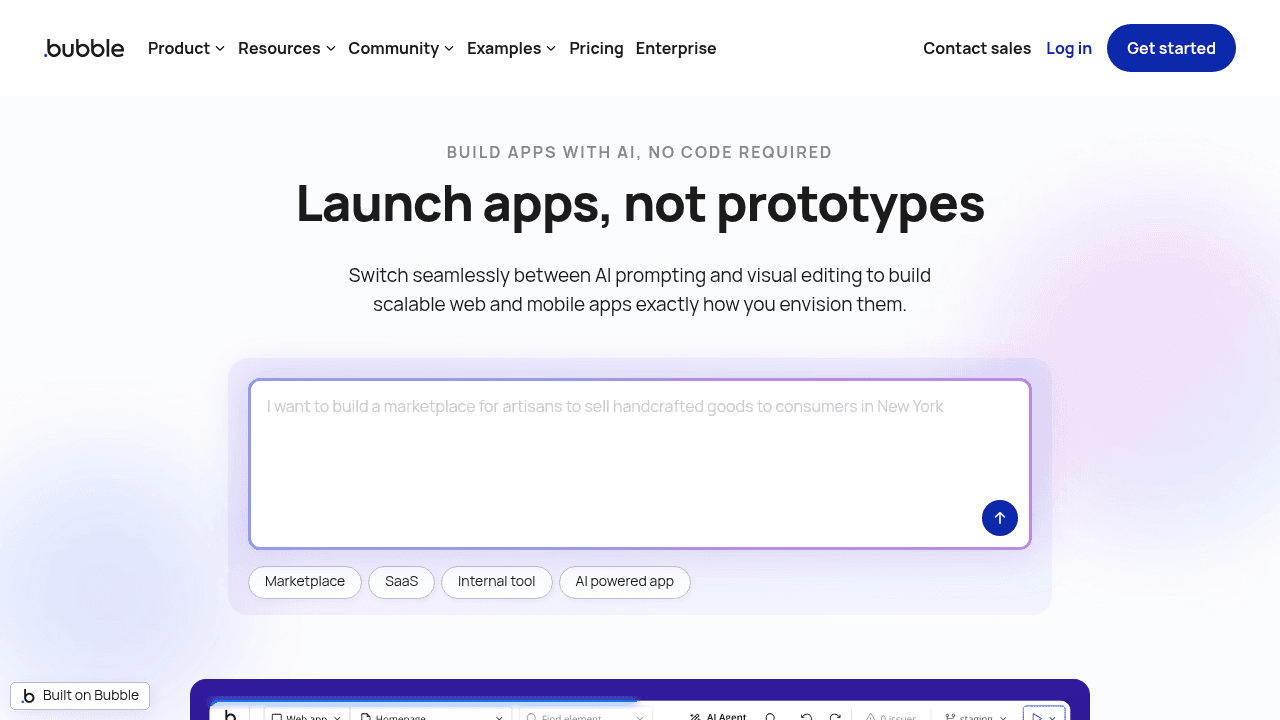
Bubble serves as a visual programming tool for creating web applications and PWAs. Users get granular design control to create pixel-perfect layouts and complex logic workflows. Its approach to AI-powered app development allows users to generate initial page components and structures using prompts.
Key Features:
Manage databases and workflows through visual builders without code.
Use AI features to generate initial UI layouts and page structures for rapid prototyping.
Pixel-perfect control over layouts that adapt to different screen sizes
Access hundreds of plugins and integrations to extend functionality.
Limitations:
The learning curve is steeper than most no-code AI tools. The editor requires familiarity with web design principles and workflow logic, which creates friction for business teams simply looking to digitize internal processes.
The Bottom Line:
Bubble suits entrepreneurs and product teams launching new web applications or MVPs where design control matters. For operations teams needing to digitize existing business processes without a learning curve, Stacker offers faster setup with AI generation and simpler editing.
AppSheet
AppSheet connects directly to spreadsheet data to generate mobile and web applications. As a Google solution, it pairs with Google Sheets to help you create user-friendly tools without code.
Key Features
Automatically creates app structure from existing Google Sheets or Excel data.
Deep integration with Google Sheets, Drive, and other Google services.
Native mobile features like barcode scanning, GPS location, and offline access.
Create triggers and notifications based on data changes through automation workflows.
Limitations:
Performance often suffers with large datasets or complex data relationships. Its form-centric design restricts you from building complex internal systems or multi-role portals. The platform works best for straightforward data collection scenarios rather than comprehensive business operations tools.
The Bottom Line:
AppSheet works well for basic field data capture and simple mobile forms, particularly for teams already invested in Google Workspace. For businesses needing advanced permissions, external user portals, or complex workflows, Stacker offers the robust capabilities needed for complete business operations.
Base44
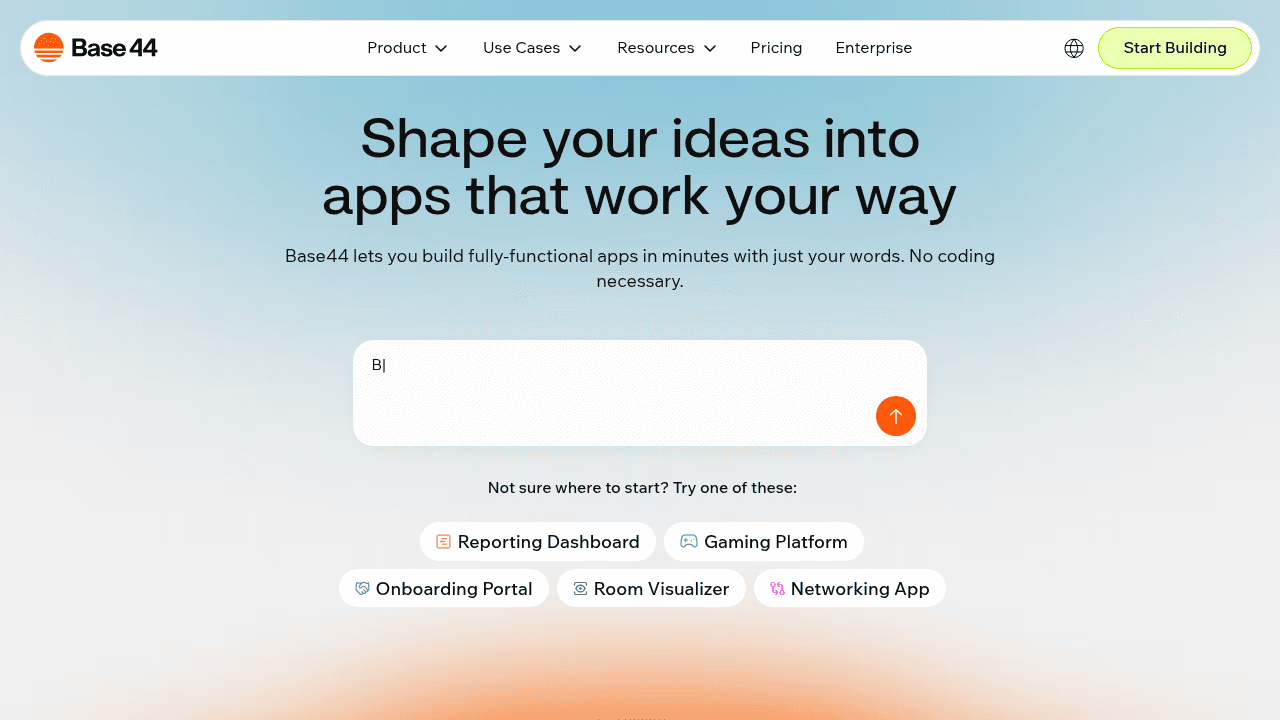
Base44 uses a text-to-app workflow where you describe your idea, and the tool builds the interface and backend logic. Acquired by Wix, it focuses on rapid creation with a minimal learning curve.
Key Features:
All-in-one AI app builder with integrated database.
User login and access control set up without manual configuration.
Visual editor for post-generation adjustments.
Apps are automatically deployed and accessible via shareable links.
Limitations:
While effective for demos, the software often lacks the reliability and data controls needed for long-term business systems. The platform is optimized for speed over stability, which can be problematic for operational tools that need to run consistently.
The Bottom Line:
Base44 suits rapid prototyping and proof-of-concept work rather than daily operations. For teams needing apps that handle real business data reliably over time, Stacker provides AI-powered app development designed for scalable business workflows with the security and permissions required for production use.
Lovable
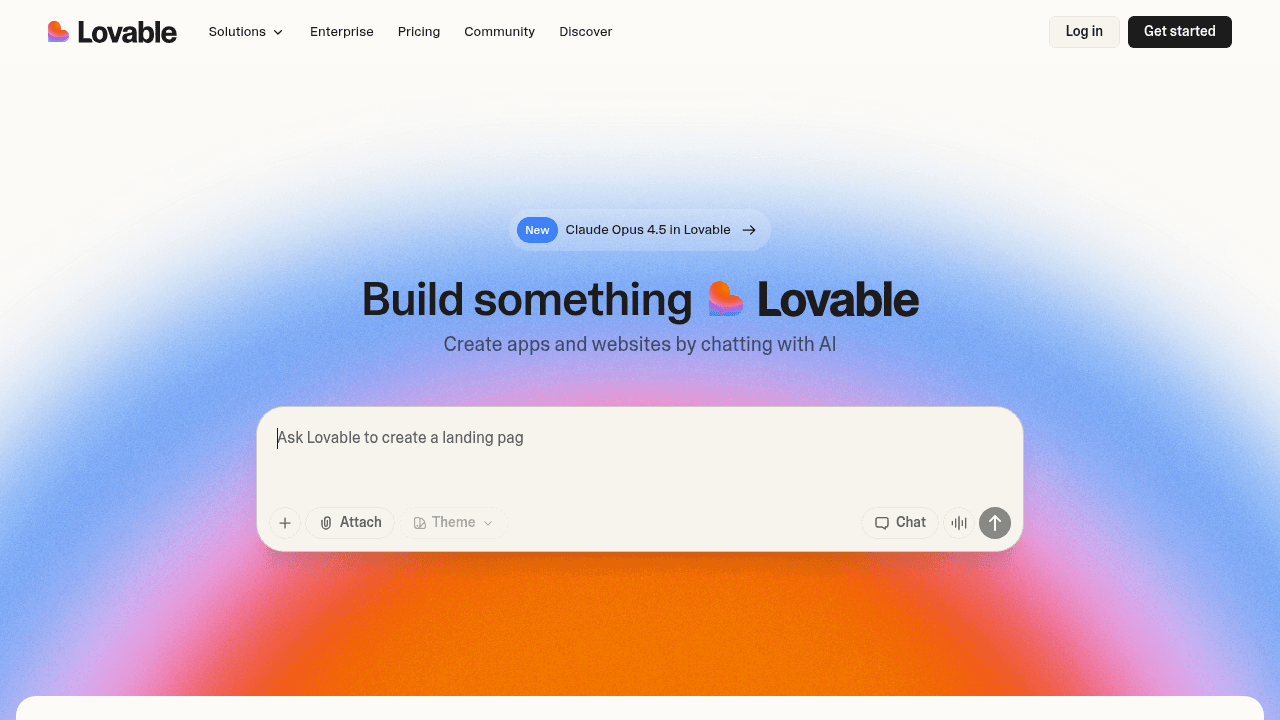
Lovable takes a distinctive approach by generating full-stack code rather than hosting a managed solution. It uses AI-powered app development workflows to turn text prompts into working web applications, using React for the interface and Supabase for data storage. You receive a shareable link instantly to view the software in action.
What they offer
Full-stack code generation for frontend and backend logic.
GitHub exports to take ownership of the source code.
Supabase integrations for databases and user authentication.
Real-time collaboration features for teams.
Limitations:
While the speed is impressive, the output is raw code. Iterating on designs consumes credits quickly, and modifying one component often breaks dependencies in others. Because it produces code, you inherit the maintenance duties of traditional software. Recent adoption statistics indicate that reliance on code-heavy approaches often results in slower deployment cycles compared to visual tools that abstract technical complexity.
The Bottom Line:
Lovable is a strong tool for engineers who want an AI coding assistant. However, operations teams need apps that remain stable when processes change. Stacker provides a secure environment where business users can edit their tools without worrying about breaking the underlying code.
Feature Comparison Table of AI No-Code App Builders
Selecting the right software requires looking beyond generation speeds. We compared these tools based on their ability to support business workflows, focusing on data security, user access, and long-term maintenance.
Feature | Stacker | V0 | Bubble | AppSheet | Base44 | Lovable |
|---|---|---|---|---|---|---|
AI App Generation | Full Database & UI | UI Components Only | Page Layouts | Form Logic | Full App | Full Stack Code |
Built-in Database | Yes | No | Yes | Connects Only | Yes | External (Supabase) |
Role-Based Permissions | Granular | None | High Complexity | Basic | Basic | Basic |
External User Portals | Native Feature | No | Manual Setup | Internal Only | No | Manual Setup |
Operational Reliability | High (Business Ready) | Low (Prototype) | High | Medium | Low (Prototype) | Medium |
Non-Technical Friendly | Yes | No | No | Yes | Yes | No |
Output Type | Managed No-Code | React Code | Visual Programming | Managed No-Code | Managed No-Code | Raw Code |
Code generators like V0 and Lovable provide speed for developers needing raw code. Stacker serves operations teams who need to build apps with AI that function immediately. It pairs the accessibility of no-code AI tools with the permissions and secure portals necessary for managing business data.
Why Stacker is the Best AI No-Code App Builder for Business Teams
Stacker combines generative tech with the stability required for business processes. Unlike code-generation tools that often produce fragile prototypes, Stacker delivers fully functional software backed by structured databases. You can build apps with AI that are ready for immediate use, complete with secure permissions and live data connections.
This AI app builder accelerates setup while maintaining long-term flexibility. A visual editor gives non-technical users control to adapt the interface as team needs change.
Final thoughts on selecting AI no-code tools
Speed matters, but so does what you get after the AI finishes generating. AI-powered app development tools that output code require ongoing maintenance, while Stacker delivers managed software ready for your team and clients. You describe what you need, refine the interface visually, and your app stays stable as your business grows.
FAQ
How do I choose the right AI no-code app builder for my business?
Start by identifying whether you need a managed solution or raw code output. If your team lacks developers, select tools like Stacker or AppSheet that handle infrastructure and security. For complex workflows with external users, prioritize platforms offering granular permissions and portal capabilities over simple form builders.
Which AI app builder works best for teams without technical skills?
Stacker and AppSheet are designed for non-technical users, offering visual editors and AI generation without requiring coding knowledge. Stacker handles more complex business processes and secure portals, while AppSheet suits simpler mobile data collection. Avoid tools like V0 or Lovable, which output code requiring developer maintenance.
Can I build secure client portals using AI no-code platforms?
Yes, but not all platforms support this equally. Stacker provides native portal functionality with record-level permissions, allowing you to safely share data with external clients or partners. Other options like Bubble require manual configuration, while tools like AppSheet and Base44 focus primarily on internal users.
What's the difference between code-generating AI tools and managed no-code platforms?
Code generators like V0 and Lovable output React or full-stack code that you must host and maintain yourself. Managed platforms like Stacker and Bubble handle infrastructure, security, and updates automatically. Choose code generators only if you have developers available for ongoing maintenance; otherwise, managed solutions reduce technical overhead.
When should I use an AI app builder instead of spreadsheets or project management tools?
Switch to an AI app builder when you need structured workflows, role-based access controls, or external user access that spreadsheets can't provide. If you're spending significant time on manual data entry or struggling with spreadsheet errors, tools like Stacker can automate processes and improve data reliability while remaining accessible to non-technical teams.




