
5 MIN READ
Wednesday, January 7, 2026

Michael Skelly
Growth Marketer, Stacker
Most teams start comparing Stacker and Glide because both promise quick app building from existing data sources. The differences become important once you need secure portals for clients or vendors, clean role-based access, and a data model that can grow with your business. This guide walks through how each tool handles data, permissions, external users, and pricing so you can pick the one that actually supports your workflow.
TLDR:
Stacker gives you a built-in relational database plus an AI app builder; Glide leans heavily on spreadsheets and its own tables.
Stacker offers row- and field-level permissions for secure client and vendor portals.
Stacker supports deeper workflows and business logic, so teams can manage real processes in one place.
Glide’s pricing for business email users climbs as you add more external users with corporate domains.
Stacker is a no-code tool for building custom business apps, CRMs, and secure portals without writing code.
What is Glide?
Glide is a no-code app builder that turns data from sources like Google Sheets, Excel, Airtable, BigQuery, and SQL into mobile-ready and web apps. You connect the data source, and Glide generates an app that you then refine using a drag-and-drop editor and a library of pre-built components and templates.
Glide focuses strongly on visual polish and mobile-friendly layouts, which makes it popular for internal dashboards, field tools, and lightweight apps that staff access from their phones. It includes AI features, workflow automation, and integrations with tools like Slack and Stripe so teams can capture data in forms, trigger actions, and keep data in sync with existing systems.
What is Stacker?
Stacker is a no-code tool (with integrated AI) that lets non-technical teams build business apps like CRMs, internal tools, and secure portals on top of a built-in relational database or synced data from Airtable, Google Sheets, and dozens of other sources. You describe what you want in plain English, and Stacker’s AI builder generates a working app that you can adjust with a visual editor.
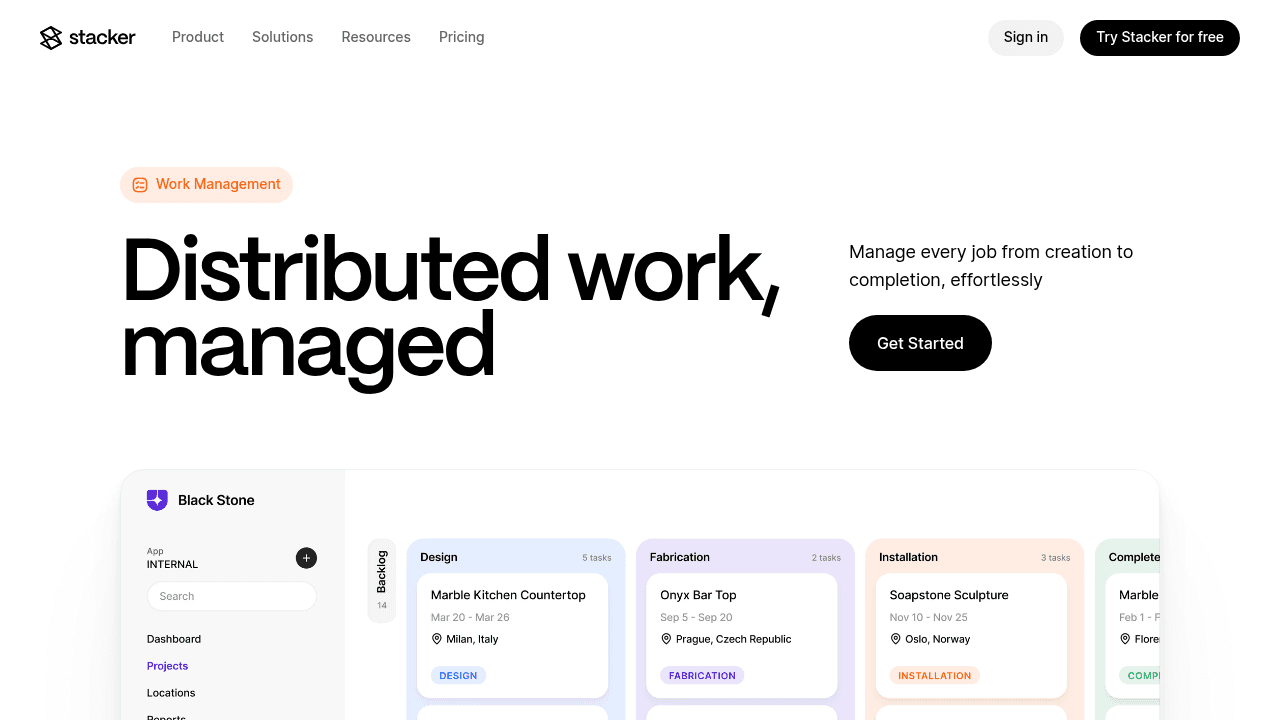
From there, you create lists, detail pages, forms, and dashboards for different roles, then apply granular permissions so internal staff, managers, customers, and vendors each see only what they should. Common use cases include flexible CRMs, work trackers, process pipelines, inventory apps, and client or vendor portals in niche industries where off-the-shelf software doesn’t fit well.
Data Handling and Scalability
Data architecture determines how far your app can go before performance or limits force a rebuild.
Glide
Glide connects to spreadsheet-style sources (Google Sheets, Excel, Airtable) and also offers Glide Tables and Big Tables for higher-scale data. Its Explorer and Business plans support tens of thousands of rows per app, with support for Big Tables and other “high-scale” sources at the upper tiers.
This structure works well when your data started in spreadsheets and the app layer is relatively simple. However, you still manage much of your logic, relationships, and performance around spreadsheet concepts, which can become hard to maintain for large, multi-entity systems.
Stacker
Stacker offers its own relational tables and can also sync in real time with Airtable, Google Sheets, and other sources. Many teams start by connecting their existing bases or spreadsheets, then move into Stacker tables as they grow so they can avoid row limits and spreadsheet-related performance issues.
Because Stacker is built around a relational database from the start, it’s more natural to model linked entities such as “companies → contacts → deals → tickets,” or “properties → leases → tenants → maintenance requests,” and then build interfaces on top of that structure. This is closer to how full business systems are usually designed.
Rule of thumb:
If your data will stay relatively small and spreadsheet-like, Glide can be enough.
If you expect to cross 50,000+ records and juggle many related tables, Stacker’s database will serve you better over time.
AI-Powered App Building
Both tools lean on AI, but they use it in different ways.
Glide includes AI features and workflows that help you enrich data and automate tasks inside your apps.
Stacker uses AI to generate entire applications from a prompt, then lets you iterate in natural language while still keeping everything on a stable no-code foundation.
For teams that want AI assistance inside a spreadsheet-style environment, Glide is appealing. For teams that want AI to jump-start full business apps, CRMs, portals, work trackers, Stacker’s approach is a better fit.
Managing External Users and Portals
Sharing data with vendors, partners, or clients requires strict access control and a clean user experience. With small and medium-sized businesses accounting for 70.5% of data breaches in 2025, proper external user security has become more critical than ever.
Glide supports authentication and lets you create basic portals where users sign in, usually via web links or progressive web apps. This works well for internal teams or smaller groups of users that access simple utility apps.
However, Glide’s pricing model complicates the picture for business clients. Plans distinguish between “personal users” and “business users” with corporate domains, and business users are limited on each plan with per-user fees for additional seats. If your portal serves many clients with company emails, you can quickly move into higher tiers or see your monthly costs climb.
Stacker
We designed Stacker to handle secure external access from day one. Instead of broad rules, you define permissions at the row and field level, and you can set different roles for staff, managers, clients, and vendors in the same app. This keeps sensitive information protected while still giving each external user a clear view of their own records.
For client-facing tools, brand and trust also matter. Stacker lets you run portals on your own domain, so logins and links match your brand versus a generic host. Users get persistent accounts and predictable login URLs, which makes it practical for them to check orders, submit requests, or upload files whenever they need to.
If your future includes dozens or hundreds of external users, Stacker’s model for permissions and portals is better suited to that level of complexity.
Workflow Complexity and Business Logic
This is where the “beautiful utility app vs. full business system” distinction shows up most clearly.
Glide
Glide is excellent for attractive, focused apps that do a few things well: inventory checks, on-site forms, event apps, simple status dashboards, or basic internal tools tied to spreadsheets. You can add actions, basic workflows, and automation logic, but as processes span more teams, roles, and tables, the spreadsheet-first model starts to feel stretched.
In other words, Glide excels when the app is a front end for a contained process, not the backbone of your entire operations.
Stacker
Stacker is built to run more of your day-to-day work in one place. You can model multi-step flows (intake → review → approval → delivery), attach different interfaces for each stage or role, and apply permissions and automations that keep records moving without manual chasing. Low-code platforms like these allow 50-90% reduction in development time and allow companies to avoid hiring additional developers, saving an estimated $4.4 million over three years.
A sales and onboarding CRM that spans lead capture, deal tracking, and implementation.
A service delivery tool where clients submit tickets, internal teams triage and respond, and managers see performance reports.
An inventory or asset tracker where technicians, coordinators, and finance all need different slices of the same data.
Glide can cover parts of these flows, especially on mobile, but Stacker is more suited to being the core system that everyone touches.
Feature Comparison: Stacker vs Glide
Feature / area | Glide | Stacker |
|---|---|---|
Core focus | Polished, mostly mobile-friendly utility apps | Custom business apps, CRMs, and secure portals |
Data storage | Spreadsheet sources, Glide Tables, Big Tables | Built-in relational DB or synced data from 60+ sources |
AI assistance | AI features and workflows in apps | AI builder that generates full apps from prompts |
External users / portals | Supported; pricing tied to business email users | Designed for clients, vendors, and partners from the start |
Permissions | App-level and basic role behavior | Field- and record-level, role-based permissions |
Typical use cases | Dashboards, field tools, small internal apps | CRMs, work trackers, inventory, client/vendor portals |
Why Stacker is the Better Choice
If you see Glide and Stacker side by side, Glide often wins on quick, good-looking apps connected to spreadsheets, especially when mobile is the main channel. Stacker, on the other hand, is built for teams that want a durable system for running business processes, with a proper database, strong permissions, and serious portal capabilities.
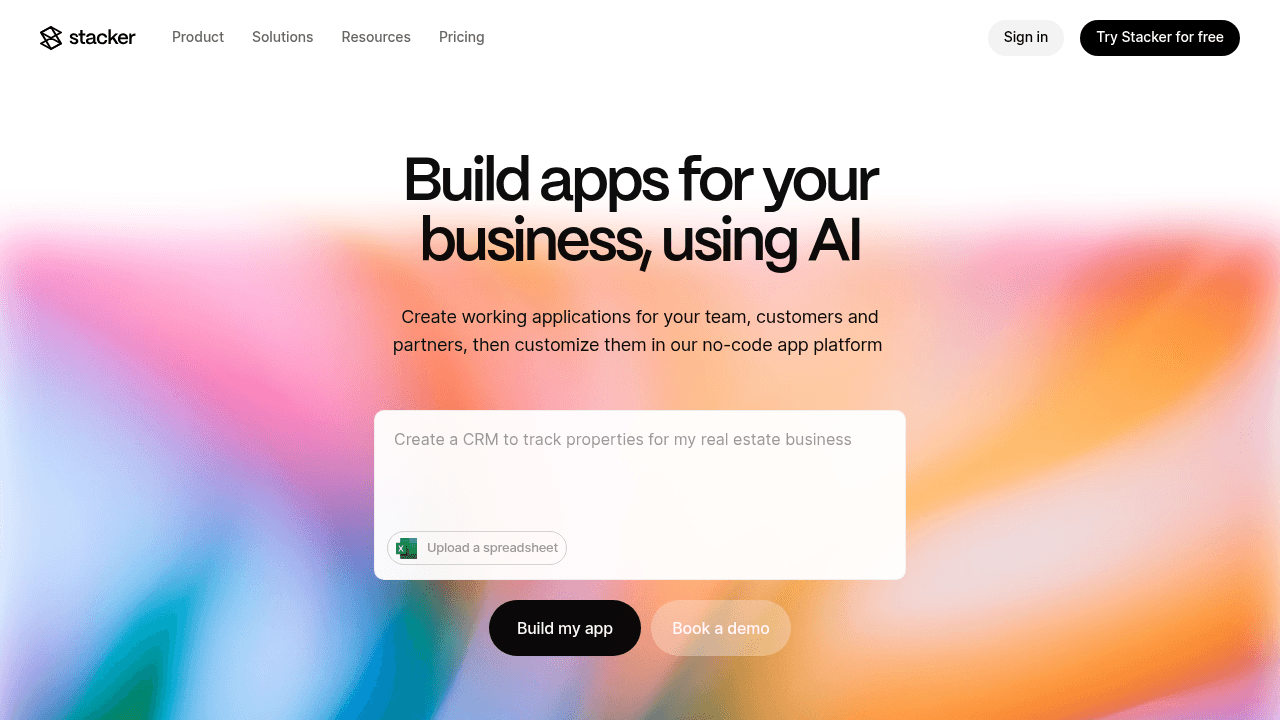
You should lean toward Stacker if:
You want a single source of truth instead of juggling many spreadsheets.
Multiple roles (ops, sales, finance, leadership, clients, vendors) need to work in the same app.
External access, branded portals, and granular permissions are non-negotiable.
You expect to keep extending the app as your process evolves.
If you want to see what that looks like with your own data, you can try Stacker for free and have your first app up in a few minutes.
Final Thoughts
The Glide vs Stacker decision comes down to scope and audience. Glide is strong for attractive, mobile-friendly apps that sit on top of spreadsheets for internal use. Stacker is better for business apps that need a real database, complex roles, and secure portals for customers and partners.
If your main goal is to get a simple app out quickly for a small team, Glide can work well. If you expect your app to become the place where clients log in, vendors update work, and your team tracks core processes, Stacker is likely the more durable choice for 2026.
FAQs
How should I decide between Stacker and Glide for my business?
Consider how you'll store data and who needs access. If you're building internal tools with light external sharing and want to keep using Google Sheets, Glide works well. If you need a built-in database, complex permission controls for external clients or vendors, and plan to scale beyond 50,000 rows, Stacker is the better fit.
What's the main difference in how Stacker and Glide handle external users?
Glide charges based on email domain types and can push you into higher pricing tiers when adding business clients. Stacker gives you field-level and row-level permissions within the same app, letting you control exactly what internal teams, executives, and external partners can see without separate pricing complications.
Who is Glide best suited for?
Glide works well for small teams building simple internal tools or dashboards that connect to existing spreadsheets. It's a good choice if you have straightforward workflows, don't need heavy customization, and want to get something running quickly without migrating data.
When does Stacker's built-in database become important?
If you're managing more than 50,000 rows, need reliable performance as your data grows, or want to build relationships between different data types (like linking customers to orders to invoices), Stacker's database prevents the slowdowns and limitations you'll hit with spreadsheet-based systems.
Can I migrate from Glide to Stacker if my needs change?
Yes. You can connect Stacker to your existing Google Sheets or Airtable bases that Glide uses, or import that data into Stacker's built-in database. Most teams can set up the foundation in a few hours, though recreating complex workflows and customizing permissions will take additional time depending on your app's complexity.




