
8 MIN READ
Monday, December 22, 2025


Michael Skelly
Founder, Stacker
Tracking emails and attachments across customers often leads to mistakes. While spreadsheets work early on, scaling requires better client collaboration tools. A secure client portal solves this by offering a centralized hub where customers log-in to view data and communicate directly with your team.
Selecting the right client management portal can feel overwhelming. You likely want a white label client portal that reflects your brand rather than a generic interface. Whether you're sharing project updates or managing invoices, the right portal software streamlines communication and improves the client experience.
In this guide, we’ll highlight the best client portal software solutions, what each does best, and how to choose the right fit for your business.
TLDR:
Client portal software creates a secure login space where customers access files and updates.
Stacker builds custom portals with AI-driven generation and granular role-based permissions.
Most tools force rigid templates; Stacker adapts to your specific workflows and data models.
Alternatives like Softr and Glide rely on spreadsheets, limiting complex business logic.
Stacker offers a built-in database and real-time sync with Airtable or Google Sheets.
What is Client Portal Software?
Client portal software creates a private gateway for customers to interact with your business. These solutions serve as a secure client portal where external stakeholders log-in to access data, files, and status updates.
A robust client management portal handles tasks like document sharing, messaging, and automated billing. These client collaboration tools create a single source of truth, reducing administrative work and eliminating scattered email threads.
What to Look For in Client Portal Software
The best client portal solutions bring documents, messaging, tasks, and updates into one branded workspace, reducing back-and-forth and improving transparency. For agencies, professional services firms, and client-facing teams, the right portal can streamline operations while elevating the client experience.
With 81% of customers trying to fix issues independently before asking for help, you need software that supports self-service. The best tools adapt to your operations over those with rigid templates.
Our evaluation framework focuses on these capabilities:
Customization depth: Modifying workflows, data models, and interfaces to fit your process.
Security protocols: Role-based permissions to maintain a secure client portal.
Workflow logic: Building automations and business rules within the app.
Data architecture: Backend database reliability versus basic spreadsheet wrappers.
External access: Managing distinct login permissions for clients, vendors, and partners.
Connectivity: Connecting with your existing tech stack and data sources.
Best Overall Client Portal Software: Stacker
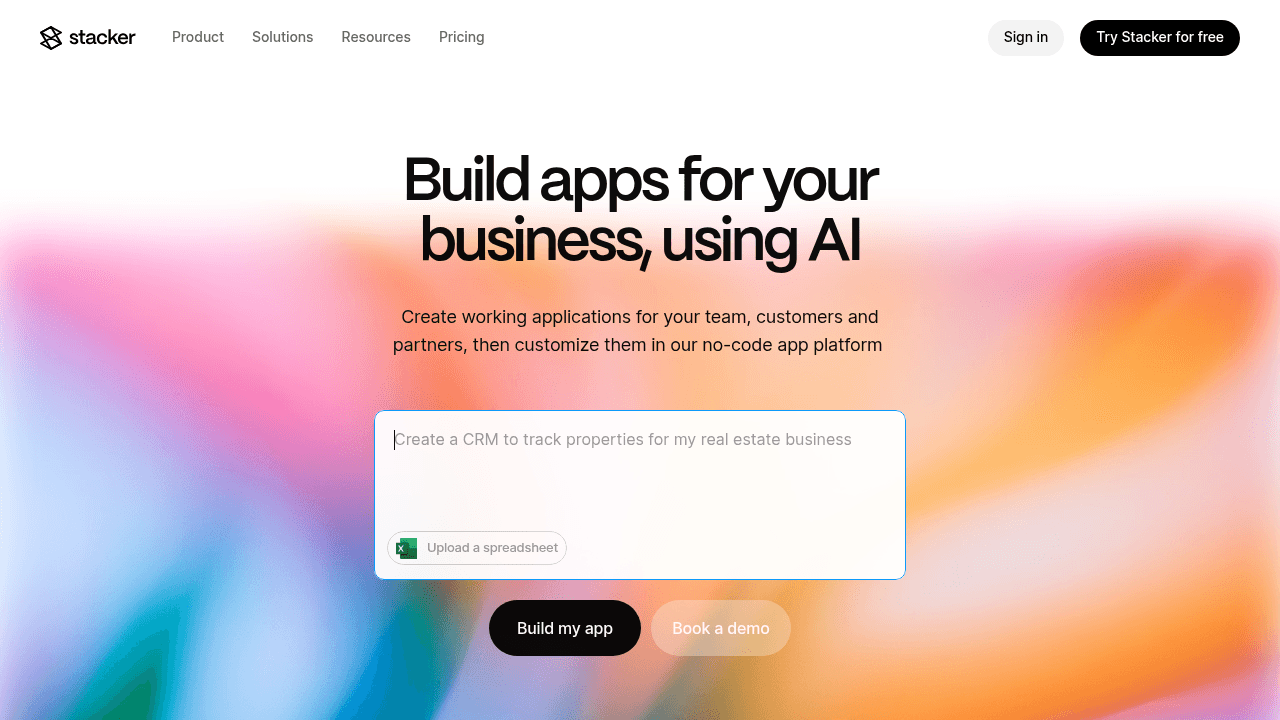
Stacker allows you to build client management portals and internal tools without writing code. Instead of forcing your business into rigid templates, Stacker lets you design a system that mirrors your specific workflows. The AI-powered builder generates working applications from plain English descriptions, letting you iterate on the design through conversation. You can use the built-in database or sync data directly from Airtable and Google Sheets while maintaining strict control over your information architecture.
Key Features:
AI-driven builder that generates and modifies portals based on your text descriptions.
Granular role-based permissions to control exactly which records clients and vendors can see or edit.
Visual editor for configuring custom layouts, forms, and dashboards without technical skills.
Business logic features including formulas and workflow triggers to automate manual tasks.
The Bottom Line:
Stacker suits businesses that require more than basic file sharing. It serves organizations with specialized workflows, complex data relationships, or unique logical requirements that standard off-the-shelf tools fail to support.
Stacker provides the flexibility of custom development with the speed of no-code. While many competitors offer static templates, Stacker provides the infrastructure to build a secure client portal that adapts to your operational needs.
These capabilities make Stacker a strong choice for managing client interactions and complex data at scale. See how The Traveling Tap manages business operations and client requests with Stacker, or learn how TED built a tailor-made tool for handling applications.
SuiteDash
SuiteDash combines CRM, project management, and invoicing in one cloud-based tool, helping small businesses replace multiple subscriptions with a centralized environment.
Key Features:
White label portals for branding, project tracking, and billing.
Built-in CRM and automated client onboarding workflows.
Tools for sales funnels, scheduling, and e-signing.
Configuration based using forms, automations, and templates.
Limitations:
SuiteDash is fast to deploy, but provides limited customization. With the closed proprietary data model and limited external syncing and customization, you must often adapt to their structure rather than building workflows that fit your operations.
The Bottom Line:
SuiteDash is most commonly used by consultants, agencies, accountants, and other professional services firms that want to manage clients end-to-end with pre-bundled features. Stacker offers more flexibility for creating custom tools that match your specific business processes.
Assembly
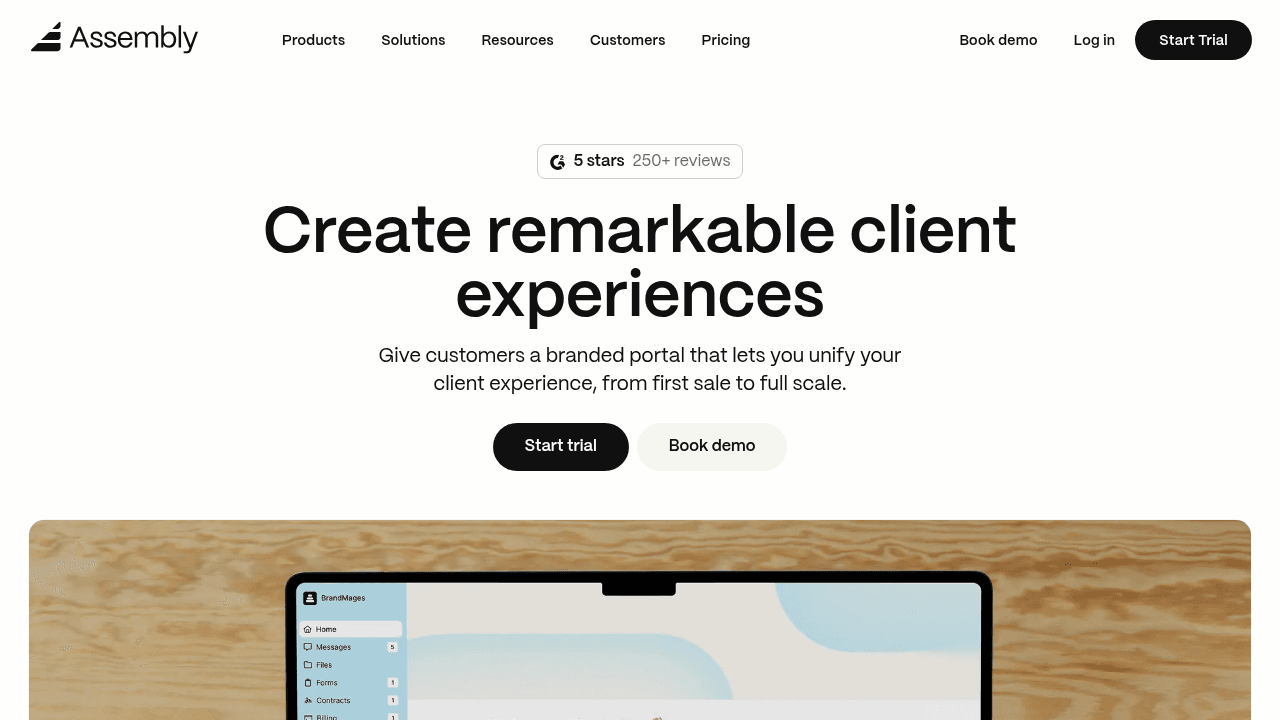
Assembly provides an AI solution for professional service firms to consolidate client work. It brings tasks, payments, and communication into a unified, branded interface.
Key Features:
SOC 2 and HIPAA compliant environment with automation features.
Native tools for messaging, file sharing, and invoicing.
Workflows for client onboarding and routine management.
Connections to external apps via Zapier, Make, and API.
Limitations:
Assembly is a fixed portal with predefined features. Users cannot fundamentally reshape the data structure or build custom interfaces that sit outside the provided framework.
The Bottom Line:
A strong choice for firms needing a polished communication layer. However, Stacker is preferable for building complete operational systems with custom data models.
Glide
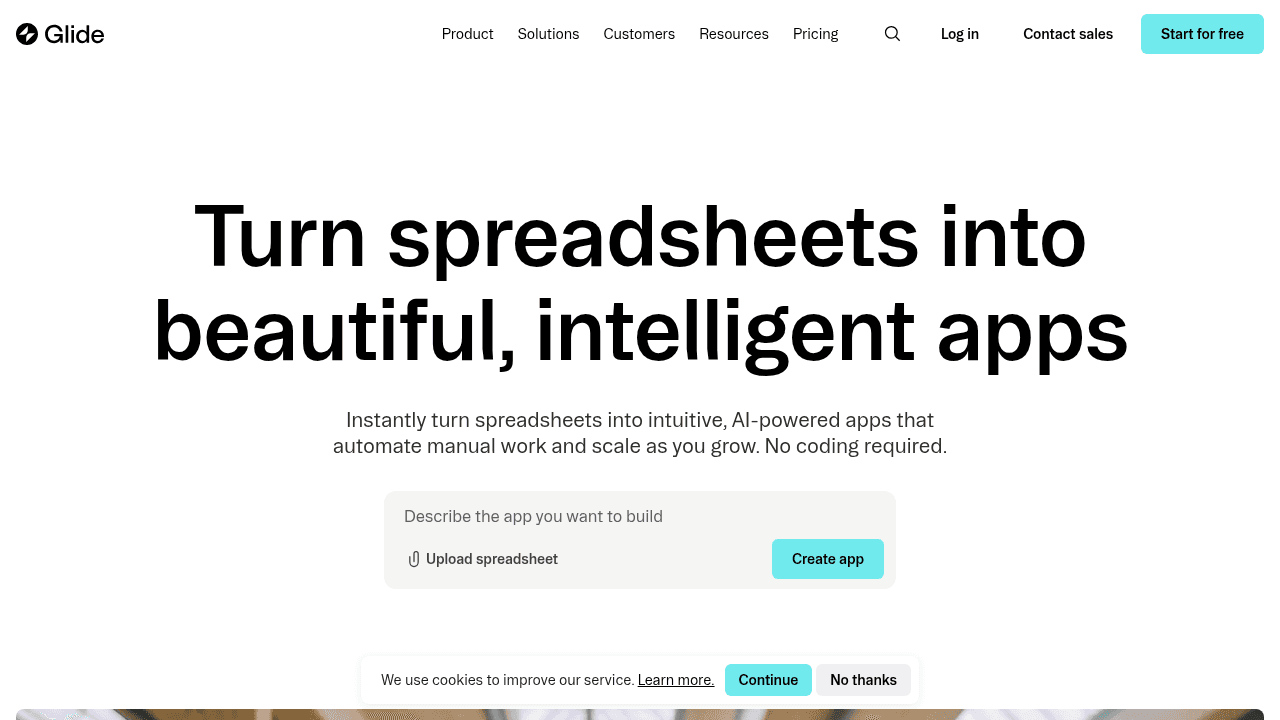
Glide builds mobile-focused apps directly from Google Sheets. It focuses on visual appeal and speed, making it a strong choice for simple use cases like inventory checks or event guides.
Key Features:
App generation from Google Sheets with automatic sync.
Mobile-first design with apps optimized for smartphone and tablet use.
Basic form builders and data collection tools.
Limitations:
Glide relies heavily on Google Sheets, making it unsuitable for heavy business workflows. It lacks the database architecture and granular permissions required for a secure client portal with complex data relationships.
The Bottom Line:
Glide works well for simple utility apps but cannot support mission-critical company systems. Stacker offers the deep data management and external user support needed to run actual business processes.
Softr
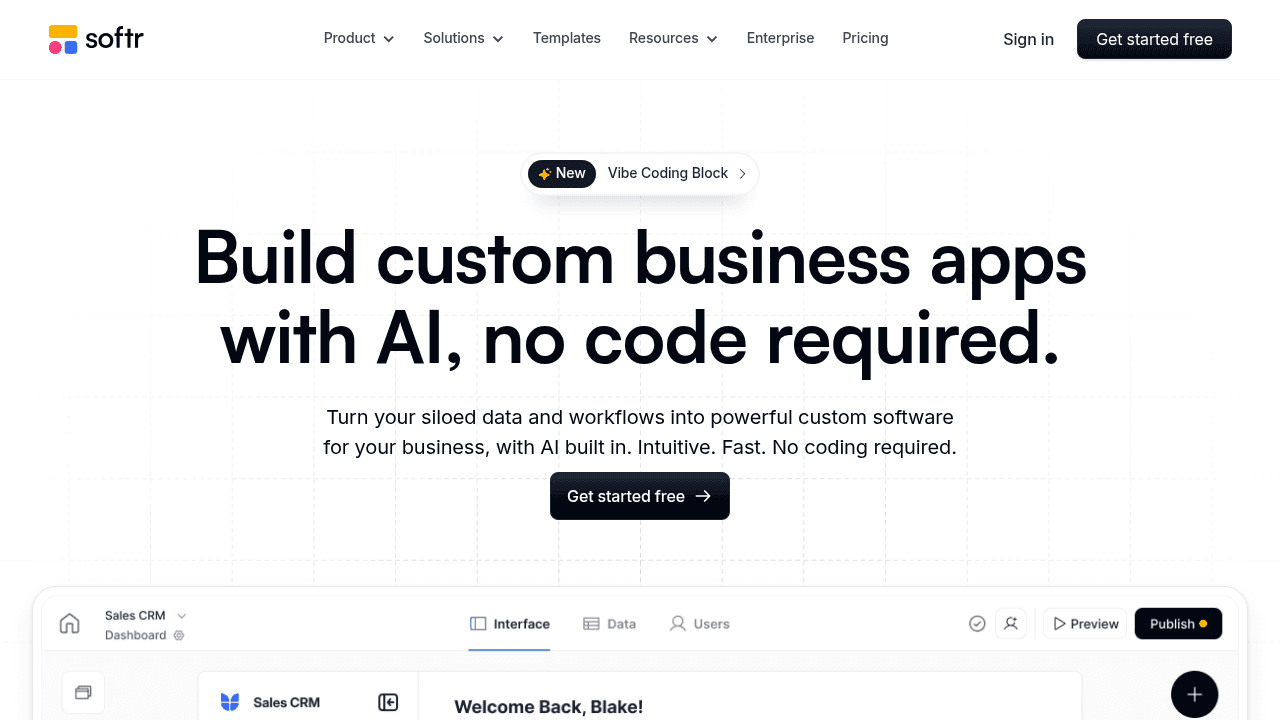
Softr allows you to build websites and basic apps connected to Airtable or Google Sheets. It prioritizes design and speed, helping users launch directories or simple portals fast.
Key Features:
Templates for landing pages and directories.
Simple membership gates for user access.
Pre-built blocks and components for rapid assembly of common interface elements like forms, lists, and charts.
Integration with Airtable and Google Sheets.
Limitations:
This tool is restricted to lightweight use cases. It misses the advanced permissions and detailed workflows necessary for complex operations. Softr works for testing ideas, whereas Stacker handles the security and structure required for managing actual business processes.
The Bottom Line:
Softr works well for quickly launching simple portals or directories when you already have data in Airtable or Google Sheets. However, it lacks the database architecture and granular permissions needed for complex business operations. For running actual business processes with detailed workflows and secure external access, Stacker provides the structure and flexibility required.
Feature Comparison Table
Identifying the best client portal software involves evaluating technical capabilities against your operational needs. The table below compares Stacker with alternative solutions, focusing on database integration, permission settings, and branding options to clarify which tool supports your specific use case.
Feature | Stacker | SuiteDash | Assembly | Glide | Softr |
|---|---|---|---|---|---|
AI-powered app builder | Yes | No | Limited | No | No |
Built-in relational database | Yes | No | No | No | No |
Custom workflow automation | Yes | Yes | Limited | Limited | Limited |
Granular role-based permissions | Yes | Yes | Limited | Limited | Limited |
External user support | Yes | Yes | Yes | Limited | Limited |
Custom data modeling | Yes | No | No | No | No |
White label capabilities | Yes | Yes | Yes | No | Limited |
Real-time collaboration | Yes | Yes | Yes | Yes | Yes |
Why Stacker is the Best Client Portal Software
Most client portal software restricts your team to static templates that rarely fit unique workflows. Stacker provides the infrastructure to build a secure client portal that mirrors your specific business logic. Instead of changing your process to fit the tool, you define custom data relationships and business rules directly in the app.
The AI-powered builder removes the need for expensive development teams. You describe the application you need, and the system generates a working foundation instantly. This allows you to create a white label client portal tailored to complex tasks, such as multi-stage approvals or inventory tracking.
Security is built into the core structure. Stacker includes granular permission controls, letting you define exactly what external users access down to the field level.
You maintain strict data integrity while providing clients with a professional, custom collaboration space. As 77% of businesses adopt cloud-based portals for their scalability and cost advantages, Stacker's cloud infrastructure ensures you can scale seamlessly as your client base grows.
Final Thoughts on Client Portal Software Options
Building a white label client portal means finding software that fits your unique workflows without compromise. Templates get you started, but they rarely handle the complexity of real business operations. Stacker lets you create custom portals that match your exact requirements while keeping data secure and accessible. Focus on what you need now and what you'll need as you grow.
FAQ
How do I choose the right client portal software for my business?
Start by identifying whether you need a fixed template or custom workflows. If your process involves unique data relationships, multi-step approvals, or specialized logic, choose a platform with a built-in database and flexible data modeling. For simpler file sharing and messaging, a pre-built solution may work fine.
Which client portal software works best for teams without technical skills?
Platforms with AI-powered builders or visual editors let non-technical users create portals without coding. Look for tools that generate working applications from plain descriptions and offer drag-and-drop customization, so you can modify layouts and permissions without developer support.
Can I build a white label client portal that matches my brand?
Yes, most modern client portal software includes white label capabilities. The depth varies—some tools only let you change colors and logos, while others allow complete interface customization. Check whether the platform restricts branding to specific templates or lets you design custom layouts.
What's the difference between spreadsheet-based portals and database-driven solutions?
Spreadsheet-based portals sync directly with tools like Airtable or Google Sheets, making setup fast but limiting complex data relationships. Database-driven solutions store information in a relational structure, supporting advanced permissions, workflow automation, and better performance as your data grows.
When should I move from email and spreadsheets to a dedicated client management portal?
Consider switching when you spend significant time tracking attachments across email threads, when clients frequently ask for status updates, or when permission errors expose sensitive data. A secure client portal reduces administrative work and gives customers self-service access to their information.




