
8 MIN READ
Monday, January 5, 2026

Michael Skelly
Growth Marketer, Stacker
If you're comparing Airtable vs Stacker, you've probably hit the point where organizing your data isn't enough anymore. Airtable does a solid job as a relational database with a friendly interface, but when you need to build client portals, create department-specific views, or give external users limited access without exposing your entire workspace, you'll find yourself fighting how it’s set up. The decision is less about ticking off features and more about whether you’re maintaining a database or running business software that people outside your core team can actually use.
TLDR:
Stacker builds custom business apps with AI and role-based access; Airtable is mainly a database tool.
Airtable struggles with external user portals and custom workflows once you move beyond spreadsheet views.
Stacker shines for client and vendor portals with granular permissions Airtable can’t easily match.
Airtable’s pricing rises quickly as you add external users; Stacker offers better value when many people need limited access.
Stacker turns your data into structured apps; Airtable keeps you in a grid-centric experience.
What is Airtable?
Airtable is a spreadsheet–database hybrid that lets teams store, relate, and view data in a flexible grid, which sits right in the middle of the classic database vs. spreadsheet. You can create tables, link records, and see information in Grid, Kanban, Calendar, or Gantt views, which makes it popular for shared project lists, content calendars, and lightweight tracking systems. It also includes Interface Designer and basic automation so you can layer simple “apps” and workflows on top of your bases.
In practice, Airtable works best when your team lives inside the tool and is happy working with tables and views. It’s an upgrade from traditional spreadsheets, but it’s still built around the idea that your main users are internal collaborators looking at rows and fields.
What is Stacker?
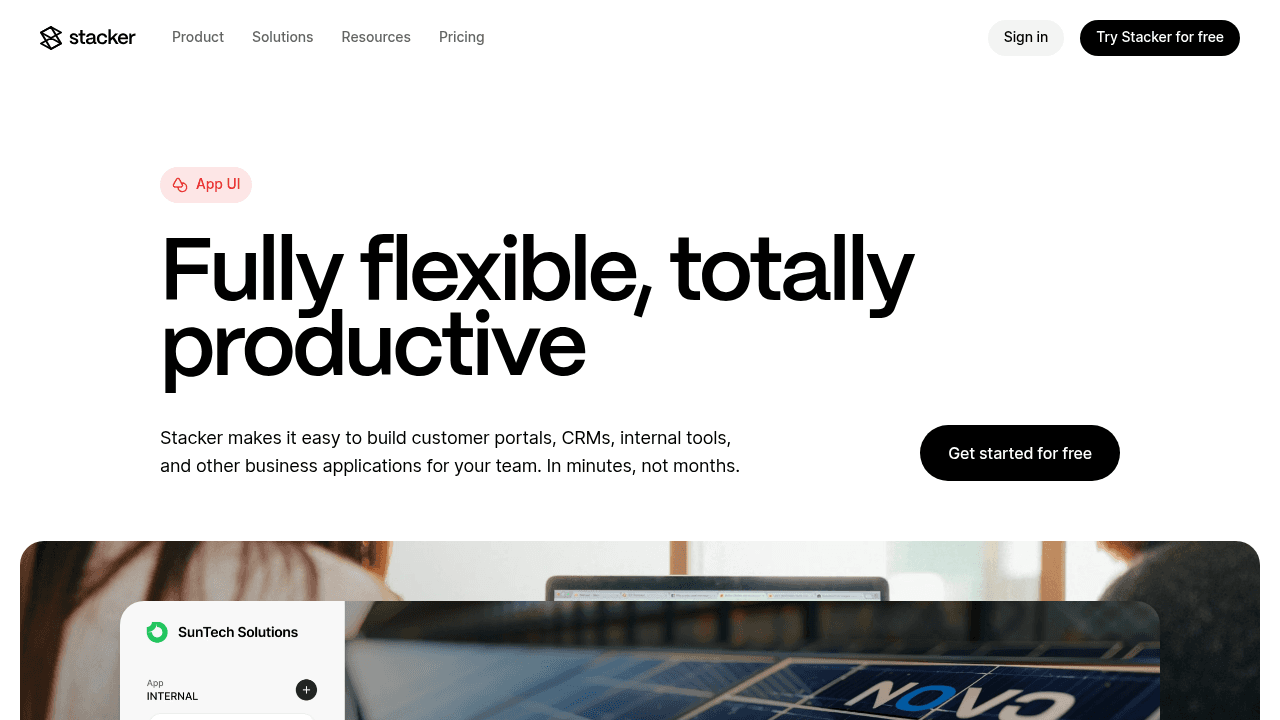
Stacker is a no-code tool (with integrated AI) that lets non-technical teams build custom apps, such as CRMs, internal tools, and secure portals, on top of a built-in relational database or on data from Airtable, Google Sheets, and other sources. You describe the app you want in plain English, and Stacker’s AI builder generates a working version you can immediately refine in a visual editor.
From there, you add pages, lists, forms, and dashboards for different audiences, while fine-tuning role-based permissions so internal staff, customers, and partners each see only what they should. Typical uses include flexible CRMs, work trackers, process pipelines, inventory tools, and client or vendor portals for niche industries where off-the-shelf software doesn’t fit.
Data Architecture and Day-to-Day Use
When looking at Stacker vs Airtable, the key difference is how each tool thinks about data and everyday work. Both store information, but only one is built to be the “front door” your team and external users use daily.
Airtable
Airtable works as a relational database with a spreadsheet interface. You define tables, link them, and then build different views to slice the same data: one base might power a content calendar, asset library, and simple production tracker all at once. This is ideal if your main focus is collecting and structuring data and your team is comfortable jumping between views inside a single workspace.
However, the experience is still data-first. Interfaces and apps stay tightly coupled to the underlying tables, and most users end up working with a grid or grid-like layout. That’s why many teams start looking at Airtable alternatives for business apps once they need richer workflows or external-facing experiences.
Stacker
Stacker treats the database as a stable system of record and then layers purpose-built applications on top. You can use Stacker’s own relational tables or sync from Airtable and Google Sheets, but in all cases the goal is the same: give each audience a clean, task-focused view, not a generic table.
For example, the same dataset can power:
A sales pipeline view for your team.
A minimal portal view where each client sees their own deals and documents.
An internal dashboard for leadership with rolled-up metrics.
Because these interfaces sit on a managed no-code layer, you’re free to reshape layouts and flows without breaking your underlying data.
External User Access and Portal Capabilities
If you need clients, vendors, or partners logging into your system, the contrast between Airtable and Stacker becomes very clear.
Airtable
Airtable was designed around internal collaborators sharing bases. External access is possible, but you typically pay per user and work around the fact that interfaces are built for people who understand the underlying structure. Dedicated portal solutions on top of Airtable often cost about 120–150 dollars per month for roughly 15 seats, which adds up quickly when you have many clients.
You can share read-only views or basic interfaces, but fine-grained control such as “each customer only sees their projects and tickets” is difficult to implement cleanly at scale, and pricing becomes a bottleneck.
Stacker
Stacker was built with portals and multi-audience apps in mind. You can:
Create login experiences for customers, vendors, and partners.
Use field- and record-level permissions so each external user only sees their own records.
Run internal and external experiences from the same app, without duplicating data.
Because external access is a core scenario, Stacker’s pricing and permission model make it realistic to invite many outside users without blowing up your budget. This is why Stacker often appears in lists of best no-code customer portal tools and client portal software.
Customization and Application Flexibility
This section is about how far you can push each tool from “nice database” into “tailored app your team and customers enjoy using.
Airtable
Airtable’s strengths sit firmly in data organization: you can choose from Grid, Kanban, Gantt, Calendar, and Gallery views and apply filters, grouping, and color-coding to match internal needs. For teams that are happy working inside a data tool, that might be enough.
But tailoring Airtable for more complex use cases, such as a full flexible CRM or a deep partner portal, exposes some gaps:
Interfaces still reflect your underlying tables versus each audience’s ideal workflow.
You have limited control over how different roles experience the same process.
Extending the system often means more bases, more views, and more sharing rules to maintain.Pricing and Scalability for Growing Teams Using Custom Business Application Builders
Stacker
Stacker is designed to let you shape the experience around your process. You can:
Use the AI builder to get a starting app from a short prompt, then refine it.
Adjust each page and list so different roles see different actions, fields, and layouts.
Add computed fields, status pipelines, and basic automations to guide records through clear steps.
In practice, a marketing request tracker, a post-sale onboarding pipeline, and a vendor work assignment portal can all live in one Stacker app, each with its own interface but shared data underneath.
Feature / area | Airtable | Stacker |
|---|---|---|
Core focus | Spreadsheet-style database views | Custom business apps and portals |
Data storage | Relational tables in bases | Built-in relational DB or synced data |
AI assistance | Limited (templates, automations) | AI builder that generates full apps |
External users / portals | Expensive, limited flexibility | Designed for clients, vendors, partners |
Permissions | Table/view-level, workspace-based | Field- and record-level, role-based |
Typical use cases | Shared databases, internal lists | CRMs, work trackers, client/vendor portals |
Why Stacker is the Better Choice Among AI No-Code App Bu
Within the broader category of AI no-code app builders, Stacker sits in a specific niche: serious business apps for teams that care about permissions, portals, and stability. Research shows that companies save an average of 40% in development costs and reduce time-to-market by 25% using low-code tools, with 75% of large enterprises expected to use four or more low-code tools by 2025.
You get:
AI-generated starting points that reduce initial setup time from weeks to minutes.
A managed no-code environment, so you never worry about generated code, hosting, or security patches.
A built-in relational database and strong Airtable/Sheets sync to support both new and existing data.
Portal features and fine-grained access control that match how real organizations work with external users.
If you want to see how this feels in practice, you can try Stacker for free and build your first app in just a few minutes.
Final Thoughts on Stacker or Airtable for Your Business
The Stacker or Airtable question really comes down to how you want people to interact with your data over the next year or two. Airtable gives you a flexible database with attractive views that suit teams who are happy working in a structured grid. Stacker takes that same data model and turns it into custom applications CRMs, trackers, portals that map directly to your own workflows and audiences. If you’re ready to offer logins to clients and partners, control what each role sees, and run core processes in one shared app, Stacker is likely the better fit for 2026.
FAQs
How do I decide between Stacker and Airtable for my business?
If you’re organizing data and your team is comfortable in a spreadsheet-style interface, Airtable can work well. If you need to build applications with custom workflows, external user access, or client and vendor portals, Stacker fits better because it’s designed for running business apps instead of just managing tables.
What’s the core difference between how Airtable and Stacker handle user interfaces?
Airtable presents data through database views (grids, Kanban boards, calendars) that reflect the underlying table structure. Stacker lets you design custom application interfaces that work independently from how your data is organized, giving you complete control over what users see and how they interact with information based on their role and needs.
Who is Airtable best suited for versus Stacker?
Airtable works well for small teams that need to organize and view data collaboratively in a structured spreadsheet format. Stacker is better for operations managers, business owners, and teams who need to build custom internal tools, CRM systems, or secure portals for customers and vendors without writing code.
Can I migrate from Airtable to Stacker if I outgrow it?
Yes. Stacker can connect directly to your existing Airtable bases and maintain real-time sync, so you can build applications on top of your current data without disrupting your workflow. You can also migrate data into Stacker's built-in database when you're ready to move fully off Airtable.
What happens when I need to give external users access to my system?
Airtable charges per user regardless of whether they're internal or external, which gets expensive quickly for client or vendor portals. Stacker is built for multi-audience apps with granular permission controls, letting you create secure portals where external users only see their own relevant data without inflating your costs.




