
6 MIN READ
Saturday, February 21, 2026

Michael Skelly
Founder, Stacker
You need a CRM that handles your customer relationships, sales pipeline, and day-to-day workflows. But Salesforce pricing jumps from $25 to $100 per user once you outgrow the starter plan, and customizations mean hiring administrators or consultants. Small business CRM platforms built with no-code tools remove those cost barriers while giving you more control. We've compared five alternatives based on ease of use, pricing transparency, and the ability to build exactly what your business needs without technical skills.
TLDR:
You can replace Salesforce with no-code tools that cost less and don't require developers
Stacker builds custom CRMs with AI from plain-English prompts in minutes, not months
Most alternatives depend on external data sources; only Stacker includes a built-in database
Role-based permissions let you safely share apps with customers and vendors
What is a No-Code Salesforce Alternative?
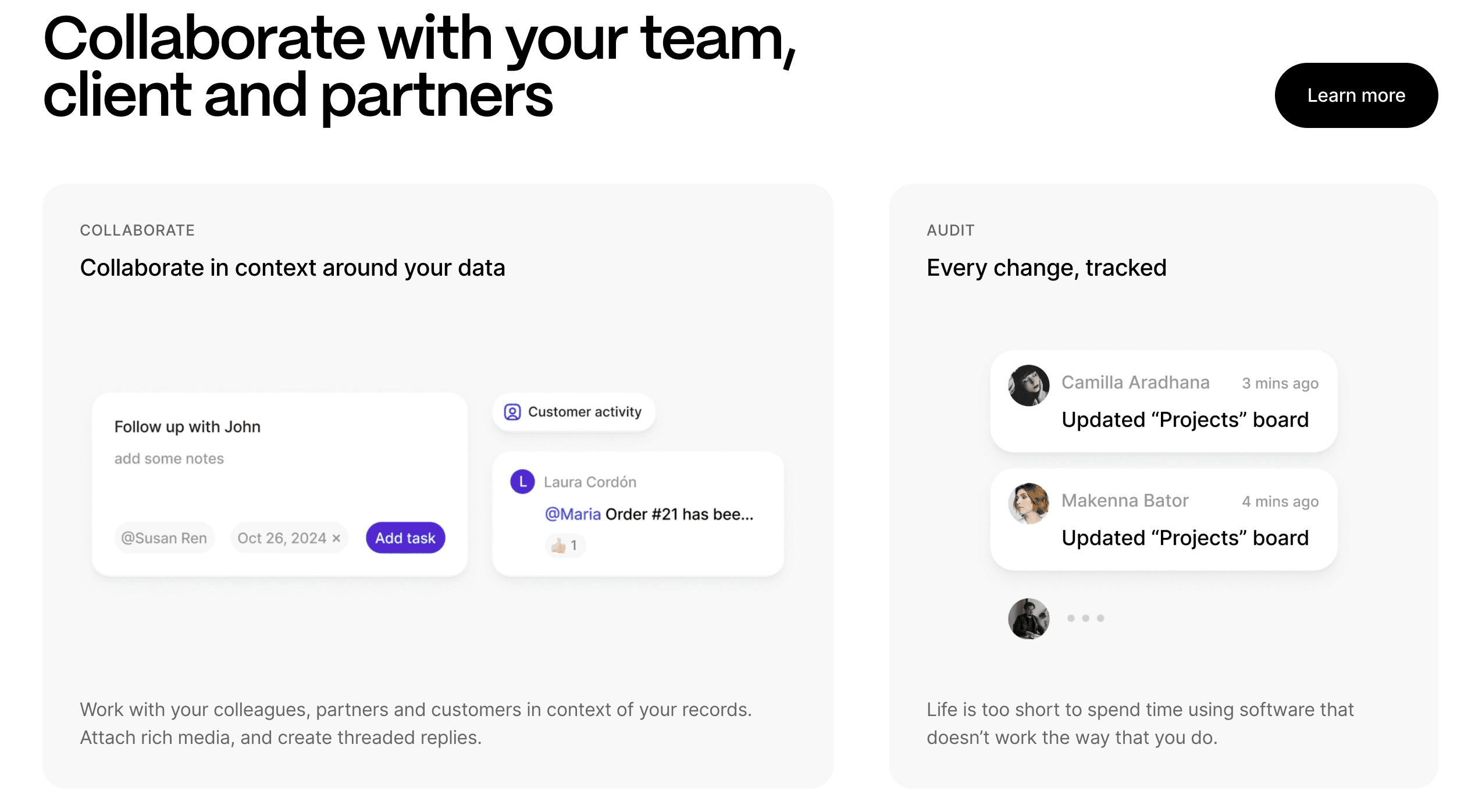
A no-code Salesforce alternative is business software that lets you manage customer relationships, sales pipelines, and business processes without writing code or hiring developers. These tools use visual builders and simple drag-and-drop interfaces to create custom CRM systems tailored to your specific needs.
Salesforce is powerful, but it comes with real barriers for small businesses. The pricing quickly adds up once you need more than basic features. Customizing Salesforce typically requires a Salesforce administrator or consultant, which means ongoing technical costs. The learning curve is steep, and many small teams find themselves paying for capabilities they never use.
No-code alternatives remove these friction points. You can build and modify your CRM yourself, without technical skills. The pricing is more predictable and affordable. Changes happen in minutes instead of waiting for a developer or administrator to implement them.
How We Ranked These No-Code CRM Solutions
We assessed each tool based on factors that matter most when you're moving away from Salesforce or building a CRM from scratch. This assessment draws on publicly available product information, documentation, and pricing details instead of hands-on testing of every tool.
Here's what we looked at:
Ease of use for non-technical users building and maintaining apps
Ability to create custom workflows and data structures without coding
Pricing transparency and affordability for small business budgets
AI features that speed up initial setup and ongoing changes
Data flexibility, including whether you can use your own database or connect existing data sources
Support for both internal team tools and external customer or vendor portals
Permission controls for sharing data safely with different user types
These criteria reflect the real needs of small businesses looking for CRM software they can control and adapt themselves.
Best Overall No-Code Salesforce Alternative: Stacker
Stacker delivers custom CRM and business software without the complexity or cost of Salesforce. Built for operations teams and non-technical users, you can create business apps that fit your exact workflows, from managing customer relationships to building vendor portals with granular permissions.
What they offer:
An AI-powered builder that creates and modifies apps from plain-English prompts, so setup takes minutes versus months
A built-in relational database with two-way sync to Airtable and Google Sheets, supporting complex data relationships without spreadsheet limitations
Granular role-based permissions at the field and table level, so customers, vendors, and internal teams each see exactly what's relevant to them
Good for: Operations teams and small businesses that need custom software, CRMs, client portals, vendor management, or process trackers, without hiring developers or configuring a tool like Salesforce.
Limitation: Stacker is built for ongoing business operations, not lightweight prototypes or simple contact lists. If your needs are basic, it may offer more than you currently need.
Bottom line: If you want software that fits your exact workflows and can grow with your business, Stacker is the most capable no-code option on this list.
Airtable
Airtable is a spreadsheet-database hybrid that many small businesses use as a lightweight CRM. It offers customizable views (grid, calendar, kanban) and basic automation, with a familiar spreadsheet interface that makes data entry accessible.
What they offer:
Customizable fields and linked records for tracking contacts, deals, and customer interactions
Multiple view types, including kanban boards and calendar views, for pipeline visualization
Basic automation features for follow-up reminders and status updates
Integration capabilities with tools like Zapier, Slack, and email providers
Good for: Teams already comfortable with spreadsheets who need simple CRM tracking and pipeline management without learning a new system from scratch.
Limitation: Airtable's spreadsheet foundation becomes a constraint when you need true multi-entity workflows, business logic with guardrails, or external user portals that scale; those features are either limited or expensive.
Bottom line: A solid starting point for basic contact tracking, but not built to carry the weight of structured business operations as your needs grow.
Noloco
Noloco builds internal tools and client portals on top of external data sources like Airtable and Google Sheets. The tool focuses on quick setup with automatically generated views and forms based on connected data.
What they offer:
Automatic app structure generation when connecting to existing data sources
Pre-built templates for client portals and internal tool workflows
User permission controls with role-based access settings
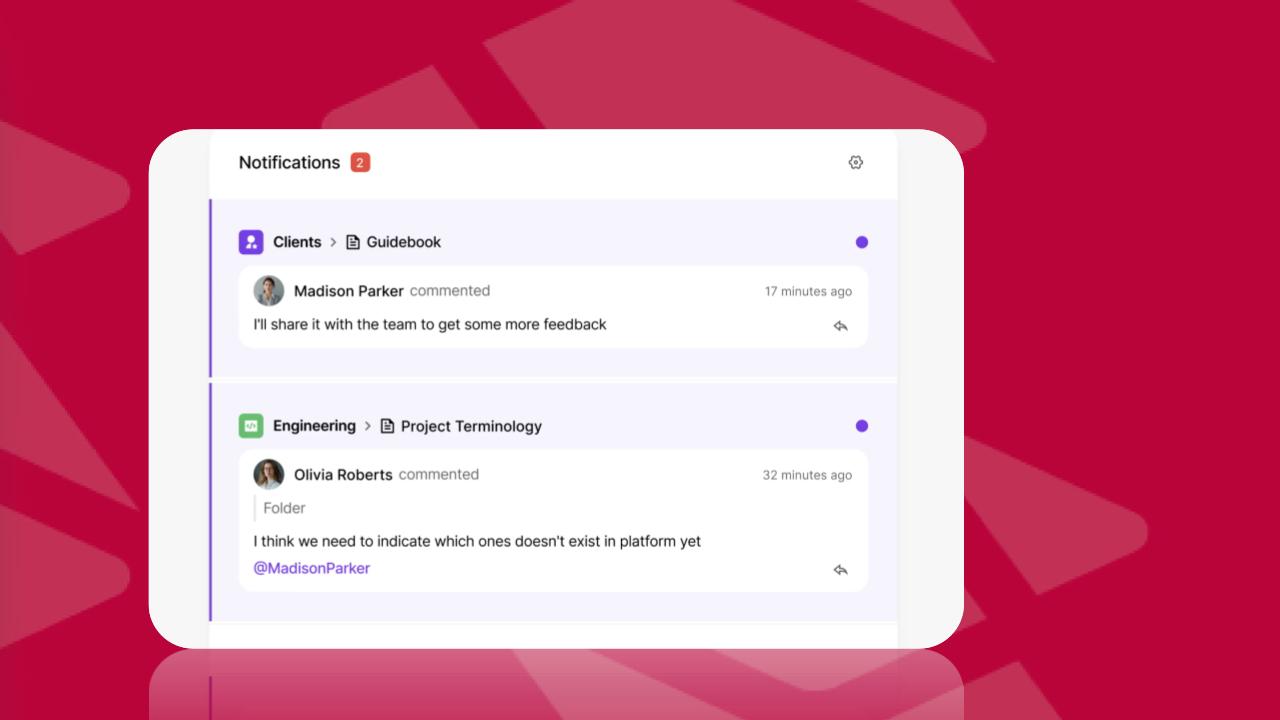
Built-in collaboration features like record comments for team coordination
Good for: teams that already store data in Airtable and want to quickly build a basic portal or internal dashboard without much customization.
The limitation: Noloco follows existing patterns without breaking new ground in AI-driven building or advanced data modeling. It's weak for organizations with complex multi-entity systems or those needing a true first-class data layer beyond spreadsheet connections.
Bottom line: A fast way to wrap a portal around Airtable data, but you'll outgrow it if your processes are anything beyond straightforward.
Glide
Glide converts spreadsheets and databases into mobile-friendly web apps. It's built for speed, connect a Google Sheet, Excel file, or Airtable base, and Glide turns rows into records and columns into data fields, deploying the result as a progressive web app that works across devices.
What they offer:
Spreadsheet-to-app conversion from Google Sheets, Excel, and Airtable with automatic record and field mapping
Mobile-optimized progressive web apps that don't require app store distribution
Templates for CRMs, customer portals, inventory management, and field operations
Good for: Small teams that need a cleaner interface for an existing spreadsheet process, particularly for mobile use cases like field operations or approval workflows.
Limitation: Updates from external data sources count against usage limits, nudging you toward Glide's proprietary storage over time, and complex business logic or multi-entity data relationships aren't well supported.
Bottom line: Useful for turning a simple spreadsheet into a more usable app, but not the right foundation for business-critical systems that need to scale.
Softr
Softr builds client portals and internal tools on top of connected data sources. Originally an interface for Airtable, it now works with Google Sheets, Notion, PostgreSQL, MySQL, and MariaDB.
What they offer:
Client portals with secure logins and role-based access, where you control who sees what data based on user groups
Block-based drag-and-drop editor with templates for common business apps like directories, dashboards, and forms
User groups that let clients submit forms and view limited data, while employees access broader information
Real-time synchronization with external data sources so changes appear immediately across your portal
Good for: Teams storing data in Airtable or Google Sheets who need a straightforward client portal with basic user segmentation.
Limitation: Per-user pricing scales quickly as you add more external users, and complex workflow logic isn't supported; your app's capabilities are largely limited by your data source.
Bottom line: A clean, accessible option for simple client portals, but the pricing model and workflow limitations make it harder to recommend as your user base or process complexity grows.
Feature Comparison Table of No-Code Salesforce Alternatives
Here's how the five no-code alternatives stack up across key features for replacing Salesforce:
Feature | Stacker | Airtable | Noloco | Glide | Softr |
|---|---|---|---|---|---|
AI-Powered App Builder | Yes | No | No | No | No |
Built-in Database | Yes | No | Yes | Yes | No |
External Data Source Connections | Yes | Yes | Yes | Yes | Yes |
Custom Portals for Clients/Partners | Yes | No | Yes | Yes | Yes |
Advanced Role-Based Permissions | Yes | No | Yes | No | Yes |
Real-Time Collaboration | Yes | Yes | Yes | Yes | Yes |
Business Process Automation | Yes | Yes | Yes | No | No |
No User Limit Restrictions | Yes | Yes | No | No | No |
Why Stacker Is the Best No-Code Salesforce Alternative
The CRM market will hit $126.17 billion in 2026, yet Salesforce pricing starts at $25 per user per month, with a 10-user cap, before forcing you to the $100-per-user Pro Suite. For small businesses, that math doesn't work.
Stacker removes the affordability barrier while delivering the business software you actually need. The AI builder replaces months of configuration with minutes of plain-English prompts. The native database supports the complex data relationships your business requires without the limitations of spreadsheets or external dependencies. Permission controls let you safely share apps with customers, vendors, and partners alongside your internal team.
You get software shaped to your exact workflows, maintained by your operations team, without developer costs or Salesforce licensing fees. When your business changes, you can update the app yourself instead of waiting for consultants or fighting rigid, preconfigured systems.
Final Thoughts on No-Code CRM Software
The right CRM should adapt to how your business actually works, not force you into someone else's idea of sales processes. Small business CRM tools built with no-code give you that flexibility without requiring technical skills or expensive consultants. You can test ideas, adjust workflows, and add features as your needs change. Want to see it in action? Book a demo, and we'll show you how Stacker handles real business workflows.
FAQs
How do you choose the right no-code CRM for your small business?
Start by identifying your top priority: if you need AI-assisted building and complex workflows with external user portals, Stacker is the best fit. If you just need basic contact tracking and already use spreadsheets heavily, Airtable is a good fit. Match your choice to whether you need a full business system or simple data organization.
Which no-code Salesforce alternative works best for teams without technical skills?
Stacker and Glide are the most accessible for non-technical users. Stacker's AI builder generates working apps from plain-English descriptions, while Glide automatically converts spreadsheets into mobile-friendly apps. Both avoid the steep learning curve of Salesforce or the spreadsheet complexity of Airtable.
Can you build customer portals with these no-code tools?
Yes, Stacker, Noloco, Glide, and Softr all support customer portals with role-based permissions. Stacker and Noloco offer the most granular control over what external users see and do. Softr charges per user, which gets expensive with many customers, while Stacker doesn't impose user limits.
What's the main cost difference between Salesforce and these alternatives?
Salesforce starts at $25 per user monthly with a 10-user minimum, then jumps to $100 per user for advanced features. Most no-code alternatives cost $50-200 total monthly for small teams, regardless of user count. You also avoid Salesforce's consultant and administrator fees since you build and modify apps yourself.
When should you pick a tool with a built-in database versus one that connects to spreadsheets?
Choose built-in databases (Stacker, Glide, Noloco's own database) when you need complex data relationships, multi-entity systems, or properly structured business workflows. Connect to existing spreadsheets (Airtable, Softr) when you're managing simple contact lists or transitioning gradually from spreadsheet-based processes.




