
12 MIN READ
Thursday, December 11, 2025

Michael Skelly
Founder, Stacker
Off-the-shelf CRMs work great until they don't. Maybe you need custom workflows, specific integrations, or data structures that don't fit the template. Instead of paying developers for months of custom work, you can build your own CRM using tools designed for non-technical teams. We're breaking down the best options in November 2025 so you can see which one fits your situation.
TLDR:
No-code CRM builders let you create custom systems without developers or rigid templates.
Stacker uses AI to build CRMs from plain-English prompts and adapts as your needs change.
Built-in database handles complex relationships between contacts, deals, and companies.
Role-based permissions support internal teams and external customer portals in one app.
Stacker builds full CRM applications with workflows and automation, not just data views.
Why Businesses Are Building Custom CRMs Instead of Buying Off-the-Shelf
Off-the-shelf CRMs work well for standard sales processes, but they fall short when your business operates differently. Companies in specialized industries like manufacturing or financial services often need custom workflows, unique data structures, and specific integrations that generic CRMs can't accommodate. The result is workarounds, spreadsheets, and frustrated teams trying to force-fit their operations into rigid software.
Traditional custom development solves the flexibility problem but creates new ones. Hiring developers is expensive, projects take months, and maintenance becomes an ongoing burden.
No-code CRM builders offer a middle path. These tools let non-technical users like sales operations managers build exactly what they need through drag-and-drop interfaces. You get the customization of a bespoke system without the technical overhead or cost of traditional development.
Your CRM should adapt to your process, not the other way around. When you can modify fields, create custom workflows, and adjust the interface yourself, you maintain control over one of your most critical business tools.
Key Features to Look for in a No-Code CRM Builder
There are three criteria that matter most when choosing a No-Code CRM Builder for your business.
Data Architecture and Relationships
Spreadsheets force customer data into flat rows and columns. When a contact works at multiple companies or a deal involves several stakeholders, you end up duplicating information across sheets, which creates maintenance problems and data inconsistencies.
Relational databases handle these connections differently. You can link contacts to companies, tie deals to multiple people, and connect activities to opportunities without copying data. This structure keeps information accurate as your customer base grows and prevents the errors that come from managing duplicate records.
Database architecture also affects performance at scale. Proper data modeling supports thousands of customer records with complex relationships while maintaining the speed and reliability that spreadsheets struggle to deliver.
Role-Based Permissions and External User Access
Sales teams need pipeline visibility while executives require cross-team reporting, yet exposing sensitive customer data to the wrong users creates security risks. Role-based permissions solve this by controlling which users see specific records and fields.
External access extends your CRM beyond internal teams. Customers can track their orders and support tickets without seeing other client data, while vendors update their own records in isolation. This creates secure portals where outside users interact with relevant information while your team maintains separate internal access.
AI-Powered Building and Customization
Basic AI template generators create starting points from prompts but leave you with static apps. More sophisticated AI building lets you describe changes in plain English and see the CRM update immediately.
CRM requirements change constantly. Describing adjustments and seeing them applied instantly removes the need to learn interface mechanics or wait for developer tickets.
What is Stacker?
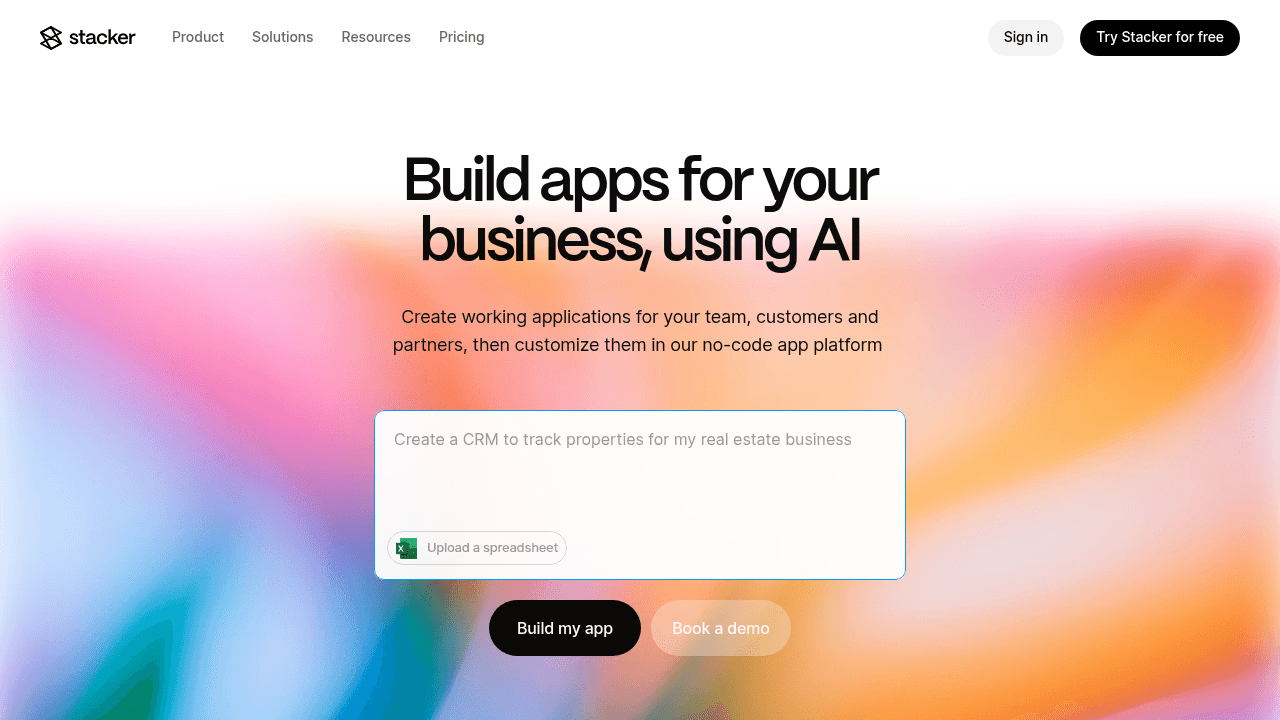
Stacker turns spreadsheets and databases into custom CRM systems without code. Connect to Airtable or Google Sheets, or use the built-in database to store contacts, deals, and customer interactions.
Describe your CRM requirements in plain English, and the AI generates a working app. You can then adjust the interface, data structure, and workflows through a visual editor. The database manages relationships between contacts, companies, and deals without spreadsheet limitations.
The tool works for operations managers and department heads who need their CRM to match existing processes instead of restructuring their team around rigid software.
How Stacker Works for Building CRMs
Connect your existing customer data or create new tables for contacts, companies, and deals. Define relationships between tables with the visual editor, like linking multiple contacts to one company or tracking deals through a sales pipeline.
Build forms for data entry and create list views to manage leads. The interface includes Kanban boards for pipeline stages, calendar views for follow-ups, and detail pages showing complete customer histories. All changes sync in real time across your team.
Set permissions to control access for sales reps, managers, and executives. Create automated workflows with formulas and triggers to handle routine tasks like status updates or notifications when deals change stages.
What is Airtable?
Airtable combines spreadsheets with database capabilities, letting you organize information in linked tables. You can connect customer records to orders or link projects to team members, creating relationships between different data types.
The interface offers multiple views: grid view resembles a spreadsheet, Kanban boards track workflows, and calendar views display dates. Forms collect data while basic automations handle repetitive tasks.
Teams often start with Airtable for customer tracking since it's more structured than spreadsheets but simpler to set up than traditional databases. However, it functions primarily as a data management tool as opposed to a full application builder.
Using Airtable as a CRM
Small teams choose Airtable for basic CRM needs because it's easy to set up contact tables, track deal stages, and link customers to orders. The spreadsheet-like interface feels familiar, and you can add custom fields without technical skills.
The constraints appear as your CRM needs grow. Airtable's spreadsheet architecture means users see and edit data in table format, not through dedicated CRM interfaces. There's no native way to create a clean customer detail page or a polished sales dashboard without third-party tools.
External access poses another challenge. Giving customers or partners portal access to their own records requires workarounds or additional software. Airtable works well as your team's internal database but struggles as a customer-facing system.
What is Noloco?
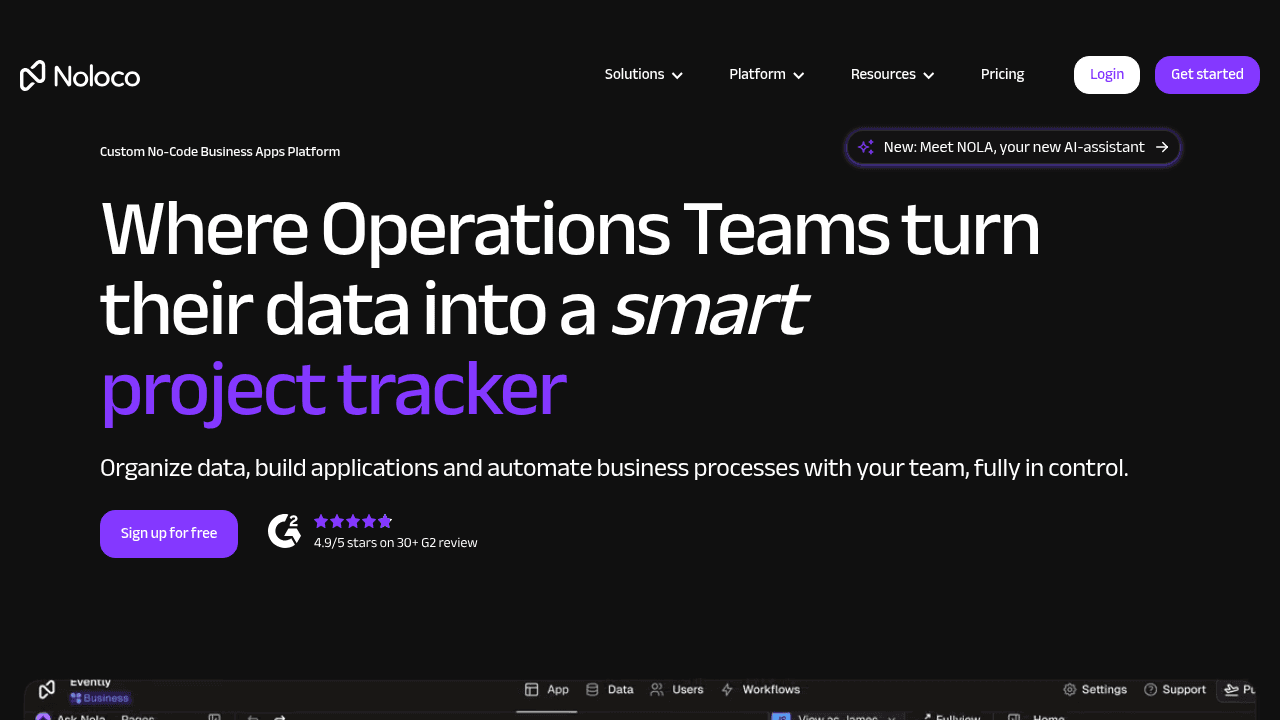
Noloco connects to existing data sources like Airtable or Google Sheets and generates applications on top of them. You can customize the interface through drag-and-drop components, creating views, forms, and detail pages.
The tool handles basic application features like user authentication, customizable layouts, and responsive design for teams that want to turn their databases into simple apps without writing code.
Noloco for CRM Applications
Noloco works well for teams that already manage customer data in Airtable or Google Sheets and need a cleaner interface for viewing it. You can build customer portals quickly, letting clients log in to see their orders or project status.
The dependency on external data sources creates friction for complex CRMs. Since Noloco doesn't own the data layer, you're configuring relationships and data rules in two places: your spreadsheet or Airtable base, then again in Noloco's interface. This dual management becomes cumbersome when your CRM grows beyond basic contact tracking.
What is Glide?
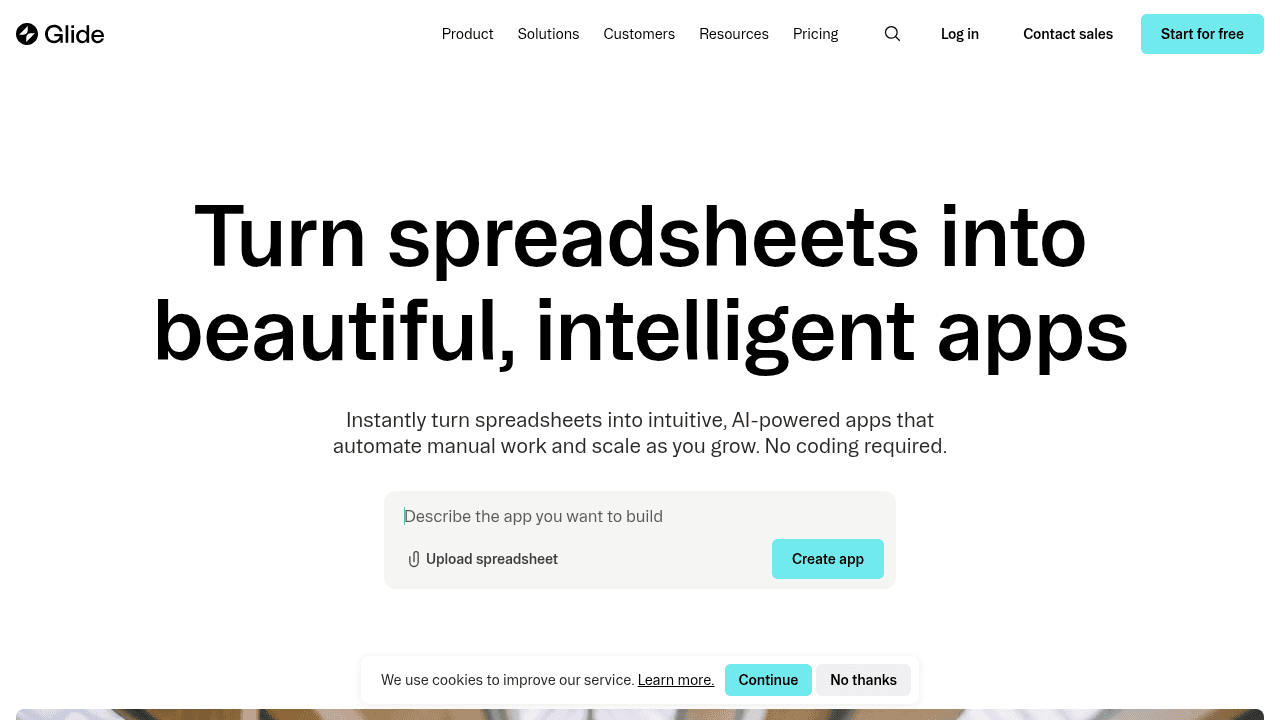
Glide builds apps from spreadsheets with a mobile-first approach. Connect Google Sheets or use Glide's own data tables, then choose from pre-built components to construct your interface. Views automatically adjust for mobile devices, making it straightforward to put spreadsheet data into app format for field teams or quick internal tools.
Glide as a CRM Solution
Glide works well for basic mobile contact management or field team updates. Sales reps can check customer details or log quick notes from their phones without friction.
The spreadsheet foundation limits more involved CRM needs. Deal pipelines with multiple stakeholders, sales forecasting, and interconnected workflows need deeper data architecture than Glide provides. The interface handles simple record updates but struggles with the relational complexity that sales teams rely on for managing opportunities and customer relationships.
What is Softr?
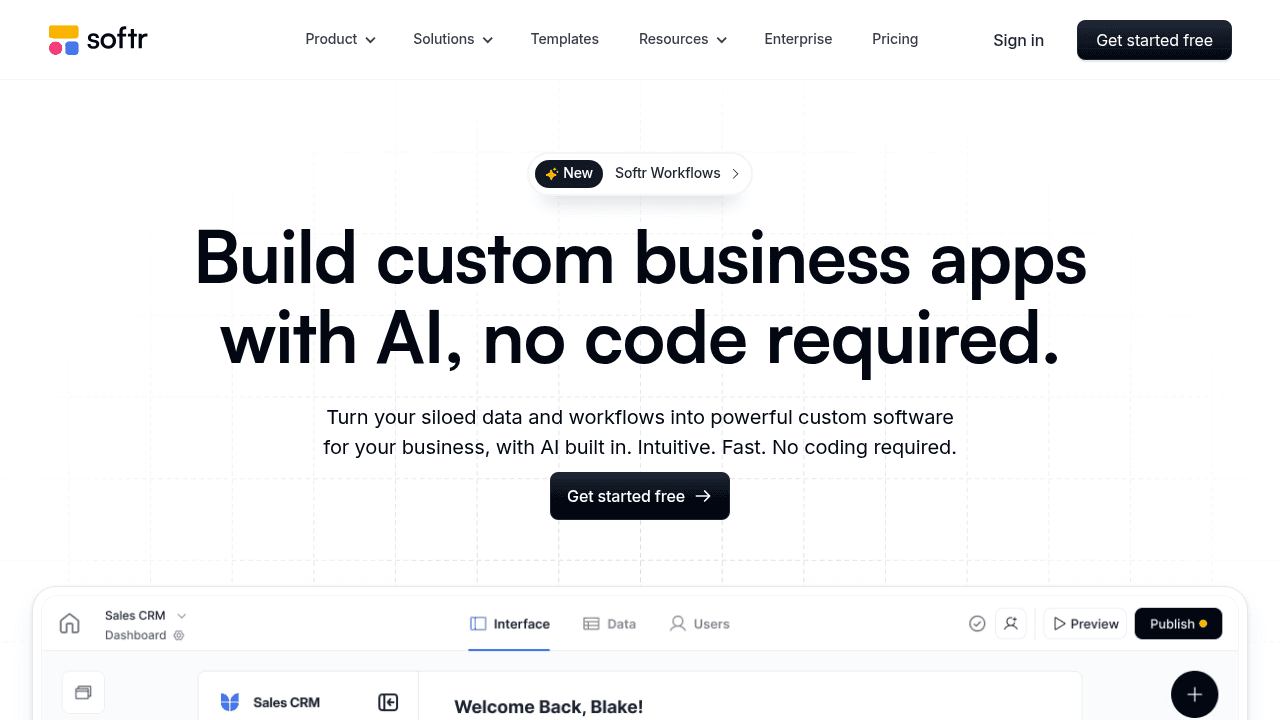
Softr creates web apps and portals using your spreadsheets and databases as the data source. Select a template for client portals, directories, or membership sites, connect your spreadsheet, and customize through drag-and-drop editing.
The interface manages authentication and responsive design automatically, which helps solo entrepreneurs and small teams launch functional sites without technical knowledge.
Softr for Building CRM Systems
Softr works well for building client portals where customers can view orders or submit requests. The template library helps teams launch external-facing CRM components quickly.
For teams requiring 100k+ records and complex data relationships, the UI-first approach can be limiting compared to other purpose-built CRM solutions. Organizations with sophisticated sales processes may also find the workflow automation and permission controls insufficient for internal CRM operations.
Common Challenges When Choosing CRM Software
CRM projects fail at alarming rates. Failure rates between 20% and 70% occur across implementations, often because businesses select systems that don't match their actual workflows or team capabilities.
User adoption remains the critical challenge. 25% of businesses identify training and user adoption as their biggest implementation hurdle. When teams can't understand or use the system, even well-chosen CRMs gather dust while employees retreat to spreadsheets.
Cost miscalculation creates problems after purchase. Enterprise CRMs often hide expenses in implementation fees, customization charges, and per-user licensing that scales unpredictably.
The Complexity Problem
Enterprise CRMs overwhelm users with features most teams never need. Sales reps spend more time figuring out which fields to update than actually talking to customers.
The real cost isn't the software license. When logging a simple phone call requires clicking through five screens, your team stops using the CRM altogether. 43% of sales professionals say their CRM is too complicated to use consistently, which means deals fall through the cracks and managers lack visibility into their pipeline.
The Flexibility Problem
Standard CRMs arrive with predetermined fields, workflows, and processes built for generic sales teams. If your business tracks project milestones instead of traditional deals or manages subscription renewals with custom contract terms, the software won't bend.
Your team restructures their actual process to fit the CRM's assumptions. Sales stages get renamed but don't match your real workflow. Custom fields multiply as workarounds while core features sit unused. This gap between how the CRM expects you to work and how you actually work creates friction that slows everything down.
Why Stacker is the Better Choice
Airtable, Noloco, Glide, and Softr work well for lightweight projects and simple data organization. But if you're running actual business operations on your CRM, you need something that can handle complexity. Stacker's flexible CRM was built for teams that can't afford downtime or limitations.
The built-in database handles complex relationships without spreadsheet constraints. The AI doesn't just create templates - it modifies your CRM as requirements evolve. And the permission system securely supports internal teams alongside external users in one application.
You get customization that matches your process without hiring developers or maintaining fragile code.
Final thoughts on finding the right CRM approach
Off-the-shelf CRMs force you into their mold, while custom development drains your budget and time. Building your own CRM with no-code tools gives you the best of both worlds. You get exactly what your team needs without the technical headaches or ongoing maintenance costs.
FAQ
How long does it take to build a custom CRM with a no-code builder?
With AI-powered builders, you can have a working CRM in minutes by describing your requirements in plain English. Most teams spend 1-2 weeks refining workflows, permissions, and views to match their exact process, but the base system is functional from day one.
What's the main difference between using Airtable and a dedicated no-code CRM builder?
Airtable functions as a database with spreadsheet-like views, while dedicated CRM builders create full applications with custom interfaces, customer portals, and granular permissions. Airtable works well for internal data management, but struggles when you need polished dashboards, external user access, or complex sales workflows.
When should I consider building a custom CRM instead of buying off-the-shelf software?
If your team spends significant time working around your current CRM's limitations, managing customer data in spreadsheets, or if you operate in a specialized industry where standard CRMs don't fit your workflow. Custom-built CRMs make sense when your process is the competitive advantage, not something to compromise.
Can I connect my existing customer data from spreadsheets or other tools?
Yes, most no-code CRM builders let you import data from Google Sheets, Airtable, or CSV files. Some maintain real-time sync with external sources, while others migrate your data into their own database. The built-in database approach typically offers better performance and reliability as your customer base grows.
What happens if my CRM requirements change after I build it?
No-code builders let you modify fields, workflows, and interfaces yourself without developer involvement. AI-powered platforms let you describe changes conversationally and see them applied immediately, so your CRM adapts as your business evolves rather than locking you into fixed processes.




