
6 MIN READ
Monday, February 2, 2026


Michael Skelly
Founder, Stacker
You probably do not care about “digital transformation” as a buzzword. You care that your team is stuck in spreadsheets, copy-pasting between tools, and chasing clients or vendors for updates. You need software that fits how you work without waiting months for an internal development queue or bending your process to a rigid template.
This guide breaks down the leading no-code tools that claim to support business operations and shows which ones can actually handle real processes, external users, and changing requirements. Each tool is judged on data structure, access control, automation, and how easy it is for your team to maintain day to day
TLDR:
No-code ops tools let you build custom apps without coding, so you can move away from rigid software or fragile spreadsheets.
Focus on relational data, multi-audience access control, and automation if you want to run real processes.
Stacker combines AI-driven building with a stable data layer, allowing teams to manage clients, vendors, and internal workflows in one place.
Spreadsheet-based tools like Airtable work for simpler use cases but struggle once you add external users and complex relationships.
Stacker gives you maintainable apps that your team can adjust; code generators produce prototypes that still need developers to keep them running.
What Are No-Code Operations Management Tools?
No-code operations tools let teams build custom business apps without writing code. Instead of reshaping your processes to fit fixed software, you design systems that follow how your work actually flows. You can create internal trackers, client or vendor portals, inventory systems, or multi-step process pipelines with visual editors and pre-built components.
The key difference from tools like Monday.com or ClickUp is control: those tools provide preset boards and task lists, while no-code builders let you create your own data models and workflows. The difference from spreadsheets is structure: Excel breaks once you add multiple users, external access, or complex relationships between tables.
Surveys show that 92% of IT leaders see no-code and low-code options as important for agility. Beyond agility, organizations save an average of $187,000 annually with no-code platforms, with 60% of companies saving between $100,000 and $200,000 annually.
When you assess these tools, look for built-in data layers that support linked records, detailed access rules, and clear interfaces that people will actually use.
How We Ranked No-Code Operations Management Tools
We looked at what operations teams need to run real processes every day.
Our evaluation covered five areas:
Relational data modeling
Can you connect different record types and maintain accurate relationships, or are you stuck in flat tables that are hard to trust at scale?Multi-audience access control
Can you support both internal teams and external users (clients, vendors, partners) with clear boundaries around who sees what?Business logic and automation
Can you enforce rules, trigger actions, and automate steps such as status changes, notifications, or approvals?Adaptability over time
How quickly can you adjust the app when your process changes, without throwing everything out and starting from scratch?Security and reliability
Is the tool stable enough for day-to-day use where downtime or data issues would hurt your customers or revenue?
These criteria separate serious operations tools from simple app builders aimed at side projects.
Best Overall No-Code Operations Tool: Stacker
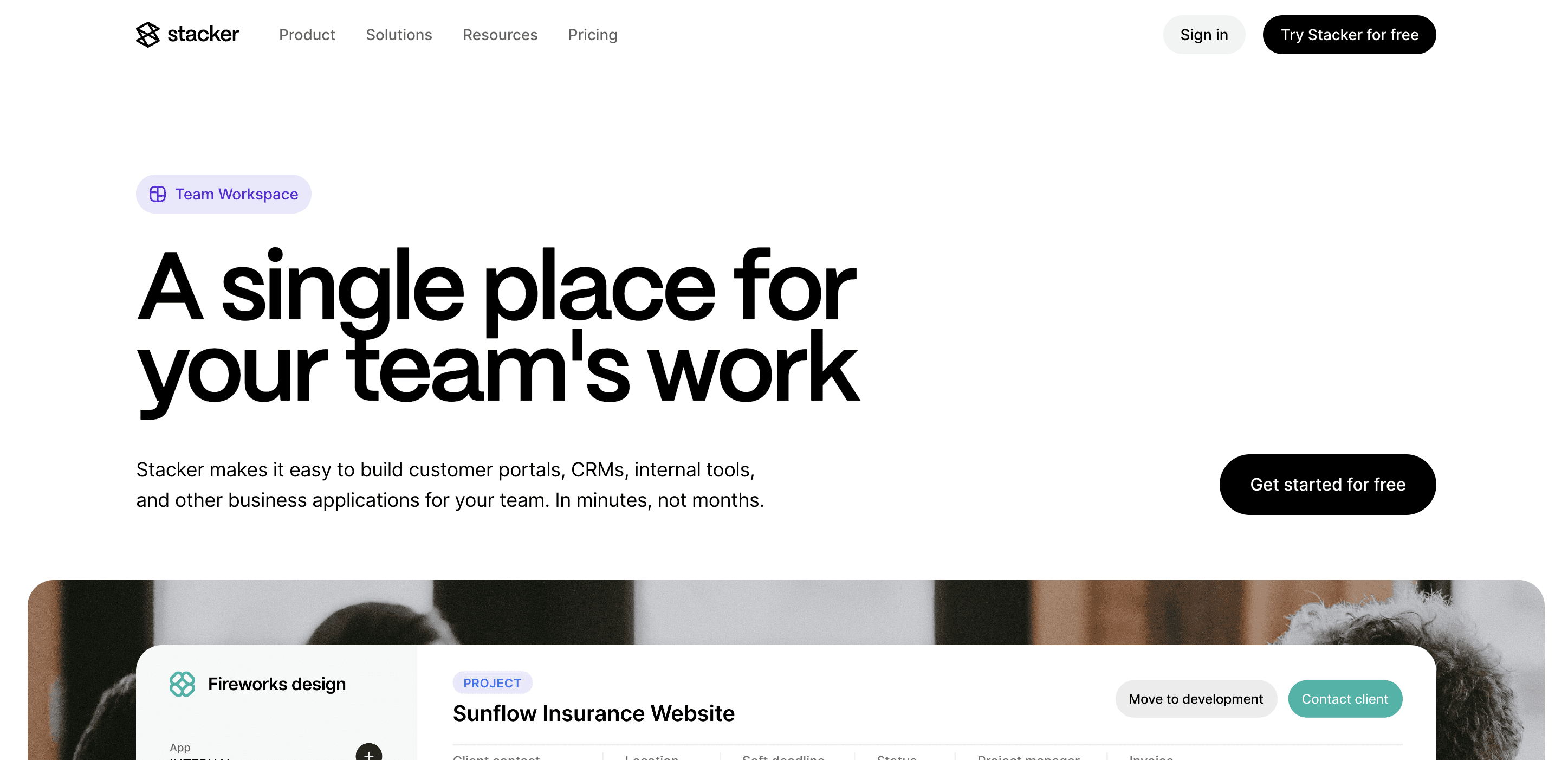
Stacker leads this list because it combines an AI builder with a no-code editor built for operations teams. You get the structure and reliability needed for daily work.
What they offer:
AI builder that turns short descriptions into working apps your team can refine.
Relational data layer for linked records and more complex business structures.
Detailed access controls that allow internal teams, clients, and vendors to safely share a single system.
Good for: Operations teams replacing spreadsheets with a central system for CRMs, project tracking, and client or vendor portals.
Limitation: Requires a short learning curve to design data models and access rules if your team is new to no-code tools.
Bottom line: Stacker is the best fit when you want a long-term home for your operations.
Airtable
Airtable suits teams that have outgrown spreadsheets and want a familiar grid paired with database features, without jumping straight into engineering-heavy tools. It is often the first stop for operations leaders who need more structure but still want flexibility.
What they offer:
Spreadsheet-style interface with support for linked tables and multiple view types.
Built-in automations and integrations through an API and marketplace.
Interfaces for lightweight dashboards and internal-facing apps.
Good for: Internal tracking, such as content calendars, light project management, and simple databases, when all active users are on your team.
Limitation: Most interactive users need a paid seat, and Interfaces still feel like enhanced spreadsheets, which makes client- or vendor-facing scenarios costly and less polished.
Bottom line: Airtable is an excellent upgrade from Excel for internal data, but it is not ideal as the core system for complex, multi-audience operations.
Softr
Softr appeals to teams that want to turn Airtable or Google Sheets into simple apps or sites quickly, with templates that get you live in hours. It focuses on presentation and speed over deep process design.
What they offer:
Fast app and website creation directly on top of Airtable or Google Sheets.
A template gallery for portals, directories, and basic web apps.
Built-in user login and basic access control for simple portals.
Good for: Solo founders and small teams building lightweight portals, directories, or simple client-facing sites where workflows are straightforward.
Limitation: Tight dependence on Airtable and limited depth in data modeling and permissions make it a weaker fit for complex internal systems or growing operations teams.
Bottom line: Softr is a good choice when you need a quick, presentable layer on top of a spreadsheet, but it does not provide the structure required to run detailed operations at scale.
Noloco
Noloco targets teams that already keep their data in Airtable or Google Sheets and want to add an app interface with portals and workflows on top. It extends the spreadsheet model with more app-like experiences.
What they offer:
Automatic app creation from connected Airtable, Sheets, or database sources.
User authentication, roles, and portal-style access for external users.
Workflow automation for updates, notifications, and other routine tasks.
Good for: Small teams that need portals or internal tools layered over existing Airtable or Sheets data, and want something more polished than raw spreadsheets.
Limitation: The spreadsheet-first foundation makes complex, multi-entity systems harder to manage over time, and it lacks the richer data layer and AI-building capabilities that Stacker offers for continuous evolution.
Bottom line: Noloco is a solid choice for extending Airtable or Sheets with portals, but it is less suited to serving as the long-term operations hub as your data model and audiences grow.
Glide
Glide is built for mobile-first scenarios where teams want quick apps from spreadsheets that work well on phones and tablets. It focuses on utility for fieldwork more than on full operations control.
What they offer:
Mobile-optimized interfaces generated from Google Sheets or similar sources.
Pre-built mobile components for checklists, forms, and simple data views.
Progressive web apps that users can install on their devices.
Good for: Field teams and event staff who need simple mobile tools for tasks like inventory checks, on-site forms, or quick status updates tied to spreadsheet data.
Limitation: Glide focuses on lightweight mobile utilities and does not provide the richer data modeling, desktop workflows, or multi-audience access patterns required to run broader operations.
Bottom line: Glide is a great fit for targeted mobile use cases, but it is not designed to act as the main system of record and workflow engine for an operations team.
Feature Comparison Table of No-Code Operations Management Tools
Here's how the leading no-code operations tools compare across the features that matter for running business processes:
Feature | Stacker | Airtable | Softr | Noloco | Glide |
|---|---|---|---|---|---|
AI App Builder | Yes | Limited | No | No | No |
Built-in Database | Yes | Yes | No | Optional | No |
External User Portals | Yes | Limited | Limited | Yes | Limited |
Granular Permissions | Yes | Limited | Limited | Yes | Limited |
No-Code Maintenance | Yes | Yes | Yes | Yes | Yes |
Real-Time Collaboration | Yes | Yes | Limited | Yes | Limited |
Workflow Automation | Yes | Yes | Limited | Yes | Limited |
Complex Data Relationships | Yes | Yes | No | Limited | No |
Why Stacker Is the Best No-Code Operations Management Tool
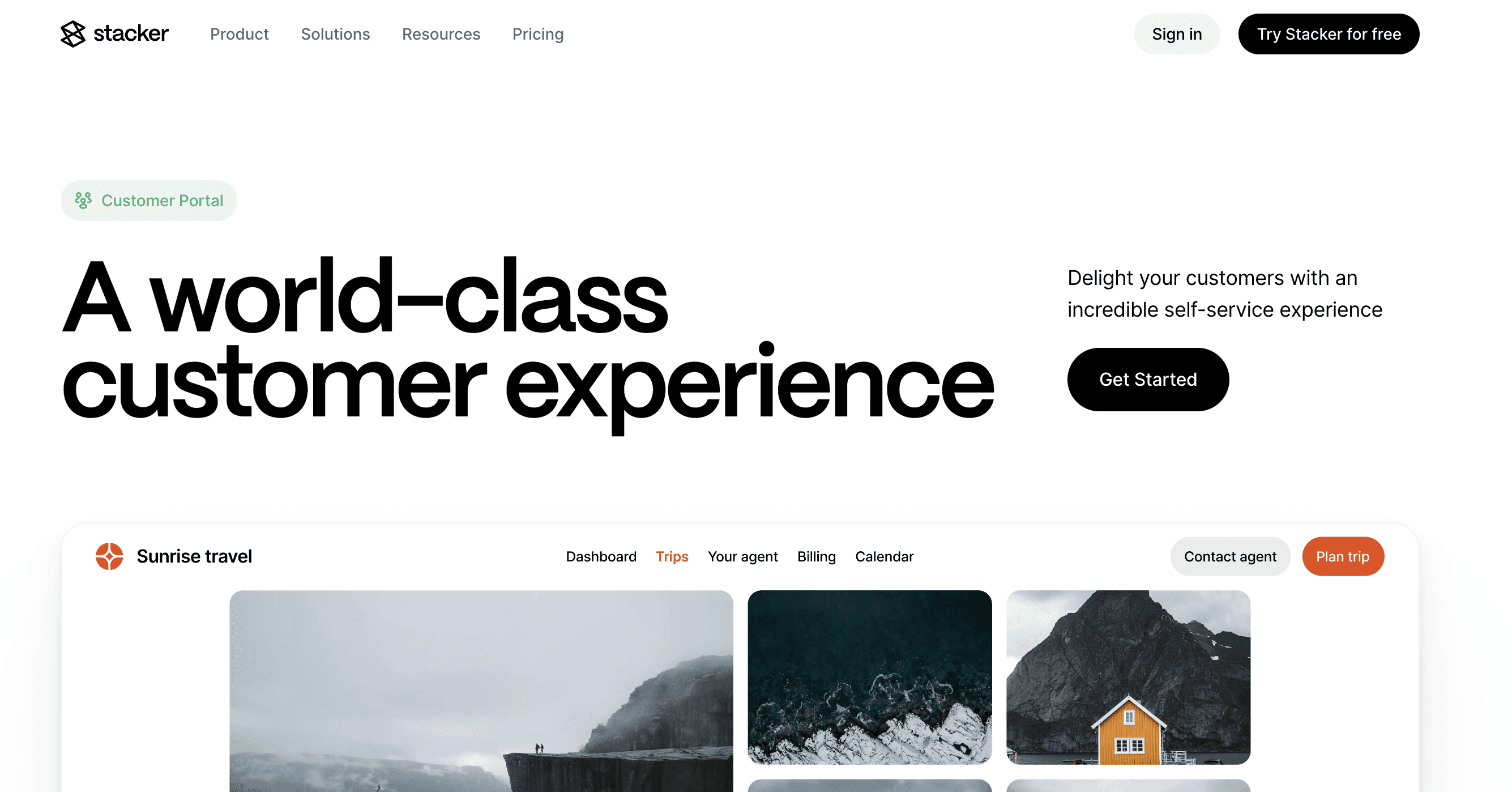
Stacker is built for teams that run their business in it every day. AI gets you to a working app quickly, the relational data layer supports complex logic, and permission controls let you safely invite clients and vendors into the same workspace.
Spreadsheet tools stall once you need structure, audit trails, or external access. Code generators leave you with repositories that demand developer time. Stacker gives you stable systems that operations leaders can adjust as processes evolve.
You stay in control of the app. You refine it as your workflows change. Your business keeps moving without waiting on engineering.
Final Thoughts on No-Code Operations Management
You should not need a full engineering team to get software that matches how your business works. The right operations management tool supports complex data, external access, and automation while still being editable by the people who own the processes.
Wrap up your evaluation by seeing what this looks like in practice: start a Stacker workspace, connect a small slice of your current spreadsheet process, and turn it into a basic portal or internal app. If you can get a working version of one real workflow live in a day, that is a strong signal Stacker is the right fit to scale the rest of your operations.
FAQs
How do I choose the best no-code operations tool for my business?
Start by deciding whether you need complex data relationships, external user access, or just simple task tracking. If you manage multi-step processes with clients or vendors, focus on tools that offer detailed permissions and relational data structures; for basic internal tracking, lighter options can be enough.
What is the main difference between no-code builders and project management tools like Monday.com?
Project management tools treat almost everything as tasks, while no-code builders let you shape full business processes with structured data models. Monday.com is helpful for to-dos and planning, but no-code tools give you the structure needed to turn recurring workflows into reliable, tailored systems.
Can I use a no-code tool if my team already works in spreadsheets?
Yes, many no-code tools connect directly to Google Sheets and Airtable so you can move gradually. You can plug in existing spreadsheet data, then add access control, automation, and better interfaces without discarding what you already have.
Which tools work best for building client or vendor portals?
Look for tools with strong support for multiple audiences so you can separate internal and external views cleanly. The best options give you detailed access rules instead of charging heavily per external user or exposing more data than you intend to share.
When should I avoid AI code generators for operations management?
Avoid AI code generators if you do not have developers available for ongoing maintenance or if non-technical teams need to make frequent updates. Generated code tends to become fragile as requirements change and can lock operations teams into a constant dependency on engineering help.




