
6 MIN READ
Sunday, March 15, 2026

Michael Skelly
Founder, Stacker
Everyone selling CRMs claims their system is customizable, but you need to know what that actually means before you commit. Can you build your own CRM structure, or are you just renaming existing fields? Will your team be able to make changes themselves, or do you need technical resources for everything beyond basic tweaks? This comparison breaks down 15 platforms by the depth of customization they offer, from surface-level configuration to full control over your data model and workflows.
TLDR:
Customizable CRMs let you modify fields, workflows, and views without coding or developers.
Generic CRMs force workarounds; customization aligns the system to your actual sales process.
No-code builders work best when standard CRMs can't handle your unique data relationships.
Stacker builds fully custom CRM apps with client portals and external user access without code.
What Makes a CRM Truly Customizable
A customizable CRM lets you adjust the software to match your specific business processes without writing code or hiring developers. You can add fields to track what matters to your operation, change how data flows through your sales pipeline, and modify views so your team sees exactly what they need. This differs from a custom-built CRM, where developers create a system from scratch for one company.
The CRM world offers a range of options. On one end, generic CRMs offer fixed features that work the same for everyone. On the other end, custom development creates a unique system but costs tens of thousands of dollars and takes months to build. Customizable CRMs sit in the middle, offering flexibility through configuration instead of coding.
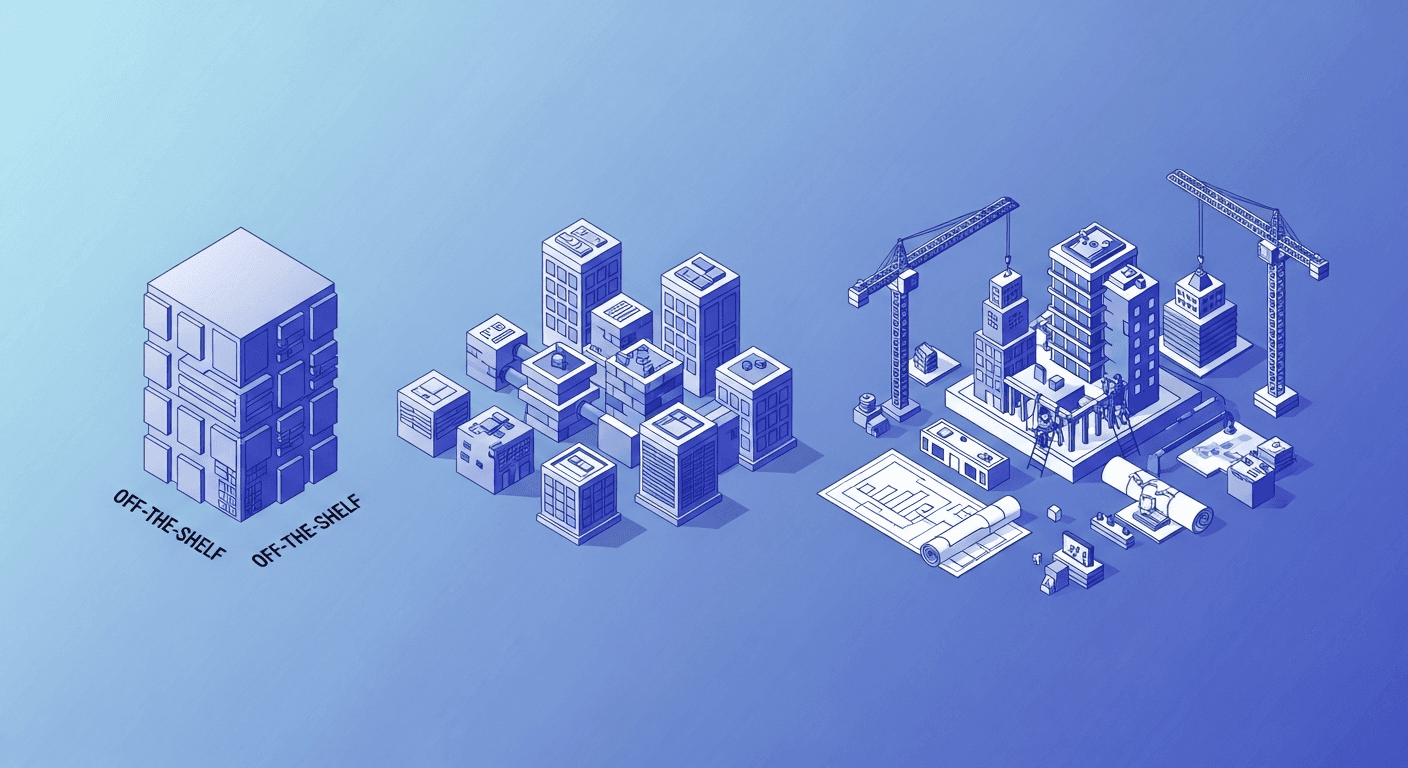
The key distinction comes down to how you make changes. Custom fields let you capture data points beyond standard contact and company information. Configurable workflows allow you to define what happens when a deal moves through stages or a lead comes in. No-code customization means you adjust these elements through visual interfaces and dropdown menus, not programming languages. When assessing any CRM that claims to be customizable, check whether you can modify these core elements yourself or if you need technical help.
Why Businesses Choose Customizable CRMs Over Generic Solutions
Generic CRMs force your team to work around limitations. A sales rep might need to track project milestones for enterprise deals, but the system only offers basic opportunity stages. A customer success team needs to log renewal conversations differently from new sales, but everyone shares the same rigid fields. These gaps lead to workarounds: spreadsheets tracking what the CRM can't, notes stuffed into comment fields, or data entered incorrectly because the right option doesn't exist.
Customizable CRMs tackle this by aligning with your actual workflow. If your business qualifies leads through three discovery calls before moving to a proposal, you can build that exact sequence into your pipeline. If you sell to schools and need to track academic calendars and purchasing cycles, you add those fields. The system bends to fit you, not the other way around.
This alignment drives adoption. Teams actually use a CRM when it makes their work easier, not when it adds friction. You stop hearing "the system doesn't work for us" because you've shaped it to work exactly for you. The data stays clean because people enter information in fields that make sense for what they're tracking.
Key Features Every Customizable CRM Should Include
When comparing customizable CRMs, look for these core capabilities that separate surface-level configuration from real flexibility.
Flexible Data Models
You need the ability to create custom fields and entirely new data objects beyond contacts and deals. Some CRMs let you add a field or two, but lock you into predefined structures. True customization means defining relationships between different data types, like linking projects to clients or tracking equipment alongside service contracts.
Configurable Views and Dashboards
Your sales team, support staff, and executives need different views of the same data. Look for CRMs that let you create dashboards and reports without IT help. You should control what metrics appear, how data gets filtered, and which visualizations work best for each role.
Workflow Automation and Business Logic
The CRM should let you automate actions based on your specific rules. When a lead reaches a certain score, assign it to the right rep. When a deal closes, trigger onboarding steps. You need this logic layer to enforce your process and do more than store data.
15 Best Customizable CRM Platforms for March 2026
The CRM market has grown to serve 91% of businesses with 10+ employees, creating demand for options that adapt to different workflows. Below are 15 solutions compared on customization depth, ease of use, and pricing.
CRM | Best For | Customization Strength | Starting Price |
|---|---|---|---|
Stacker | Building fully custom CRM apps with no code, client portals | Complete data model control, custom UI, external user portals | Free plan available |
Salesforce | Enterprises needing deep customization with technical resources | Extensive, but requires developers for advanced changes | $25/user/month |
Zoho CRM | Small to mid-size teams wanting affordability and flexibility | Strong custom fields, modules, and automation | Free for 3 users |
HubSpot | Marketing-heavy teams with straightforward CRM needs | Custom properties and workflows in paid tiers | Free basic CRM |
Airtable | Teams are comfortable with spreadsheet-style databases | Flexible schema, views, and linked records | Free plan available |
Monday.com | Teams tracking simple sales processes alongside projects | Custom columns and boards, but lacks a CRM structure | $12/user/month |
Knack | Creating customer-facing databases and portals | Database customization with forms and reporting | $49/month (2 users) |
Pipedrive | Sales teams focused on pipeline management | Custom fields and deal stages | $14/user/month |
Copper | Google Workspace users seeking native integration | Moderate field and pipeline customization | $12/user/month |
Insightly | Project-focused sales with custom reporting needs | Custom fields, page layouts, and workflows | $29/user/month |
ClickUp | Teams want tasks and CRM in one tool | Custom fields on tasks, but limited CRM-specific features | Free plan available |
Capsule CRM | Small businesses needing simple customization | Basic custom fields and tags | $18/user/month |
Agile CRM | Budget-conscious teams wanting automation | Decent customization for the price point | $8.99/user/month |
Caspio | Building low-code database applications with CRM capability | Full database customization with coding option | $50/month |
Streak | Gmail-first teams managing deals in email | Pipeline customization within the Gmail interface | Free plan available |
Research shows that CRMs increase sales by 29% average, but this benefit depends heavily on choosing software that fits your actual process instead of forcing your team into generic templates.
How to Choose the Right Customizable CRM for Your Business
Start by mapping your specific requirements before comparing options. List the unique data points you track, the workflow stages your process requires, and who needs access to the system. If you manage client projects with multiple deliverables and timelines, your needs differ from tracking simple lead-to-close pipelines.
Next, decide between configurable CRMs and no-code builders. Configurable options like Salesforce or Zoho provide customization within their existing CRM structure. No-code builders like Stacker or Airtable let you define your data model and interface from scratch. Choose configurable if your process fits standard CRM concepts but needs adjustments. Pick a builder when your workflow breaks the CRM mold entirely, or you need client portals and external user access.
Consider your team's technical comfort level. Some customization requires understanding formulas, database relationships, or automation logic. If you lack technical staff, choose tools with visual editors and strong documentation over those requiring developer support.
Calculate true costs beyond the monthly subscription. Factor in setup time, training, potential consultant fees for complex customization, and costs for external users if you need customer or vendor portals.
Common CRM Customization Mistakes to Avoid
The most expensive CRM mistakes happen during implementation, not purchase. Understanding these common pitfalls helps you avoid them regardless of which system you choose.
Over-customization creates problems as often as under-customization. Teams add custom fields for every possible data point without thinking through what they'll actually use. Each unnecessary field clutters your interface and confuses users. Start minimal and add only what serves a clear purpose.
Building overly complex systems backfires when the person who created them leaves. If your customization requires deep technical knowledge to maintain, you've created a dependency. Stick to configurations that your team can understand and modify without special expertise.
Optimizing for executive dashboards while ignoring daily users kills adoption. The people entering data need views that make their jobs easier. If the system serves reporting but burdens front-line users, your data quality will suffer, and people will abandon it.
Skipping data governance leads to chaos. Without rules about required fields, naming conventions, and duplicate prevention, customization flexibility becomes a liability. Set standards before opening up customization to multiple team members.
Building Custom CRM Applications with No-Code Tools
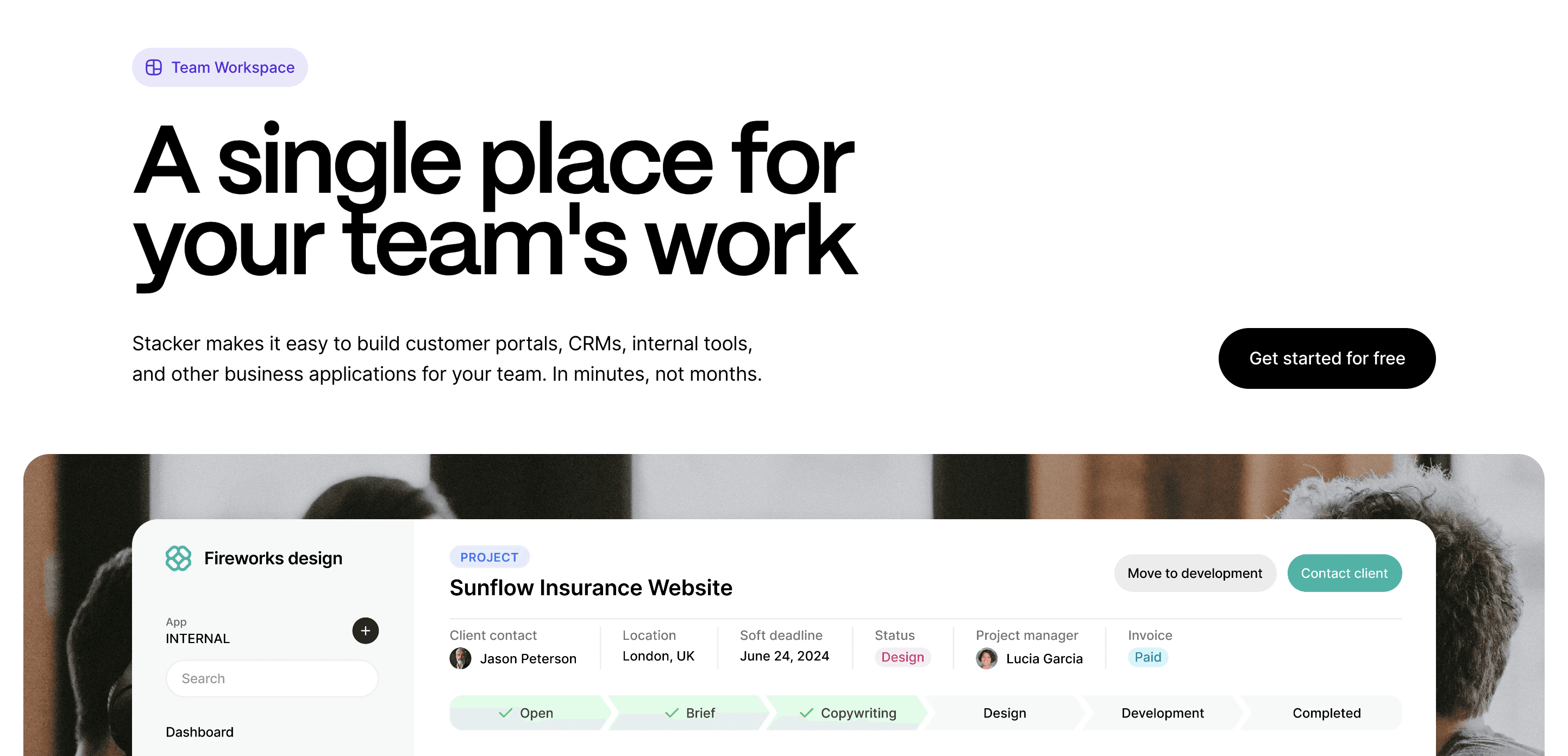
No-code builders offer an alternative when out-of-the-box CRMs don't fit your workflow. Instead of adapting your process to fit a vendor's structure, you create your own application without code.
This makes sense when your business requires non-standard data relationships. Examples include tracking equipment installations with inventory management, managing research participant recruitment with compliance tracking, or handling franchise operations with territory-based pricing. Standard CRMs weren't built for these scenarios.
Stacker lets you build these systems through an AI-powered builder that creates working apps from plain-language descriptions. You design your own data model with the objects and connections your workflow requires, then assemble interfaces using drag-and-drop components. Role-based permissions control who sees what, down to specific fields.
External access matters here. When clients, vendors, or partners need to view or update records, you can create secure portals showing only their data. Teams replace spreadsheet processes with proper applications that serve both staff and external users without developer fees.
Final Thoughts on Selecting Customizable CRM Software
Finding the right CRM customizable software comes down to matching your actual workflow, not forcing your team into someone else's template. You need flexibility that your team can manage themselves, fields that capture what you actually track, and automation that enforces your process without constant IT involvement. Test how easy changes are to make during trials, talk to teams who will use it daily, and remember that the best system is one people actually want to use because it makes their work easier. Try Stacker by starting a free workspace.
FAQs
What's the difference between a customizable CRM and a custom-built CRM?
A customizable CRM lets you adjust fields, workflows, and views through configuration without coding, whereas a custom-built CRM requires developers to write code from scratch. This typically costs tens of thousands of dollars and takes months to complete.
How do I know if my business needs a customizable CRM instead of a standard one?
If your team relies on workarounds like spreadsheets to track data the CRM can't handle, or if people enter information incorrectly because the right fields don't exist, you need more flexibility than generic CRMs offer.
Can I build a CRM that external users, like clients or vendors, can access?
Yes, some customizable CRMs and no-code builders support secure portals that let external users log in to view only their own data. This works well for client project tracking, vendor management, or partner collaboration without giving full system access.
What should I customize first when setting up a new CRM?
Start with the unique data points your business actually tracks and the specific stages in your workflow. Avoid adding fields "just in case" since unnecessary customization clutters the interface and confuses users.
Do I need technical skills to customize a no-code CRM builder?
No, but you should understand basic database concepts like how records connect to each other. Visual editors handle the technical work, though comfort with formulas and automation logic helps for advanced customization.




