
12 MIN READ
Thursday, January 15, 2026

Michael Skelly
Founder, Stacker
When you outgrow Airtable's record limits or realize you need more than a database with views, it's time to look at other options. We've compared the leading Airtable alternatives for building business apps, customer portals, and internal tools. Whether you're dealing with scalability issues or need better portal functionality without paying extra, this guide will help you find the right fit.
TLDR:
Airtable caps at 50K records on Team plans and slows before hitting limits on any tier
Portal functionality costs extra ($120/mo minimum) with per-seat pricing that scales poorly
Stacker includes AI app building, unlimited records, and portals in one platform
Stacker builds complete business apps with workflows, not just database views with forms
What is Airtable and How Does It Work?
Airtable is a spreadsheet-database hybrid that brings relational database capabilities to a familiar spreadsheet interface. Instead of managing disconnected sheets, you can organize data across multiple linked tables, connecting records the way a traditional database would. This gives you the flexibility of a spreadsheet with the structure and power of a proper database.
The interface feels intuitive for anyone who's used Excel or Google Sheets. You start with a grid view that looks like a spreadsheet, but you can switch between different visualizations depending on what you're tracking. A kanban board works well for project pipelines, a calendar view helps with scheduling, and a gallery layout suits visual content like product catalogs or design assets.
Airtable targets non-technical users who need more than spreadsheets can offer but don't want to wrestle with SQL databases or hire developers. Teams use it to track projects, manage workflows, and structure data in ways that fit their specific processes. The service includes forms for data collection, automations that trigger actions based on changes, and integrations that connect to tools like Slack and Salesforce.
It positions itself as a collaborative workspace where teams can build custom solutions without code. That flexibility makes it popular with small businesses and individual departments within larger companies who need to digitize processes quickly without waiting on IT resources.
Why Consider Airtable Alternatives?
Airtable works well for small teams managing straightforward workflows, especially those comfortable with spreadsheet-style interfaces. But as operations scale or requirements become more sophisticated, you'll likely hit walls that push you toward alternatives.
The most common pain point is data scalability. Airtable caps records at 500,000 per Base on the Enterprise plan, with much lower limits on cheaper tiers. The free plan restricts you to 1,000 records per base, while the Team plan maxes out at 50,000. Performance starts to slow well before you hit these ceilings, creating friction when your dataset grows.
Airtable also falls short as an actual app builder. It functions as a database with some views and automation, but it can't create the kind of custom user interfaces and structured workflows that real business applications need. If you want to build something your team or customers can actually use as software, you'll need to layer on separate tools.
Portal functionality comes at a steep additional cost. Airtable Portals requires a paid add-on starting at $120 monthly for 15 seats on Team plans and $150 monthly on Business plans. The per-seat pricing model becomes expensive quickly, with Team plans at $20 per user monthly and Business features jumping to $45 per user monthly for capabilities like admin controls and two-way sync.
Organizations needing robust data integrity, granular permissions, or applications that replace actual software rather than just organize information typically need alternatives with stronger app-building capabilities.
Best Airtable Alternatives in December 2025
Stacker
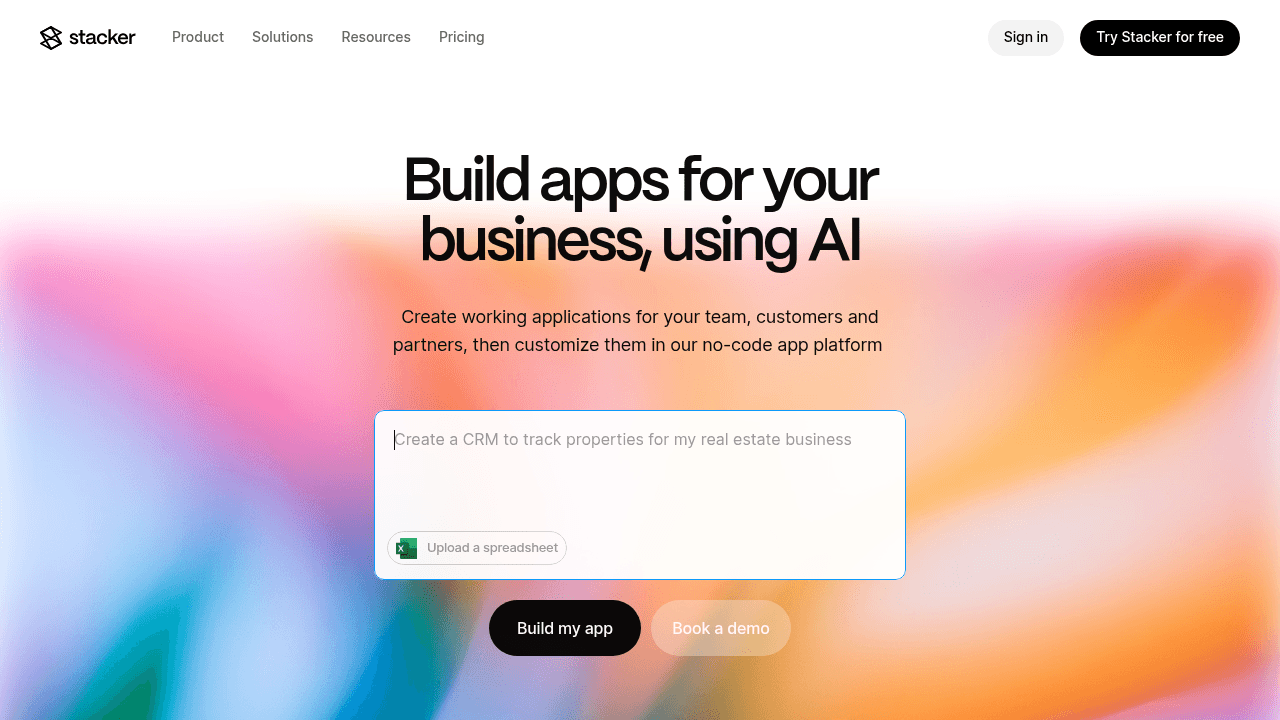
Stacker is a no-code app builder with integrated AI that creates custom business applications, internal tools, CRM systems, and secure portals without coding. Unlike Airtable, which needs additional tools to create user interfaces, Stacker provides a complete application development environment with its own built-in database and portal capabilities included.
The AI-powered builder generates working applications from plain-English prompts and applies iterative changes on demand. You get a built-in relational database with no restrictive row limits, plus the ability to connect existing Airtable or Google Sheets data with real-time two-way sync. Granular role-based permissions and portal functionality come standard, enabling secure external access for customers, clients, and vendors.
Stacker provides pre-built UI components like tables, forms, detail pages, kanban boards, and calendars that create professional interfaces without design expertise. Business logic, automation, and workflow capabilities build directly into apps.
Stacker is the best choice for operations teams building internal workflow tools, businesses creating customer or vendor portals, and non-technical teams digitizing manual processes.
Glide
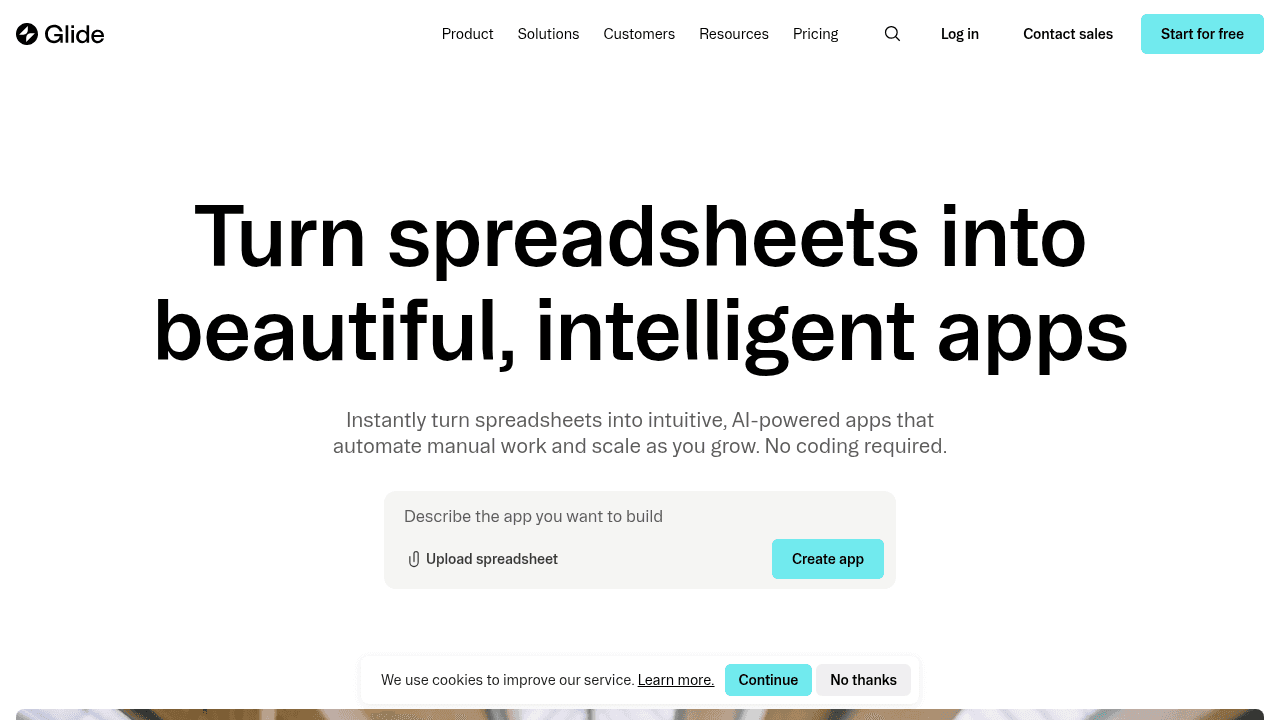
Glide creates mobile-first apps from Google Sheets with a focus on polished mobile experiences for basic workflows. It originated as a tool for building simple utility apps and remains focused on that niche.
The service offers mobile app building with iOS and Android publishing, visual editing with pre-built components, integration with Google Sheets and other data sources, and templates for common use cases.
Glide works well for lightweight utility apps like events, field teams, or simple mobile tools that supplement existing systems. The limitation is spreadsheet-first data architecture that becomes problematic for multi-entity systems or complex relational data.
Monday.com
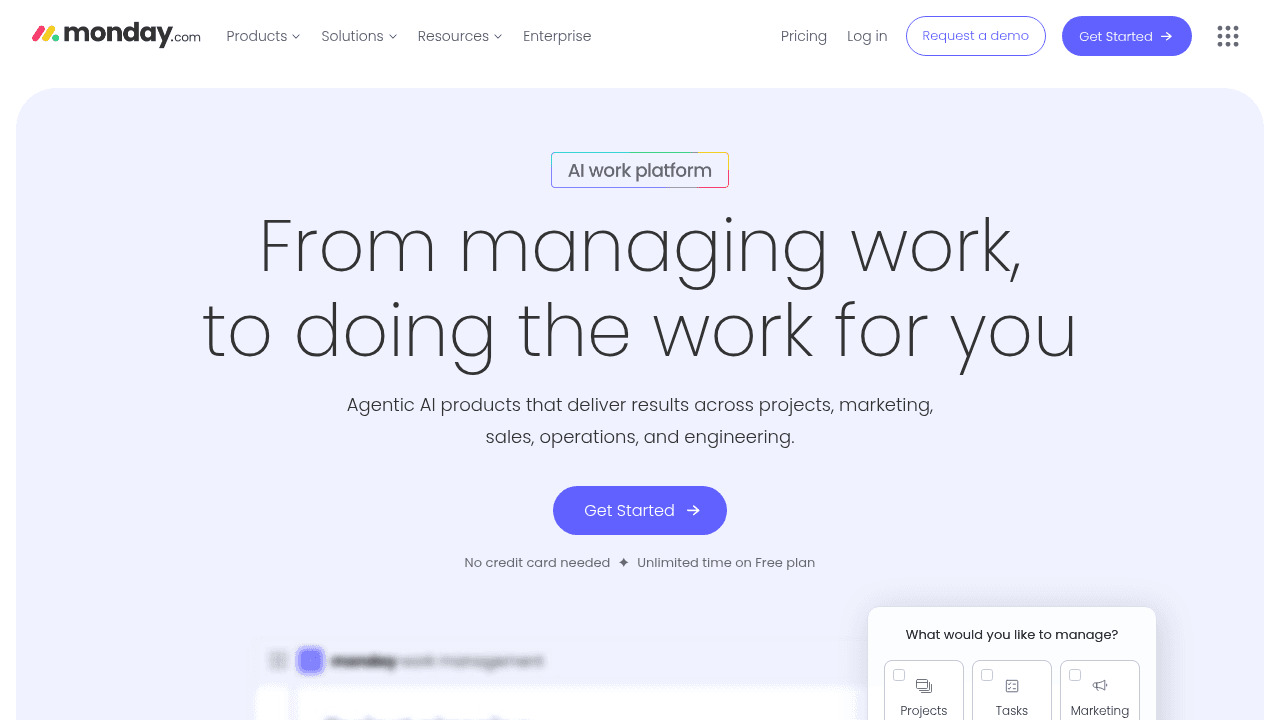
Monday.com is a project management platform focused on task tracking, team collaboration, and workflow visualization. It provides boards, timelines, and dashboards for managing projects but lacks the structured data modeling needed for business applications.
The service offers customizable boards with multiple views (kanban, timeline, calendar), task automation and notifications, team collaboration features, and integration with other tools.
It is built for teams managing projects and tasks who need visual workflow tracking. The key limitation is that everything is fundamentally a task or project item. Monday.com works well for unstructured to-dos but can't model complex business processes with proper relational data, enforce structured workflows, or create the kind of specialized applications that operations teams need. You're limited to their project management paradigm rather than building software that fits your actual business logic.
ClickUp
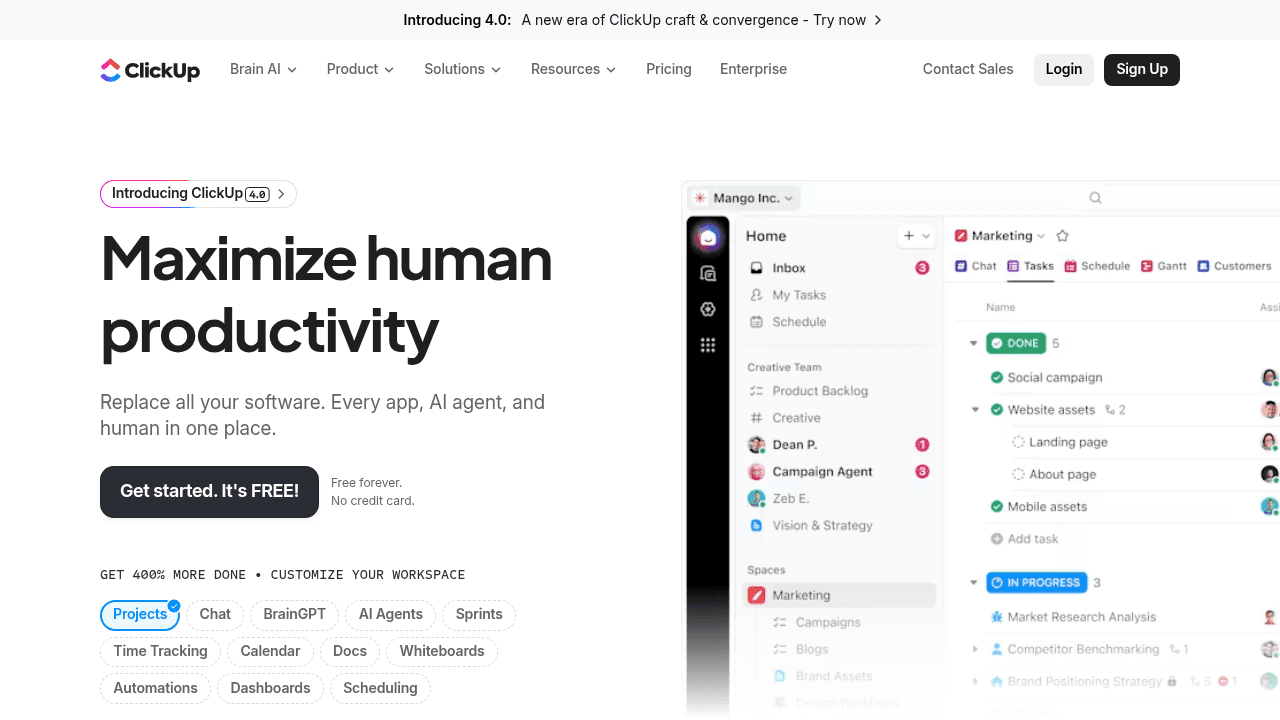
ClickUp is a project management tool for tracking tasks, projects, and team workflows. It provides task lists, boards, timelines, and docs for managing work, but its fundamentally built around managing tasks rather than modeling business processes.
The service offers multiple view types (list, board, calendar, Gantt), task dependencies and time tracking, docs and wikis for documentation, and automation for routine task updates.
Teams coordinating projects and tasks who want an all-in-one workspace for their to-dos would do well with ClickUp. The fundamental limitation is the same as Monday.com - everything is a task or subtask. ClickUp works well for managing unstructured work items but can't model the relational data structures that real business processes require. You can't build a proper CRM, inventory system, or customer portal in ClickUp because it lacks the database foundation and granular permissions needed for applications that serve as systems of record.
AppSheet
AppSheet (owned by Google) is a no-code platform that generates mobile and web apps from spreadsheets and databases. It focuses on form-based data collection and basic CRUD (create, read, update, delete) operations, primarily targeting field workers and mobile use cases.
The service offers automatic app generation from spreadsheet structure, mobile-first design with offline capabilities, integration with Google Workspace and other data sources, and workflow automation through bots and notifications.
AppSheet is best for organizations already invested in Google Workspace who need simple mobile data collection tools or field service apps. The main limitation is its form-centric approach - while it can generate an app quickly from your data structure, building sophisticated business logic or custom user experiences requires working within AppSheet's constraints. The platform excels at straightforward data entry scenarios but struggles with complex multi-entity workflows or applications that need to serve as a true system of record with granular permissions and business rules.
Feature Comparison: Airtable vs Top Alternatives
The table below compares key capabilities across Airtable and the alternatives covered in this guide. This breakdown shows where each tool excels and where limitations appear for different business application needs.
Platform | AI App Builder | Unlimited Records | Built-in Portals | Native Database | Two-Way Sync | Granular Permissions | Workflow Builder |
|---|---|---|---|---|---|---|---|
Stacker | Yes | Yes | Yes | Yes | Yes | Yes | Yes |
Airtable | No | No | No (paid add-on) | Yes | N/A | No | No |
Glide | No | No (inherits Sheets limits) | No | No | Yes | No | No |
ClickUp | No | N/A | No | No | Yes | No | No |
Monday.com | No | N/A | No | No | Yes | No | No |
AppSheet | No | No (inherits source limits) | No | No | Yes | No | No |
Why Stacker is the Best Airtable Alternative
Airtable organizes data well for small teams, but it hits a fundamental limitation: it's a database with views, not an application builder. When you need actual software to run operations, you're stuck layering on separate tools or moving to a different solution entirely.
We built Stacker to solve that problem. The AI-powered app builder generates functional applications from plain-English prompts in minutes, delivering what would take weeks to build manually. You describe what you need, and the AI creates a working app with the right data structure, interface components, and workflows already in place.
The built-in database eliminates Airtable's record limits and performance slowdowns. You can model complex business processes with proper relational structure without worrying about hitting caps or paying per-row fees. If you're already using Airtable or Google Sheets, we maintain real-time two-way sync so you can transition gradually.
Portal capabilities and granular permissions come standard, not as expensive add-ons. You can build customer-facing portals, vendor management systems, and multi-role internal tools within one product. Set field-level and table-level permissions so external users see only their relevant data while your team maintains full operational control.
For teams needing real business applications with structured workflows, professional interfaces, and proper security, Stacker provides what Airtable requires multiple tools and workarounds to approximate.
Final thoughts on selecting an Airtable replacement
When your operations outgrow database views and basic automation, you need software that can handle real business processes. Stacker and other Airtable alternatives provide the app-building power, portal capabilities, and data scalability that growing teams require. The best fit depends on whether you're organizing information or building applications that run your business.
FAQ
When should you consider moving away from Airtable?
Consider switching when you hit record limits that slow performance, need actual application interfaces beyond database views, or face steep costs for portal functionality. If you're spending significant time working around Airtable's constraints or layering on multiple tools to create what you need, a purpose-built app platform will save time and money.
What features should you prioritize when comparing Airtable alternatives?
Look for a built-in database without artificial record limits, native app-building capabilities that create proper user interfaces, and included portal functionality for external users. Granular permissions, workflow automation, and the ability to serve as a true system of record matter more than spreadsheet-style flexibility if you're building business applications.
Can I migrate my existing Airtable data to a new platform?
Yes, most alternatives support data migration from Airtable. Stacker maintains real-time two-way sync with your Airtable bases, so you can transition gradually without disrupting operations or choose to move data entirely to the built-in database once you're ready.
Why do Airtable portals cost extra while some alternatives include them?
Airtable charges separately for portal functionality because it's fundamentally a database tool, not an application platform. Alternatives like Stacker include portals as a core feature because they're designed from the ground up to build complete business applications with external user access.
How is building apps different from using a database with views?
A database with views (like Airtable) organizes and displays data but doesn't create structured workflows, custom interfaces, or role-specific experiences. An app builder creates actual software with tailored screens, business logic, and user journeys that guide people through processes.




