
6 MIN READ
Wednesday, February 18, 2026

Michael Skelly
Founder, Stacker
You might see “real-time collaboration” on every product page, but for your team, the details matter: does everyone see updates the moment they happen, or do you still get delays, conflicts, and “who overwrote this?” moments. You also need a system where internal teammates and external clients can access the same live data without risking access to the wrong records.
This guide looks at app builders that claim real-time collaboration and focuses on what actually counts: sync speed, how many people can work at once, how well they handle external users, and whether the data layer can keep up as your usage grows.
TLDR:
Real-time collaboration builders let multiple users work in the same app at once, with updates appearing immediately across all sessions.
Stacker supports internal teams and external users in a single app, with detailed field-level access controls.
Spreadsheet-based tools often slow down or hit limits under heavy collaborative workloads; database-backed systems scale more reliably.
Look for strong concurrent access, external portals, and workflow automation to support real business processes.
Stacker offers AI-powered app creation with live collaboration for custom business apps.
What Are Real-Time Collaboration App Builders?
Real-time collaboration app builders let you create custom applications where multiple people can interact with the same data at the same time, and see changes as soon as another user saves them. Think of the instant updates you expect in Google Sheets, but applied to full apps with forms, dashboards, and process views.
Most of these tools use no-code or low-code approaches, so you can build and adjust apps without backend coding or server setup. By 2026, 75% of new applications will use low-code or no-code technologies, up from less than 25% in 2020, reflecting the rapid adoption of these platforms across industries.
The real-time layer matters because teams, clients, and partners need to act on the same information, not outdated copies spread across email attachments and files.
How We Ranked Real-Time Collaboration App Builders
We focused on what matters when many people share the same app:
Real-time sync: How quickly one user’s changes appear for everyone else.
Concurrent access: How well the tool handles many users editing records without conflicts or slowdowns.
Collaboration features: Comments, notifications, activity logs, and in-app communication.
External users: How safely you can invite clients, vendors, or partners into the same system.
Workflow building: Ability to automate approvals, status changes, and alerts.
Data infrastructure: Use of a database or spreadsheet backend, and how that affects performance at scale.
Best Overall Real-Time Collaboration App Builder: Stacker
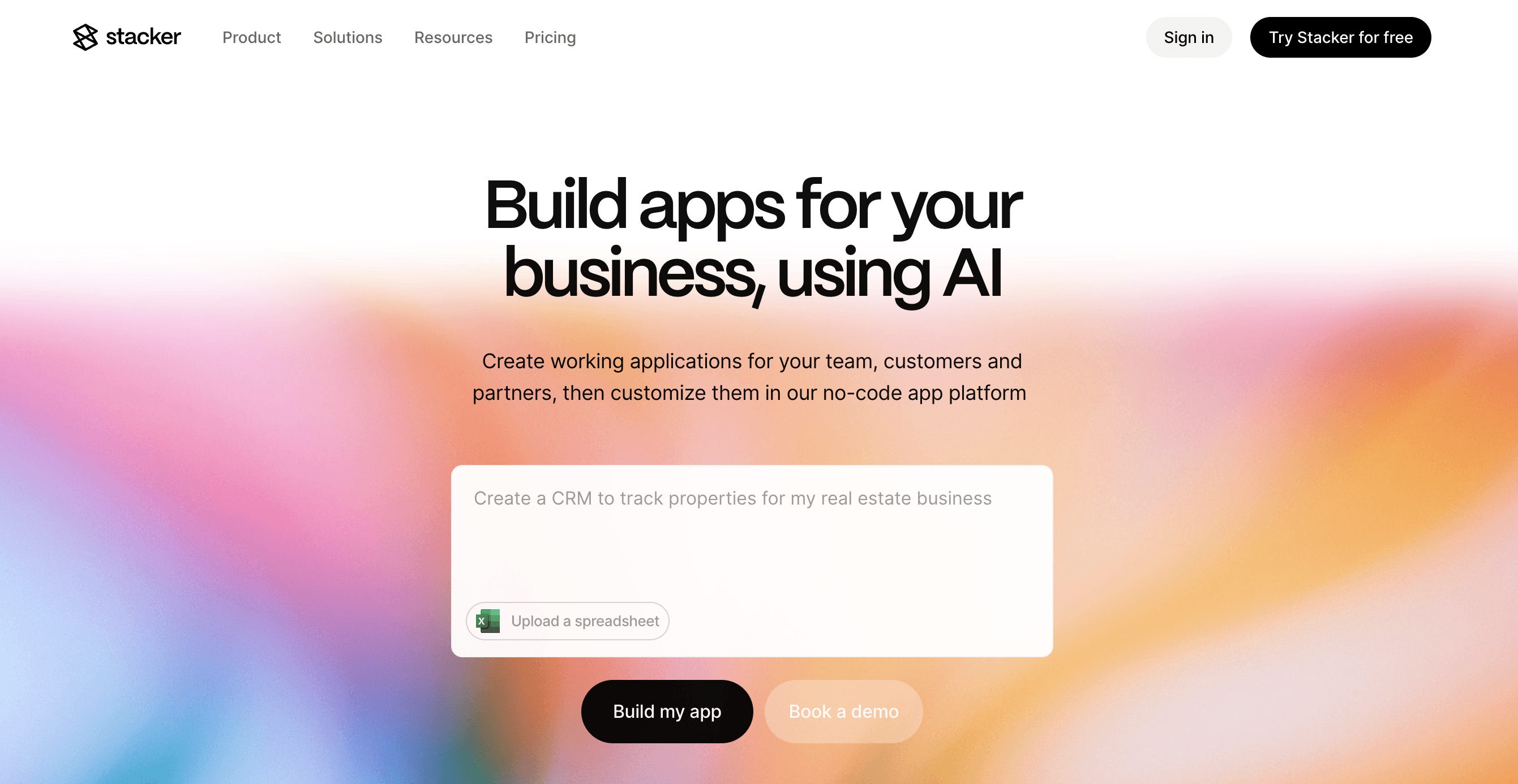
Stacker combines AI app building with true real-time collaboration for teams that rely on shared business data. The AI builder creates an initial app from a short description, and you then refine layouts, data structures, and logic in a visual editor without code.
What they offer:
Real-time collaboration so internal staff and external users see updates as soon as records change.
A relational data layer and data source connections, including two-way sync with Airtable and Google Sheets.
Detailed access control, including field-level rules and role-based views for different user types.
Good for: Teams that need a single app where employees, clients, and vendors all work from the same live system, with clear boundaries on who sees which records, ideal for building a Stacker client portal that keeps external collaborators connected.
Limitation: Designing more advanced data models and permission patterns can take teams new to no-code tools some time to plan.
Bottom line: Stacker is the strongest choice when you need both real-time updates and a structure that can support complex, multi-user business apps long term.
Noloco
Noloco builds apps on top of existing data sources such as Airtable, following a spreadsheet-centric approach. It adds a web interface, portals, and workflows to data you already store elsewhere.
What they offer:
Live sync with Airtable so changes in the base appear in the app immediately.
Commenting on records and other collaboration touches.
Progressive Web Apps so users can “install” Noloco apps on devices.
Workflow automation for tasks such as notifications and simple process steps.
Good for: Teams already invested in Airtable that want a quick way to add portals or internal apps with real-time views of their Airtable data.
Limitation: Because it depends heavily on external sources, complex setups with many linked tables and user types can become harder to manage and tune for performance.
Bottom line: Noloco is a strong Airtable companion for real-time views and portals, but is less suited as a standalone hub for more multi-entity systems.
Lovable
Lovable is an AI-driven full-stack app builder that turns prompts into web apps with frontend, backend, and database code. It is aimed at developers and technical founders who want code they can own and edit.
What they offer:
AI-generated apps with source code for the frontend, backend, and schema.
Supabase and similar services for databases and authentication.
GitHub sync and deployment options that let engineers manage and extend the code.
Good for: Technical teams who want to quickly prototype full-stack apps, then maintain and refine the generated code in their own repositories.
Limitation: Generated code needs ongoing developer attention; non-technical operations teams cannot safely adjust it on their own, and changes may introduce new bugs.
Bottom line: Lovable is ideal for developer-led prototypes, not for non-technical teams that need a managed, no-code collaboration environment.
Airtable
Airtable offers a hybrid of spreadsheets and databases, with Interfaces and automations layered on top. It supports real-time editing within the base, with multiple users updating data simultaneously.
What they offer:
Real-time editing in grid and view modes for teams working on shared bases.
Interface designer for dashboards and tailored views.
Automations and integrations, plus guest access to Interfaces at per-guest pricing.
Good for: Teams that already use Airtable as their main data store and want simple, real-time internal interfaces without moving to a new system.
Limitation: Portal-style access for external users can become expensive because of per-guest pricing, and Interfaces remain tightly tied to the spreadsheet foundation.
Bottom line: Airtable is a strong internal collaboration tool for structured data, but it is less cost-effective and less flexible for large external user groups.
Glide
Glide turns spreadsheet data into mobile and web apps, with a strong focus on mobile-first experiences and instant updates from Google Sheets or other sources.
What they offer:
Mobile-ready apps generated from spreadsheets, with real-time updates from the source.
Pre-built mobile components and templates for common field use cases.
Progressive web apps that users can open and “install” on phones and tablets.
Good for: Field teams that need simple, live-updating mobile tools such as inventory checkers or on-site forms tied to spreadsheet data.
Limitation: Glide focuses on lightweight apps and does not offer the same depth for complex desktop workflows or multi-role business systems.
Bottom line: Glide is a good way to turn spreadsheets into mobile-friendly, live-updating apps, but it is not designed as a complete collaboration hub for larger operations.
Feature Comparison Table of Real-Time Collaboration App Builders
Feature | Stacker | Noloco | Lovable | Airtable | Glide |
|---|---|---|---|---|---|
Real-time multi-user sync | Yes | Yes | No | Yes | Yes |
Native database | Yes | No | Yes | No | No |
AI app builder | Yes | Yes | Yes | No | No |
External user portals | Yes | Yes | No | Yes | No |
No-code maintenance | Yes | Yes | No | Yes | Yes |
Complex workflow support | Yes | No | No | No | No |
Concurrent access for 50+ users | Yes | No | No | No | No |
Why Stacker Is the Best Real-Time Collaboration App Builder
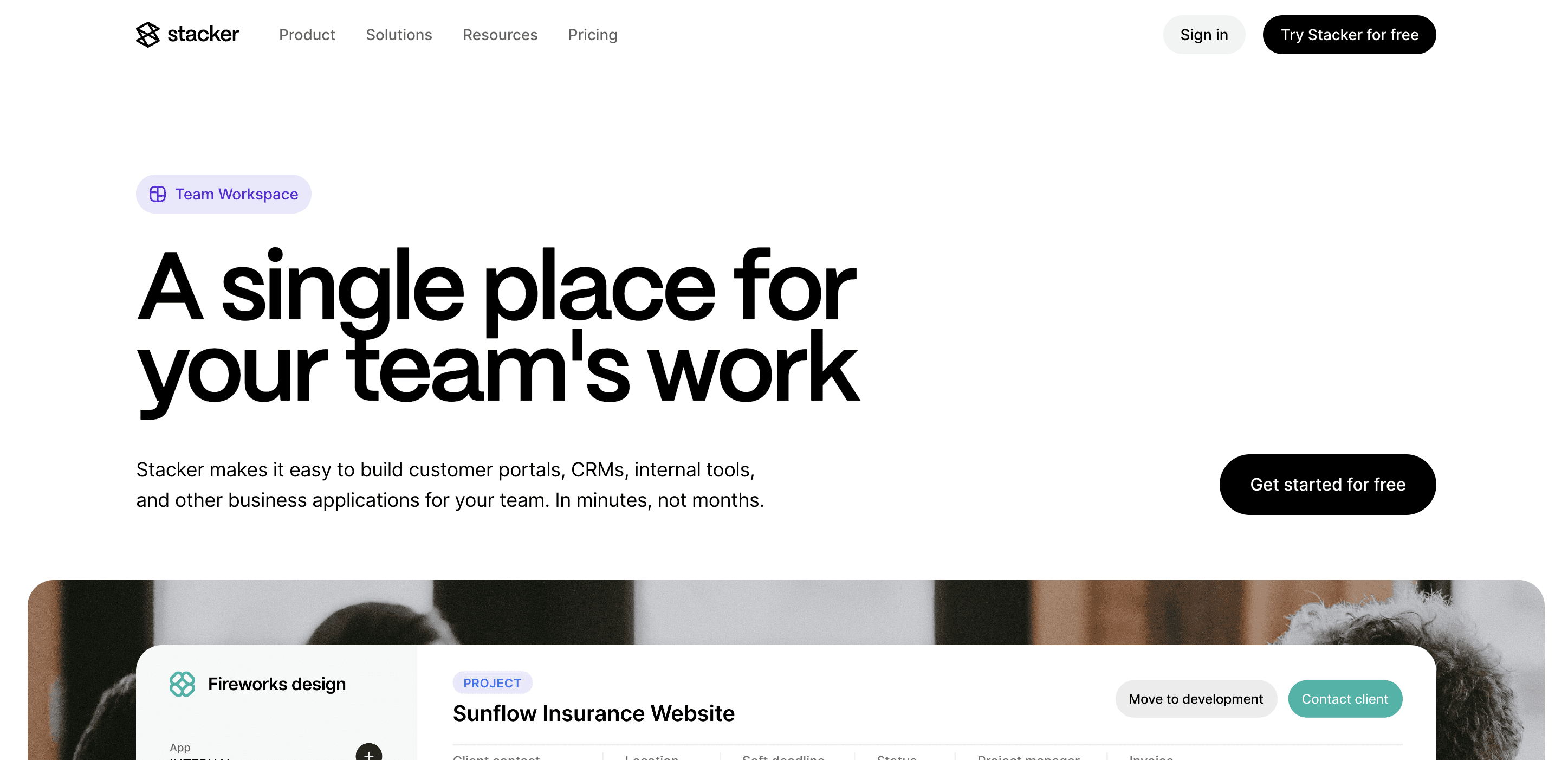
Stacker handles what matters for apps: concurrent access without conflicts, instant data updates across all users, and the ability to mix internal teams with external clients in one secure system. The collaboration software market grew from $7.42 billion in 2024 to $8.39 billion in 2025, driven by teams' need for better ways to work together on live data.
As more teams move to shared, live data tools, the ability to handle higher concurrency and mixed internal–external use cases cleanly becomes critical. Stacker provides this without requiring teams to manage code, servers, or fragile spreadsheet workarounds.
Final Thoughts on Real-Time App Builders
Real-time apps help you leave version chaos behind, so your team and your clients rely on the same live information instead of tracking conflicting files. When you choose a builder, look past the label and check how it handles many users, complex data, and external access.
If you want to see how this works in practice, start a Stacker workspace and build a small app around one real process, such as a client project tracker or vendor job board. Connect a sample of your data, invite a few teammates or external partners, and watch how live updates change the way you work together. That quick trial will show whether Stacker can become the central place for your collaborative workflows.
FAQs
Which real-time collaboration app builder is best for non-technical teams?
Stacker is the strongest option for non-technical teams that manage day-to-day processes, because it combines AI-guided app creation with no-code editing, so your team does not need developers for changes. Glide works well for simple, mobile-focused utilities, while Lovable is better suited for teams with developers who can manage the generated code.
How do I choose between spreadsheet-based and native database builders?
Pick a builder with a native database, such as Stacker, when you need complex workflows, a larger number of active users, or linked records that go beyond basic lists. Spreadsheet-centered tools like Airtable Interfaces, Glide, and Noloco can handle simpler views but are more likely to slow down or hit limits as collaboration and data volume grow.
Can I build apps that serve both my team and external clients?
Yes, several tools support external users. Stacker lets you manage internal and external access in a single app with field-level controls, while Airtable offers portal access as a paid add-on, and Noloco and Softr both provide client portal features that connect to Airtable data. Glide and Lovable are less focused on mixed internal–external use and need more workarounds for that pattern.
What is the difference between real-time sync and concurrent access?
Real-time sync means that once a change is saved, other users see it almost immediately. Concurrent access means many people can edit and interact with the same system at once without conflicts or heavy performance drops, which is where tools like Stacker are designed to support more demanding multi-user scenarios.
When should I avoid AI code-generation tools for collaboration apps?
Avoid AI code generators such as Lovable when you lack developers for ongoing upkeep or when non-technical teams must update the app frequently. Generated code can be fragile as requirements evolve, while managed no-code tools give business teams a safer, more stable way to maintain their own collaboration apps.




