
6 MIN READ
Monday, January 19, 2026

Michael Skelly
Founder, Stacker
If you’re searching for Softr alternatives, you’re really comparing “spreadsheet-first frontends” with platforms that act as a core software system for your business complete with a real data layer, secure external portals, and native automation. A modern no-code app builder that offers a built-in relational database, an AI-powered app builder, and granular permissions can take you from simple client portals to full CRMs, internal tools, and vendor or partner hubs that actually run your day-to-day operations.
TLDR:
Softr works as a frontend for spreadsheets but lacks a native database for more complex workflows.
Stacker includes a built-in relational database and AI builder for scalable business apps.
Per-seat pricing in Softr becomes expensive at scale compared to flat-rate alternatives.
Field-level permissions and native automation separate full app builders from simple display tools.
Stacker powers systems like vendor portals and CRMs without code or ongoing maintenance work.
What is Softr and How Does It Work?
Softr lets you build client portals and web applications by connecting to your existing data. It acts as a frontend interface, not as a primary database. You connect sources like Airtable, Google Sheets, SmartSuite, or HubSpot, and the system turns that information into a user-facing layout.
The builder uses a block-based structure. Instead of designing pixel by pixel, you choose from a library of components such as lists, charts, and forms. You then map fields from your data source to these blocks using a visual editor. This approach helps non-technical users assemble working apps quickly.
Softr serves freelancers and small businesses creating directories, membership sites, or customer portals. It supports user authentication and granular permissions, so you can control exactly what data specific users can access. This lets teams share information securely with external partners or customers without investing in custom development.
Why Consider Softr Alternatives?
Softr is a strong fit for simple portals on top of Airtable or Google Sheets, but teams start to look at alternatives when their app needs to handle more complex data and access patterns. As record counts, relationships, and user roles grow, relying on a spreadsheet backend and multiple external automation tools can make workflows harder to trust and maintain.
At that stage, many businesses want a built-in relational database, more detailed permissions, and native automation in a single environment. With custom software development costs ranging from $30,000 to $100,000 for mid-range applications, no-code alternatives become especially attractive for growing teams.
By 2026, 80% of low-code users will be outside formal IT departments up from 60% in 2021, showcasing why solutions need to support business users directly.
Stacker is built to fill that gap with its own data layer, AI-assisted app builder, and field-level access control, so you can keep the ease of no-code while gaining the structure needed for CRMs, work management, and secure customer or partner portals.
Best Softr Alternatives in January 2026
Here are the top five alternatives to Softr, ranked by their ability to handle scalable business operations and complex data needs.
Stacker (Best Overall Alternative)
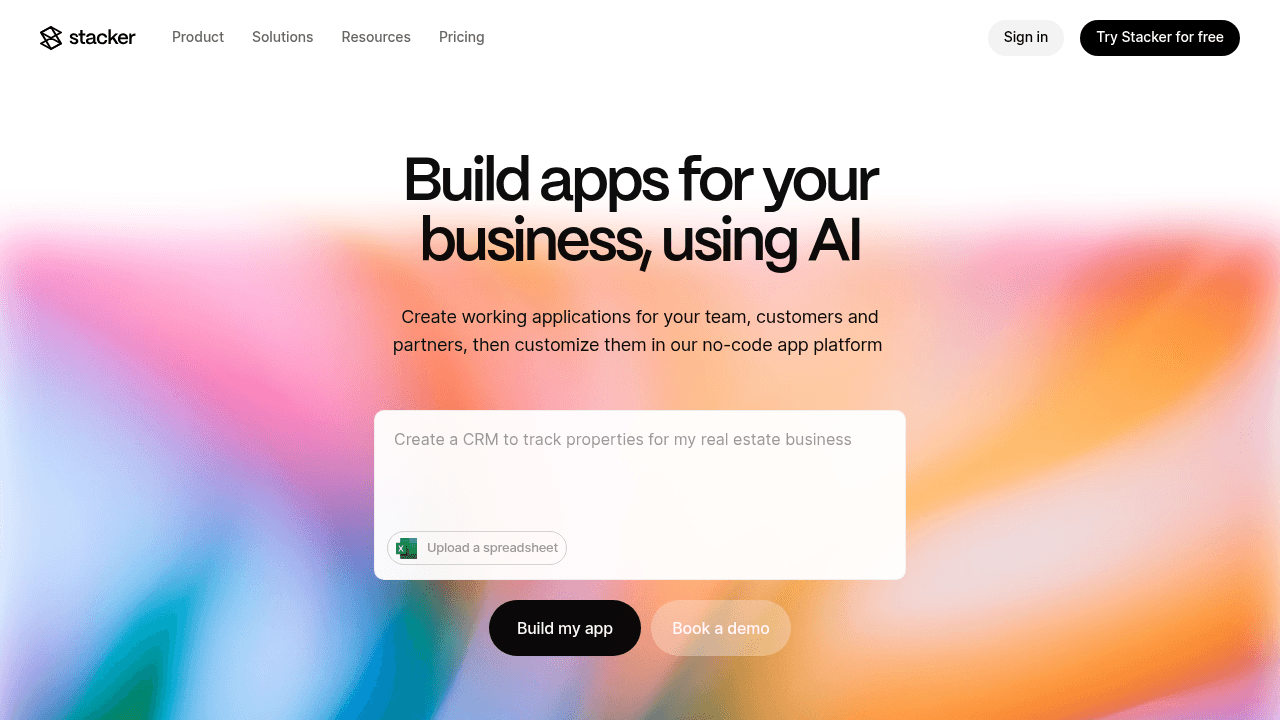
Stacker is a no-code app builder that gives you a built-in relational database, AI-assisted app creation, and secure external portals that run on your own data. It is designed as a “core software system” where teams build custom CRMs, internal tools, and customer or partner portals that stay in sync with sources like Airtable or Google Sheets.
Key features
AI app builder that can turn a plain-English prompt into a working app structure, then refine it through natural language changes.
Data fabric with its own relational storage plus connections to existing data, so you can centralize critical records without spreadsheet limits.
Field-level and table-level permissions, external portals, and built-in logic and automation for processes such as approvals, handoffs, and status changes.
Good for: teams that need custom CRMs, vendor or partner portals, or process trackers backed by a real data model and secure multi-role access, but do not want to manage code.
Limitation: for very small, short-lived projects where you only need a simple view on top of a spreadsheet, Stacker’s richer data and permission model can be more than you require.
Bottom line: Stacker is the strongest Softr alternative when your app has become central to how your team works and you need an AI-assisted, database-backed system that supports complex workflows and external users at scale.
Noloco
Noloco builds web interfaces and portals directly on top of Airtable, focusing on teams that want a more polished front end for bases they already rely on. It reads your Airtable schema and lets you design pages, lists, and forms with sign-in and role-based access.
Key features
Visual builder that sits over Airtable, with components for lists, detail views, and forms.
Authentication and record-level access so external users can work with Airtable data through a cleaner interface.
Good for: teams fully committed to Airtable that want to improve how users interact with their bases, without introducing another data layer.
Limitation: because Noloco depends on Airtable for storage and structure, performance, row limits, and pricing all inherit Airtable’s constraints.
Bottom line: Noloco is a good fit when Airtable is your long-term source of truth; Stacker is better if you want the option to move data into a dedicated database while still supporting Airtable-based apps.
Lovable
Lovable takes a code-first approach: it uses AI to generate a complete application codebase from conversational prompts, then lets you export and host it wherever you choose. It is closer to having an AI-assisted development team than a classic no-code tool.
Key features
AI-generated front end and backend code that you can inspect, extend, and deploy.
Natural-language updates that modify the code as you describe features or changes.
Good for: founders and product teams who want a fast way to ship a prototype or v1 product and are comfortable owning ongoing engineering work.
Limitation: you are responsible for hosting, security, debugging, and upgrades, which can be difficult for non-technical teams and adds ongoing effort as the app grows.
Bottom line: Lovable is ideal when you want to own custom code; Stacker suits teams who want AI-powered creation on a managed foundation that business users can maintain themselves.
Airtable
Airtable combines spreadsheet-style views with database features and is widely used as a shared data hub for teams. Its Interface Designer and automation features help teams create internal dashboards and simple tools directly in Airtable.
Key features
Relational tables with spreadsheet-style editing and multiple view types, plus automation for routine tasks.
Interface Designer for internal pages and forms that sit on top of your bases.
Good for: internal work tracking, project coordination, and content planning where teams need a flexible shared database and basic interfaces.
Limitation: external access with strong permissions is limited and can be costly through portal add-ons, which makes it harder to build secure, large-scale client or vendor portals on Airtable alone.
Bottom line: Airtable is an excellent choice for storing and organizing data; Stacker is what you add when you want that data to drive full business apps and secure portals for external users.
Glide
Glide specializes in turning data sources like Google Sheets into mobile-friendly apps with strong visual polish. It is designed first for phone and tablet experiences and offers a range of templates for field and on-the-go scenarios.
Key features
Mobile-focused layouts and components that work well on phones and tablets.
Direct connections to spreadsheets and simple data sources for quick app creation.
Good for: teams that need simple tools for tasks such as event check-ins, field inspections, or basic data collection in mobile contexts.
Limitation: spreadsheet backends and mobile-first layouts make it less suited for complex, desktop-heavy workflows or multi-party systems with detailed permission requirements.
Bottom line: Glide is a smart choice for focused mobile utilities; Stacker fits better when you need a central business app that supports deeper data models, multiple roles, and both internal and external users.
Feature Comparison: How These Tools Differ
The table below features core capabilities that tend to matter most for growing teams: whether there is an integrated database, how AI supports app creation, how external users are handled, and how much configuration you can keep inside one system instead of relying on extra services.
Feature | Softr | Stacker | Noloco | Lovable | Airtable | Glide |
|---|---|---|---|---|---|---|
AI-Powered App Builder | No | Yes (full app generation + iteration) | No | Yes (code generation) | No | No |
Built-In Database | No (requires external sources) | Yes (relational database) | No (requires Airtable) | No (generates code only) | Yes (spreadsheet-based) | No (requires external sources) |
External User Portals | Yes (limited scalability) | Yes (unlimited at flat fee) | Yes (per-user pricing) | No (prototype only) | Yes ($120/month for 15 users) | Limited |
Field-Level Permissions | Basic | Yes (granular control) | Basic | No | Limited | Basic |
Business Logic & Automation | Requires Zapier/Make | Built-in workflows + formulas | Limited | Not applicable | Built-in but limited | Limited |
Data Source Connections | Airtable, Google Sheets, HubSpot, SQL | Built-in + Airtable + Google Sheets | Airtable only | Not applicable | Native only | Google Sheets, Airtable |
Maintenance-Free Operation | Yes | Yes | Yes | No (requires code maintenance) | Yes | Yes |
Why Stacker is the Best Softr Alternative
Softr is a good starting point when you want a quick portal on top of Airtable or Sheets, but it is not designed to be the main system your team runs on. Stacker is built for that role, so it covers the gaps that appear as your app grows in importance and complexity.
Key strengths Stacker adds
High-volume database options
Softr is limited by Airtable and spreadsheet constraints. Stacker lets you keep data in tools you already use or move it into Stacker Tables, where you get a dedicated, high-capacity data layer that can support CRMs, work hubs, and multi-party portals without slowing down.AI-driven build process
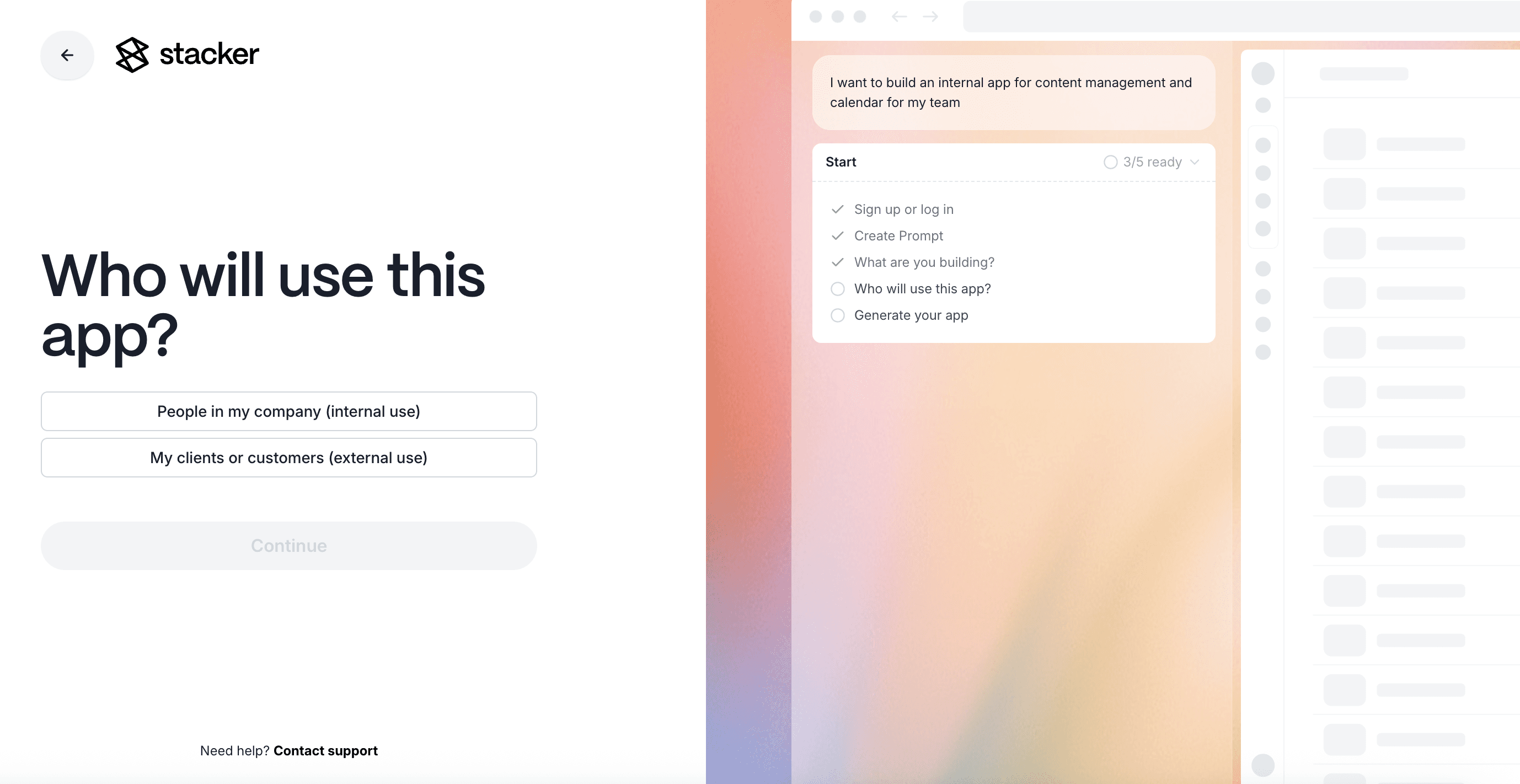
With most tools, configuring data models, pages, and relations is manual work. Stacker lets you describe what you want in natural language and uses AI to create the initial app, including structure and page layouts, then refine it based on your feedback. This keeps you focused on how your process should work, not on wiring every element by hand.Native logic and security
Permissions and automation live inside Stacker. You can define field-level access, action buttons, and workflows in one place instead of spreading logic across multiple services. That makes it easier to keep data safe and keep processes consistent as more users come on board.
Final Thoughts on Softr Alternatives
Most teams start comparing Softr alternatives when growth exposes limits around data volume, access rules, or per-seat costs. Stacker tackles those pressure points with its own relational data layer, detailed permission controls, and pricing that is designed to support large numbers of external users without surprise jumps.
From here, the key choice is whether you want a thin frontend on top of spreadsheets or a full app builder that can act as your team’s core system for CRMs, work management, and customer or partner portals built on your own data.
FAQs
When should you consider moving away from Softr?
You should start looking at alternatives when you need to manage more complex data relationships, invite hundreds of external users, or support processes that rely on strict access rules and auditability. If you are stitching together multiple automation tools to get basic things done or watching per-user pricing climb quickly, it is a sign you may benefit from a tool with its own data layer and deeper controls.
What features should you focus on when comparing Softr alternatives?
Look for an integrated relational database that can handle larger, connected datasets, field-level permissions for secure external access, and native automation so common actions do not depend on extra services. AI-guided building is also valuable if you want to move from idea to working app quickly without giving up control.
Can I migrate my existing Airtable data to a Softr alternative?
Yes. Many alternatives let you either keep Airtable as a live source or import your data into their own storage. Stacker supports both approaches, so you can start by syncing an Airtable base, then move into Stacker Tables later to improve performance and stability as your needs increase.
How do Softr alternatives handle external user pricing differently?
Softr charges per external user, which becomes expensive as you scale. Stacker offers unlimited external users at a flat fee, making it more cost-effective for client portals or vendor management systems. Airtable's portal add-on starts at $120/month for just 15 guest users, while other alternatives like Noloco also use per-user pricing models.
What's the main difference between AI code generators and AI app builders?
AI code generators, such as Lovable, output code you must host and maintain, which suits teams with engineering resources. AI app builders, such as Stacker, create applications on managed infrastructure, so you get the speed of AI during setup and iteration while your team manages structure and configuration through a visual editor instead of code.




