
6 MIN READ
Thursday, December 18, 2025

Michael Skelly
Founder, Stacker
Most business software is built for everyone, which means it's perfect for no one. If your industry has unique requirements, you've likely hit the limits of generic tools pretty quickly. That's why industry-specific no-code platforms are growing so fast. They let operations teams build exactly what they need without waiting months for developers or paying enterprise consulting fees.
TLDR:
No-code platforms let you build custom industry software for specialized workflows without hiring developers
Stacker excels at niche business apps with AI-powered generation, granular permissions, and secure external portals
Generic tools like Notion lack transactional features; Salesforce requires expensive consultants for customization
Connect existing data from Airtable or Google Sheets to create operational apps in minutes, not months
Stacker's AI builder and flexible interface help operations teams create specialized business apps tailored to unique processes
What is Niche Industry Software?
Niche industry software is built for the unique operational requirements of specialized sectors. While most companies try to make do with generic tools, these often break down when workflows become complex. A specialized equipment rental agency, for example, cannot rely on a standard CRM to track inventory nuances. Custom business solutions solve this by molding software to your specific processes rather than the inverse.
The need for specialized business apps is growing rapidly. The global market for custom development is expanding as leaders realize generic apps restrict output.
No-code tech fuels this growth, letting operations teams build internal systems without hiring engineers. Traditional custom enterprise software projects now cost between $100,000 to $750,000 for small-to-mid-sized businesses, making no-code alternatives increasingly attractive for mid-market companies.
Self-serving your own tech stack is quickly becoming a distinct competitive advantage.
What Do You Need to Build Niche Industry Software?
Choosing the right builder for niche business software means looking beyond generic feature lists. The best tools are flexible enough to let operations teams create custom solutions that fit their exact needs without writing code. These picks show that software should adapt to your workflows, not force your workflows to adapt to it.
Interface Control:
Strong interface control lets teams shape software around real workflows instead of forcing users into a fixed UI. How much freedom does the platform provide to design, customize, and secure the user experience of the applications you build, without writing code?
Data Logic:
Without strong data logic, no-code tools are limited to basic forms and tables. Does the system handle complex relationships and logic to support real business processes?
Access Rules:
How much control does the tool have over who can view or edit specific records or fields based on role, status, or relationship? Granular permissions are essential for protecting sensitive data in complex workflows.
Data Connection:
Strong data connections turn a no-code app from a standalone tool into a part of a broader ecosystem. Is the platform flexible enough to read and write to your current sources, such as SQL or Airtable?
Builder Experience:
How easy, intuitive, and powerful is it for non-developers to design, manage, and evolve applications. Is the setup intuitive for business users, or does it demand weeks of training?
Best Overall No-Code Solution for Niche Industries: Stacker
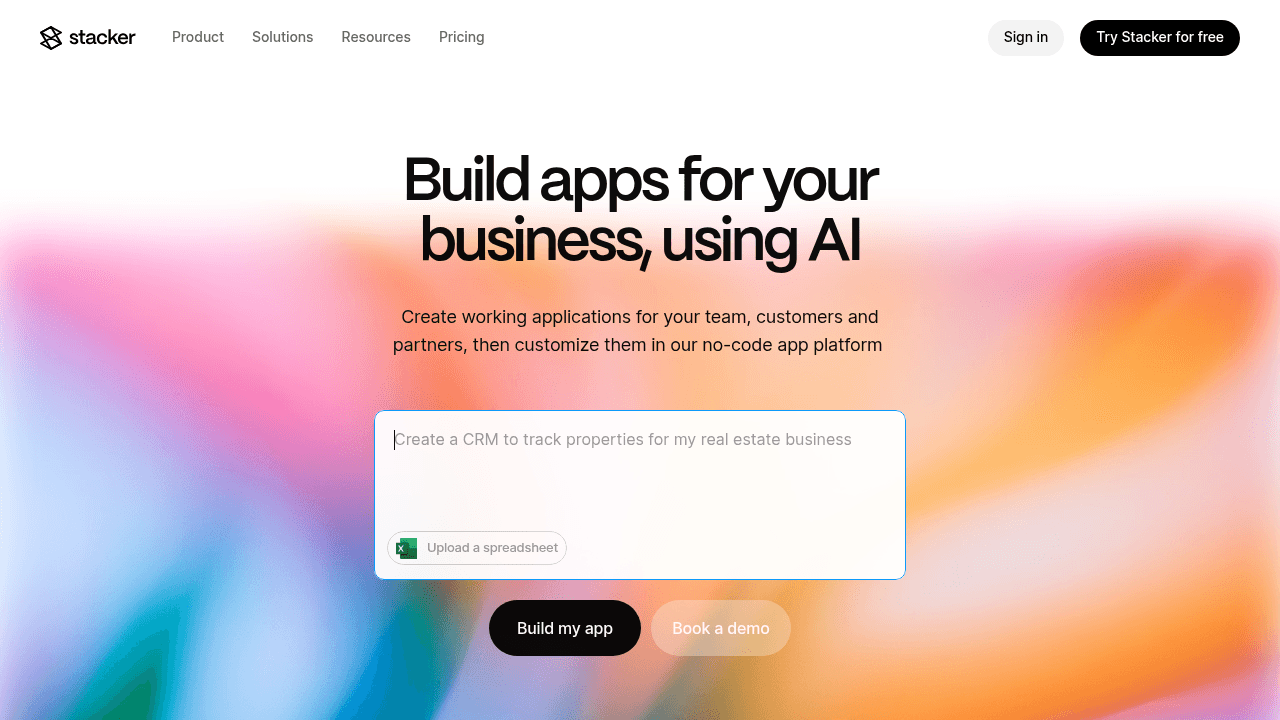
Stacker allows you to build custom industry software when off-the-shelf tools miss the mark. If your operations rely on spreadsheets because generic apps lack necessary features, Stacker helps you create specialized business apps using industry-specific no-code tools.
You connect directly to your data in Airtable or Google Sheets. This turns static rows into secure, interactive portals for your team and external partners.
Key Features:
AI-driven builder generates functional applications from plain text descriptions
Custom permissions to control exactly which records vendors or clients view and edit
Built-in database handles complex relationship structures required for specialized business apps
Flexible interface to design dashboards and workflows that match your exact process steps
The Bottom Line:
Stacker helps teams build custom industry software tailored to unique workflows. The standalone builder features a dedicated relational database, supporting niche business software for sectors where standard SaaS fails. You can define specific data relationships and manage granular permissions for both internal staff and external partners to keep daily operations running smoothly. By swapping fragile spreadsheets for custom business solutions, you manage unique processes without the expense of traditional development.
Notion
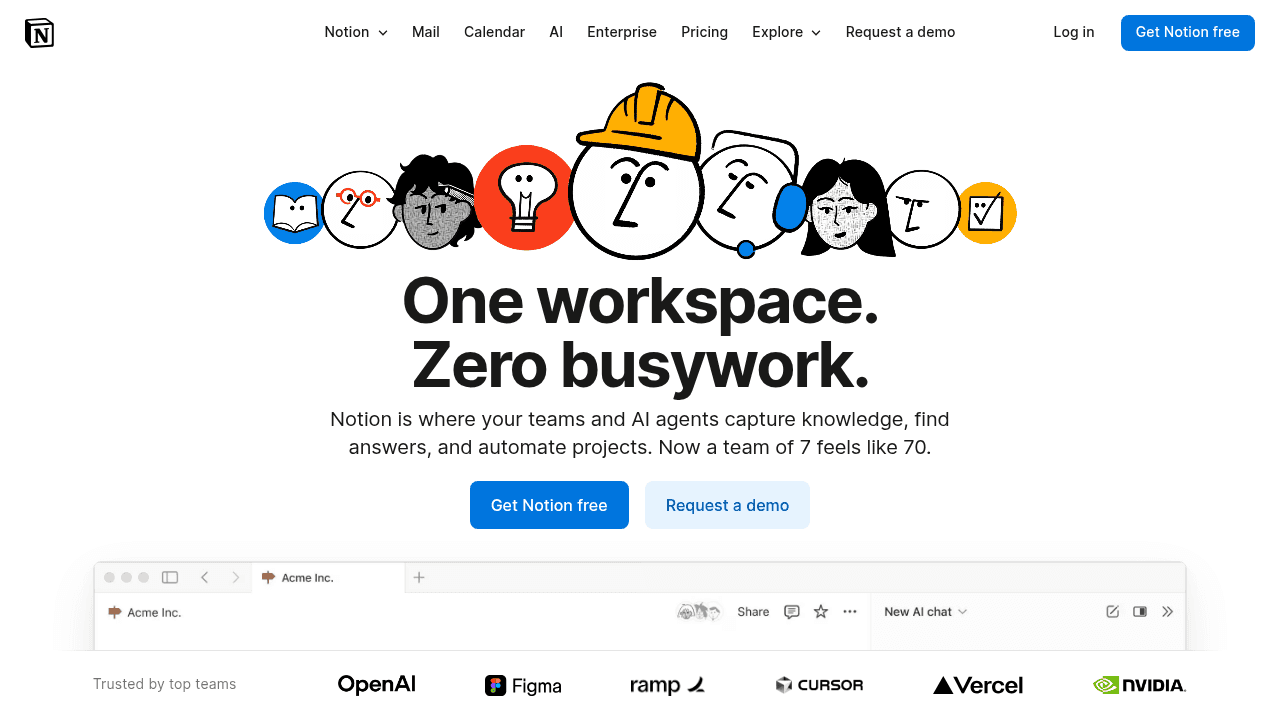
Notion serves as a flexible workspace combining notes, wikis, and databases. It organizes information using a document-first method rather than a standard app interface.
Key Features:
Database views like table, board, and calendar
Real-time team collaboration
Templates for standard workflows
API connectivity
Limitations:
It lacks true transactional features and granular permissions needed for specialized business apps. Performance suffers with large datasets, and it does not support secure external portals with field-level restrictions.
The Bottom Line:
Notion is excellent for internal wiki needs. It falls short for companies requiring custom industry software with strict workflows and external user management.
Salesforce
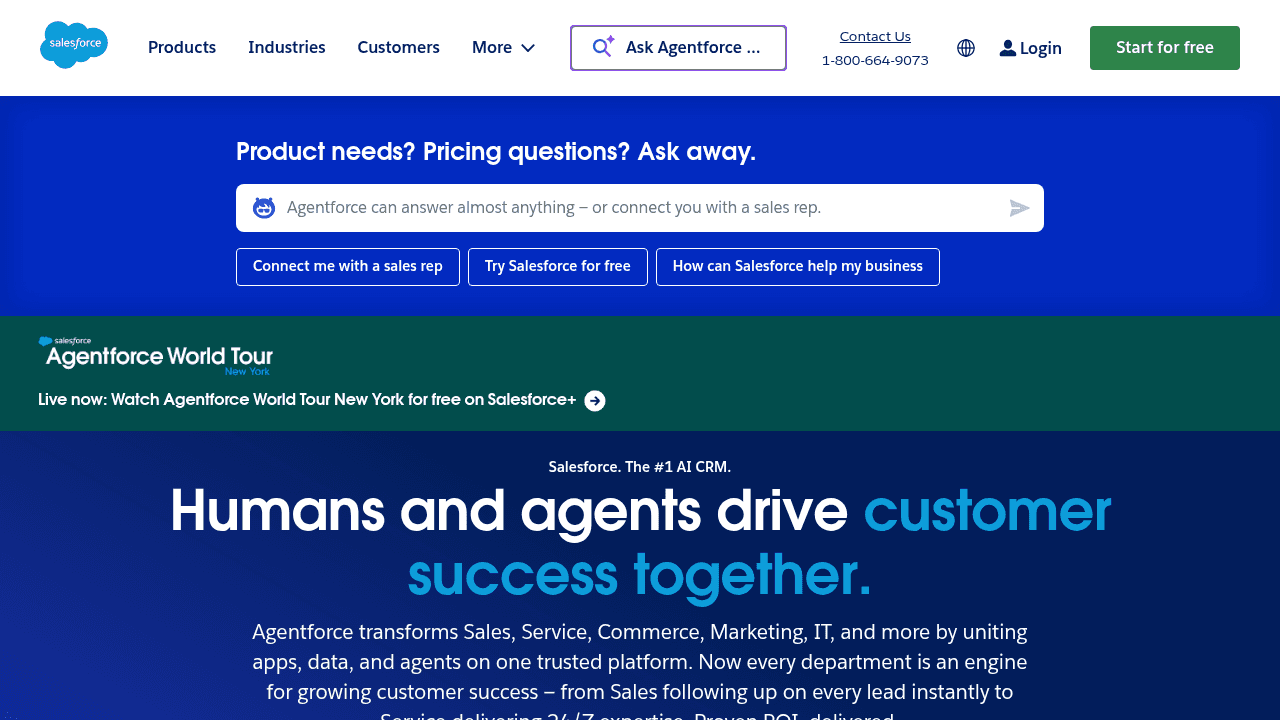
Salesforce is a cloud-based enterprise CRM suite, handling data for global organizations. At its core, Salesforce acts as a system of record for customer data. Companies use it to store accounts, contacts, deals, and activity history so team can work from a single, shared view of the customer.
Key Features:
Pipeline management and lead tracking
Service Cloud for support ticketing
Marketing automation tools
AppExchange marketplace for integrations
Limitations:
Building custom industry software in this ecosystem typically requires costly consultants and specialized developers, with pricing that is often out of reach for mid-market teams. The platform’s interface complexity can also slow adoption, especially for staff who need focused, purpose-built apps rather than a broad suite of features. As a result, Salesforce often serves as a powerful backend that still requires simpler tools and better interfaces layered on top.
The Bottom Line:
Salesforce works for organizations with vast resources for implementation. For teams seeking intuitive custom business solutions without the enterprise overhead, other options provide better flexibility and faster deployment.
Retool
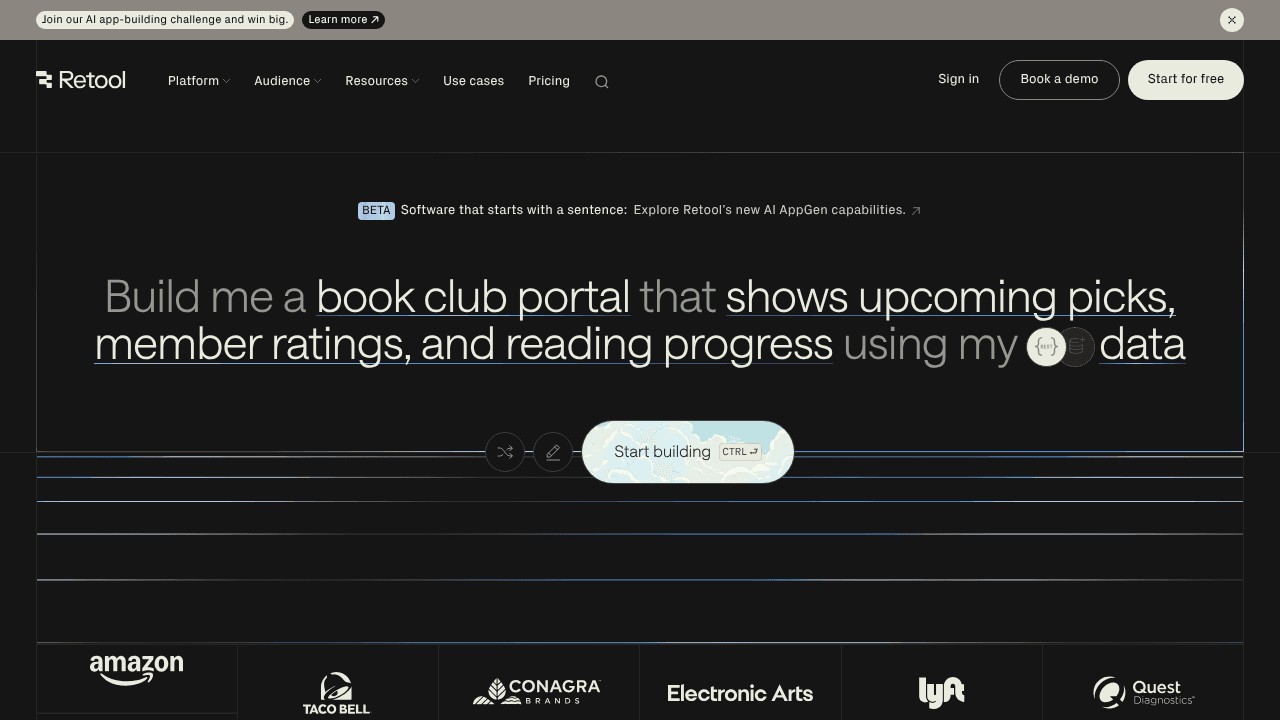
Retool serves engineering teams building internal tools and admin panels. It connects directly to your databases, helping developers create specialized business apps faster than hard-coding.
Key Features:
Pre-built components like tables, forms, and charts via drag-and-drop
Database connections to PostgreSQL, MySQL, and REST APIs
Custom logic environments for JavaScript and SQL queries
Backend automation for managing scheduled tasks
Limitations:
While powerful, Retool is not truly no-code. Most advanced use cases require JavaScript, SQL, or a strong understanding of data models. It excludes non-technical staff seeking true no-code options. It also lacks support for external portals, restricting usage to internal teams.
The Bottom Line:
Retool is a powerful internal tools platform that shines as a technical productivity layer on top of existing systems. It works best for teams with engineering support that need speed and flexibility, not operations teams looking to build fully customized industry software on their own.
Bubble
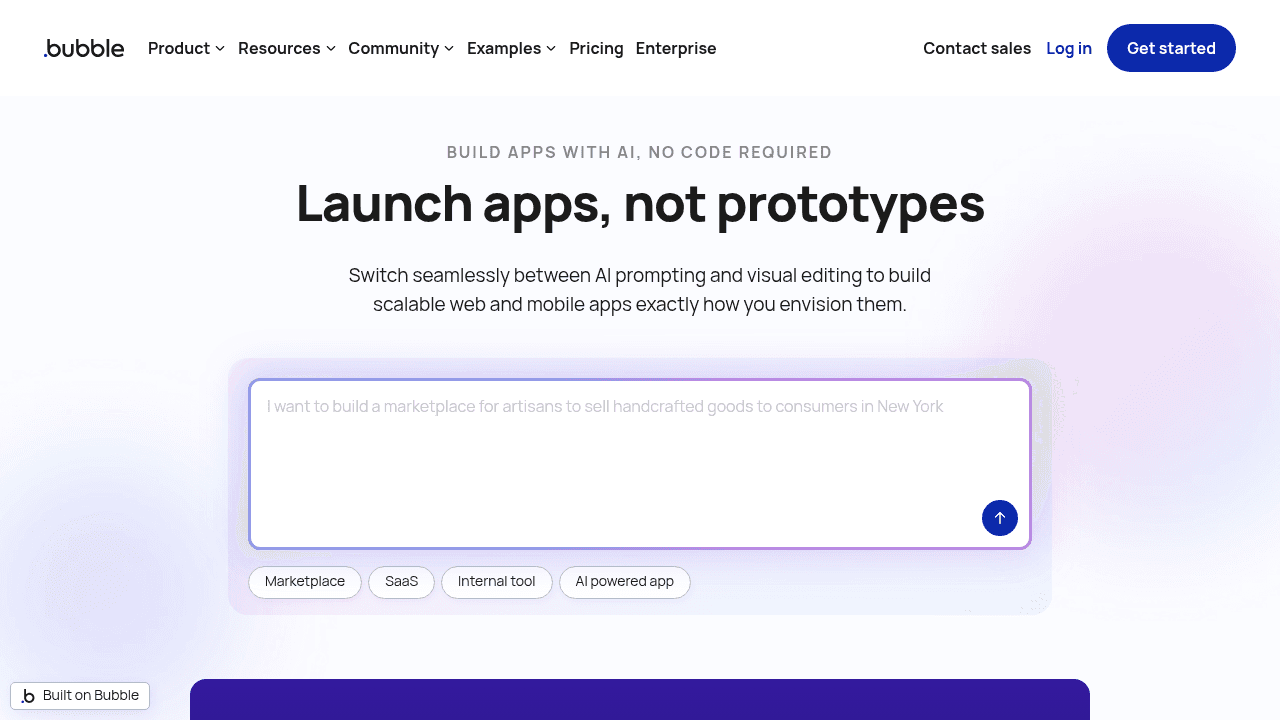
Bubble allows users to build full-stack web applications from scratch without writing traditional code. It provides a canvas for detailed design and backend configuration, focusing on new product creation rather than internal data management.
Key Features:
Visual editor for pixel-perfect interface design
Native database for handling complex data structures
Logic system for defining user interactions
Extensive plugin library for external integrations
Limitations:
The steep learning curve often requires weeks to master. Performance tuning, maintainability, and advanced logic often require deep platform knowledge and careful architectural decisions. While it's marketed as no-code, It forces you to think like a developer, making it difficult to build specialized business apps quickly. Applications are also locked into Bubble's infrastructure with no true export capabilities.
The Bottom Line:
Bubble is best suited for startups and product-focused teams that want maximum flexibility without traditional development, rather than operations teams looking for simpler, structured tools for internal workflows or niche business software.
Feature Comparison Table of No-Code Solutions for Niche Industries
Building custom industry software requires tools that balance power with accessibility. If you select a builder that demands heavy engineering, you lose the agility required for specialized business apps. Conversely, document-based tools often lack the structure and permissions needed for secure niche business software.
This breakdown compares top contenders to help you find industry-specific no-code options that fit your operational reality.
Feature | Stacker | Notion | Salesforce | Retool | Bubble |
|---|---|---|---|---|---|
True no-code (non-technical users) | Yes | Yes | No | No | No |
AI-powered app generation | Yes | No | Limited | Limited | Yes |
Custom data modeling | Yes | Limited | Yes | Yes | Yes |
Granular permissions | Yes | Basic | Yes | Limited | Basic |
Customer/vendor portals | Yes | No | Limited | No | Yes |
Real-time collaboration | Yes | Yes | Yes | No | No |
Built for existing operations | Yes | No | Yes | Yes | No |
Why Stacker is the best no-code solution for niche industries
Off-the-shelf tools rarely fit specialized sectors like solar installation or boutique manufacturing. Stacker offers a better path for custom industry software. We let operations leaders build the exact tools they need without writing code.
Our AI-assisted builder handles niche business software requirements generic products ignore. You can create specialized business apps that track unique inventory or complex workflows in minutes.
Crucially, we solve the external access problem. Stacker includes granular permissions so you can build portals for clients and vendors. This creates industry-specific no-code systems where partners update their own records securely. It is a reliable, managed infrastructure for custom business solutions that fits your reality.
Final thoughts on no-code solutions for specialized sectors
Off-the-shelf software breaks down when your workflows get complex. Custom business solutions built with no-code tools give you the flexibility to create exactly what your operations require. You can design secure portals, control granular permissions, and connect to your existing data sources. Build tools that fit your reality instead of forcing your team into generic templates.
FAQ
How do I know if my industry needs custom software instead of off-the-shelf tools?
If you're managing processes in spreadsheets because standard software lacks the fields or workflows you need, custom software is worth considering. Industries with specialized compliance requirements, unique inventory attributes, or multi-step approval processes often outgrow generic tools quickly.
Can I build a secure portal for external vendors without hiring developers?
Yes, no-code platforms with granular permission controls let you create vendor portals where external users log in to see only their assigned records. You can define exactly which fields each vendor can view or edit, keeping your core data secure while enabling self-service updates.
What's the difference between a no-code platform and a low-code platform?
No-code platforms let non-technical users build apps through visual interfaces without writing any code, while low-code platforms still require some programming knowledge for customization. If your operations team needs to build and modify apps independently, a true no-code solution is the better fit.
How long does it take to migrate from spreadsheets to a custom app?
Most teams can connect their existing data from Google Sheets or Airtable and generate a working app in minutes using AI-powered builders. Full customization such as adding workflows, permissions, and interface refinements typically takes a few days to a week depending on complexity.
When should I consider moving beyond Notion or basic project management tools?
When you need field-level permissions for external users, transactional workflows with approval stages, or performance with large datasets (thousands of records), document-based tools will limit you. Purpose-built app platforms handle these operational requirements better than collaborative wikis.




