
8 MIN READ
Sunday, January 4, 2026


Michael Skelly
Founder, Stacker
Your inventory tracking probably started simple. A spreadsheet, a few columns, maybe some color coding. But now you're managing multiple warehouses, coordinating with vendors, and your team keeps overwriting each other's updates. Generic inventory software exists, but it never quite fits your specific workflow. Custom development would work, but who has that budget? No-code inventory tracking apps let you build exactly what you need without the developer price tag. Your operations team can create a proper system that matches how you actually work, not how some software company thinks you should work.
TLDR:
No-code inventory systems let you build custom tracking tools without developers or rigid software.
Spreadsheets fail at scale due to poor access controls and multi-user errors.
Stacker's AI builder generates working inventory apps in minutes from plain-English descriptions.
Built-in relational databases support complex asset relationships that spreadsheets can't handle.
Stacker builds custom inventory systems with AI-powered creation and enterprise-level permissions.
What Are No-Code Inventory and Asset Management Systems?
No-code inventory and asset management systems are visual application builders that let you create custom tracking tools without writing any code. Instead of forcing your business into a rigid off-the-shelf product or spending thousands on custom development, these systems give you a middle path: drag-and-drop interfaces where you can design exactly the inventory or asset tracker your operation needs.
The appeal is straightforward. Most businesses start tracking inventory in spreadsheets because they're flexible and familiar. But despite 90% of companies still relying on spreadsheets for critical operations, spreadsheets break down as you scale.
They lack proper access controls, become error-prone with multiple users, and offer no real-time visibility across teams. Basic inventory software exists, but it's often built for generic use cases and won't accommodate your specific workflow.
No-code builders solve this by letting operations managers and team leads build their own systems. You define your data structure, design forms for intake, set up dashboards for visibility, and configure permissions so the right people see the right information. The result is a proper application tailored to how you actually work, without the time and expense of hiring developers.
How We Ranked No-Code Inventory and Asset Management Systems
We evaluated each no-code solution based on what actually matters when you're moving from spreadsheets to a proper inventory system. Customization flexibility came first: can you model your exact workflows, or are you stuck with preset templates? Data structure capabilities matter too, specifically whether the system supports relationships between records, multiple locations, and custom categorization.
Permission controls proved critical since most inventory systems need multi-user access and often external users like vendors or warehouse staff. We also looked at integration options (can you connect existing data sources), ease of use for non-technical teams, and the ability to create both internal tracking tools and external portals. These criteria reflect the real challenges businesses face when scaling beyond spreadsheets.
Best Overall No-Code Inventory and Asset Management System: Stacker
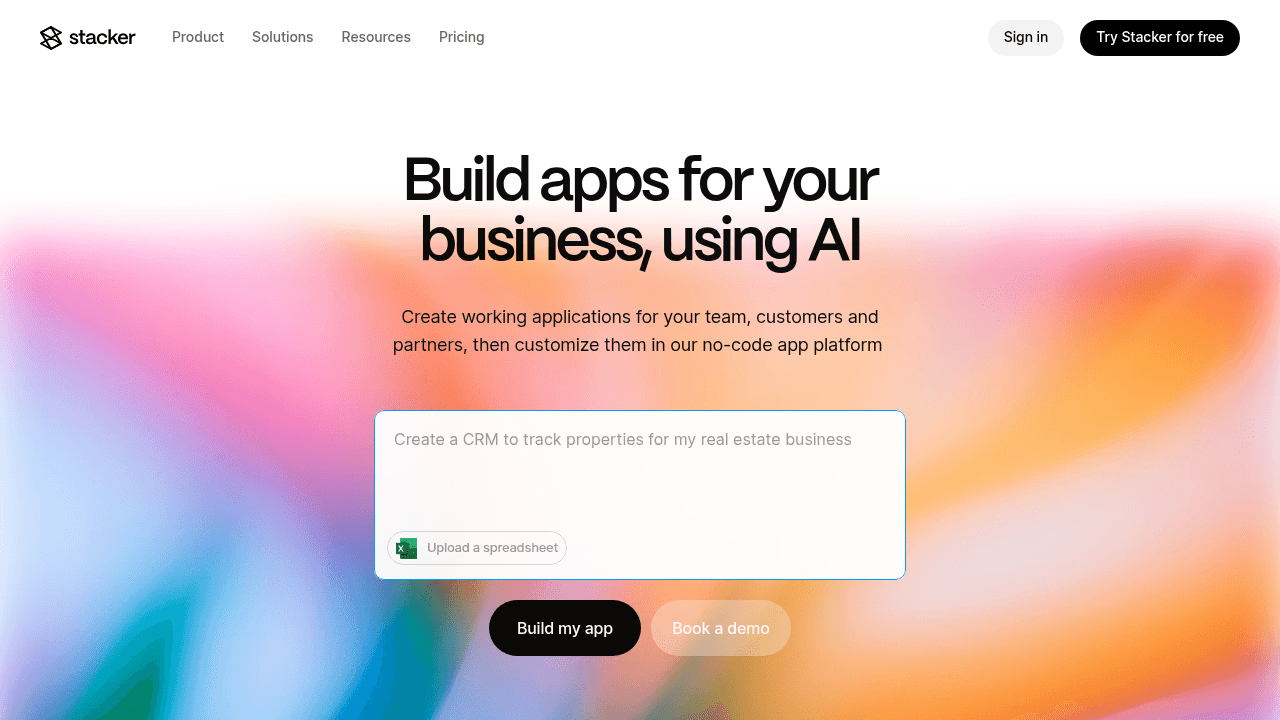
Stacker stands out as the best choice for businesses building custom inventory and asset management systems. It combines a visual no-code editor with AI-powered app generation and a built-in relational database, delivering the customization of spreadsheets with the structure and reliability of purpose-built software.
The AI builder is the biggest differentiator here. Describe your inventory needs in plain English and you'll get a working application in minutes, then refine it through conversation. This eliminates weeks of manual configuration while still giving you complete control over fields, workflows, and layouts.
The built-in database supports proper relationships between records, so you can link assets to locations, maintenance schedules, and vendors without hitting spreadsheet limits. Granular permissions let warehouse staff, managers, and external vendors each access only their relevant data. Real-time sync means everyone sees current stock levels instantly.
You can also connect existing Airtable bases or Google Sheets with two-way sync, building on data you already have. The template library includes inventory tracking examples you can customize, and our UI components let you create exactly the views your team needs for receiving, stock counts, or equipment checkout.
Stacker gives you enterprise-level inventory capabilities that operations teams can build themselves, providing the structure businesses need as they outgrow spreadsheets while maintaining flexibility that rigid inventory software can't match.
Airtable
Airtable is a spreadsheet-database hybrid that many businesses use for inventory tracking. It bridges familiar spreadsheet interfaces with proper database relationships, giving teams more structure than Google Sheets without jumping to full software development.
Their spreadsheet-style interface includes database relationships between tables, letting you link inventory items to suppliers, locations, and purchase orders. Pre-built inventory templates provide fields for SKU, quantity, and location out of the box. Multiple views (grid, calendar, Kanban) let you visualize stock from different angles, and mobile apps enable warehouse staff to scan and update inventory from the floor.
Airtable works well for teams already comfortable with spreadsheets who want lightweight database features. If your primary need is organizing and relating inventory data, and your team can work directly in the base itself, it's a reasonable choice.
The limitation is architectural. Airtable remains fundamentally a spreadsheet with interface capabilities layered on top, so those interfaces feel secondary rather than designed for daily operational use. More critically, portal functionality for external users becomes impractical. Sharing inventory visibility with vendors or clients hits prohibitive per-user pricing and feature constraints, making multi-party collaboration nearly impossible.
Airtable stores inventory data effectively, but when you need actual business software for running operations with multiple roles or external access, Stacker delivers purpose-built application capabilities with real portals and scalable permissions.
Glide
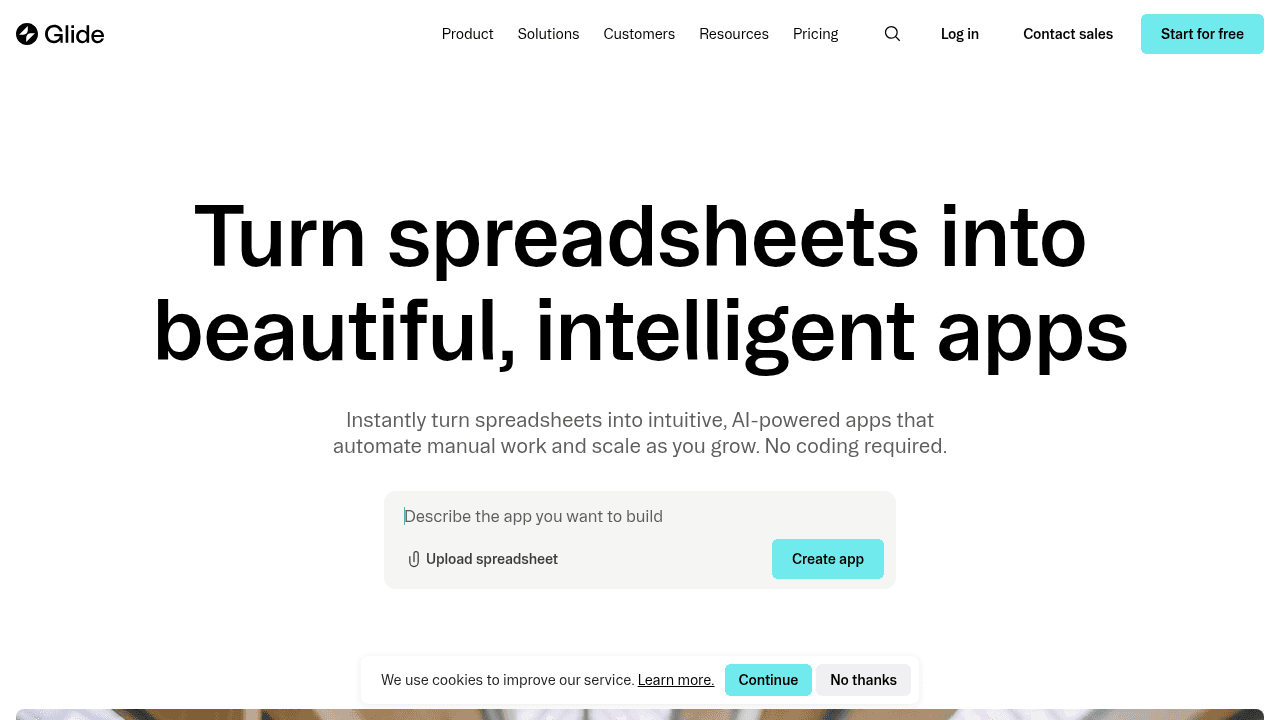
Glide builds mobile-first apps on top of spreadsheet data sources. Their core strength is turning Google Sheets into functional mobile applications with minimal setup, making them popular for lightweight inventory use cases.
They offer apps built from Google Sheets data with automatic sync, mobile-optimized interfaces for field inventory checks, pre-made components for displaying stock lists and item details, and quick setup for simple inventory viewing applications.
Glide works well for creating simple mobile utility apps for stock checks, event inventory, or on-site forms where teams primarily need read-only access to inventory data. If you need a quick way to view spreadsheet inventory on phones, it delivers that efficiently.
The limitation is architectural. Glide maintains its Google Sheets and mobile app DNA, making it excellent for lightweight utility applications but not suitable for comprehensive management systems. It lacks the robust data modeling, complex permission structures, and workflow capabilities needed for managing multi-warehouse inventory, vendor relationships, maintenance tracking, or any inventory process beyond basic stock lookups.
Glide excels at quick mobile views of inventory data, but Stacker provides the complete operational system needed for businesses running actual inventory workflows with multiple stakeholders, approval processes, and integrated asset tracking.
Softr
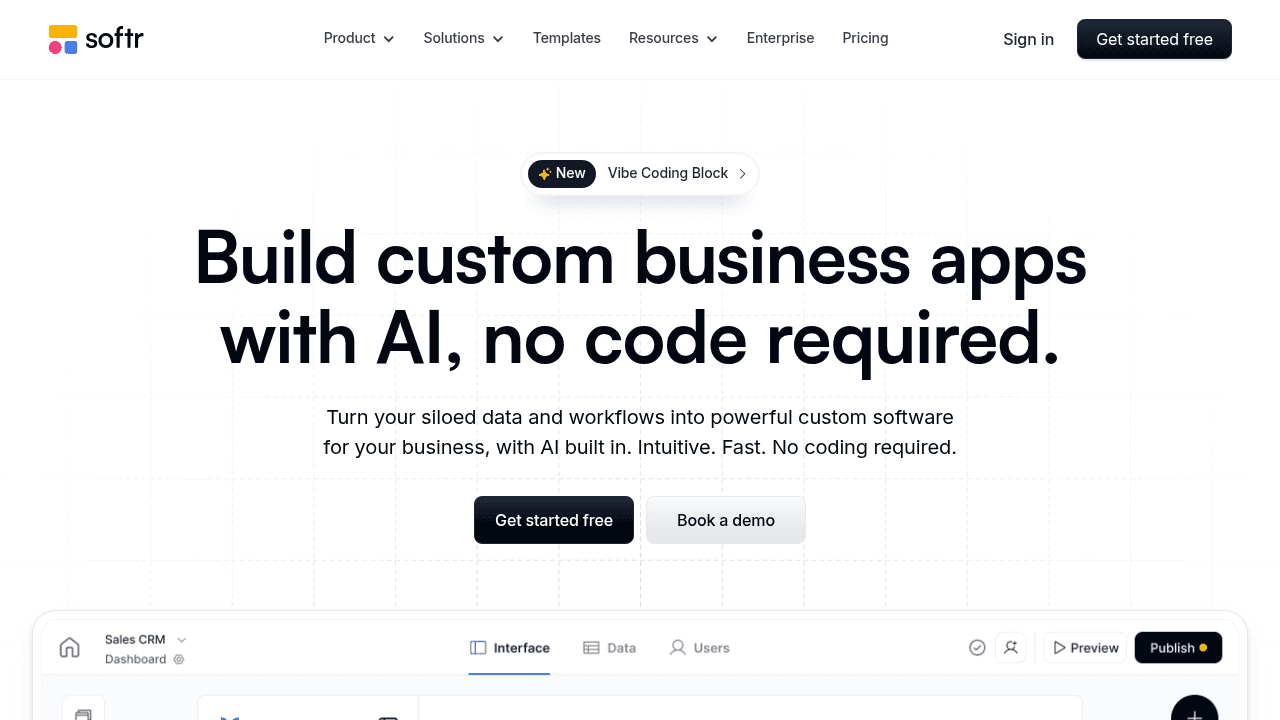
Softr creates simple websites and apps on top of Airtable bases. They focus on quickly turning Airtable data into public-facing sites or basic internal tools with minimal configuration required.
Their spreadsheet0style interface includes pre-built blocks for displaying inventory lists and forms, quick app generation from Airtable data without coding, public-facing inventory catalogs or availability portals, and simple user authentication for basic access control.
Softr works well for makers and startups creating simple inventory lookup sites or basic stock availability pages for customers where Airtable already stores the data. If you need a quick way to display inventory information publicly or create a lightweight catalog, it delivers that efficiently.
The limitation is focus. Softr is built for makers and prototypes rather than serious management systems, remaining heavily Airtable-dependent and limited when building tools for daily business use. It lacks the workflow depth, data integrity controls, and sophisticated permission systems needed for managing complex inventory operations, receiving processes, transfer workflows, or asset maintenance scheduling that business teams require. You're essentially creating a display layer rather than a functional management system.
Softr creates nice displays of inventory data, but businesses running real operations need Stacker's robust inventory management capabilities, including proper workflow automation, detailed permissions, and systems built for mission-critical daily use rather than lightweight prototypes.
Noloco
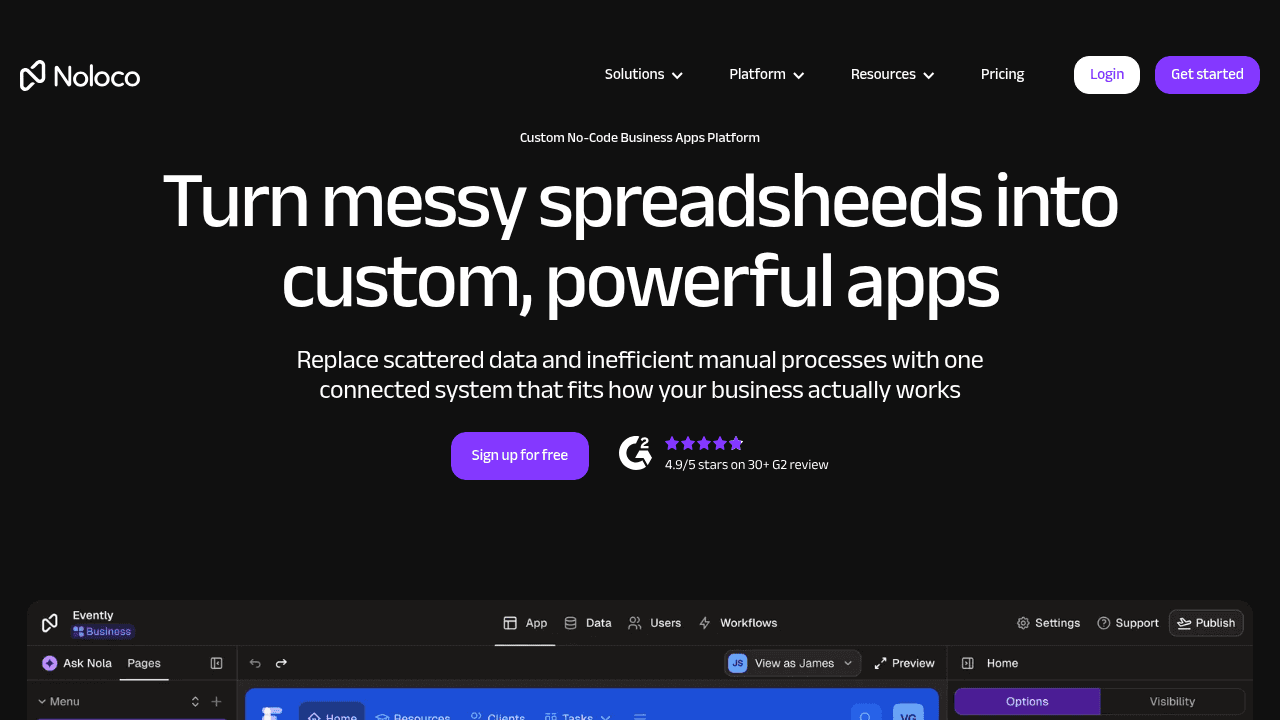
Noloco builds business apps on top of Airtable and other data sources, positioning itself as another portal-first solution for teams already invested in the Airtable ecosystem.
They offer app creation connected to Airtable bases, role-based access for viewing inventory by user type, form builders for inventory intake and updates, and dashboard views for inventory metrics and stock levels.
Noloco works for teams using Airtable who want a more polished interface layer without leaving the Airtable ecosystem for their data storage. If your inventory data already lives in Airtable and you need basic views and forms, it provides that functionality.
The limitation is architectural. Noloco follows the same portal-on-spreadsheet model without meaningful innovation, remaining spreadsheet-dependent which becomes problematic for multi-entity inventory systems or complex asset relationships. You're still managing data structure in Airtable with all its inherent constraints around data integrity and scalability. It also lacks AI-powered building capabilities that dramatically accelerate system creation and modification.
Noloco offers similar portal functionality to earlier tools, but Stacker's purpose-built database, AI builder, and operational focus deliver the inventory systems businesses need as complexity grows beyond what spreadsheets can support.
Feature Comparison Table of No-Code Inventory and Asset Management Systems
The table below compares key capabilities across each no-code inventory management solution to help you identify which matches your business requirements.
Feature | Stacker | Airtable | Glide | Softr | Noloco |
|---|---|---|---|---|---|
Built-in Database | Yes (relational) | Yes (spreadsheet-style) | No (requires Google Sheets) | No (requires Airtable) | No (requires Airtable) |
AI-Powered App Building | Yes (interactive AI builder) | No | No | No | No |
Custom Workflow Automation | Advanced | Basic formulas | Limited | Limited | Basic |
Role-Based Permissions | Granular (field-level) | Table/view level | Basic | Basic | Role-based |
External User Portals | Full portal capabilities | Limited (high per-user cost) | Basic mobile access | Simple authentication | Basic portal views |
Real-Time Collaboration | Yes | Yes | Sync-dependent | Sync-dependent | Sync-dependent |
Customization Flexibility | Extensive (data model + UI) | High (data structure) | Low (template-based) | Low (block-based) | Moderate (Airtable-limited) |
This comparison highlights that while alternative solutions offer specific strengths for simple use cases, comprehensive inventory operations require the depth Stacker provides across all dimensions.
Why Stacker Is the Best No-Code Inventory and Asset Management System
The fundamental difference with Stacker is that it is a complete operational system rather than a layer on top of spreadsheets. When your inventory grows beyond basic tracking into complex scenarios involving multiple warehouses, maintenance schedules, vendor coordination, and external portal access, spreadsheet-based tools hit architectural limits they can't overcome.
The AI builder accelerates what traditionally takes weeks into minutes while maintaining the customization businesses need. You get working inventory apps immediately, then refine workflows through conversation rather than manual configuration. Companies using low-code tools reduce app development time by up to 90% and save an estimated $4.4 million over three years by avoiding the need to hire two additional developers. This speed matters when operations teams need to adapt quickly as processes evolve.
The built-in relational database provides data integrity that spreadsheet-dependent tools fundamentally can't match. Proper relationships between assets, locations, maintenance records, and vendor information create a stable system of record that scales without the performance degradation or error-proneness inherent to spreadsheets managing complex inventory data.
Most critically, Stacker delivers this capability to non-technical operations managers. You shouldn't need developers to build inventory software tailored to your business, but you also shouldn't sacrifice the sophistication required for real business use. Stacker bridges that gap, giving you enterprise-level inventory management that your team can build and modify themselves.
Final thoughts on selecting inventory and asset management software
The best inventory tracking app is one your operations team can actually build and modify themselves without technical expertise. You need something that handles your specific workflows, supports multiple users with proper permissions, and scales beyond what spreadsheets can manage. Start with your biggest pain point and expand as your needs grow.
FAQ
How do I choose the right no-code inventory system for my business?
Start by identifying whether you need a simple data viewer or a complete management system. If you're managing basic stock lookups with minimal users, spreadsheet-based tools like Glide or Airtable may suffice. For multi-warehouse operations, vendor coordination, or external portal access, you need a purpose-built system like Stacker with proper database relationships and granular permissions.
Which no-code inventory tool works best for teams without technical experience?
Stacker is designed for non-technical operations managers, offering an AI builder that creates working inventory apps from plain-English descriptions. While Airtable requires understanding spreadsheet-database concepts and Glide focuses on mobile apps, Stacker lets you describe your needs conversationally and get a functional system in minutes that you can then refine without coding.
Can I build an inventory system that external vendors can access?
Yes, but portal capabilities vary across platforms. Stacker provides full portal functionality with field-level permissions, letting warehouse staff, managers, and external vendors each access only their relevant data. Airtable's external user features become prohibitively expensive, while Glide and Softr offer only basic authentication without the sophisticated access controls needed for multi-party inventory management.
What's the difference between spreadsheet-based and database-driven inventory systems?
Spreadsheet-based systems (Airtable, tools requiring Google Sheets) store data in spreadsheet format with database features layered on top, which limits scalability and data integrity as complexity grows. Database-driven systems like Stacker use proper relational databases that handle complex relationships between assets, locations, and maintenance records without performance degradation, making them better for serious business use.
When should I move from spreadsheets to a no-code inventory application?
Consider moving when you experience multiple users causing data errors, lack real-time visibility across teams, need external vendor or client access to inventory data, or require approval workflows and automated notifications. These scenarios indicate you've outgrown spreadsheet capabilities and need the structure, permissions, and reliability that proper inventory applications provide.




