
10 MIN READ
Tuesday, January 6, 2026

Michael Skelly
Founder, Stacker
Long gone are the days of choosing between clunky spreadsheets and expensive custom software. If your business needs structured data management but you don't have a development team on standby, no-code data management tools offer a middle ground. You can build systems with proper relationships between records, create different views for different users, and set up workflows that actually support how your team operates. We've put together this guide to help you find the right tool for your business operations.
TLDR:
No-code database apps let you build custom data systems without developers or code
Spreadsheets break down with complex workflows; purpose-built tools provide structure
Look for relational data models, granular permissions, and external user portal support
Stacker combines AI-powered app generation with built-in databases for complete operations
Stacker builds custom CRMs, customer portals, and internal tools non-technical teams can manage
What Is No-Code Database Software?
No-code database software lets you build custom data management systems without writing code. These tools are designed for business users who need more structure than spreadsheets offer but find traditional software too rigid or expensive to customize.
Unlike spreadsheets, no-code database apps provide structured data models with relationships between records. You can enforce data validation, create custom interfaces for different users, and set granular permissions. This means your sales team, customers, and vendors can each see only what's relevant to them.
The difference from standard SaaS products is flexibility. Most off-the-shelf software forces you to adapt your processes to fit their design. No-code database tools flip that equation. You define the fields, workflows, and screens that match how your business actually operates.
These apps typically include features like forms for data entry, automation rules, and real-time collaboration. The goal is giving non-technical teams the power to digitalize their operations without waiting on developers or IT departments.
How We Evaluated No-Code Database Apps
We assessed no-code database apps based on criteria that matter for business operations, using publicly available information and product documentation.
The most important factors include ease of use for non-technical team members, since these tools exist to eliminate the developer bottleneck. Data modeling flexibility determines whether you can represent your actual business processes, including support for relationships between records and varied field types.
Custom interface capabilities let you create views tailored to different workflows. Permission controls become critical when external users like clients or vendors need access. Integration options determine how well the tool connects with your existing business systems.
Finally, scalability matters as your data grows beyond spreadsheet limits into thousands of records.
Best Overall No-Code Database: Stacker
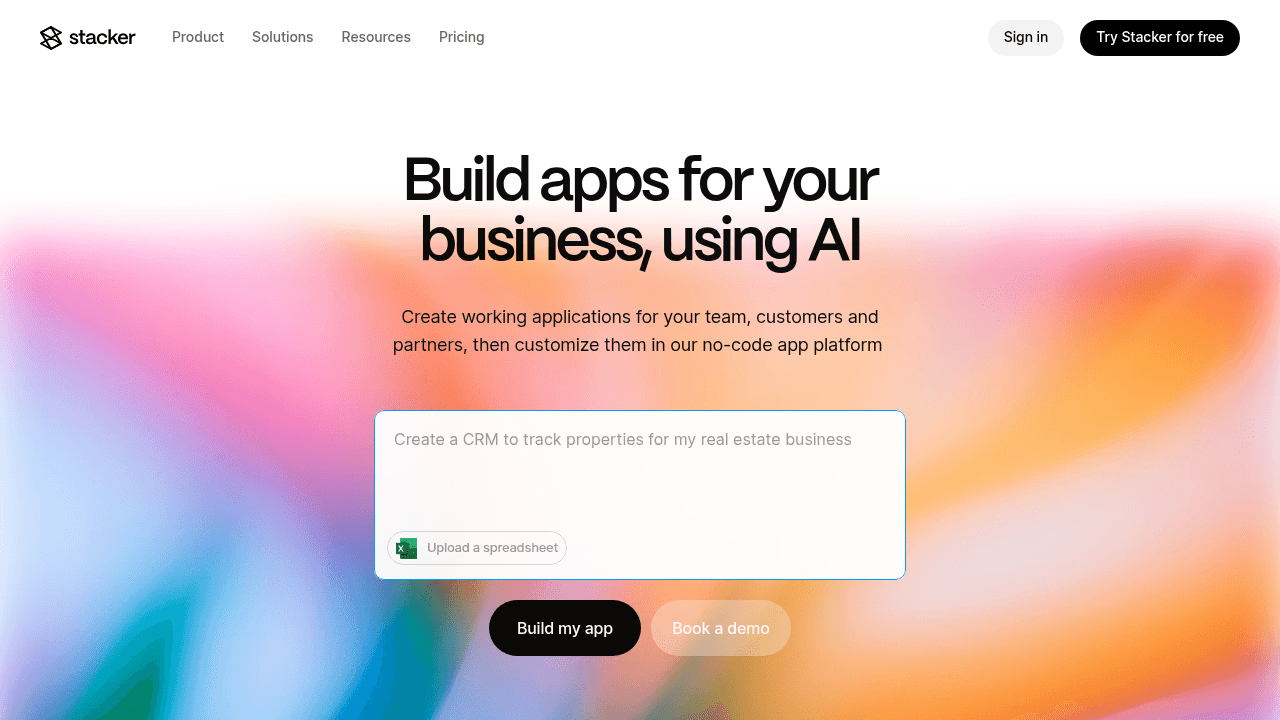
Stacker combines an AI-powered app builder with a robust built-in database to help businesses create custom internal tools, CRM systems, and secure customer portals without code. The AI can generate working applications from plain-English prompts and apply iterative changes, dramatically accelerating development. Users can define data models with relationships, design forms and dashboards through a visual editor, and set granular role-based permissions for both internal teams and external stakeholders like clients or vendors.
Core Capabilities:
Built-in relational database with support for complex data relationships and no spreadsheet-style row limits
AI-driven app generation that creates functional applications in minutes from natural language descriptions
Real-time two-way sync with existing data sources including Airtable and Google Sheets for flexible data management
Granular role-based permissions enabling secure customer and partner portals with field-level access control
The Bottom Line:
Stacker delivers the full power of custom business software for operations teams who need more than spreadsheets can provide, with AI assistance that makes sophisticated data applications accessible to non-developers.
Google Sheets
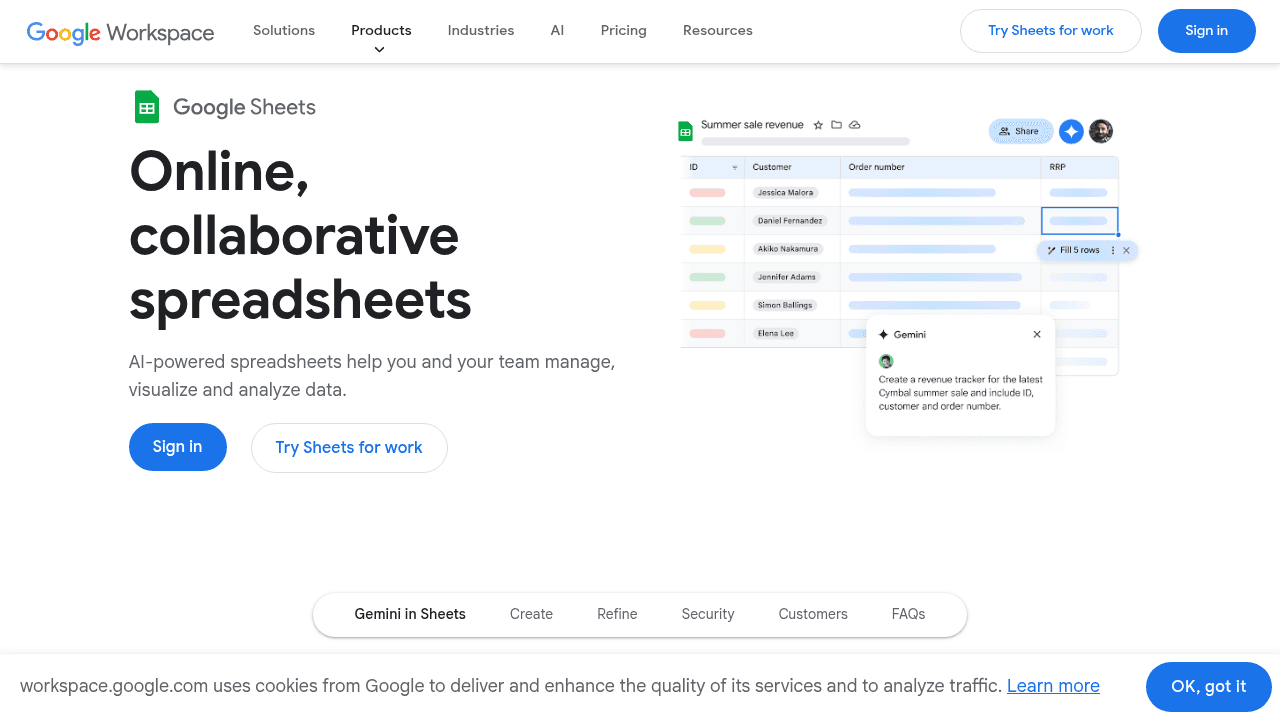
Google Sheets functions as a collaborative spreadsheet tool that many teams use for simple data tracking and list management.
Core Capabilities:
Real-time collaboration allowing multiple users to edit simultaneously
Basic formulas and pivot tables for calculations and data summarization
Simple sharing controls with view, comment, and edit permissions
Native integration with Google Workspace apps like Forms and Calendar
Limitations:
Google Sheets lacks structured data relationships, cannot enforce data validation rules consistently, and breaks down quickly as data volume grows beyond a few thousand rows. It supports 50,000 records per base and 10 GB of storage, but limits on API calls and automations can slow complex integrations when teams try to scale beyond simple use cases.
The Bottom Line:
While Sheets excels for quick collaboration on simple data, businesses needing structured workflows, external user portals, or operational systems require purpose-built database software like Stacker.
Notion
Notion serves as a collaborative workspace for documentation, wikis, and note-taking with basic database views layered on top.
Core Capabilities:
Flexible page editor combining documents, tables, and kanban boards in one workspace
Database views including tables, galleries, timelines, and calendars for organizing information
Templates for common documentation and project tracking scenarios
Real-time collaboration for teams working on shared documents and knowledge bases
Limitations:
Granular database permissions are only available on Business and Enterprise plans, and even then users cannot hide specific columns from certain users. Notion databases lack robust workflow automation, cannot support complex business logic, and break down when handling business processes that require data integrity and external stakeholder access.
The Bottom Line:
Notion excels at organizing notes and documentation but cannot power actual business operations. Stacker provides the structured data models, permissions, and workflow capabilities teams need to run core business processes.
AppSheet
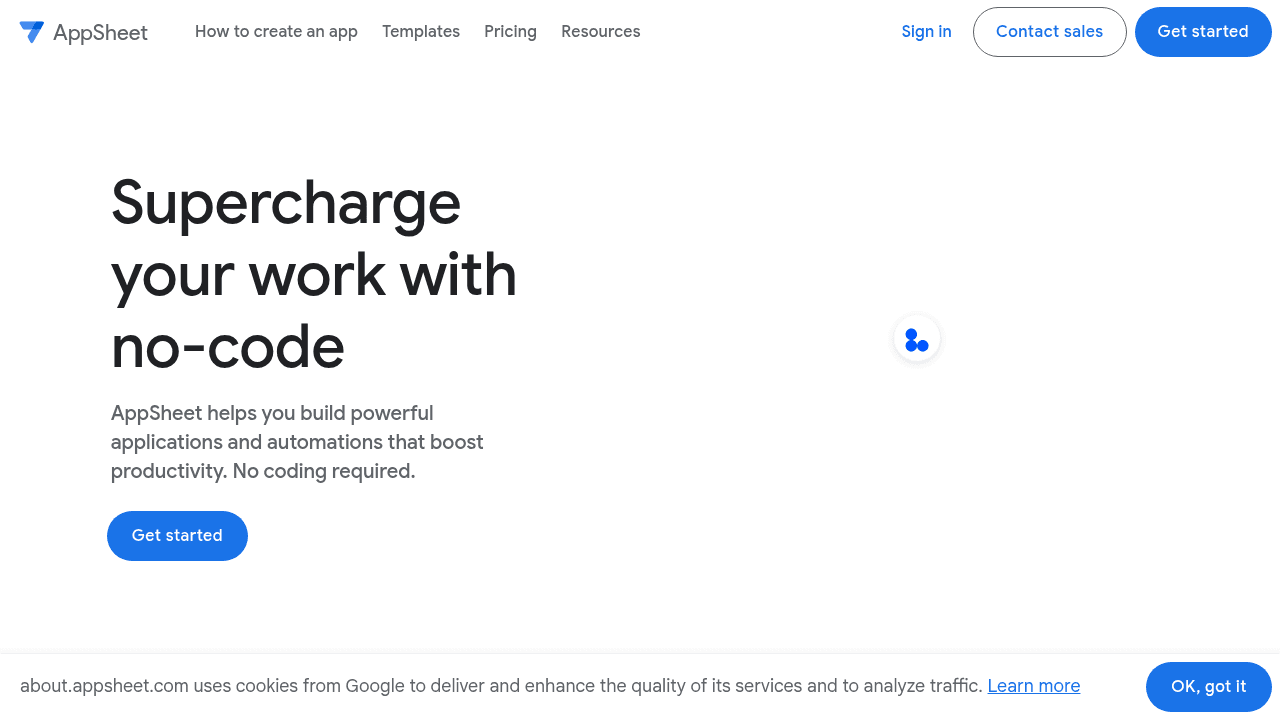
AppSheet is Google's no-code tool designed for creating mobile and field workflow apps connected to spreadsheet data sources.
Core Capabilities:
Mobile-first app builder focused on field data collection and offline functionality
Automatic app generation from existing Google Sheets or Excel spreadsheets
Barcode scanning, photo capture, and GPS location features for mobile workers
Native integration with Google Workspace and deployment to mobile app stores
Limitations:
AppSheet excels at mobile data collection but struggles with complex business operations. The platform is primarily designed for field workers capturing data on-the-go rather than building complete operational systems. While it can generate apps from spreadsheets, it inherits the same data structure limitations—lacking true relational database capabilities and breaking down with complex workflows. AppSheet also doesn't support building external customer-facing applications or multi-role portals effectively.
The Bottom Line:
AppSheet solves mobile data collection challenges but cannot build full business applications with customer portals and multi-role interfaces that Stacker enables.
Retool
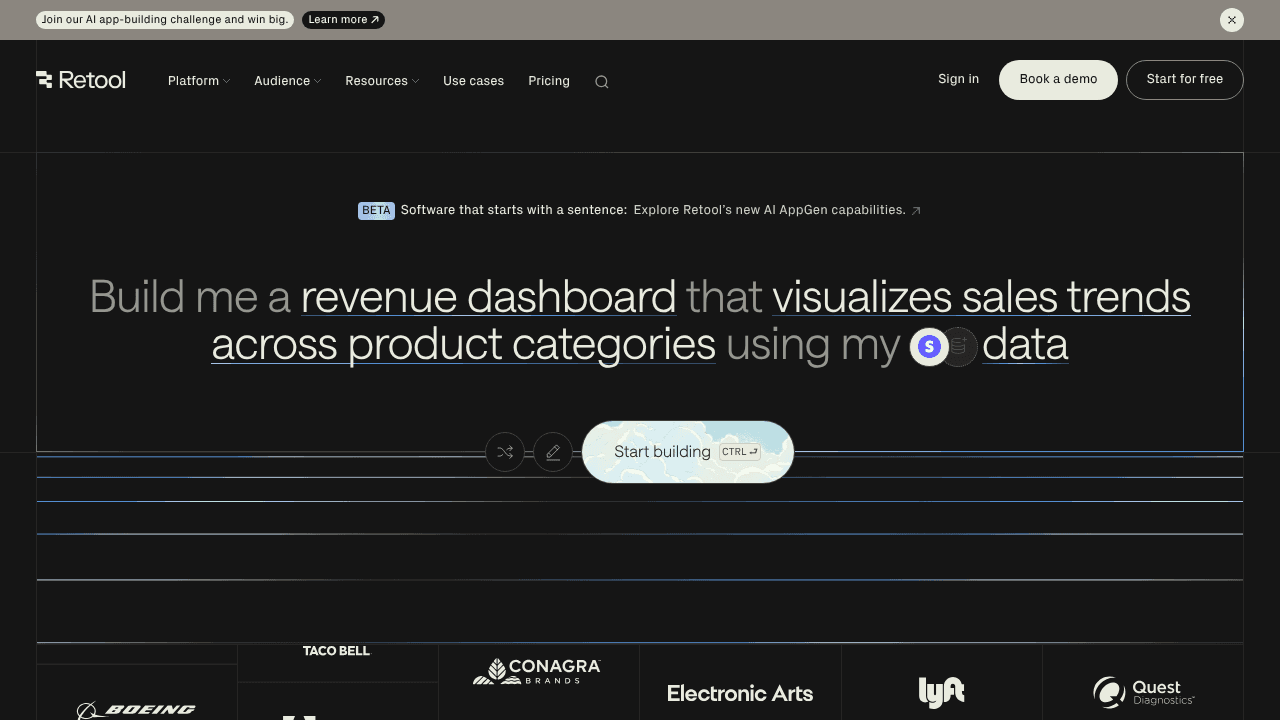
Retool is a low-code development environment built for engineers and developers to rapidly create internal admin dashboards and data management tools.
Core Capabilities:
Pre-built UI components like tables, forms, and charts for building admin interfaces
Direct connections to databases via SQL queries and REST APIs with JavaScript customization
Advanced permission controls and audit logs for enterprise security requirements
Self-hosted deployment options for organizations requiring on-premise infrastructure
Limitations:
Retool requires familiarity with JavaScript, SQL, and APIs for advanced functionality, making it inaccessible for operations teams without developer support. It's not designed for public-facing applications or customer portals.
The Bottom Line:
Retool serves developer-built internal tools well but demands technical expertise. Stacker empowers operations teams to build complete applications including customer-facing portals without developer involvement.
Airtable
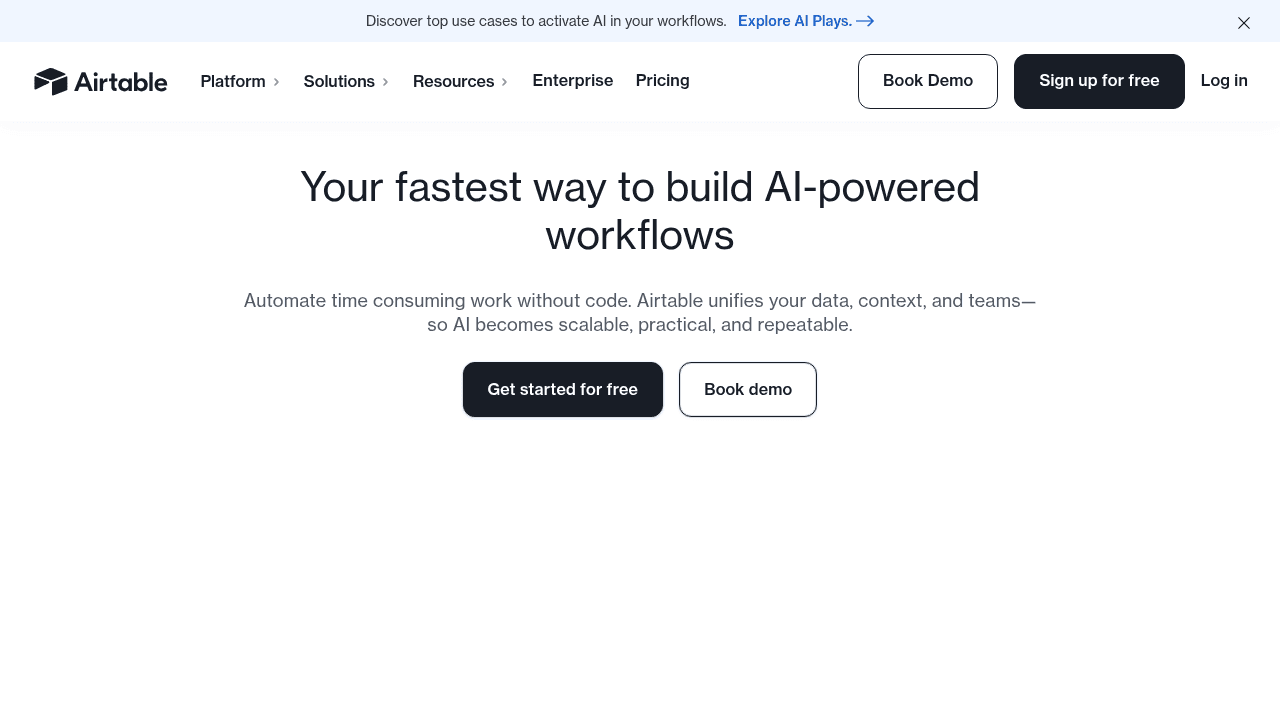
Airtable combines spreadsheet familiarity with database-style views and basic interface capabilities for teams managing structured data.
Core Capabilities:
Spreadsheet-like interface with linked records for creating relationships between tables
Multiple views including grid, kanban, calendar, and gallery for visualizing data
Interfaces feature for building simplified dashboard views on top of base data
Automation builder for creating basic workflows triggered by record changes
Limitations:
Airtable remains fundamentally a spreadsheet with interfaces layered on top rather than true application software. Airtable Portals for external users is a paid add-on starting at $120/month for 15 portal seats on the Team plan and $150/month for 15 seats on Business, making external collaboration prohibitively expensive. Interfaces feel secondary to the base spreadsheet and lack the polish needed for daily operational use or customer-facing applications.
The Bottom Line:
While Airtable stores data effectively, it cannot serve as operational business software. Stacker provides actual multi-role applications with scalable portals and interfaces designed for running business processes, not just tracking data.
Feature Comparison Table of No-Code Database Apps
Here's how the leading no-code database apps compare across key capabilities:
Feature | Stacker | Google Sheets | Notion | AppSheet | Retool | Airtable |
|---|---|---|---|---|---|---|
Built-in Relational Database | ✓ | ✗ | Limited | ✗ | ✗ | ✓ |
AI-Powered App Generation | ✓ | ✗ | ✗ | Basic | ✗ | ✗ |
External User Portals | ✓ | ✗ | Limited | ✗ | ✗ | Paid Add-on |
Granular Role-Based Permissions | ✓ | Basic | Paid Plans Only | Limited | ✓ | Limited |
No Developer Skills Required | ✓ | ✓ | ✓ | Limited | ✗ | ✓ |
Custom UI Builder | ✓ | ✗ | ✗ | Limited | ✓ | Limited |
Real-Time Collaboration | ✓ | ✓ | ✓ | ✓ | ✓ | ✓ |
Stacker stands out by combining capabilities typically split across multiple tools: structured databases, custom interfaces, and secure external portals accessible to non-technical users.
Why Stacker Is the Best No-Code Database App
Stacker solves the core challenge that every other no-code database tool leaves unaddressed: building complete operational systems that serve both your team and external stakeholders. Spreadsheet-based options like Google Sheets and Airtable fundamentally can't handle the complexity, while Notion's database permissions remain limited even on paid plans. Developer-focused alternatives like Retool require technical skills, and AppSheet demands pre-configured databases before you can start building.
We built Stacker specifically for operations teams who need real business applications without developer dependencies. Our AI generates working apps in minutes, then you refine them through an intuitive visual editor. The built-in relational database handles complex workflows that break spreadsheets, while granular permissions enable secure customer and vendor portals. Unlike Airtable's expensive portal add-ons, external user access comes standard.
When your business needs operational software that adapts to your processes rather than forcing you into rigid templates, Stacker delivers.
Final Thoughts on Selecting Business Database Software
Your operations deserve software that works the way you do, not the other way around. Database app builders give you that flexibility without requiring developers, but only some can handle external users and complex workflows. Stacker combines the structure you need with interfaces your team and customers will actually use.
FAQ
How do I choose the right no-code database app for my business?
Start by identifying whether you need external user access (like customer or vendor portals), since many tools don't support this well or charge extra. Then consider your team's technical skills, some platforms require SQL or JavaScript knowledge while others are built for non-developers. Finally, evaluate whether you need a true relational database or if spreadsheet-style data management will suffice for your workflows.
Which no-code database tool works best for teams without technical skills?
Stacker, Google Sheets, Notion, and Airtable are all accessible to non-technical users. However, Google Sheets and Notion lack the structure needed for business systems, while Airtable's interfaces feel secondary to its spreadsheet core. Stacker is designed specifically for operations teams to build complete business applications without developer involvement.
Can I build customer-facing portals with no-code database software?
Most no-code database tools either don't support external user portals or charge add-on fees. Airtable's portal feature costs $120-150/month for just 15 seats, while tools like Notion and Google Sheets lack granular permissions for external users. Stacker includes secure customer and vendor portal capabilities with field-level access control as a standard feature.
What's the difference between spreadsheet-based tools and true database apps?
Spreadsheet-based tools like Google Sheets and Airtable store data in rows and columns but lack robust data validation, workflow automation, and performance at scale. True database apps provide structured data models with enforced relationships, custom interfaces designed for daily use, and the ability to handle thousands of records without performance degradation.




