
13 MIN READ
Wednesday, December 10, 2025


Michael Skelly
Founder, Stacker
Most businesses still share client information through email attachments and shared drives because building a proper customer portal seemed too complicated or expensive. That's changed. You can now build a customer portal yourself using no-code tools, no technical skills needed. These platforms that let operations teams and business owners create secure, functional portals that actually fit how they work with customers.
TLDR:
No-code customer portals launch in days vs months and cost a fraction of custom development.
Role-based permissions and real-time data access are non-negotiable for secure portals.
Spreadsheet-backed tools work for simple read-only portals but fail under operational complexity.
Database architecture matters when customers manage orders, projects, or complex workflows daily.
Stacker builds secure portals with AI assistance, granular permissions, and native database handling.
What is a Customer Portal and Why Use No-Code to Build One
A customer portal is a secure web application where your clients can log in to view their specific information, track orders or projects, submit requests, and manage their account details. Instead of emailing you for status updates or digging through shared folders, customers get a self-service hub that shows exactly what they need to see.
Traditionally, building a customer portal meant hiring developers to write custom code or buying expensive enterprise software that required IT teams to configure and maintain. Both options are slow and costly, which is why many businesses defaulted to email chains and spreadsheets to share information with clients.
No-code tools changed this equation. They let non-technical operations managers and business owners build functional portals themselves, without writing a single line of code. You can get a working portal live in days instead of months, and adapt it as your needs change.
The shift is already happening at scale. The no-code development market reached $28.75 billion in 2024 and is projected to grow at a 32.2% CAGR to $264.40 billion by 2032, with businesses realizing they can move faster and stay more agile when they're not waiting on development resources.
For customer portals, no-code means you control the timeline and can iterate based on actual client feedback as opposed to rigid requirements documents.
The result is portals that actually fit how you work with customers, launched at a fraction of traditional costs. You skip the developer queue entirely and build something that solves your specific workflow needs.
How No-Code Reduces Portal Development Time and Costs
Traditional portal development requires months of planning, coding, testing, and deployment. Developer salaries or agency fees easily reach five or six figures, with ongoing maintenance costs whenever something breaks or needs updating.
No-code eliminates most of those expenses. Operations or customer success teams build portals themselves using visual editors. What would take a development team three to six months happens in a week or two, with no technical debt to manage and no specialized knowledge required to make changes later.
When a customer asks for a new field or report, you add it yourself that afternoon instead of submitting a ticket and waiting weeks for engineering capacity. Business teams increasingly adopt no-code because it removes dependency on technical resources.
Custom code locks you into specific functionality that's expensive to modify. No-code tools let you iterate based on actual usage patterns, adjusting workflows as you learn what customers need from the portal.
Key Features Every Customer Portal Needs in 2025
Certain capabilities determine whether your portal solves problems or creates new ones.
Data Management and Scalability
Your data architecture determines what your customer portal can handle as it grows. Spreadsheet-based tools sit on top of Google Sheets or Airtable, treating rows and columns as your database. Native database solutions store data in purpose-built relational structures.
Spreadsheet backends work when relationships stay simple: one customer record, one order list, basic lookups. You can manage data in tools you already know. But performance drops as record counts climb into the thousands and relationships multiply across tables.
Relational databases handle complexity better. They manage many-to-many relationships, enforce referential integrity, and maintain performance with larger datasets. When customers link to multiple projects, each project has many tasks, and tasks connect to documents and team members, proper database architecture prevents the data problems that break spreadsheet-based systems.
Row limits matter for growing businesses. Spreadsheet sources cap how much data you can store, forcing archives or workarounds. Database-backed portals scale without these constraints.
Query performance separates operational portals from occasional-access interfaces. Complex filters, aggregations, or calculations that search across related records slow down spreadsheet backends. Purpose-built databases execute these operations faster as data volume grows.
Security and Permissions Capabilities
Row-level security determines whether customers see only their own records or can accidentally view others' information. Purpose-built portal solutions filter data automatically based on who's logged in. Spreadsheet-backed tools often require manual workarounds through views or filters that can break as your data structure evolves.
Field-level permissions control what specific user types can see or edit within records. You might want customers to view order status but not internal cost notes, or let them update contact details without touching pricing agreements. Tools designed for internal team collaboration rarely include this granularity.
Authentication methods vary between solutions. Some support single sign-on and custom domains. Others provide basic login screens that lack enterprise security standards.
The fundamental question: was the tool built for external stakeholders from the start? Solutions built primarily for internal team apps often bolt on limited external access as an afterthought.
Portal Capabilities and User Experience
Simple read-only portals showing customer-specific records work with any solution. If clients just need to view their invoices or check project status without interactions, spreadsheet-backed builders deliver this fast.
Interactive portals where customers submit requests, update information, or manage ongoing tasks require reliable data handling and forms. Tools with proper workflow support prevent friction when interactions multiply.
Operational portals running core business processes need database architecture, granular permissions, and business logic capabilities. When hundreds of customers depend on your portal daily to manage orders, track deliveries, or coordinate projects, choose tools built for this level of demand instead of retrofitting collaboration software.
How easily you can configure these features varies between tools. Some require workarounds or become complex quickly.
AI-Powered Development and Maintenance
AI builders generate portal structures from text descriptions of your customer data and access needs. You describe what customers should access, and the tool creates a starting point in minutes without requiring manual configuration of tables, views, and permissions.
This speed helps when testing portal concepts or launching quickly. Stacker's AI builds within managed infrastructure, so the generated portal stays stable and remains editable through visual tools.
AI coding tools work differently. They output custom code that creates portals fast but requires you to maintain code, handle hosting, and fix bugs when requirements change. The generated code becomes technical debt.
AI assistance works best when it builds on reliable foundations you can modify without technical skills, not when it generates fragile prototypes that need ongoing developer maintenance.
Stacker
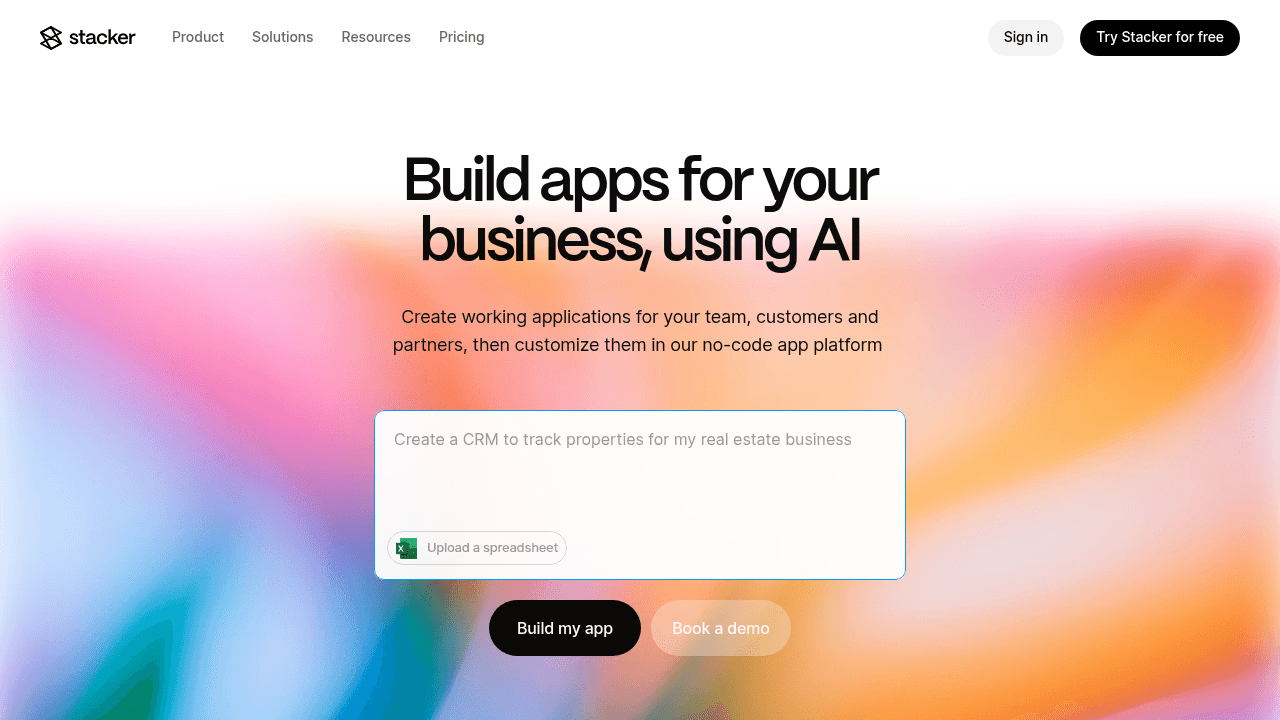
Stacker turns your data into secure customer portals. The AI builder generates portal structures from natural language prompts describing your customer data and access requirements, delivering a working base app in minutes that you can refine through the visual editor.
The built-in database handles complex data relationships without row limits. Link customer records to orders, projects, documents, and support tickets while maintaining data integrity with real-time syncing. You can also connect existing spreadsheets like Airtable or Google Sheets if you prefer to build on your current data setup.
Role-based permissions work at the field and table level. Set up customer logins that show only their own records, create manager roles with broader access, and define admin capabilities separately. These controls were designed for external user access where data isolation matters.
Stacker handles portals that run actual business operations with hundreds of customers accessing complex data structures securely.
Softr
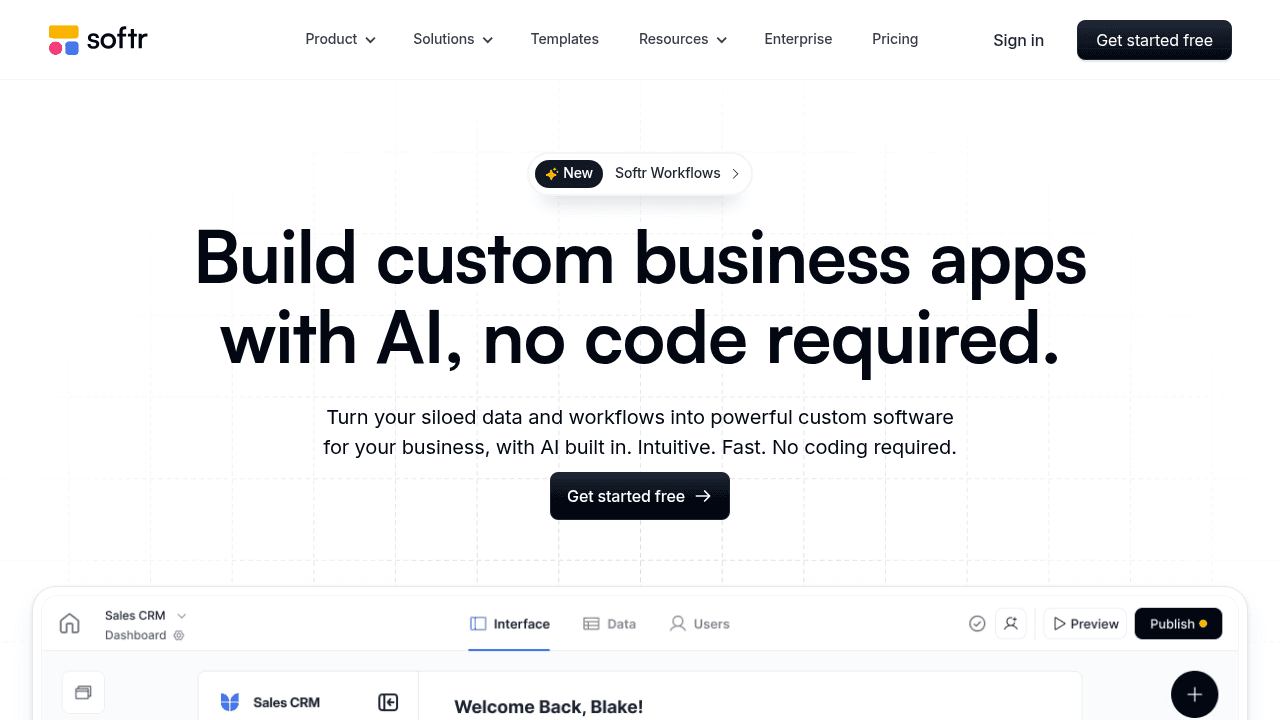
Softr builds web apps and portals on top of Airtable, Google Sheets, and a few other data sources. You connect your existing spreadsheet, pick from pre-built templates, and customize the interface using drag-and-drop blocks.
The tool works well for makers and small teams who need lightweight client-facing sites or membership portals. If you already manage customer data in Airtable and want to give clients a cleaner way to view it than sharing the base directly, Softr provides that layer fast.
Basic portals showing lists, forms, and detail pages come together in hours. The template library covers common patterns, and the visual builder makes layout adjustments intuitive.
The limitations appear when complexity grows. Because Softr remains dependent on spreadsheet data structures, you inherit those constraints around data relationships, permissions granularity, and scale. Multi-role portals where different customer types need distinct access levels become harder to configure cleanly.
Organizations running critical workflows through their portal often outgrow what spreadsheet-backed tools can reliably support. Real-time collaboration at scale and business logic stretch beyond what these data sources handle well.
Noloco
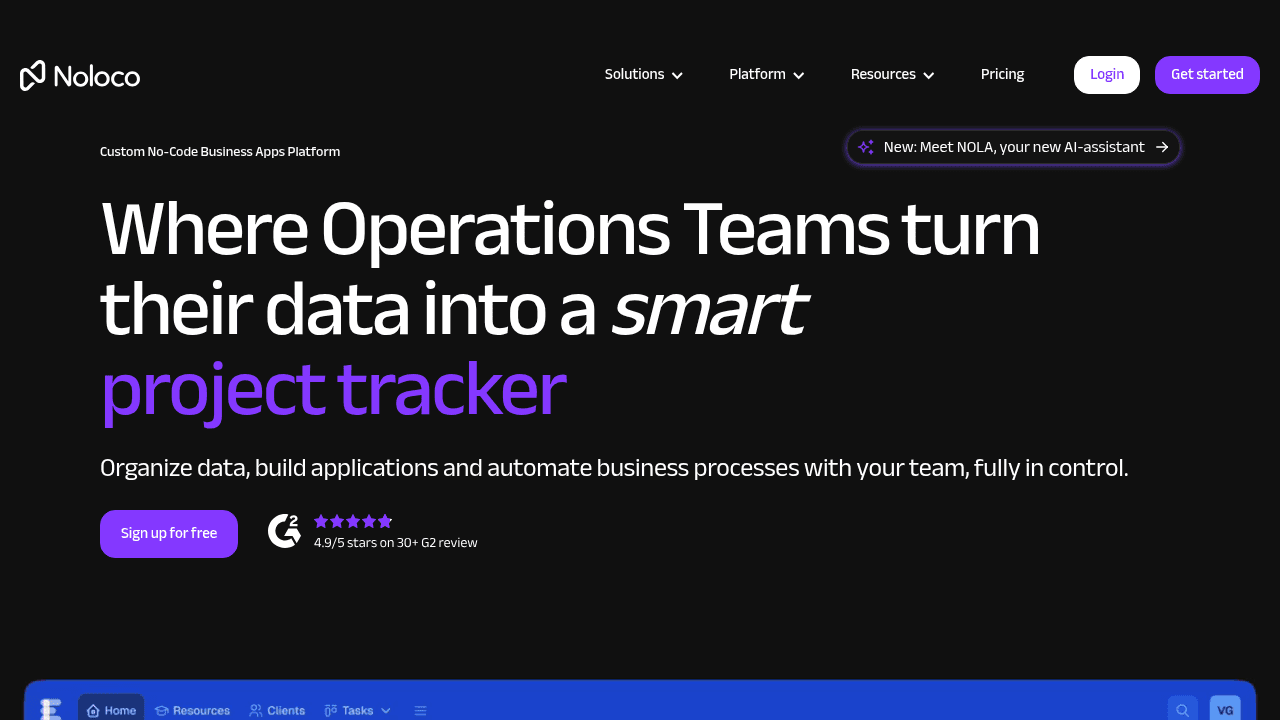
Noloco connects to Airtable, PostgreSQL, and other databases to generate portal interfaces. Link your data source, configure user roles and permissions, and customize views to create client-facing apps.
The setup follows familiar no-code patterns. Pick data tables to expose, define which users see what, and adjust the interface through visual controls. Templates help accelerate initial builds for common portal scenarios.
Basic portals serving straightforward customer access needs come together quickly. Teams already managing data in supported sources can add a frontend layer without much technical work.
Challenges appear as requirements expand beyond simple data display. Complex business logic, sophisticated workflows, or data structures that outgrow spreadsheet limitations require considering whether the underlying architecture supports your long-term operational needs.
Glide
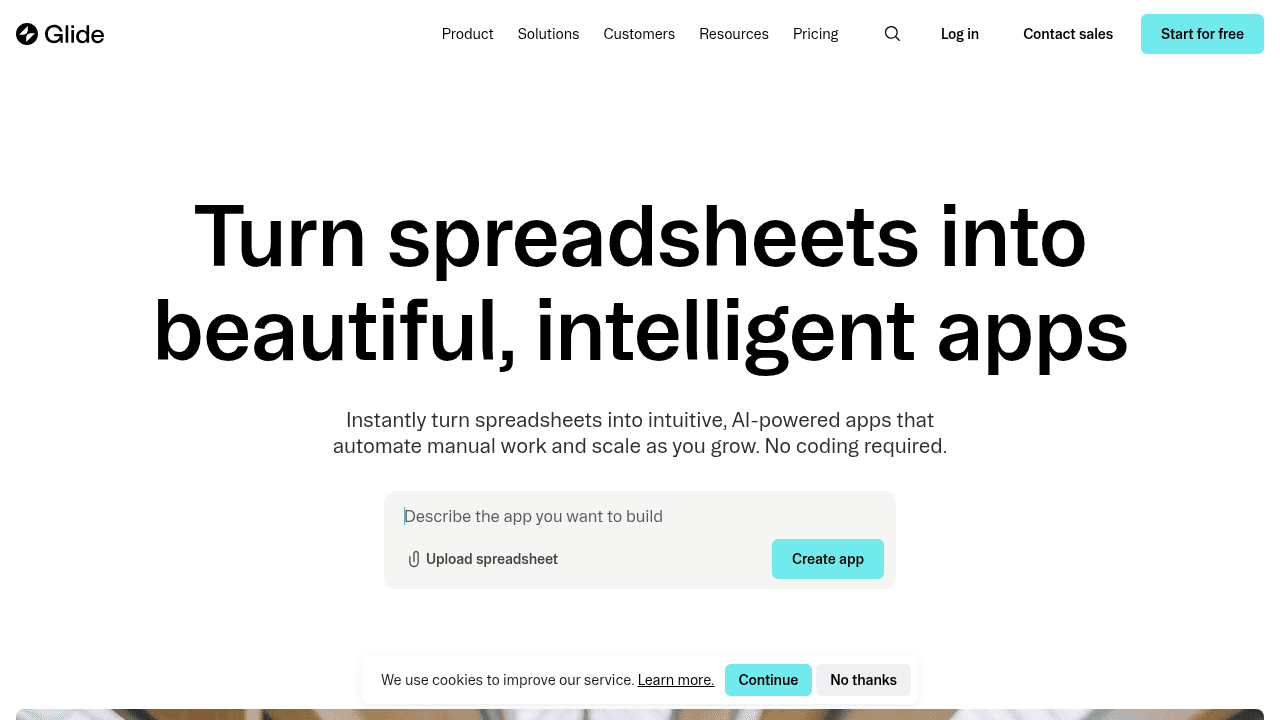
Glide began as a mobile app builder converting Google Sheets into polished apps. It now supports web apps and portals while keeping its refined, consumer-grade interfaces.
The visual builder creates clean layouts quickly. If customers need to check inventory availability, browse event schedules, or submit field forms, Glide produces interfaces that look sharp without design work.
Teams wanting something visually appealing for limited-scope customer interactions find Glide delivers on these utility-focused scenarios where interface quality matters.
The Google Sheets foundation carries constraints around complex data relationships, detailed permissions, and workflows that run daily business operations. Portals serving as operational hubs strain against these architectural limits.
Consider Glide for beautiful interfaces handling straightforward customer data access, not for systems that run your customer operations.
Airtable Interfaces
Airtable Interfaces creates custom views on top of Airtable bases. The Interface Designer builds dashboards, forms, and layouts for different users accessing your data.
Airtable functions as a spreadsheet with database features. It works well for internal teams who need more structure than Google Sheets but less rigidity than traditional databases.
For external customer portals, limitations appear. Airtable's pricing model treats every user identically, making customer access costly at scale. Permissions work at the base and table level, without field-level granularity. Interface customization remains limited compared to purpose-built portal tools.
Organizations using Airtable for internal data can apply Interfaces for basic external sharing, though those requiring dedicated customer portal capabilities typically need specialized tools.
Bubble
Bubble is a full-stack, AI-powered no-code platform that manages every layer of a web application, including visual programming, front-end design, an integrated back end and database, and API integrations.
Customer portals built with Bubble can be tailored to include a wide range of features, such as in-app messaging and support, billing and subscription management, and secure document sharing.
Although it is marketed as a low-code/no-code solution, Bubble still feels very much like traditional web development in it's approach to layout, responsiveness, and custom logic. Using Bubble requires a level of technical expertise, which makes it less ideal for internal tools or portals that could be built more simply without the added technical complexity.
Final thoughts on selecting customer portal tools
The shift to no-code client portals means you can finally give customers the access they've been asking for without waiting months or spending five figures on development. Your choice comes down to whether you need lightweight data display or an operational system handling daily business processes. Spreadsheet backends hit limits fast when complexity grows, while purpose-built databases scale with your needs. Test with your actual data and workflows before committing to any tool.
FAQ
How do I control what each customer can see in their portal?
Set up role-based permissions that filter data automatically based on who's logged in. Most purpose-built portal tools let you define field-level and table-level access, so customers see only their own records while managers get broader visibility across accounts.
What's the main difference between spreadsheet-backed and database-backed portals?
Spreadsheet-backed portals (built on Google Sheets or Airtable) work well for simple data but struggle with complex relationships and scale. Database-backed portals handle thousands of records, maintain performance with intricate data connections, and avoid row limits that force workarounds as you grow.
When should I consider moving from email and spreadsheets to a customer portal?
If customers regularly ask for status updates, you're manually sending the same information repeatedly, or you're sharing sensitive data through insecure channels like email attachments. A portal gives customers self-service access while reducing your team's manual workload.
Can I build a customer portal without technical skills?
Yes. No-code tools let operations managers and business owners build functional portals using visual editors and drag-and-drop interfaces. You can launch a working portal in days without writing code or waiting on developers.
How long does it take to build a customer portal with no-code tools?
Basic portals showing customer-specific records can go live in a few days. More complex portals with workflows, document management, and multiple user roles typically take one to two weeks, depending on your data structure and requirements.




