
8 MIN READ
Monday, January 5, 2026

Michael Skelly
Founder, Stacker
If you're still managing business processes through spreadsheets and email, you know the pain of multiple people trying to work on the same data. No-code collaboration tools fix that by letting your whole team access and edit business apps together, with controls over who can see and change what. The right tool means your internal team, clients, and vendors can all work from the same source of truth without stepping on each other's toes.
We tested these builders on what actually matters for operations: permission systems that handle complex scenarios, real-time updates so everyone sees current information, proper databases instead of spreadsheet backends, and the ability to create secure external portals for people outside your organization.
TLDR:
Multi-user app builders let teams, clients, and partners work in one app with role-based access.
Spreadsheet-based tools sacrifice data integrity; enterprise platforms require IT involvement.
Real-time collaboration and external portals eliminate version control issues across stakeholders.
Stacker combines AI app generation, built-in database, and granular permissions for operations.
What is a Multi-User App Builder?
A multi-user app builder is a no-code or low-code tool that lets multiple people access, edit, and collaborate within the same business application at once. Unlike traditional single-user software or spreadsheet-based workflows, these tools provide structured environments where team members, clients, or partners can work together in real time.
The shift matters because most businesses still run critical processes through spreadsheets or email chains. These methods fall apart when you need multiple people working simultaneously, especially when external users like customers or vendors need access. Multi-user app builders solve this by offering role-based permissions that control exactly who sees and edits what data.
This means you can build one application that serves your internal team while also providing secure portals for clients or partners, similar to how no-code CRM builders help teams manage customer relationships. Everyone works from the same source of truth, eliminating version control headaches and data silos. For teams tired of juggling access requests and broken spreadsheet formulas, these tools provide the structure and collaboration features that manual workarounds simply can't deliver.
How We Ranked Multi-User App Builders
We evaluated these multi-user app builders based on criteria that matter for running actual business operations. Each tool was assessed on role-based permission controls, real-time collaboration features, whether it relies on spreadsheets or provides a built-in database, and the ability to create external user portals for clients or partners.
We also considered ease of building custom workflows, AI-assisted app creation capabilities, integration with existing data sources, and whether one application can serve both internal teams and external stakeholders.
80% of companies now use no-code tools for internal operations, making operational robustness more important than prototyping speed. Given that 71% of enterprise applications remain unintegrated, choosing a builder that consolidates data and connects systems is essential.
This ranking focuses on tools that help teams digitize and optimize their processes, not lightweight builders meant for personal projects or quick MVPs.
Best Overall Multi-User App Builder: Stacker
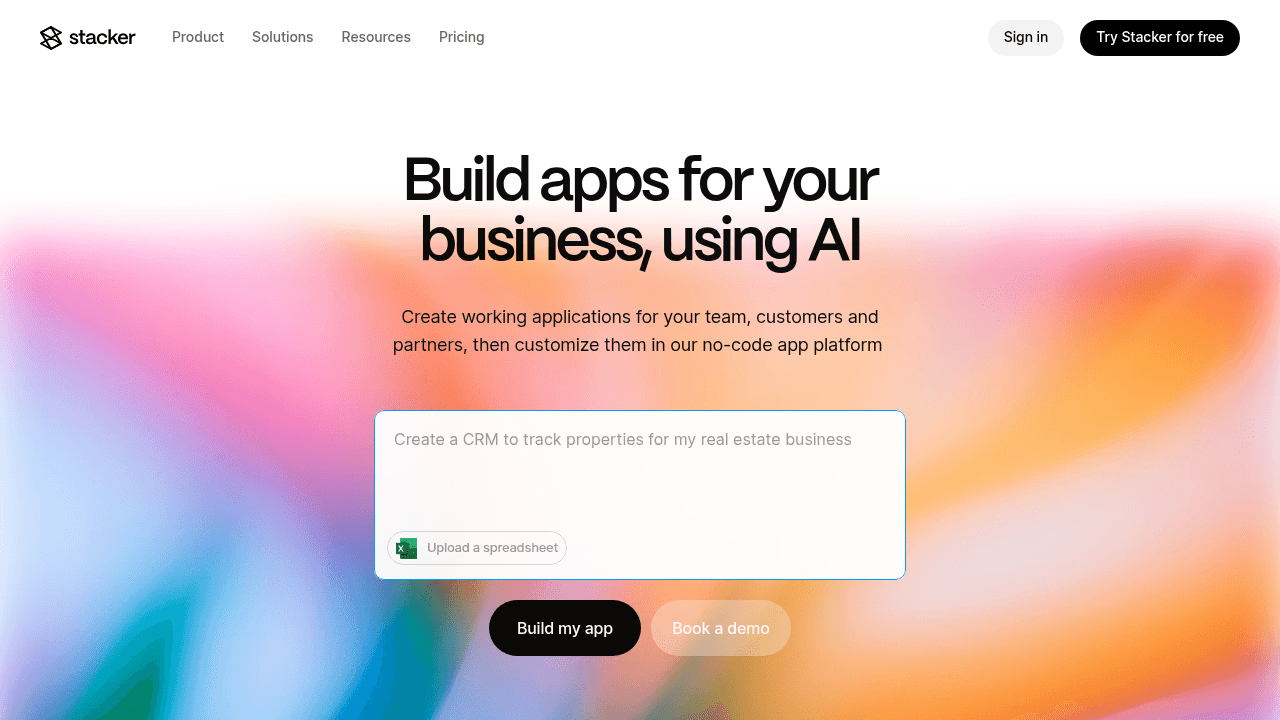
Most businesses don't need just an app—they need one system that works for everyone involved in their operations. Your team needs to manage workflows, customers want to check their status, and vendors need to submit updates. Stacker handles this reality by letting you build one application with different views and permissions for each audience, all working from the same data.
Key Features:
AI-powered app builder that generates working applications from plain-English prompts and applies iterative changes as you refine requirements.
Built-in relational database with proper data modeling, relationships between entities, and computed fields for business logic.
External user portals with field-level permissions that let clients, vendors, or partners securely access only their own records.
Data source connections to import from or sync with Airtable and Google Sheets while maintaining two-way updates.
Bottom Line:
The combination of AI-driven creation and proper database architecture means you're not choosing between ease of use and operational robustness. Start by describing what you need—"I want to track customer projects where clients can see their status and vendors can update deliverables"—and Stacker generates the structure, relationships, and interfaces in minutes.
Unlike spreadsheet-based builders that break down under operational load, or enterprise platforms that require IT involvement, Stacker gives you the structure and controls needed for real business processes without the complexity. You can connect existing data from Airtable or Google Sheets if that's where you're starting, but you're not forced to use spreadsheets as your system of record.
Notion
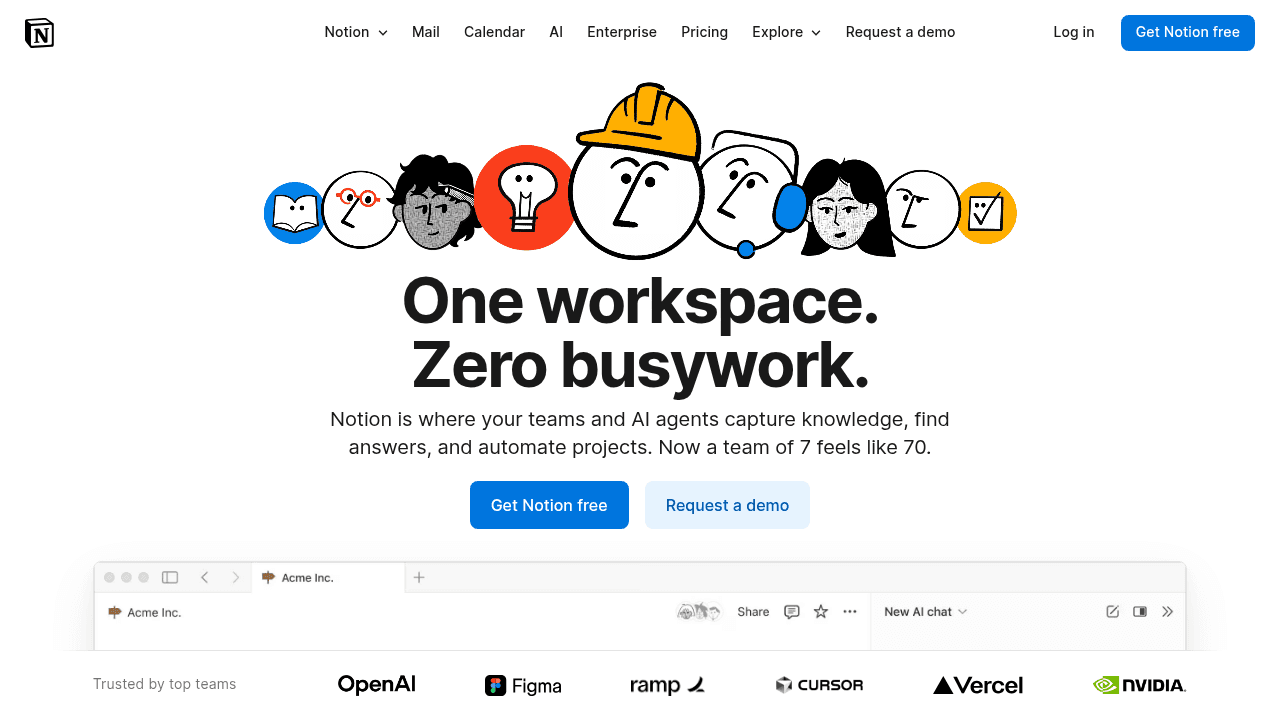
Notion is a collaborative workspace that combines documents, databases, and wikis into a flexible knowledge management system. Teams use it to organize information, create internal documentation, and track simple workflows.
Key Features:
Flexible document and wiki creation with basic relationship database within pages.
Simple table and board views for organizing information.
Real-time collaborative editing and commenting.
Template gallery for common documentation patterns.
Limitations for Multi-User Operations:
Notion's document-first architecture works well for knowledge management but lacks the structure needed for transactional business operations. There's no workflow automation, no field-level permissions (you can only control access at the page level), and no way to create secure external portals for clients or vendors. The database functionality is designed for organizing information, not running processes—performance degrades with complex relationships or high transaction volumes.
Bottom Line:
Notion excels at organizing team knowledge and lightweight project tracking. But if you're building operational systems where multiple user types need different access levels, or where clients and partners need to interact with your data, Stacker provides the application structure, permissions, and portal capabilities that Notion wasn't designed to handle.
Coda
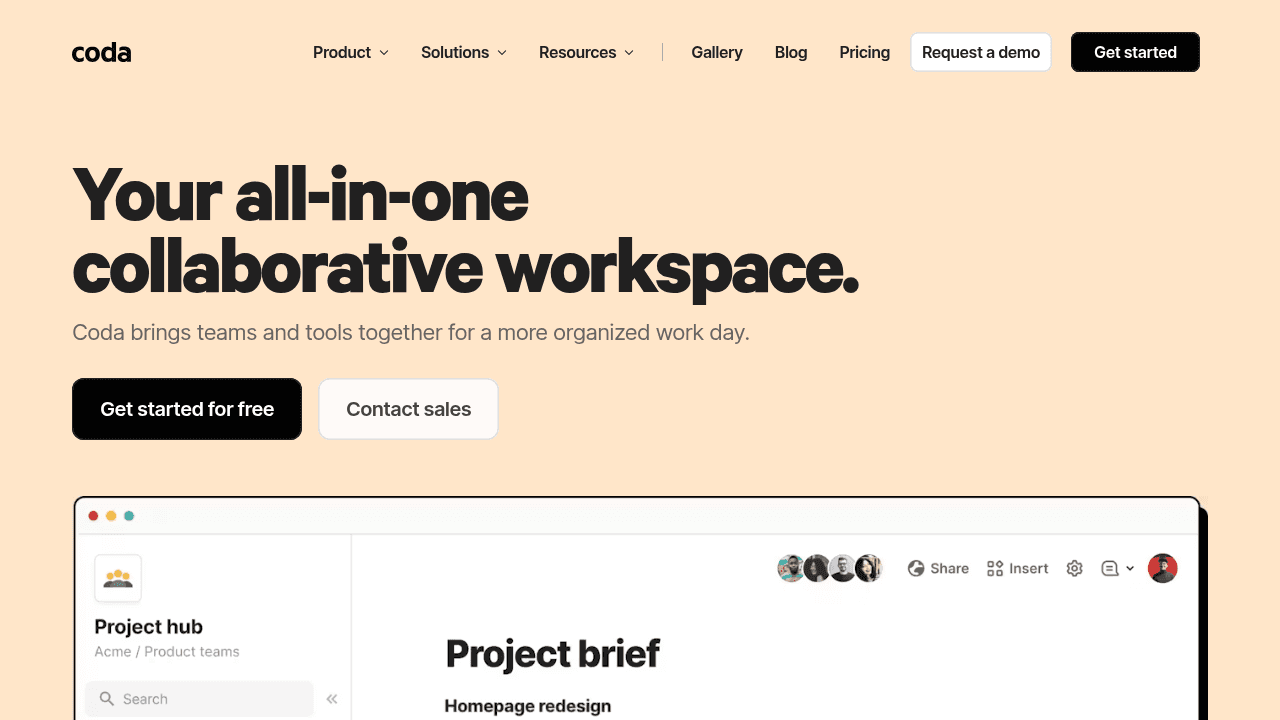
Coda is a doc-based productivity tool that blends documents with spreadsheet-like tables and formulas. It's more powerful than Notion for data manipulation, with a formula language that can handle calculations and basic automations.
Key Features:
Document-based workspace with embedded tables.
Formula language for calculations and automations.
Collaborative editing and commenting.
Packs for integrating with external services.
Limitations for Multi-User Operations:
Coda's formula language gives you power, but at a cost. As your system grows, you end up with formulas scattered across documents, buttons, and automations—making it hard to understand what's happening or debug issues. There's no centralized business logic like you'd have in a proper application.
More critically, Coda lacks the multi-user infrastructure needed for operational systems: no field-level permissions, no external user portals, and no way to safely share data with clients or vendors. You're still working in a document that everyone with access can see and potentially break.
Bottom Line:
Coda offers more power than Notion for data-rich documents, but it's still fundamentally a document tool trying to be a database. If you're building operational systems that need to scale, handle multiple user types with different permissions, or provide external access, Stacker's proper application architecture will save you from hitting Coda's walls.
AppSheet
AppSheet is a Google-owned tool that creates mobile form-based apps from spreadsheets and databases. It focuses primarily on data collection and approval routing for field teams working offline.
Key Features:
Mobile-first form and data collection apps.
Direct connection to Google Sheets, Excel, and SQL databases.
Workflow automation for approval processes.
Offline mobile data capture.
Limitations for Multi-User Operations:
AppSheet is optimized for form-based mobile workflows rather than comprehensive multi-user operational systems. While it handles field data collection well, it lacks the sophisticated portal capabilities and multi-role application architecture that complex business processes require. The interface is functional but limited—you're essentially building mobile forms, not full-featured applications.
Bottom Line:
AppSheet serves mobile data collection well, but Stacker handles the full spectrum of structured operational apps with proper data modeling, extensive permissions, and true client and partner portals that go far beyond forms.
Microsoft Power Apps
Power Apps is Microsoft's low-code development environment for creating business applications within the Microsoft 365 ecosystem. It's designed for enterprises already invested in Microsoft's stack.
Key Features:
Integration with Microsoft 365 and Azure services.
Canvas and model-driven app types.
Dataverse as enterprise data storage.
Enterprise governance and compliance features.
Limitations for Multi-User Operations:
Power Apps requires significant IT involvement despite the low-code branding, carries enterprise-tier pricing, demands understanding of Microsoft's complex licensing model, and presents a steep learning curve that excludes the non-technical business users it claims to serve.
Bottom Line:
Power Apps fits Microsoft-first enterprises with IT resources to support it, but Stacker delivers a simpler approach with AI-first building that genuinely empowers business teams to create operational apps without developer dependencies or enterprise complexity.
Feature Comparison Table of Multi-User App Builders
This breakdown shows how each multi-user app builder handles the features that matter most when running collaborative business operations with internal teams and external stakeholders.
Feature | Stacker | Notion | Coda | AppSheet | Power Apps |
|---|---|---|---|---|---|
AI-Powered App Builder | Yes | No | No | No | No |
Built-In Database | Yes | No | No | No | Yes |
Granular Role-Based Permissions | Yes | No | No | No | Yes |
External User Portals | Yes | No | No | No | No |
Real-Time Collaboration | Yes | Yes | Yes | Yes | Yes |
Workflow Automation | Yes | No | Yes | Yes | Yes |
No-Code Interface | Yes | Yes | Yes | Yes | No |
Why Stacker is the Best Multi-User App Builder
We built Stacker specifically for business teams managing real operational workflows across multiple user types. The combination of AI-driven app creation, a proper relational database, and comprehensive permission controls means you can build complex multi-party applications without compromising on any capability.
The AI builder gets you started by generating a working app from a simple description. Tell it what you need, and it creates the structure, relationships, and interface in minutes. Then refine through conversation or switch to the visual editor to adjust layouts, add workflows, or configure exactly who sees what.
Unlike builders that rely on spreadsheets as the backend, we provide a built-in relational database. This matters when you're running actual operations where data integrity and performance can't be compromised. You can still connect Google Sheets or Airtable if that's where your data lives, but you're not forced to use spreadsheets as your system of record.
The permission system handles complex scenarios. Set up roles for admins, managers, external clients, and vendors with controls down to individual fields. Build a customer portal where each client sees only their projects, or create a vendor interface where suppliers update their own records without accessing anything else.
Real-time collaboration means everyone works from current information. When someone updates a record, all users see the change immediately whether they're internal staff or external partners logging into their portal view.
Other tools make you choose. Spreadsheet-based builders sacrifice data integrity. Document tools lack application structure. Enterprise solutions require IT departments. Stacker eliminates these tradeoffs by providing complete functionality that non-technical teams can actually use to replace manual processes and rigid software.
When you need one application serving your internal team, customers, and partners with different access levels and workflows, Stacker delivers without forcing you into spreadsheet limitations or enterprise complexity.
Final Thoughts on Collaborative App Building Tools
When you need shared business applications that serve multiple user types, the backend matters as much as the interface. Spreadsheet-based tools break down under operational load, while enterprise solutions require IT departments you might not have. You want something that handles complex permissions and workflows without complex setup. Choose based on what you're actually building, not just what looks easiest to start.
FAQ
How do I choose the right multi-user app builder for my business?
Start by identifying whether you need a proper database or can work with spreadsheets as your backend. If you're managing complex workflows with multiple user types (internal team, clients, vendors), look for tools with granular permissions and external portal capabilities. For simple data display, spreadsheet-based builders work fine, but for running actual operations, you need structured data and workflow automation.
Which multi-user app builder works best for teams without technical skills?
Stacker's AI builder lets non-technical teams describe what they need and generates a working app in minutes, then refine through conversation or visual editing. Most other options either require IT involvement (like Power Apps) or limit you to basic templates. Avoid tools that rely heavily on formula languages or require understanding complex licensing models if your team lacks technical resources.
Can I build one app that serves both my internal team and external clients?
Yes, but not all builders handle this well. Stacker and Softr support external user portals with different permission levels, letting you create one application where employees manage operations while clients log in to view their specific data. Tools like Glide, Notion, and Coda lack the permission controls needed to safely share applications with outside users.
What's the main difference between spreadsheet-based and database-backed app builders?
Spreadsheet-based builders (Softr, Glide) use Google Sheets or Airtable as the data layer, which works for simple use cases but breaks down with complex relationships, high transaction volumes, or strict data integrity needs. Database-backed builders (Stacker, Power Apps) provide structured storage that handles relational data, better performance, and the reliability required for mission-critical business processes.
When should I consider switching from spreadsheets to a multi-user app builder?
Switch when multiple people need simultaneous access to the same data, when you're sharing information with clients or vendors, or when spreadsheet formulas and version control become unmanageable. If you're spending significant time managing access permissions, fixing broken formulas, or consolidating data from multiple versions, a multi-user app builder will save time and reduce errors.




