
6 MIN READ
Monday, March 16, 2026

Michael Skelly
Founder, Stacker
Most service businesses start with spreadsheets and only feel the pain when clients begin asking for secure portal access and clearer status updates. Traditionally, getting there meant hiring developers and waiting months for a custom system. Consulting business apps built with no-code tools changed that, but many products still fall short when you need client portals, team collaboration, and finely tuned permissions in one place. This guide looks at the tools that actually support consulting firms, agencies, and professional practices day to day.
TLDR:
Service businesses need custom software for client portals and workflows without developer overhead.
Stacker builds production-ready apps with AI, internal team tools, and client access in one environment.
Spreadsheet tools like Airtable struggle when you add more external users and complex structures.
Code generators create a long-term maintenance burden; managed products handle infrastructure.
Stacker’s AI builder creates working apps from plain-language prompts atop a relational data layer.
Best Overall No-Code Tool for Service Businesses: Stacker
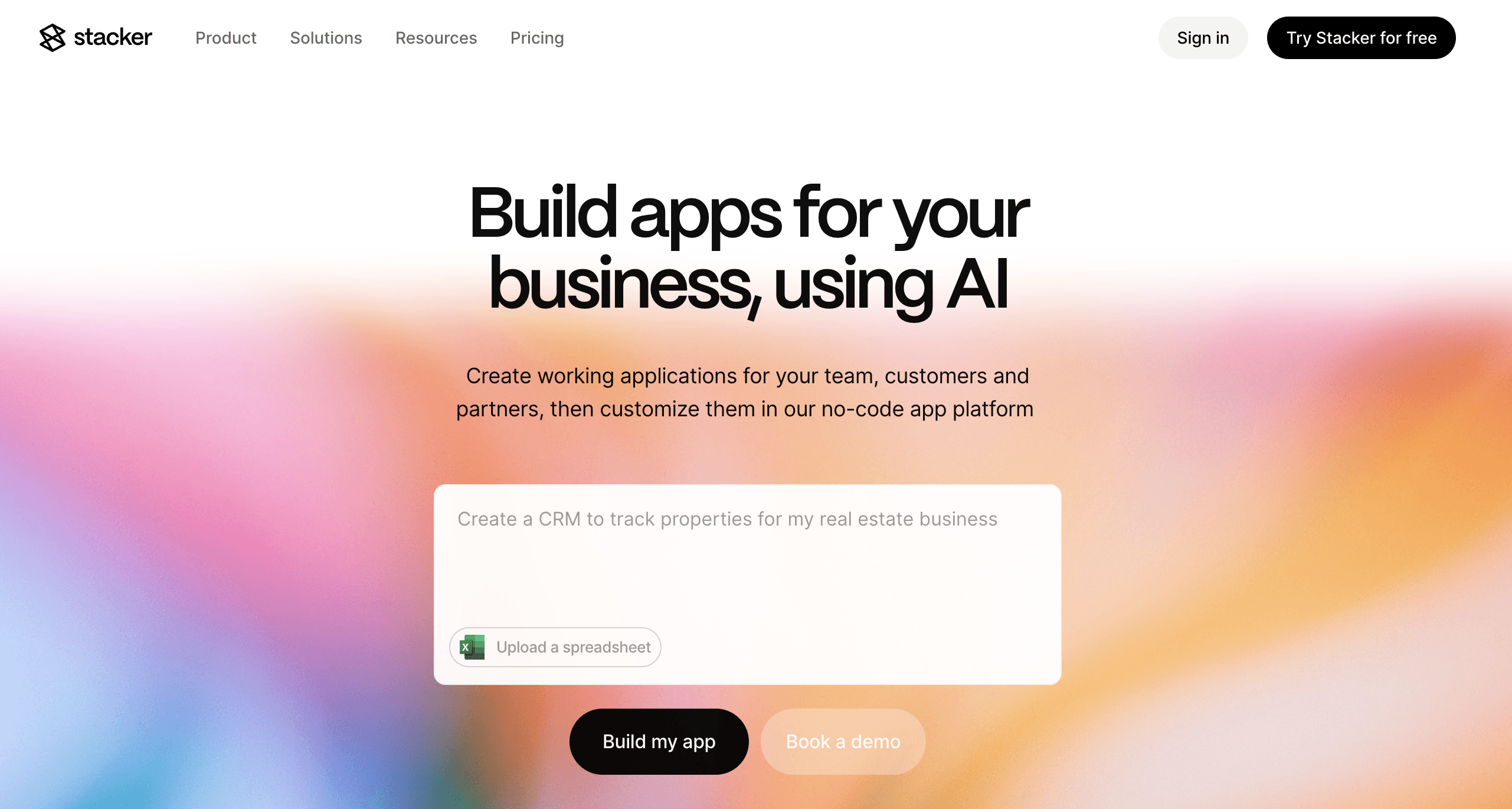
Stacker is built to deliver custom software to service businesses without a development team. You can create client portals, CRMs, project tools, and workflow trackers that reflect your actual process instead of a generic template.
What they offer:
AI builder that turns plain-language descriptions into working apps you refine through prompts and a visual editor.
A relational data layer and live connections to Airtable and Google Sheets, so you can start from your existing data and grow into a more structured setup.
Detailed role-based permissions so internal teams, clients, and partners share one system with different, tightly controlled views.
Good for: Service businesses, agencies, and professional firms that want custom tools for client work, reporting, and coordination, including portals and complex access rules.
Limitation: New users may need a short learning period to map data relationships and permission schemes, especially for multi-entity setups.
Bottom line: Stacker is the strongest choice when you want a long-term home for client-facing and internal service workflows without hiring engineers.
Airtable
Airtable is a spreadsheet database hybrid that adds linked records and richer field types to a familiar grid. Many service businesses start here as a more structured version of sheets before they consider dedicated app builders.
What they offer:
Spreadsheet-style views with relational features, including linked records and lookups.
Multiple views, such as grid, calendar, and Kanban, for different perspectives on the same data.
Automation and AI features that can update records, send notifications, and help with data tasks.
Good for: Teams that already keep their client and project data in spreadsheets but want more structure and collaboration in a familiar format.
Limitation: Interfaces and portal features sit on top of the base and are not optimized for everyday client use, and external portals can become expensive and limited for firms with many clients.
Bottom line: Airtable is a strong internal data tool and a sensible upgrade from Sheets, but it is not the best fit as a complete service-business app with scalable client access.
Softr
Softr creates client portals, membership sites, and internal tools by connecting to Airtable, Google Sheets, and Notion. It focuses on getting visual frontends up and running quickly on top of the data you already have.
What they offer:
Templates for common scenarios such as client portals, directories, and simple internal tools.
Direct integrations with Airtable, Google Sheets, and Notion, plus Stripe for paid memberships.
User authentication and group-based access controls for basic segmentation of who sees what.
Good for: Creators and service providers who want a quick, template-driven portal or membership site built from existing spreadsheets or Notion data.
Limitation: Data lives in external sources, there is no deep native database layer, and more complex logic or automation is limited, which makes it harder to support richer, multi-stage service workflows.
Bottom line: Softr is a good choice when you need a visually polished portal quickly, but it is less suited as the main system for more complex service operations.
Glide
Glide turns Google Sheets and other tabular data into mobile and web apps with real-time sync. It is geared toward simple utility apps and lightweight internal tools.
What they offer:
Tight Google Sheets integration so changes in the sheet appear in the app almost instantly.
Mobile-first design with responsive layouts for phones and tablets.
Pre-built components and templates for directories, trackers, and simple forms.
Good for: Teams that want lightweight apps like employee directories, inventory checkers, or field data collection tools built directly on top of Sheets.
Limitation: Glide does not provide the deeper permission models, multi-role interfaces, or relational database structures needed for richer service workflows such as multi-stage CRMs or complex partner portals.
Bottom line: Glide is a solid option for small, mobile utilities, but it is not designed to run the core software for a growing service firm.
Noloco
Noloco is a no-code builder that creates internal tools and portals on top of data sources such as Airtable, PostgreSQL, and Google Sheets. It focuses on connecting to existing tables and layering UI, roles, and workflows on top.
What they offer:
App and portal generation based on Airtable, SQL, or spreadsheet schemas.
Role-based permissions, including record-level controls for internal and external users.
Workflow automation and AI-enhanced fields for internal tools and customer-facing portals.
Good for: Startups and small teams that already have a well-structured Airtable or database setup and want to quickly spin up internal tools and basic client portals.
Limitation: The data model often remains tied to spreadsheet-style thinking, and AI assistance is less central than in Stacker, making it harder to evolve more advanced, multi-entity service flows.
Bottom line: Noloco is a useful layer on top of existing data for service teams, but it is not as strong as Stacker for AI-driven builds and deeper, long-term service workflows.
Lovable
Lovable is an AI-powered code-generation tool that creates web applications by writing React and TypeScript from natural-language prompts. It targets developers who want a full codebase with minimal initial effort.
What they offer:
Automated generation of React/TypeScript apps with real code that you can push to GitHub.
Supabase and related services to handle database and authentication setups.
One-click deployment and an AI chat loop for iterating on the generated code.
Good for: Developers building proofs of concept or early-stage products, where speed to a demo matters and a technical team is available to own the resulting code.
Limitation: The generated app becomes part of your codebase; you need engineering skills to debug, secure, host, and extend it, which makes it unrealistic as a primary tool for non-technical service-business teams.
Bottom line: Lovable is powerful for engineering-led experiments, but a managed no-code product like Stacker is a better match for service firms without a dedicated dev team.
Feature Comparison Table of Service Business Software
Here's how the top no-code tools compare across features that matter for service businesses:
Feature | Stacker | Airtable | Softr | Glide | Noloco | Lovable |
|---|---|---|---|---|---|---|
Built-in Database | Yes | Yes | No | No | No | Yes |
AI App Builder | Yes | Limited | No | Limited | No | Yes |
Client Portal Support | Yes | Limited | Yes | Limited | Yes | No |
External User Pricing | Scalable | Expensive | Per-user | Per-user | Per-user | N/A |
Granular Permissions | Yes | Limited | Yes | Limited | Yes | Limited |
Real-time Collaboration | Yes | Yes | Yes | Yes | Yes | Limited |
Workflow Automation | Yes | Yes | Limited | Limited | Yes | No |
Custom Data Models | Yes | Limited | No | No | Limited | Yes |
Code Export | No | No | No | No | No | Yes |
Managed Infrastructure | Yes | Yes | Yes | Yes | Yes | No |
Why Stacker Is the Best No-Code Tool for Service
Service businesses need software that adapts to how they work, not the other way around. Stacker was built to solve this: you need custom operational software but can't afford the time or cost of traditional development. Research shows that companies using low-code tools avoid hiring an average of two IT developers, resulting in approximately $4.4 million in increased business value over three years.
Where other tools force compromises, Stacker delivers completeness. Our AI builder creates real applications for daily operations. The built-in database handles complex relationships between clients, projects, and deliverables. Permission controls let you safely manage both internal teams and external clients in a single app.
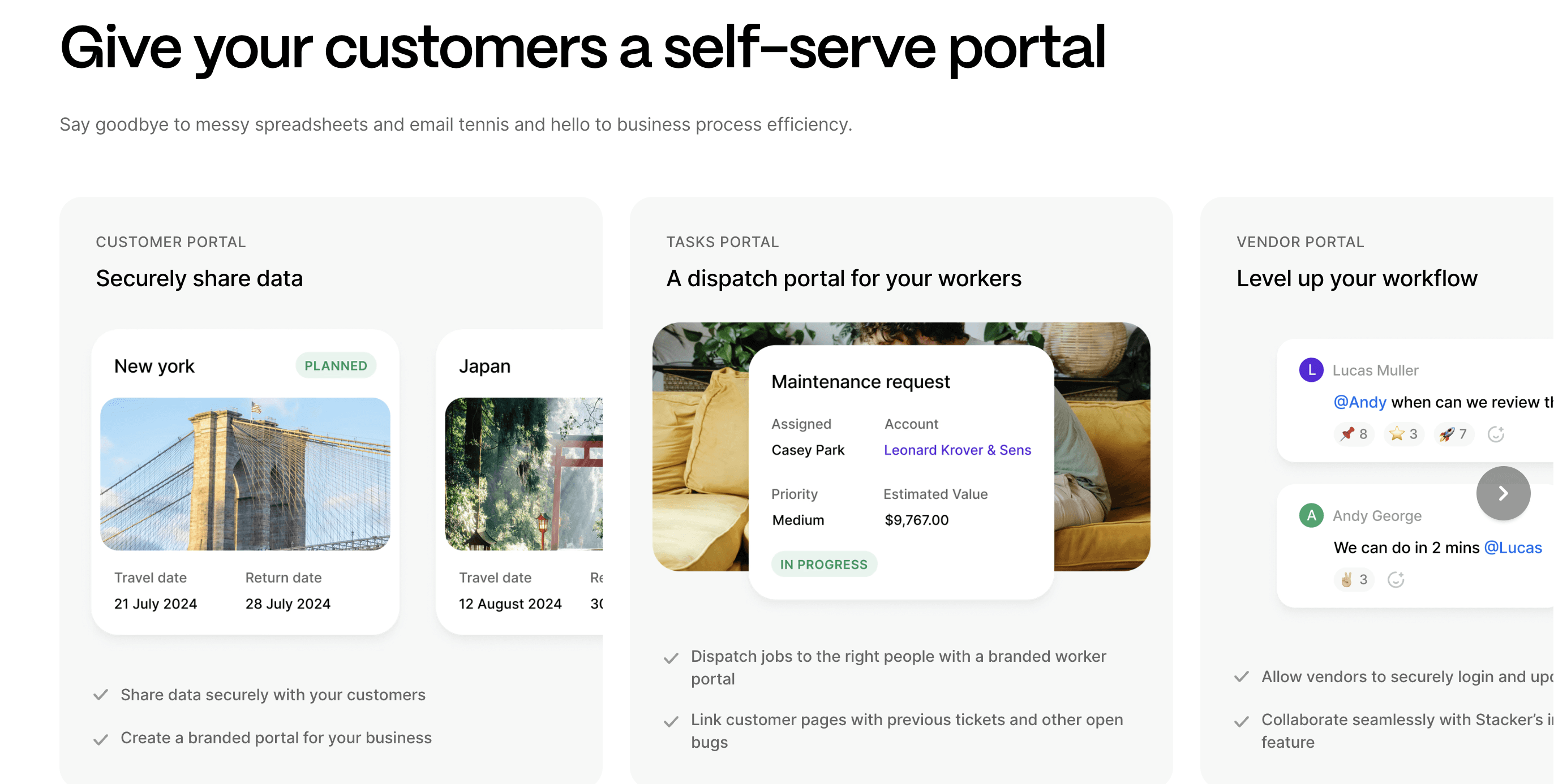
The difference shows when you need to give 50 clients portal access or when your workflow changes next quarter. Spreadsheet tools break under operational load. Code generators leave you with technical debt to maintain. Stacker handles the infrastructure so you can focus on your business.
Final Thoughts on Software for Service-Based Businesses
Most service businesses outgrow spreadsheets, but cannot afford the cost of custom development. That's where consulting business apps built on no-code tools make sense, giving you operational software that adapts as your processes change. If Stacker sounds like it could work for your setup, book a demo, and we'll show you how it handles your specific needs. You don't need to commit to anything to see if it's a fit.
FAQs
How do I choose the right no-code tool for my service business?
Start by listing your core needs: client portal access, permission controls, automation, and reporting. If you manage many clients with sensitive data, focus on tools with strong relational data handling and detailed permissions such as Stacker or Noloco; if you only need basic project tracking for a small team, a spreadsheet-based option like Airtable can be enough.
Which service business software works best for managing external clients and partners?
Tools with strong permission systems and portal capabilities handle external users best. Stacker offers scalable external user pricing and granular access controls across clients, vendors, and internal teams. Softr provides basic portal features but lacks the database depth for complex multi-stakeholder workflows. Airtable becomes cost-prohibitive when managing many external users.
Can I build a CRM system on a no-code tool without technical skills?
Yes. Modern no-code tools let you create custom CRM systems tailored to your sales process without coding. Stacker's AI builder generates working CRM apps from descriptions, then you refine them through visual editing. Airtable offers spreadsheet-based CRM capabilities, while Noloco creates CRM interfaces on top of existing databases.
What's the difference between AI code generators and managed no-code platforms?
AI code generators like Lovable produce code you must maintain yourself, requiring developer expertise for hosting, security, and debugging. Managed no-code platforms like Stacker handle infrastructure automatically while still offering an AI-powered building experience, giving you the speed of AI without technical debt or maintenance burden.
When should I move from spreadsheets to dedicated service business software?
Move when spreadsheets become hard to maintain, you need client access to data, or you're managing complex relationships between clients, projects, and deli
If you're spending hours on manual updates or can't safely share information with external users, you've outgrown spreadsheets. Recent studies show that AI automation can reduce customer service costs by 40-60% and achieve a 60-80% reduction in finance and accounts payable processing costs.




