
4 MIN READ
Wednesday, December 17, 2025

Michael Skelly
Founder, Stacker
When you need external users to interact with your Airtable data, you're stuck between two bad options: give them full access to your base or manually export files every time something changes. Neither works for real operations. The solution is to build a portal from Airtable that syncs with your data in real time while controlling exactly what each user can see and edit. Some tools handle this better than others, with key differences in their security, ease of use, and how they handle external access at scale.
TLDR:
Airtable portal builders create secure web apps from your bases without requiring code, while preventing direct database access.
Stacker offers two-way real-time sync, field-level permissions, and unlimited external users at a flat fee.
Softr and Glide work for quick launches, while Noloco charges per active user for internal tools.
Native Airtable interfaces start at $120/month for 15 users, making third-party tools more cost-effective at scale.
Stacker includes AI-powered generation and a built-in SQL database to prevent vendor lock-in as you grow.
What is an Airtable Portal Builder?
An Airtable portal builder transforms your existing bases into secure, no-code web apps. Because Airtable isn’t designed for external access, a dedicated app builder provides a custom interface that lets stakeholders interact with data without touching the underlying database.
Granting direct database access introduces security risks. An Airtable frontend gives you precise control over what users can see, allowing you to filter records, hide sensitive fields, and protect data privacy.
By building a portal on top of Airtable, you create a professional gateway for clients or partners. While Airtable’s native interface builder works well for internal teams, third-party tools are needed for advanced permissions, white-labeling, and managing external users at scale.
Key Considerations For in Airtable Portal Builders
Choosing a tool to build a portal from Airtable requires more than good design. The software should handle business logic securely, allowing you to launch apps quickly while maintaining data integrity.
There are five key considerations when looking for a good Airtable Portal Builder:
Permissions
Permissions define who can see, edit, or interact with data and interfaces. External users should only access data relevant to them via granular roles.
Usability
Usability measures how easily end users can understand and work with the application. Strong Airtable portal builders have visual editors that do not require coding knowledge.
Synchronization
Real-time, two-way sync is critical to ensure data stays accurate and consistent. Edits in the portal must update Airtable in real-time to be effective.
Scalability
The tool should support other data sources to prevent lock-in as you grow. Many platforms work well at small scale, but only a few can handle real operational complexity without requiring a rebuild.
Costs
Per-user pricing quickly becomes costly for large portals. Models that allow you to add external stakeholders without incurring additional fees are far better suited for applications that require broad external access.
Best Overall Airtable Portal Builder: Stacker
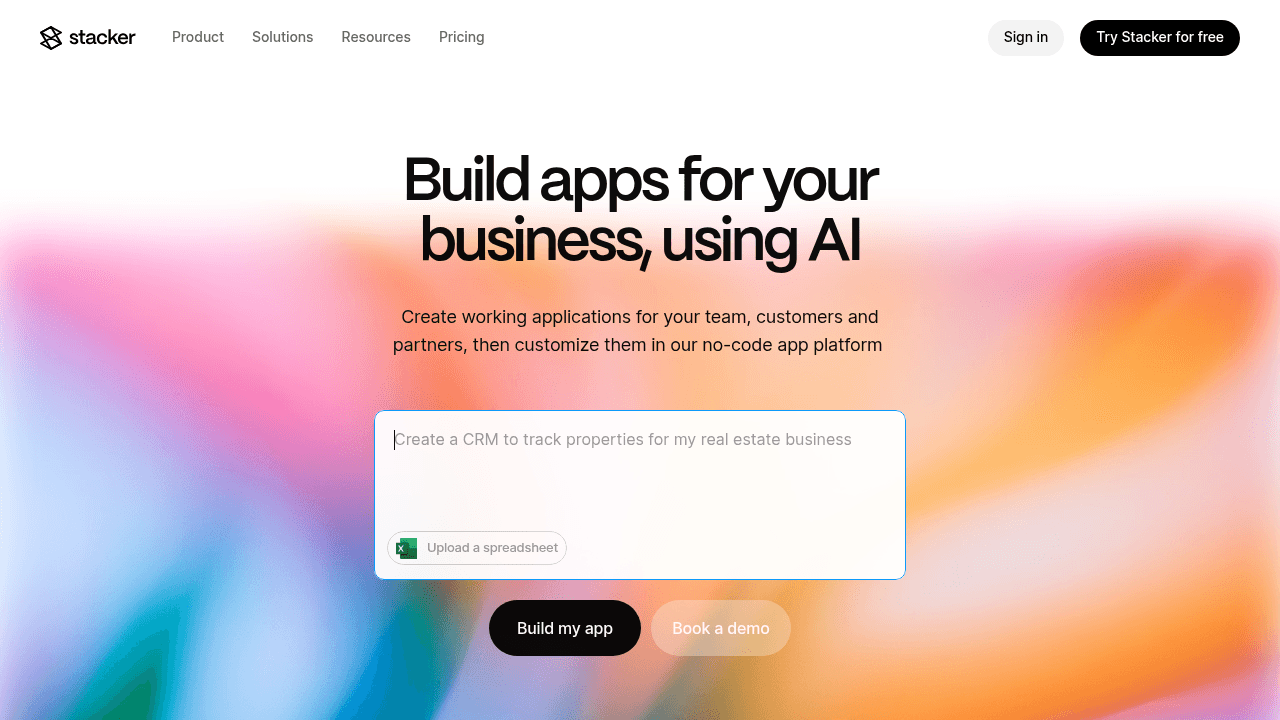
Stacker is a no-code platform with integrated AI that lets non-technical teams build scalable, custom business applications. It offers a live, two-way sync with your data, making it easy to create Airtable-powered portals for clients, partners, and internal teams—all without writing a single line of code.
Key features:
Granular permissions to set strict table and field-level rules
AI-powered app builder to generate working layouts and workflows instantly from text prompts
Multi-audience access providing distinct interfaces to internal staff and external vendors within the same application
Custom UI components such as tables, list views, forms, and detailed pages that can be easily configured
Stacker provides a critical buffer between your raw data and your users. With an interactive AI builder, advanced two-way sync, and granular permission controls, it is one of the most mature and feature-rich options for turning Airtable bases into secure portals. This approach keeps your source data private while delivering a polished, purpose-built experience for everyone you work with.
Softr
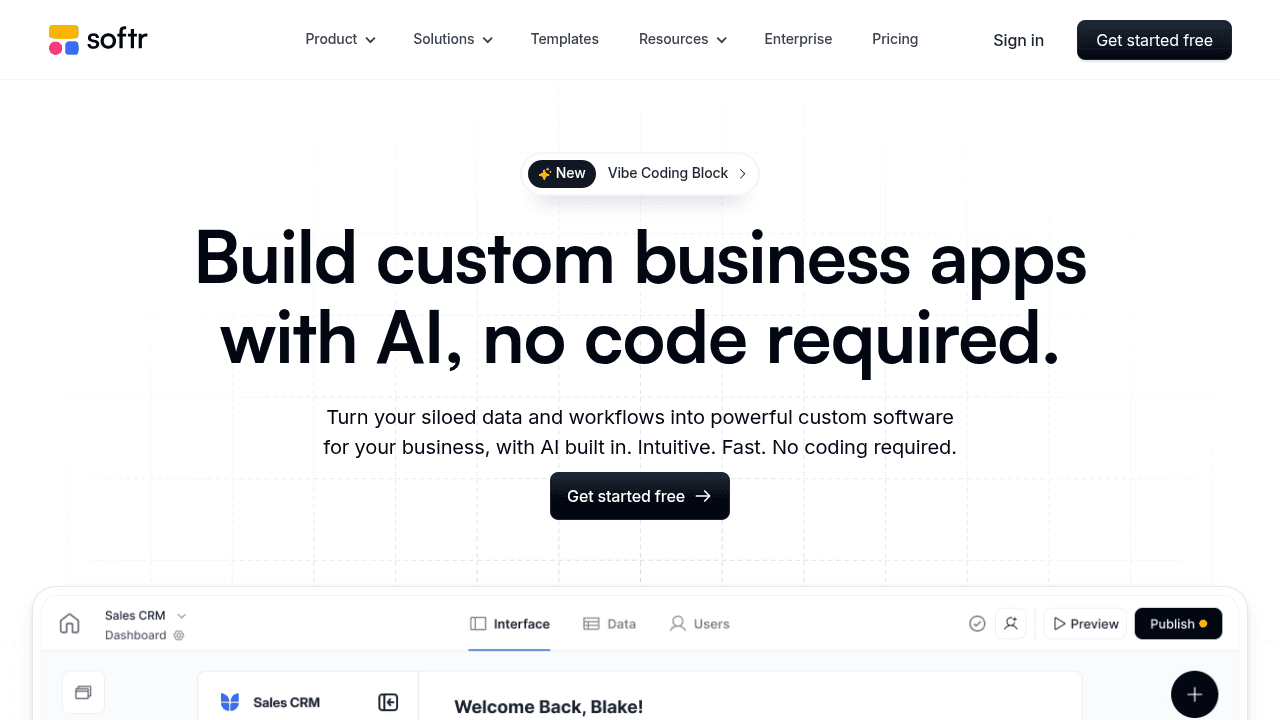
Softr operates as an Airtable app builder that converts your base into a web app using a block-based interface. It allows you to build portal from Airtable data quickly without coding.
Key Features:
Construct pages via drag-and-drop components in a block editor
Gate content and manage users with built-in authentication tools
Connects to Google Sheets and SQL databases alongside Airtable
Provides ready-made options for directories and community hubs
Softr fits projects where speed matters more than design flexibility. It works well for launching a basic Airtable frontend or membership site immediately. The trade-off is rigidity; the block system restricts visual customization and complex business logic.
Noloco
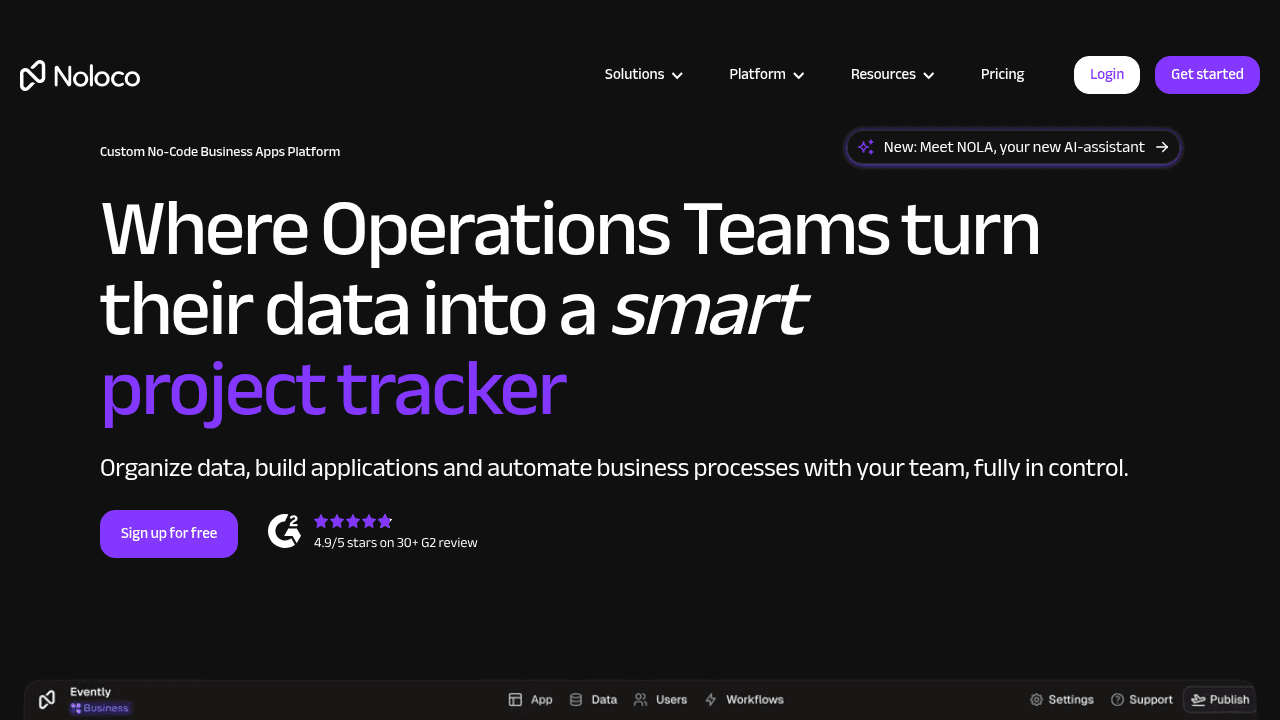
Noloco functions as an Airtable app builder specifically for internal tools and client apps. It connects to your existing data to automatically generate a baseline structure. This approach allows operations teams to build a portal from Airtable data immediately rather than designing every screen manually.
Key features:
Builds a functional app directly from your connected data source schema
Users can view records through lists, maps, timelines, and calendars
Dynamic forms capture user inputs and trigger specific actions
Workflow automation to trigger actions based on user input or data changes
While well suited for quick internal setups, Noloco uses active-user pricing, which can become costly for external-facing use cases. Schema changes, such as adding new Airtable fields, may also take longer to sync compared to a dedicated Airtable interface builder.
Glide
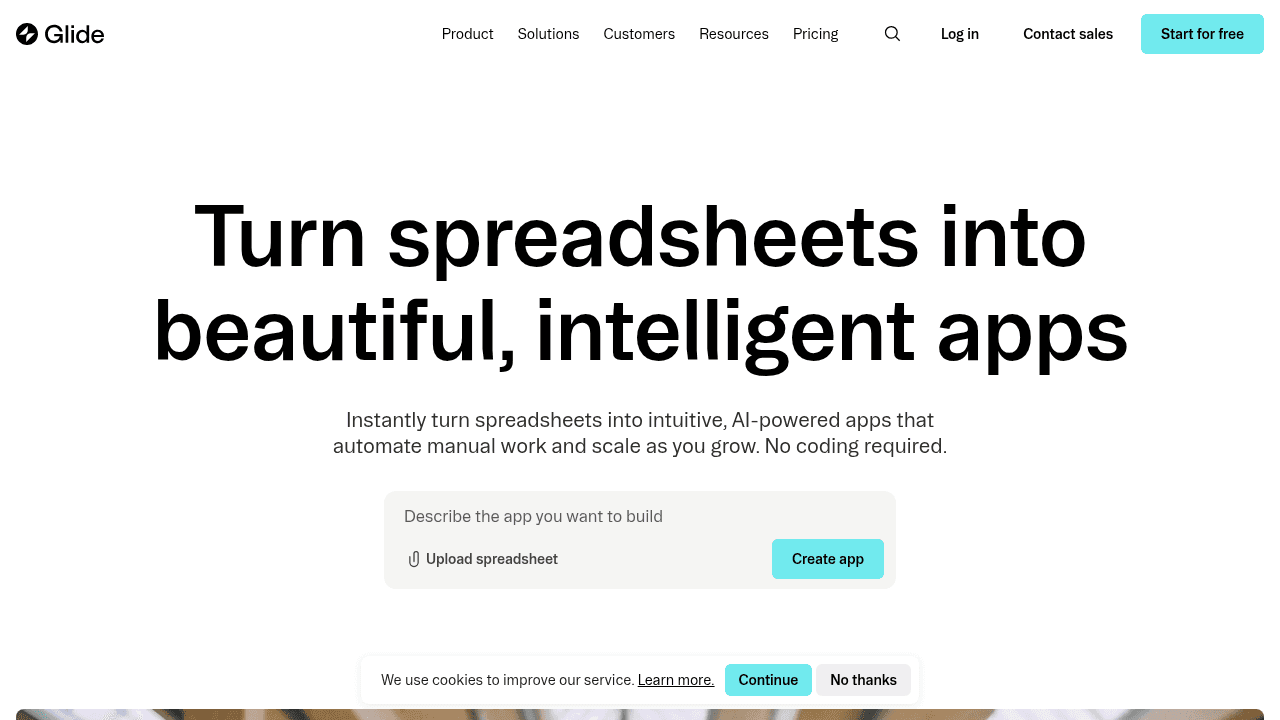
Glide turns data from sources like Airtable into apps with a strict focus on mobile responsiveness. It enables you to build a portal from Airtable that performs well on phones and tablets with little configuration. This builder suits projects where visual polish takes precedence over complex data handling.
Key Features:
Mobile-first designs that adapt to any screen
Internal data editor for basic computations
Templates designed for field usage and simple utilities
Native support for QR code generation
This tool fits lightweight use cases like inventory checkers or event guides. However, it often struggles with dense business operations. The specific focus on mobile tasks means interfaces look uniform, and per-user pricing accumulates quickly. While Glide works for specific utility apps, Stacker offers granular permissions and desktop-optimized portals for secure workflows.
Airtable (Native Portals and Interfaces)
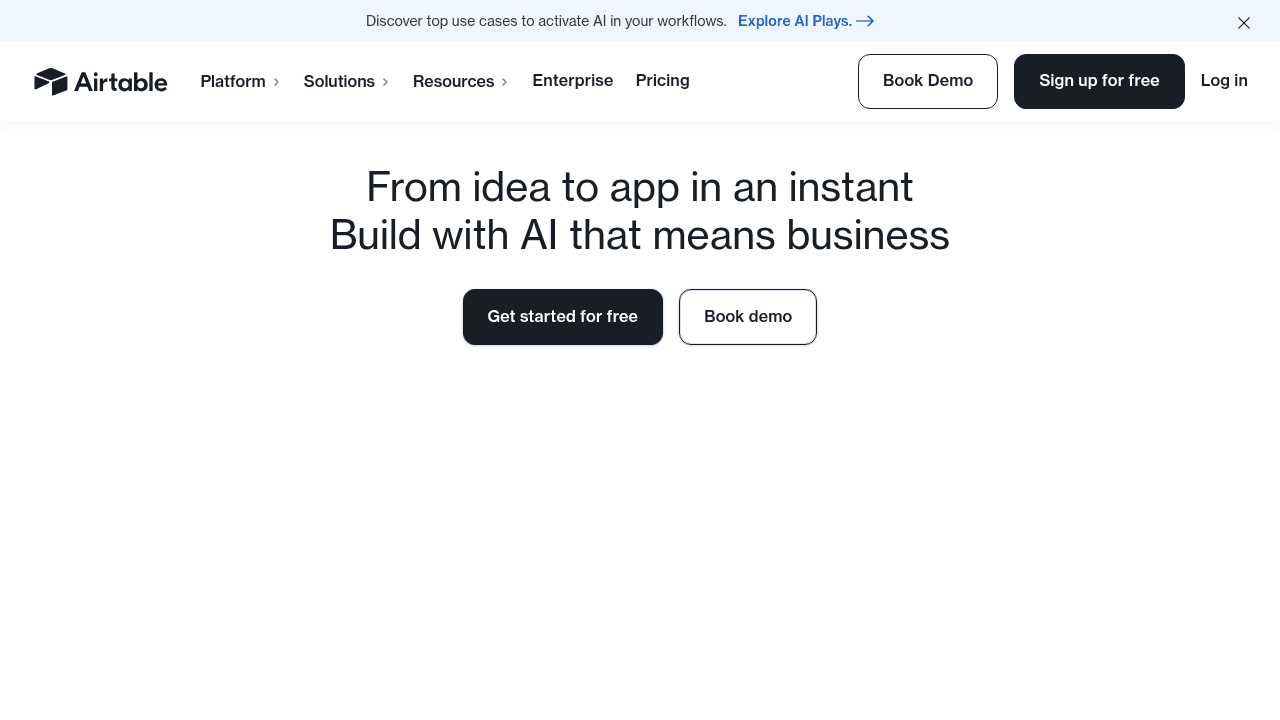
Airtable provides a native path to external access through its Interface Designer. This feature lets you launch a basic Airtable portal while staying within their ecosystem.
Key Features:
Direct access to Airtable data in real-time, no sync required
Visual interface builder with drag-and-drop components
Interfaces are optimized for employees who already work in Airtable
Supports simple data capture and editing
The primary benefit of the Airtable interface builder is centralization; your automations and permissions remain tightly coupled with your data source. However, the pricing model creates friction at scale. Native portals start around $120 per month for a bundle of 15 users. This expense grows rapidly when you need to build a portal from Airtable for hundreds of clients. The UX also lacks the polish of a dedicated Airtable frontend. While native interfaces work for internal teams, Stacker offers a robust alternative designed for independent business operations.
Feature Comparison Table of Airtable Portal Builders
Selecting the right Airtable app builder requires evaluating how each tool manages data access and external users. Most solutions function as an Airtable frontend, but costs and permission structures vary significantly between providers.
This comparison outlines key differences to help you build a portal from Airtable that fits your specific requirements.
Feature | Stacker | Softr | Noloco | Glide | Airtable Interfaces |
|---|---|---|---|---|---|
AI App Generation | Interactive AI Builder | Basic Generator | Auto-builds from Schema | App Generator | Manual |
Data Storage | Built-in SQL Database and External | External Source Only | Cached External Data | Internal Tables and External | Native Base Only |
External User Pricing | Scalable and Volume-based | App-based Tiers | Per Active User | Per Private User | Per Seat Bundle |
Permission Granularity | Field and Table Level | Page and Block Level | Role-based | Row Owners | Interface Level |
Workflow Automation | Custom Actions and Logic | Basic Integrations | Native Workflows | Action Editor | Native Automations |
Real-Time Sync | Two-way Instant Sync | Two-way Sync | Two-way Sync | Two-way Sync | Native Instant |
Why Stacker is the Best Airtable Portal Builder
Stacker helps you build a portal from Airtable that operates like a standalone product. Our AI builder generates a functioning application in minutes from simple prompts, removing the need to start from scratch. Unlike a basic Airtable frontend, Stacker offers an integrated SQL database. If your data needs scale beyond Airtable's limits, you can migrate to Stacker Tables without breaking your app.
Security features allow you to define granular permissions, controlling exactly which records external partners see. While many tools charge per seat, Stacker provides unlimited external users for a predictable flat fee. This structure makes it easy to scale your Airtable app builder project to hundreds of clients without rising costs.
As over 450,000 companies worldwide rely on Airtable for data management, Stacker provides the secure external access layer these organizations need to scale their operations.
Final thoughts on selecting your Airtable frontend
Building an Airtable frontend means choosing between speed and control. Quick launches work for simple projects, but complex operations need field-level permissions and reliable sync. Consider how many external users you'll manage and whether per-seat pricing will become a problem as you grow.
FAQ
How do I control what external users see in my Airtable portal?
Set field-level and table-level permissions to restrict access by role. Most Airtable portal builders let you filter records so clients or partners only view data relevant to them, keeping sensitive information hidden from external stakeholders.
What's the main difference between using Airtable's native interfaces and a third-party portal builder?
Airtable's native Interface Designer keeps everything in one ecosystem but charges per-seat bundles starting around $120/month for 15 users. Third-party builders offer more flexible pricing, advanced permission controls, and polished user experiences designed specifically for external access at scale.
When should I migrate from Airtable to a built-in database?
Consider migrating when you hit Airtable's row limits, need faster performance for complex queries, or require more control over data relationships. Tools with built-in SQL databases let you transition without rebuilding your entire app structure.
Can I sync changes between my Airtable base and portal in real time?
Yes, most Airtable app builders maintain two-way real-time sync. Edits made in the portal update your Airtable base immediately, and changes in Airtable appear instantly in the portal interface.
How long does it take to build a working portal from Airtable?
With AI-powered builders, you can generate a functional portal in minutes from a text prompt. Manual configuration through visual editors typically takes a few hours to set up basic layouts, permissions, and workflows depending on complexity.




